
- Loaders
- Legacy Fabric
- Downloads on Modrinth
- 228
- Followers on Modrinth
- 1
- version
- 1
- Updated
- June 25, 2026Jun 25
- Published
- in 2026
At a glance
Install in the game only; not needed on the server
What this mod can do?
This mod automatically backs up your precious save files. With it installed, you can dive into mining, exploring, and other dangerous adventures with total peace of mind.
How to use?
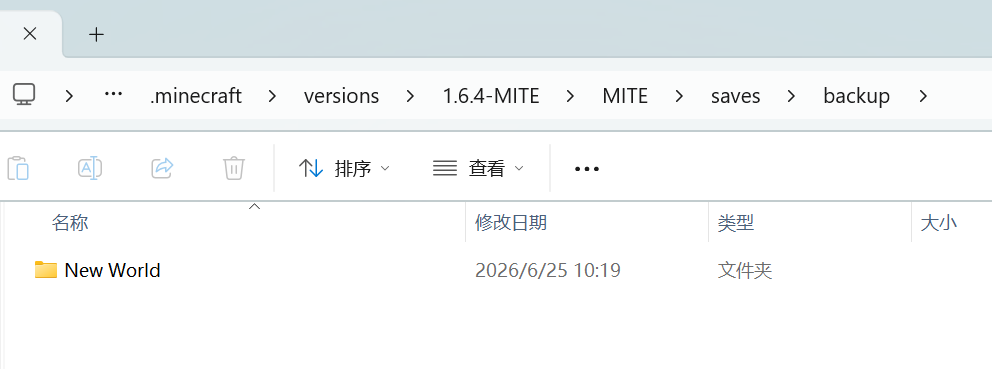
You can find the backups in the following path: .minecraft\versions\1.6.4-MITE\MITE\saves\backup
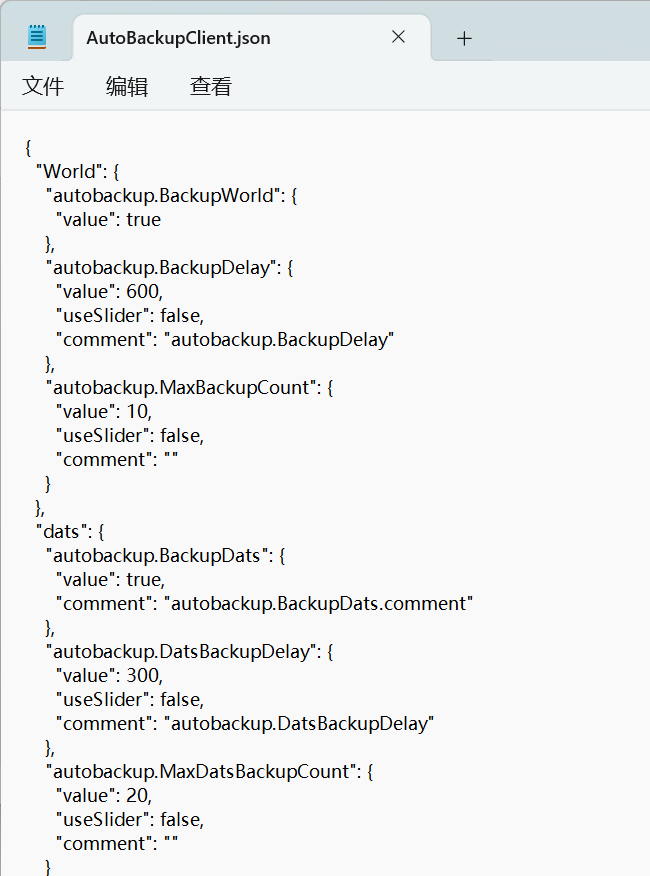
You can configure the related settings in: .minecraft\versions\1.6.4-MITE\config\AutoBackupClient.json
In-game, it will be displayed as follows:Save notifications are displayed in the bottom-left corner of the screen. 
Other Notes
You don't need to worry about auto-backups filling up your storage space. When a new backup is created, the oldest one will be automatically deleted.
FAQ
How to install AutoBackupClient MITE?
Install Legacy Fabric for your Minecraft version, download AutoBackupClient MITE for the same version and loader, put the file into the mods folder and launch the game with the loader profile.
Which Minecraft versions does AutoBackupClient MITE support?
AutoBackupClient MITE has builds for Minecraft 1.6.4.
Is AutoBackupClient MITE needed on the server?
Client only — no need to install it on the server


