
BetterF3
BetterF3 is a mod that replaces Minecraft's original debug HUD with a highly customizable, more human-readable HUD.
FabricNeoForgeForgeQuilt
- Loaders
- FabricNeoForgeForgeQuilt
- Downloads on Modrinth
- 36.2M
- Followers on Modrinth
- 11.6K
- versions
- 107
- Updated
- October 4, 2026Oct 4
- Published
- in 2021
F3 Menu — The colored F3 menu · swipe
At a glance
Runs on Fabric, NeoForge, Forge and Quilt
For Minecraft 1.16–26.3
Client only — no need to install it on the server
Latest version — 20.0.0 from October 4, 2026
Requires Cloth Config API
License MIT — free
Where it's neededGame versions1.16–26.3
In gamerequiredOn servernot needed
Install in the game only; not needed on the server
BetterF3

BetterF3 is a mod that replaces Minecraft's original debug HUD with a highly customizable, more human-readable HUD. You can customize colors, position, add spacings, and more.
Dependencies
Fabric
- Optionally: ModMenu to access the options menu
- Included: Cloth Config to use F3 + M
Forge
- Highly Recommended: Cloth Config to use F3 + M
Features
Each line is part of a Module, you can:
- Change the colors of each module
- Change the position of each module
- Add and delete modules, as well as add spacings between them
- Disable individual lines of a module, or disable the whole module
- Add a shadow to the text rendered (Activated by default)
- Change the color of the background behind all lines
- Animations for opening/closing (with configurable speeds)
Translations
This mod has been translated into multiple languages. Add or update your own language on Crowdin
Development Builds
The latest builds can be found here.
Configuration
Downloading Cloth Config allows you to press F3 + M in game to edit the F3 menu.
Screenshots and Videos
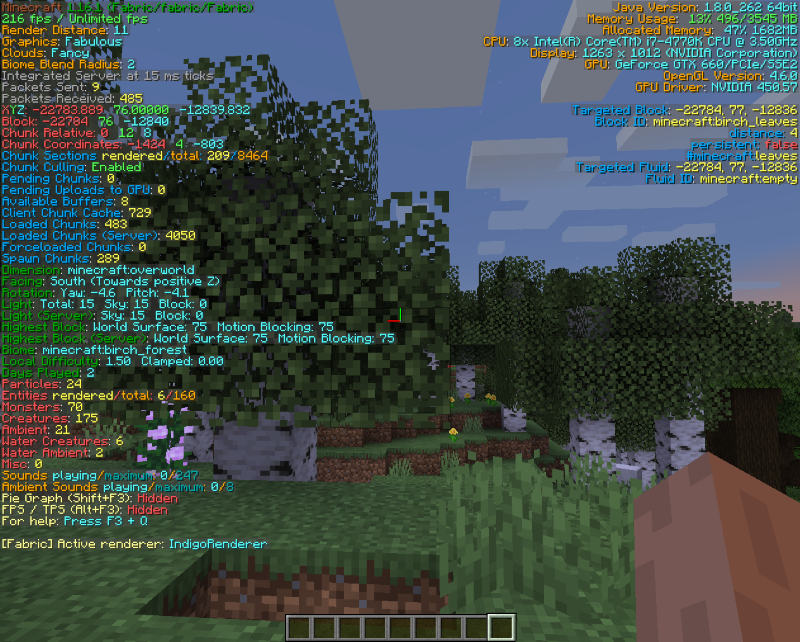
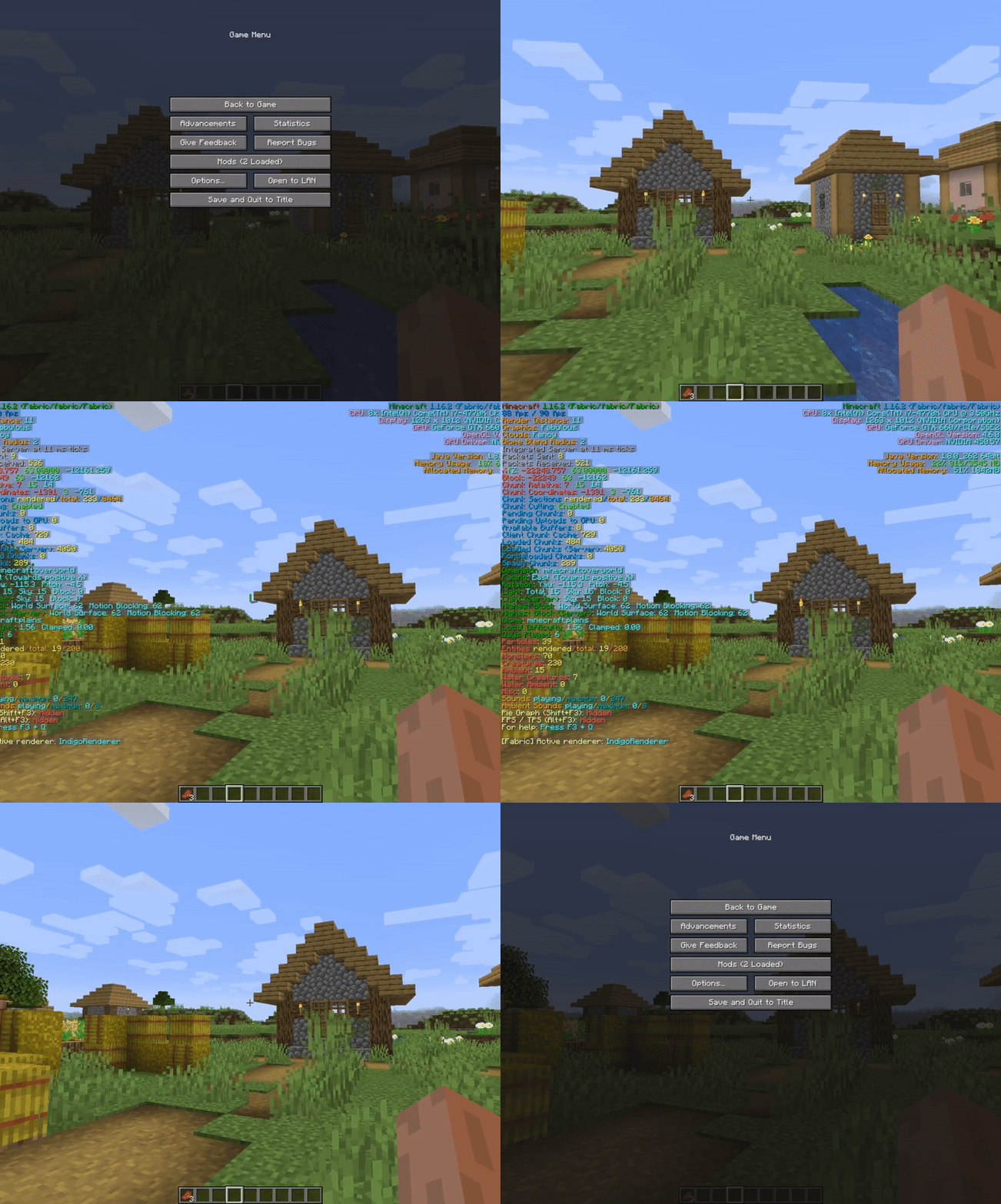
Video by AntVenom Video by Boodlyneck
Thanks to @Nirewen for the icon.
Post any issues on the GitHub Issues tab
FAQ
How to install BetterF3?
Install Fabric for your Minecraft version, download BetterF3 for the same version and loader, put the file into the mods folder and launch the game with the loader profile.
Which Minecraft versions does BetterF3 support?
BetterF3 has builds for Minecraft 1.16–26.3.
Is BetterF3 needed on the server?
Client only — no need to install it on the server
License and source
MIT Licensefree to use and share with credit to the author


