
- Loaders
- FabricNeoForgeForge
- Downloads on Modrinth
- 82.9K
- Followers on Modrinth
- 144
- versions
- 38
- Updated
- September 24, 2026Sep 24
- Published
- in 2025
At a glance
Needed both in the game and on the server








Convenient Effects improves several vanilla potion effects with practical quality of life enhancements while staying true to Minecraft's original design. It feels like something that could have been part of the game all along. 🎮
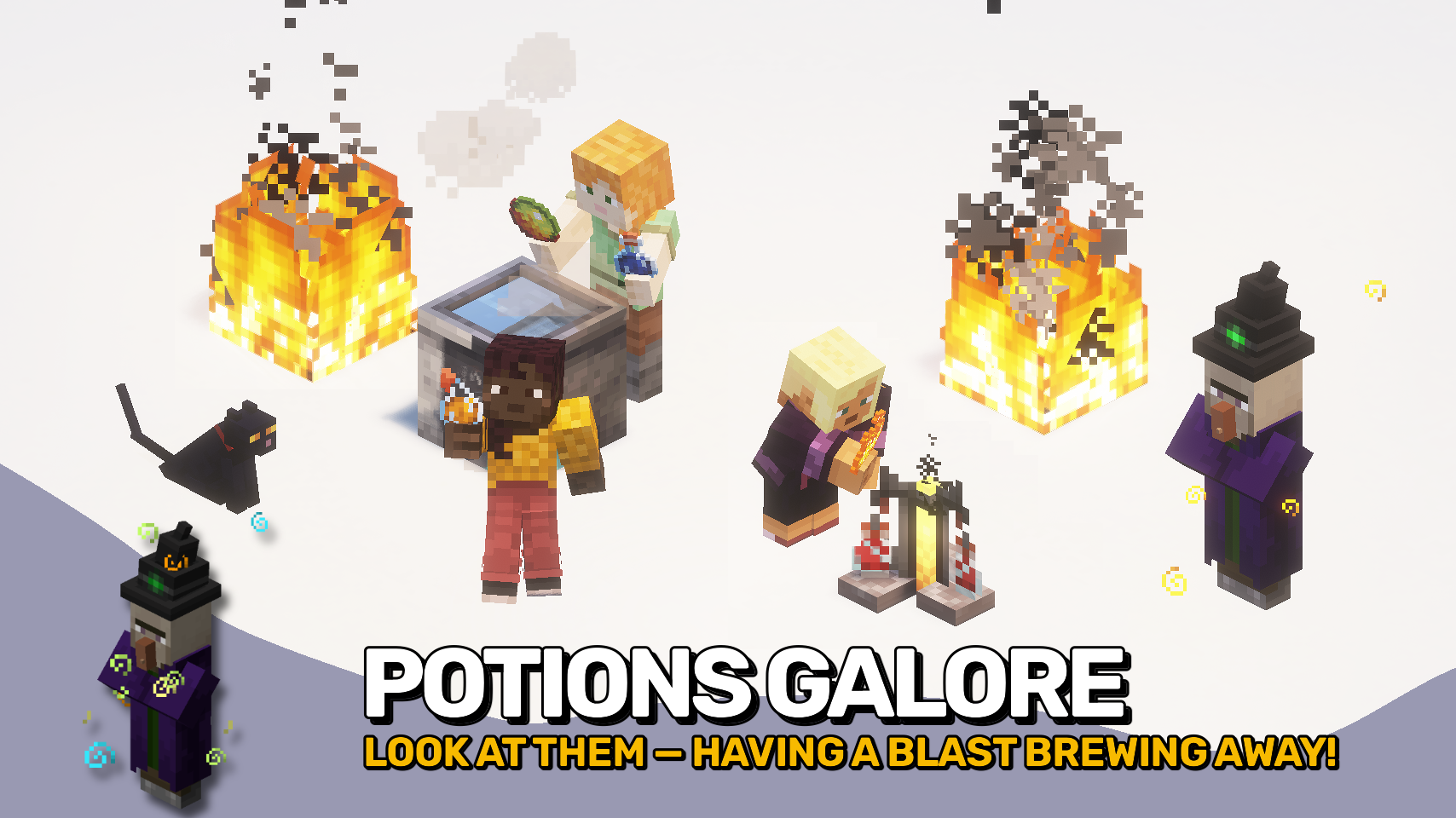
Fire Resistance becomes easier to play with in lava, Night Vision fades out instead of flashing, and Slow Falling lets you descend normally while sneaking without losing its safety. 🪂 The mod also polishes visual clutter from effect particles and makes effects like Blindness and Jump Boost feel more consistent and practical.

- 🔥 Better Fire Resistance: See more clearly in lava while Fire Resistance is active, with a smooth fade as the effect runs out.
- 🌙 Smooth Night Vision: Removes the harsh flashing near the end of Night Vision and replaces it with a gentler fade.
- 🪂 Quick Slow Falling Descent: Sneak while Slow Falling is active to drop at normal speed while still avoiding fall damage.
- 👁️ Stronger Blindness: Blindness scales with effect level and also reduces how well affected mobs can detect targets.
- 🦘 Improved Jump Boost: Jump Boost can increase step height, letting stronger levels help you move up blocks more smoothly.
- ✨ Cleaner Effect Particles: Reduce, hide, or keep potion effect particles in first person and third person, with an optional discreet style.
- 🔥 Lower Flame Overlay: Adjust or hide the fire overlay so burning blocks less of your view.
- ⚙️ Configurable Experience: Fine-tune the main visual and gameplay changes to match your preferred balance.


⏩ INSTALLATION REQUIRED ON CLIENT & REQUIRED ON SERVER
⏩ REQUIRES PUZZLES LIB TO BE INSTALLED (FABRIC & NEOFORGE)
⏩ REQUIRES FABRIC API TO BE INSTALLED (FABRIC)
⏩ REQUIRES FORGE CONFIG API PORT TO BE INSTALLED (FABRIC)

If available for a mod, configuration is possible directly from in-game using the mod menu (requires Mod Menu by Prospector to be installed on Fabric).
For manual configuration using an external text editor all files are found at .minecraft/config, named as MOD_ID-client.toml, MOD_ID-common.toml, or MOD_ID-server.toml, depending on the type of config. Not all types might exist for a mod, if any at all.

🌟 Thanks to Raltsmc for inspiring the blindness tweaks with their Mob Blindness mod.
 |  | |
 |  | |
 |  | |
 |  | |
 |  |

© 2026 @heyitsfuzs. All rights reserved. This page was last edited on 11 September 2026, at 06:44 (UTC).
FAQ
How to install Convenient Effects?
Install Fabric for your Minecraft version, download Convenient Effects for the same version and loader, put the file into the mods folder and launch the game with the loader profile.
Which Minecraft versions does Convenient Effects support?
Convenient Effects has builds for Minecraft 1.20.1, 1.21.1, 1.21.3–1.21.5, 1.21.7–26.3.
Is Convenient Effects needed on the server?
Needed in the game and on the server
Similar mods
All utility mods →


More mods by this author
 Forge Config API Port↓ 70.4M
 Puzzles Lib↓ 65.9M
 Pick Up Notifier↓ 16.5M
Often needed together
Puzzles Lib↓ 65.9M