
Coordex
Copy your coordinates, and instantly convert them to the linked Overworld/Nether portal location.
Fabric
- Loaders
- Fabric
- Downloads on Modrinth
- 138
- Followers on Modrinth
- 1
- version
- 1
- Updated
- August 10, 2026Aug 10
- Published
- in 2026
At a glance
Runs on Fabric
For Minecraft 26.1–26.2
Client only — no need to install it on the server
Latest version — 1.0 from August 10, 2026
Requires Fabric API
License MIT — free
Where it's neededGame versions26.1–26.2
In gamerequiredOn servernot needed
Install in the game only; not needed on the server
Coordex
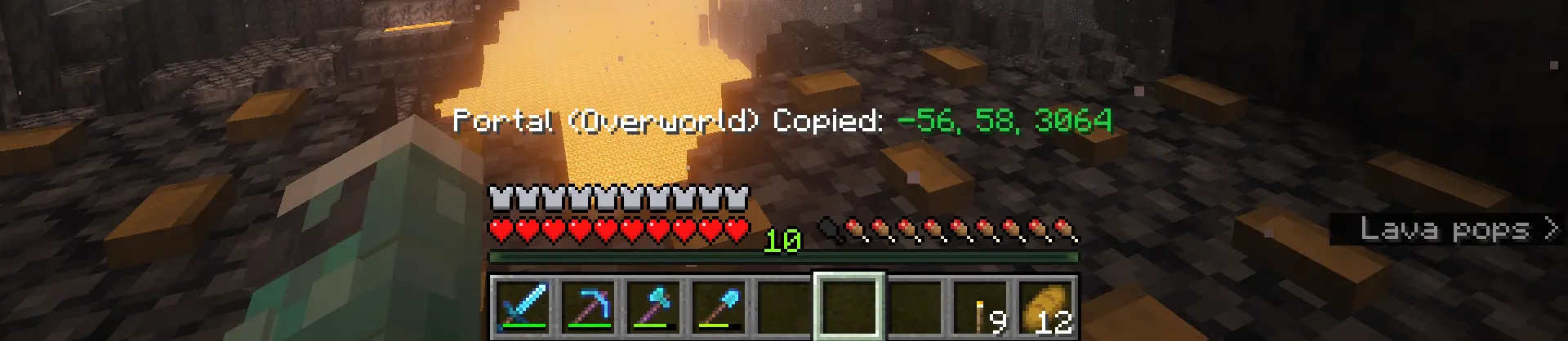
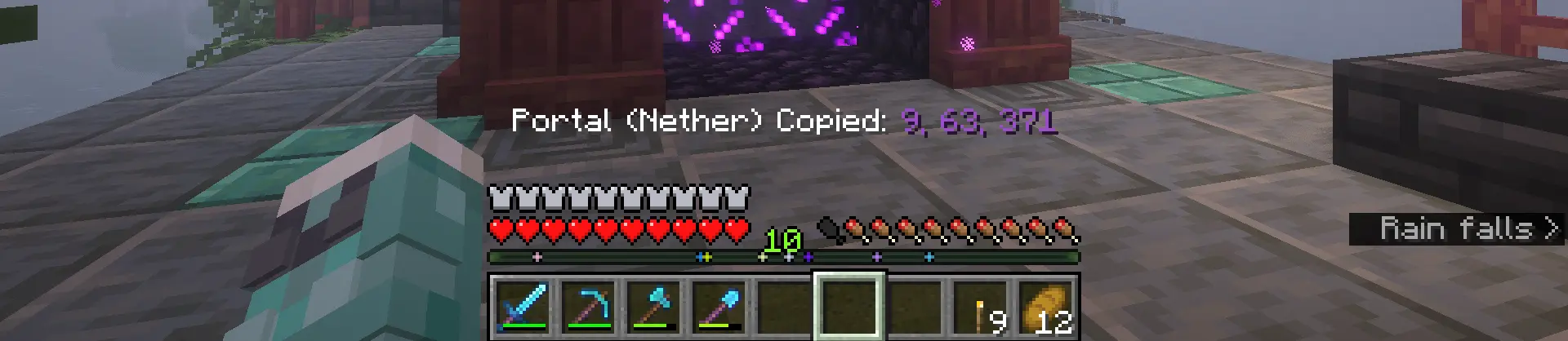
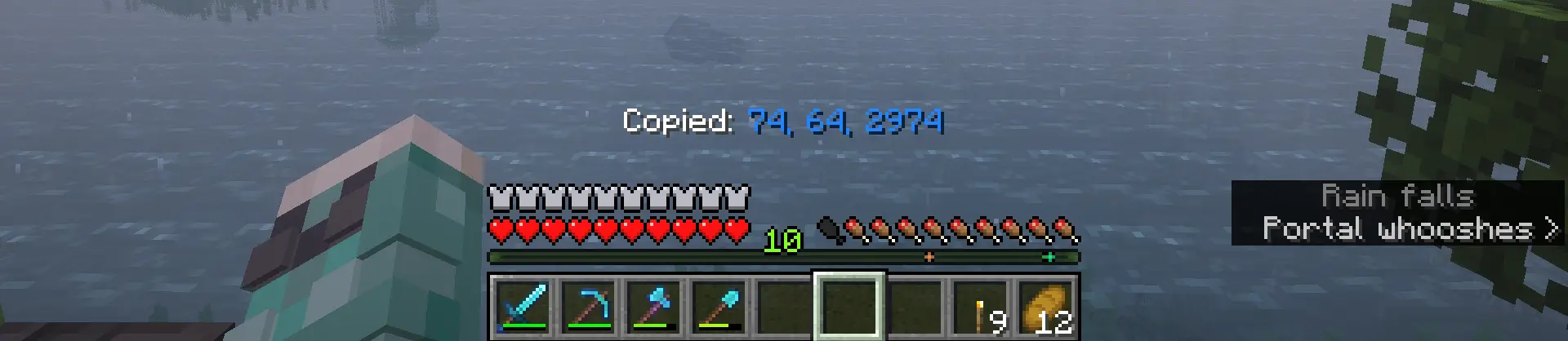
- Copy Coords (F6) - Copies your current X, Y, Z coordinates to your clipboard.
- Copy Portal Coords (F7) - Copies the linked Overworld/Nether coordinates, automatically converting them (÷8 or ×8) depending on which dimension you're in.
Keybinds can be changed in the control settings.
FAQ
How to install Coordex?
Install Fabric for your Minecraft version, download Coordex for the same version and loader, put the file into the mods folder and launch the game with the loader profile.
Which Minecraft versions does Coordex support?
Coordex has builds for Minecraft 26.1–26.2.
Is Coordex needed on the server?
Client only — no need to install it on the server
License and source
MIT Licensefree to use and share with credit to the author
Similar mods
All utility mods →


More mods by this author
 Ping View↓ 1.5M
 Durability Ping↓ 18.7K
 Swappy↓ 195
Often needed together
 Fabric API↓ 285M