
Create: Flashback
Create mod compatibility for Flashback running on NeoForge via Sinytra Connector
- Loaders
- NeoForge
- Downloads on Modrinth
- 11K
- Followers on Modrinth
- 5
- versions
- 3
- Updated
- August 23, 2026Aug 23
- Published
- in 2026
At a glance
Install in the game only; not needed on the server
Create: Flashback
Since various bugs have been fixed in this project, I recommend using it instead: Flashback neoforge fixed
If something isn't captured properly in the recording, please rewind it.
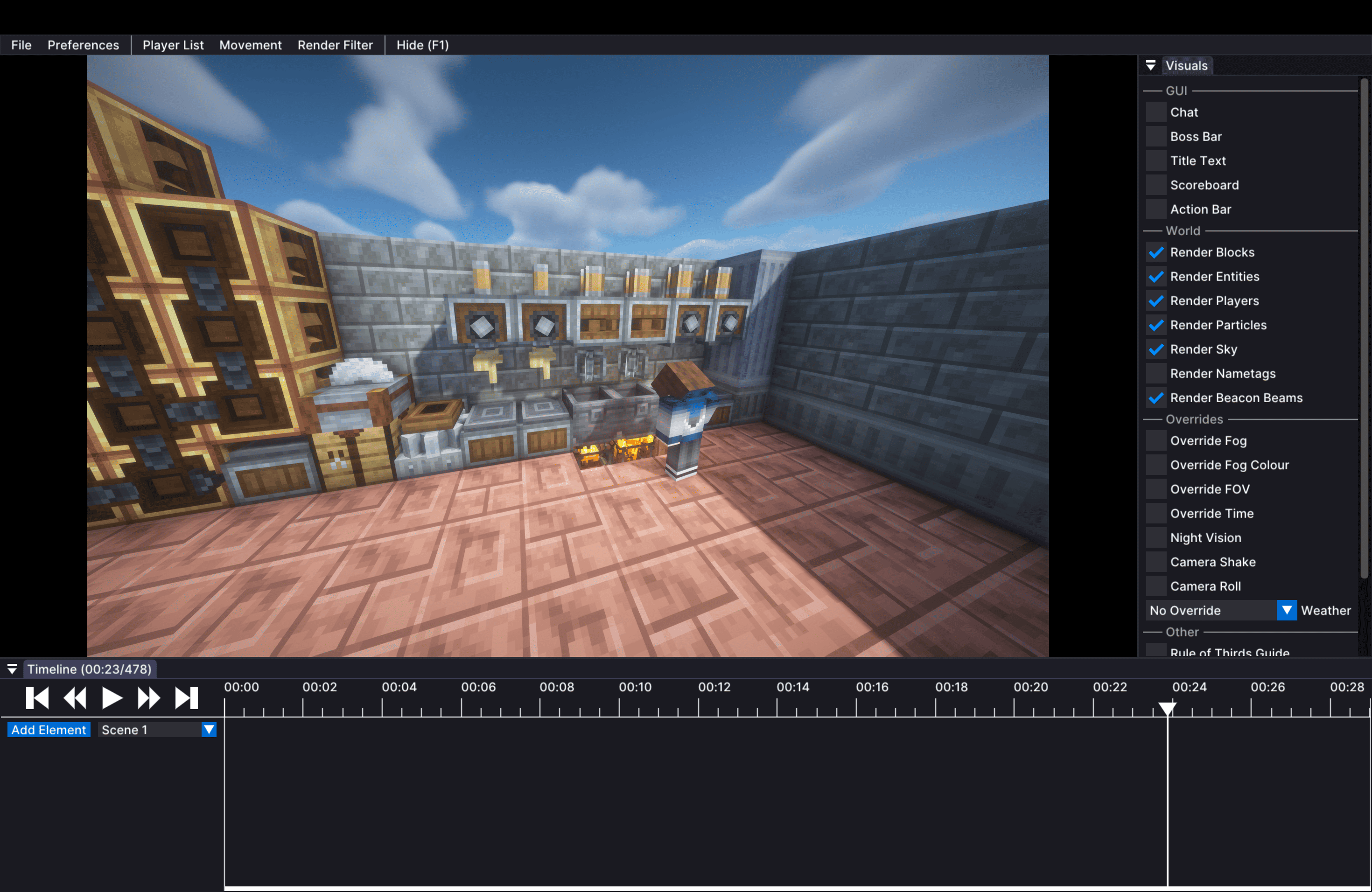
A mod that lets you properly record and replay Create's machines (spinning blocks, trains, etc.) with Flashback.
Create machines are sent to the client in a different way than normal mods, so without this mod they show up empty or vanish during replay. This mod fixes that.
Create: Aeronautics Flashback helps you record Create: Aeronautics (Sable) sub-level machines.
Recommend introducing Fix Flashback to fix the bug.
Installation
- Install NeoForge 1.21.1 and Sinytra Connector.
- Install Flashback (download the Fabric 1.21.1 version).
- Put `create_flashback-.jar
into yourmods` folder. - If you use Create: Aeronautics, also install
create_aeronautics_flashback. - That's it — just record with Flashback as usual.
Requirements
- Minecraft
1.21.1 - NeoForge
21.1.x - Flashback
0.30+(via Sinytra Connector) - Create
6.0+ - Sinytra Connector (needed to run Fabric mods like Flashback on NeoForge)
Notes
- This is a client-side mod. It works without being installed on the server. Installing it on the server is also fine.
- Not compatible with ReplayMod. Having both may break recording. Use Flashback instead.
- Not compatible with ServerCoreMod. It may cause rendering to break.
- To record Create: Aeronautics (Sable) sub-level machines, you also need Create: Aeronautics Flashback.
Known incompatible mods
The following mods interfere with Flashback's replay features. If you install them, the corresponding feature stops working. Remove or disable them to use that feature:
| Mod | Feature broken |
|---|---|
| BadOptimizations | Night vision is no longer applied during replays |
| Create: Steam 'n' Rails | Spectator camera stops working |
| Smooth Movement | Time override stops working |
These only affect Flashback's replay features; the rest of the mods work normally.
How it works
- Create contraptions (spinning / moving machines) are sent via a special
advanced_add_entitypayload. This mod includes that data in Flashback's replay snapshot. - Even when you seek (jump to a different point) during playback, the machines are rebuilt from the snapshot, so they display correctly no matter where you start.
- Also supports Sable sub-levels (Create: Aeronautics) when used together with Create: Aeronautics Flashback.
License
MIT © tatuto-riku
Since this mod is currently under development, it may not work correctly.
FAQ
How to install Create: Flashback?
Install NeoForge for your Minecraft version, download Create: Flashback for the same version and loader, put the file into the mods folder and launch the game with the loader profile.
Which Minecraft versions does Create: Flashback support?
Create: Flashback has builds for Minecraft 1.21.1.
Is Create: Flashback needed on the server?
Client only — no need to install it on the server


