
Easy Install
Browse, install, and update mods, resource packs, data packs, and shaders from Modrinth directly in-game!
- Loaders
- FabricNeoForgeQuilt
- Downloads on Modrinth
- 161K
- Followers on Modrinth
- 185
- versions
- 32
- Updated
- September 23, 2026Sep 23
- Published
- in 2025
At a glance
Install in the game only; not needed on the server
Easy Install
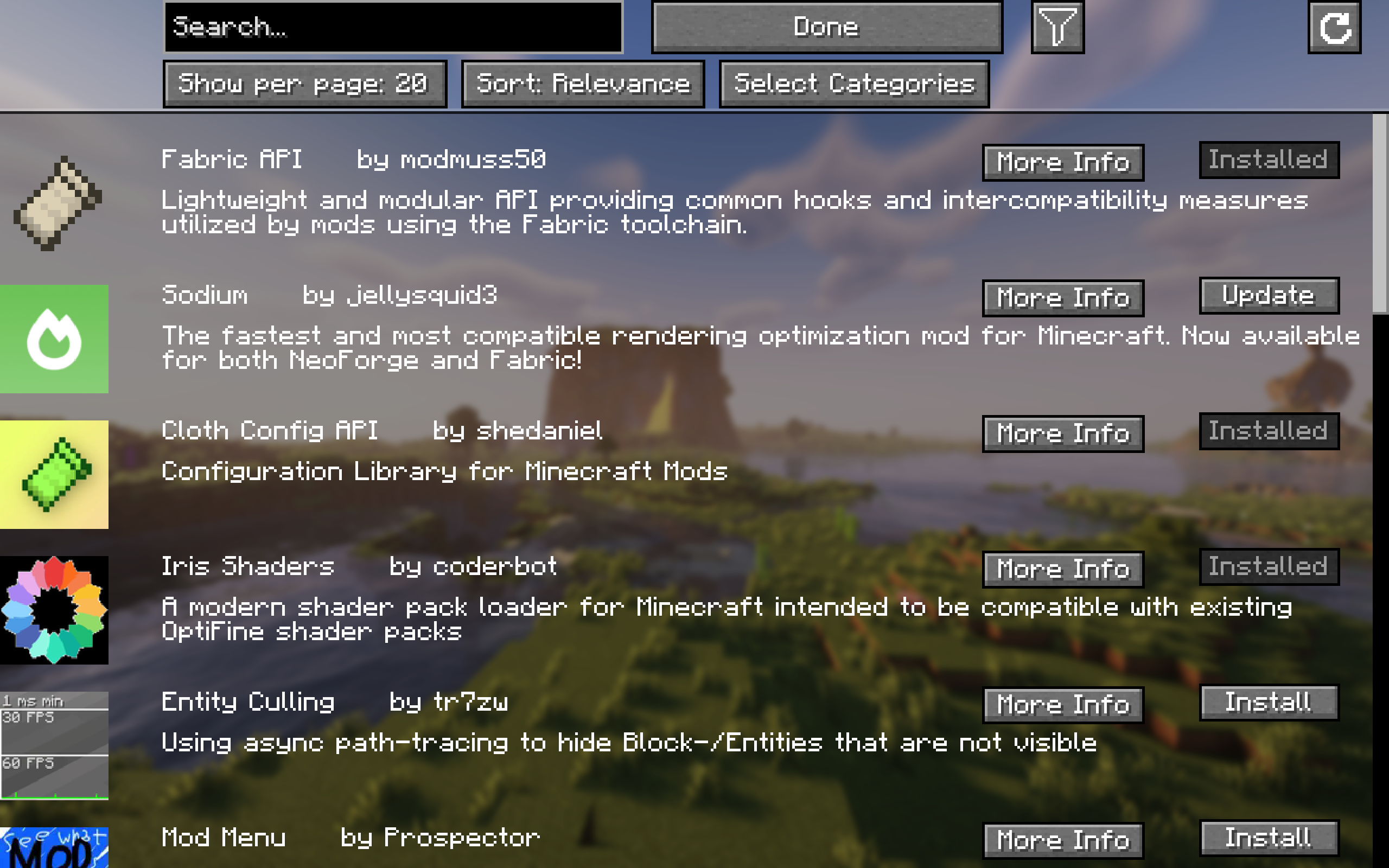
Easily browse, install, and update content like mods, resource packs, datapacks, and shaders from Modrinth and all required dependencies with a single click of a button!
For mods, changes will only apply after a restart of the game. For everything else, no restart is required!
For more detailed information about a project, simply click "More Info" and it will take you to the project screen.
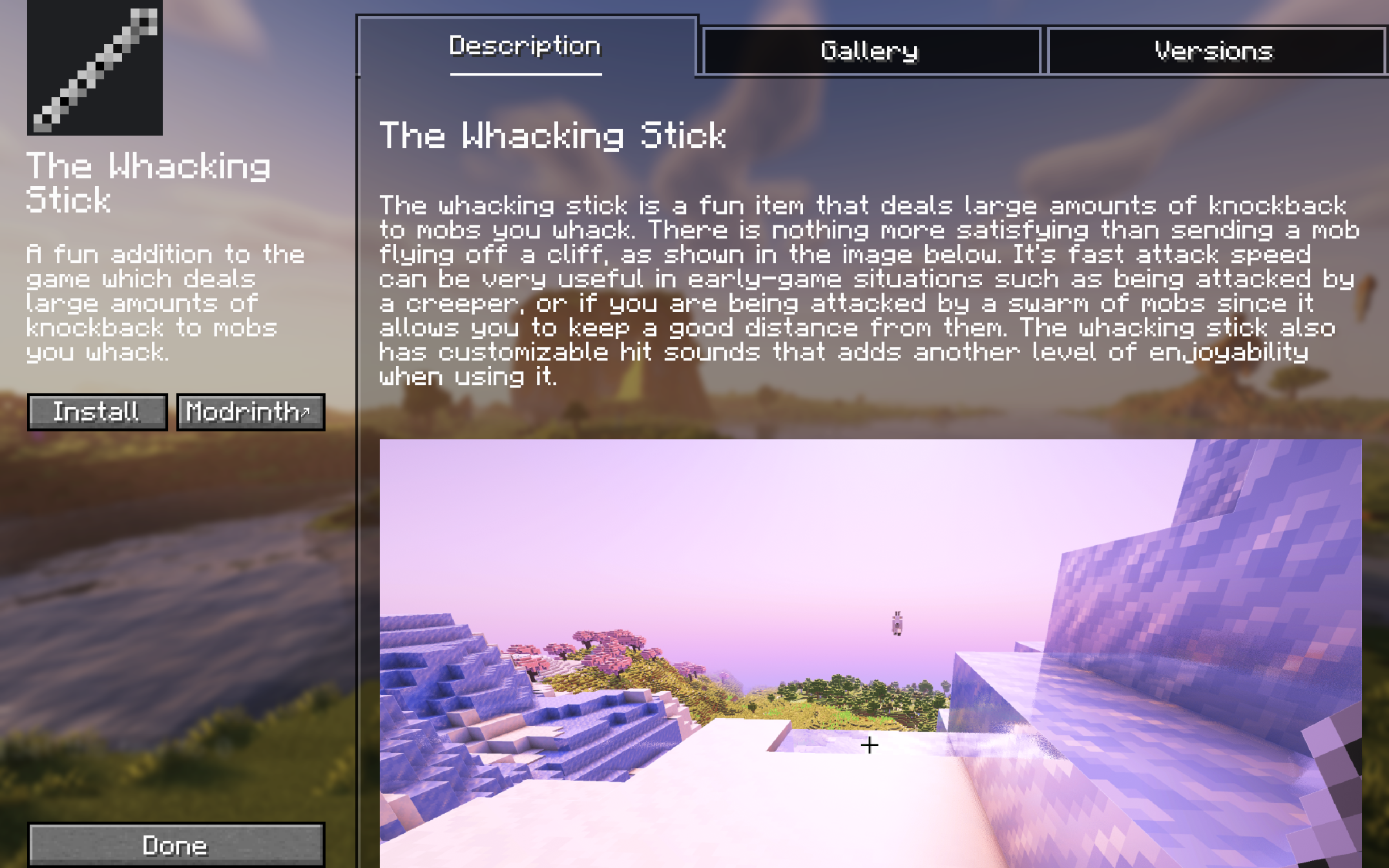
Project Screen
Here, you can view the description, gallery, and you can choose between versions of the project that are available for your game version.
Other Features
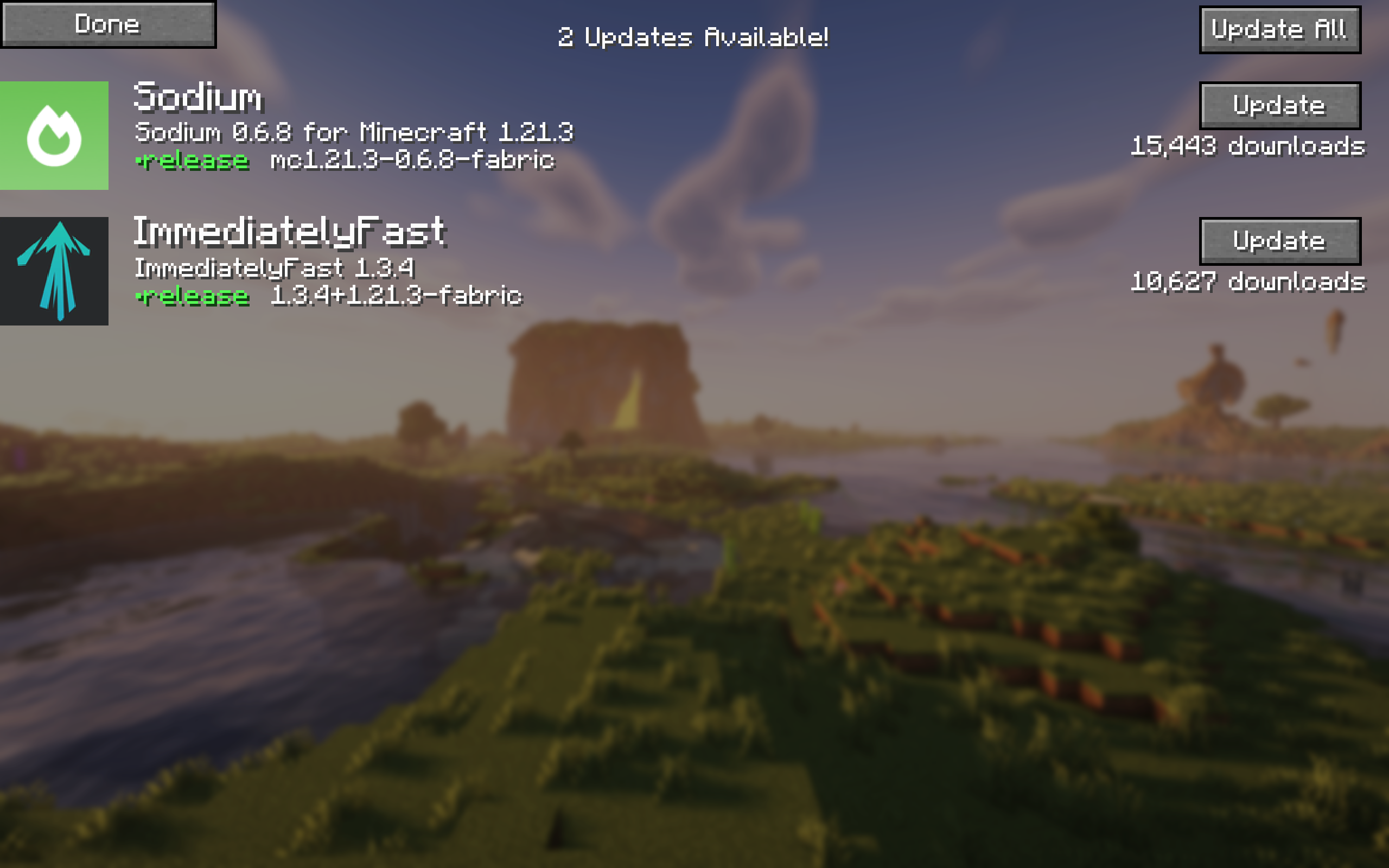
- To view all your updates in one place, click ↻ at the top right of the browsing screen. If you don't see it, you are all up to date.
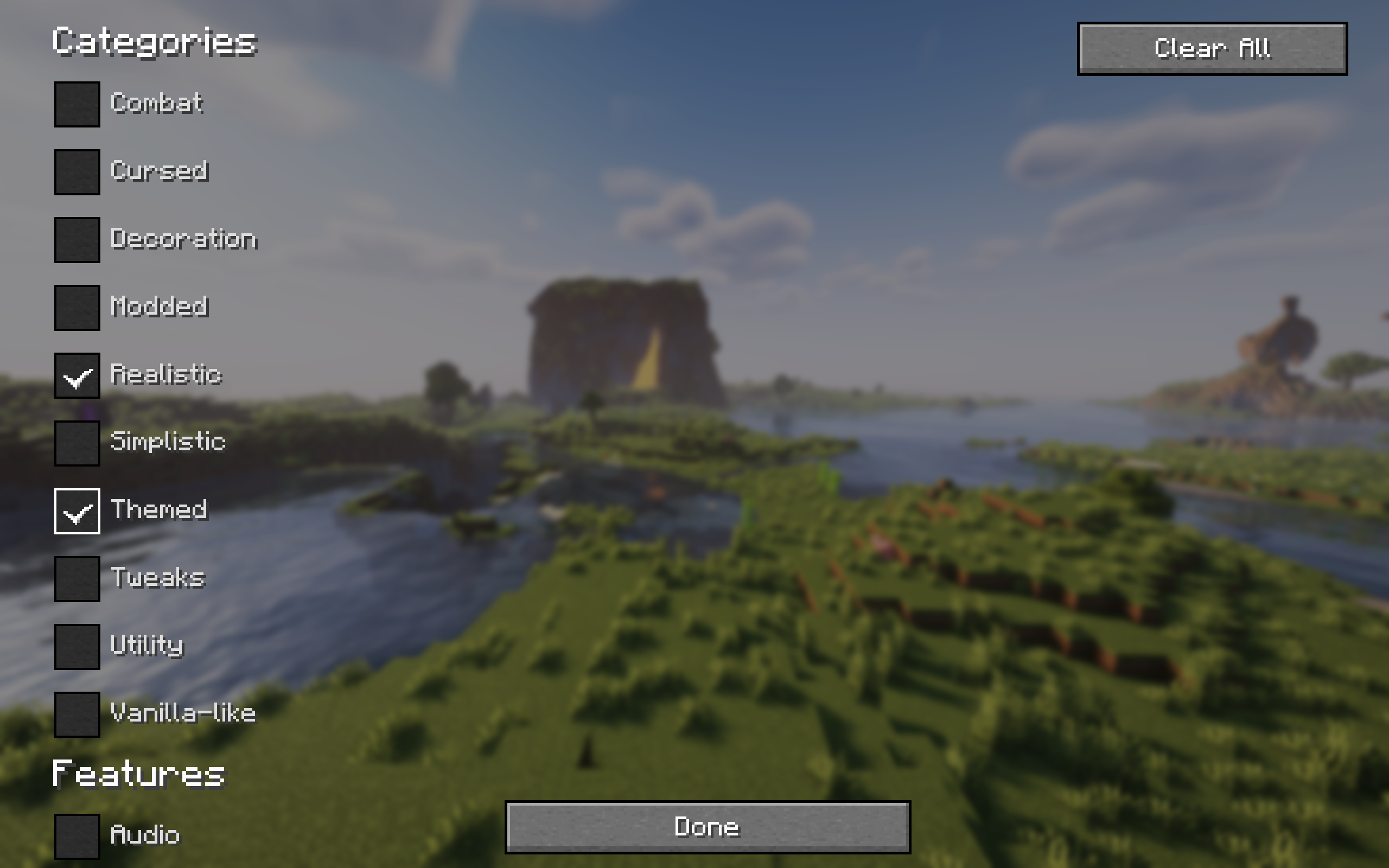
- You can also filter your search results by category.
- Navigate projects with ease using pagination.
If you experience any issues please report them here.
FAQ
How to install Easy Install?
Install Fabric for your Minecraft version, download Easy Install for the same version and loader, put the file into the mods folder and launch the game with the loader profile.
Which Minecraft versions does Easy Install support?
Easy Install has builds for Minecraft 1.20.1, 1.21.2–26.3.
Is Easy Install needed on the server?
Client only — no need to install it on the server


