
- Loaders
- FabricNeoForgeForge
- Downloads on Modrinth
- 87.8K
- Followers on Modrinth
- 54
- versions
- 115
- Updated
- June 14, 2026Jun 14
- Published
- in 2025
At a glance
Needed both in the game and on the server
Extended ItemView
A mod all around simplifying your life by showing you the recipes you need! :D
NOW WITH CHAT RECIPES!
In the newest versions of EIV (6.1.0+1.21.11 and beyond), you can share recipes with your friends by clicking on the share button located beside a recipe in the view screen. Shared recipes are displayed in chat and are fully interactive!
Supported Functions
Currently supported functions are:
- recipe viewing
- bookmarking items
- item-transfer (fast-move items in crafting gui)
- hiding/showing overlay
- item highlighting (double-click on searchbar)
- cheatmode
- recipe sharing (+ displayed in the chat)
NOTE: Must be installed on both the client and server
This mod also comes with an easy to use API. More info on the github page.
Native supported recipes
- shaped crafting
- shapeless crafting
- smelting
- blasting
- smoking
- stonecutting
- campfire cooking
- smithing
- burning
- brewing
- villager trading
- entity loot
Cheatmode
By holding the cheatmode keybind (by default left-alt) while clicking on items in the overlay you can cheat them if you have sufficient permission (Admin).
- Scroll to change count
- Middle-Click to instantly change count to max stack size
Dynamic Resizing
Change between two different resize modes and make EIV fit exactly to your personal preferences
Wrap
- Overlay-Items wrap around UI elements (e.g. potion effects, recipe book, ...)
Cut
- The overlay width becomes smaller when there's not enough space for items
Item Overlay
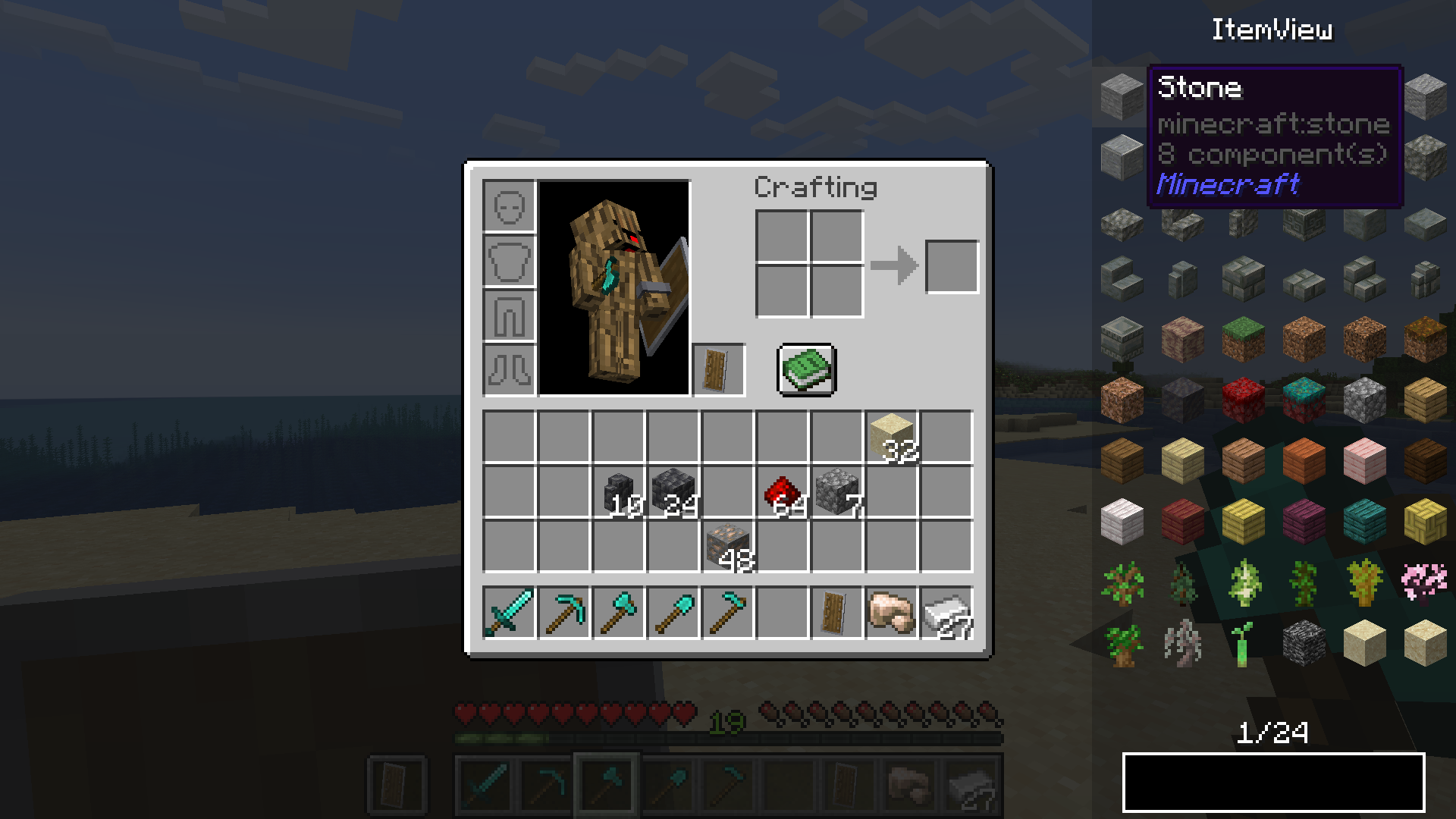
Crafting Recipes
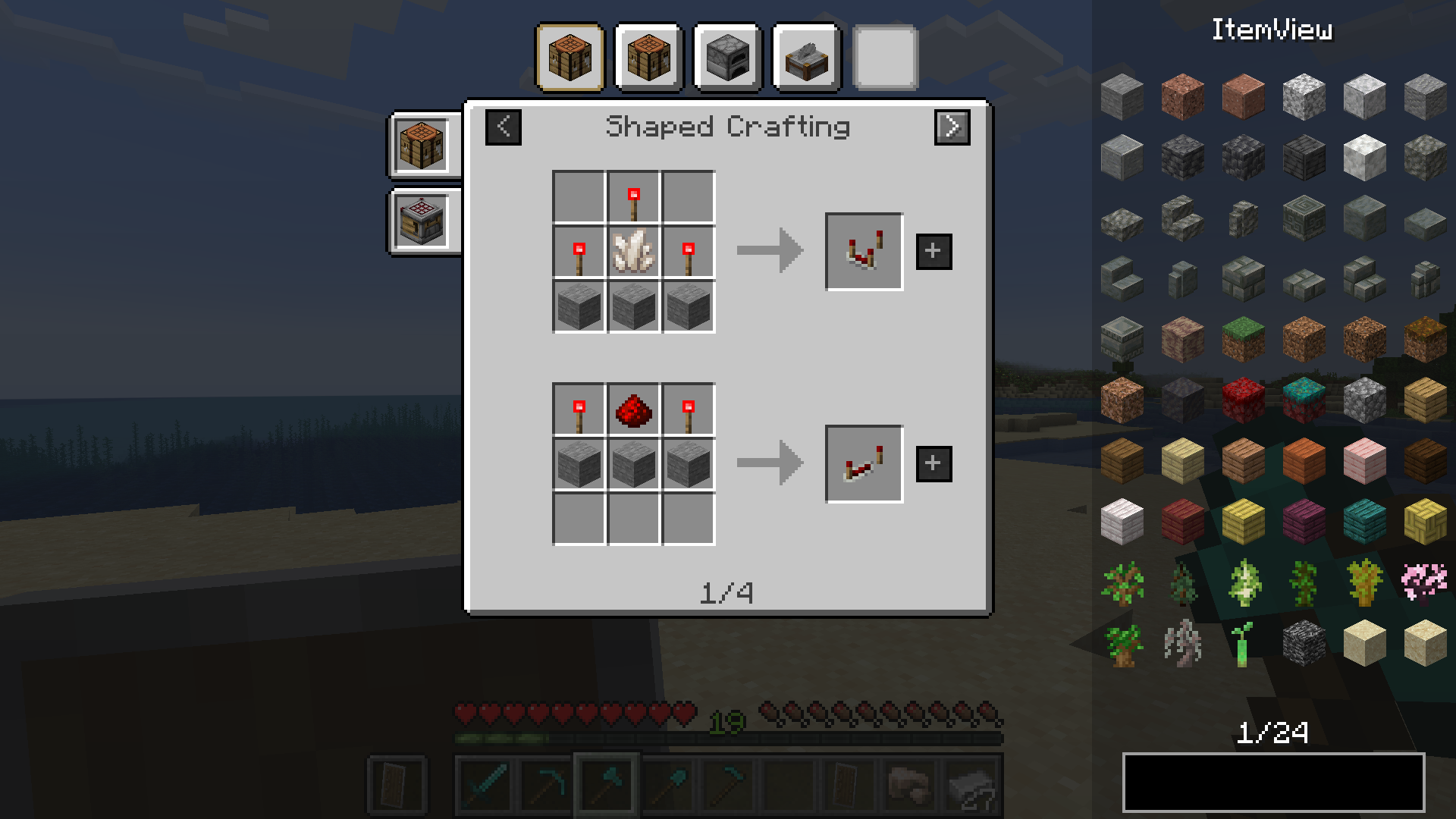
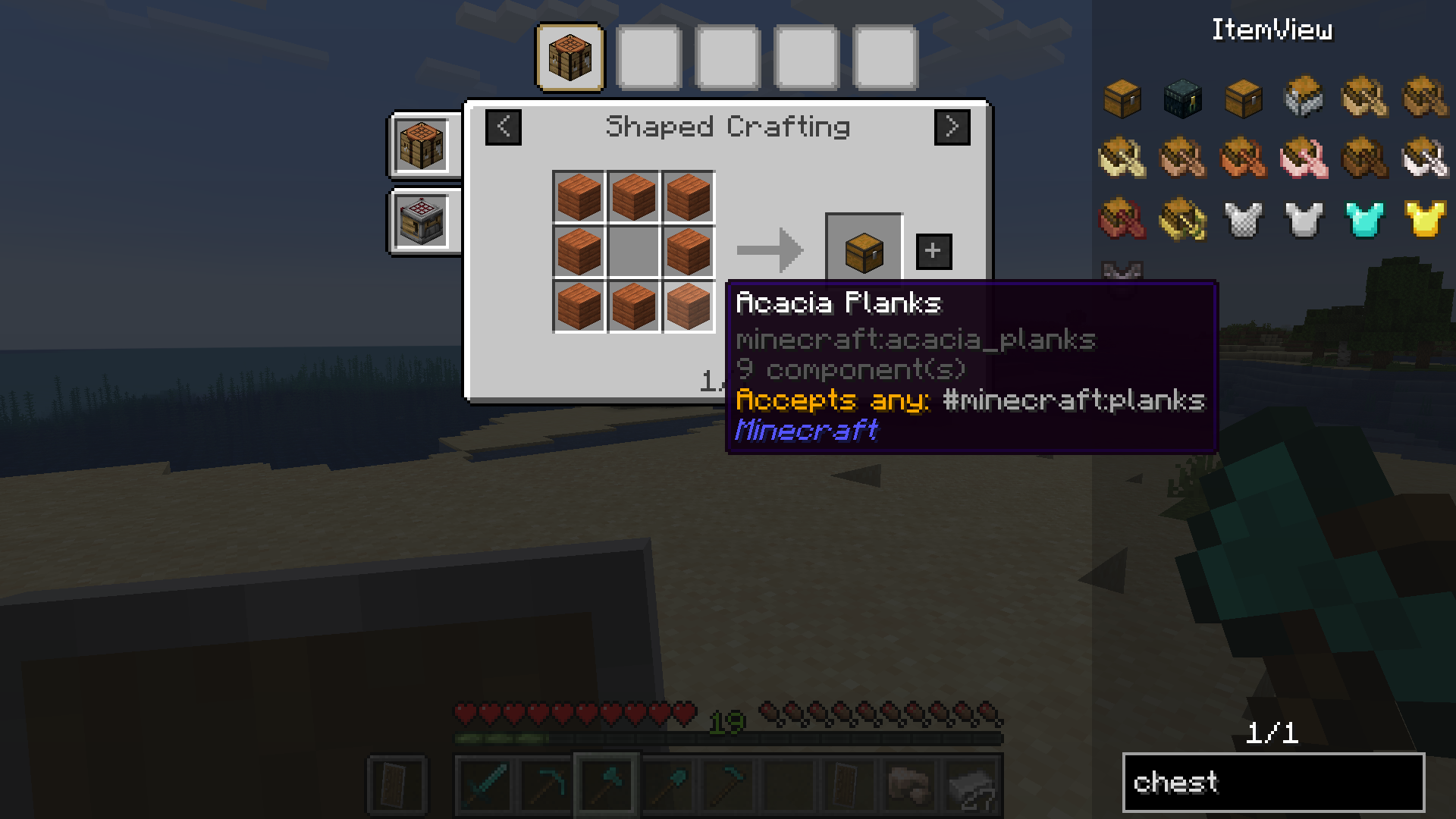
Tag support
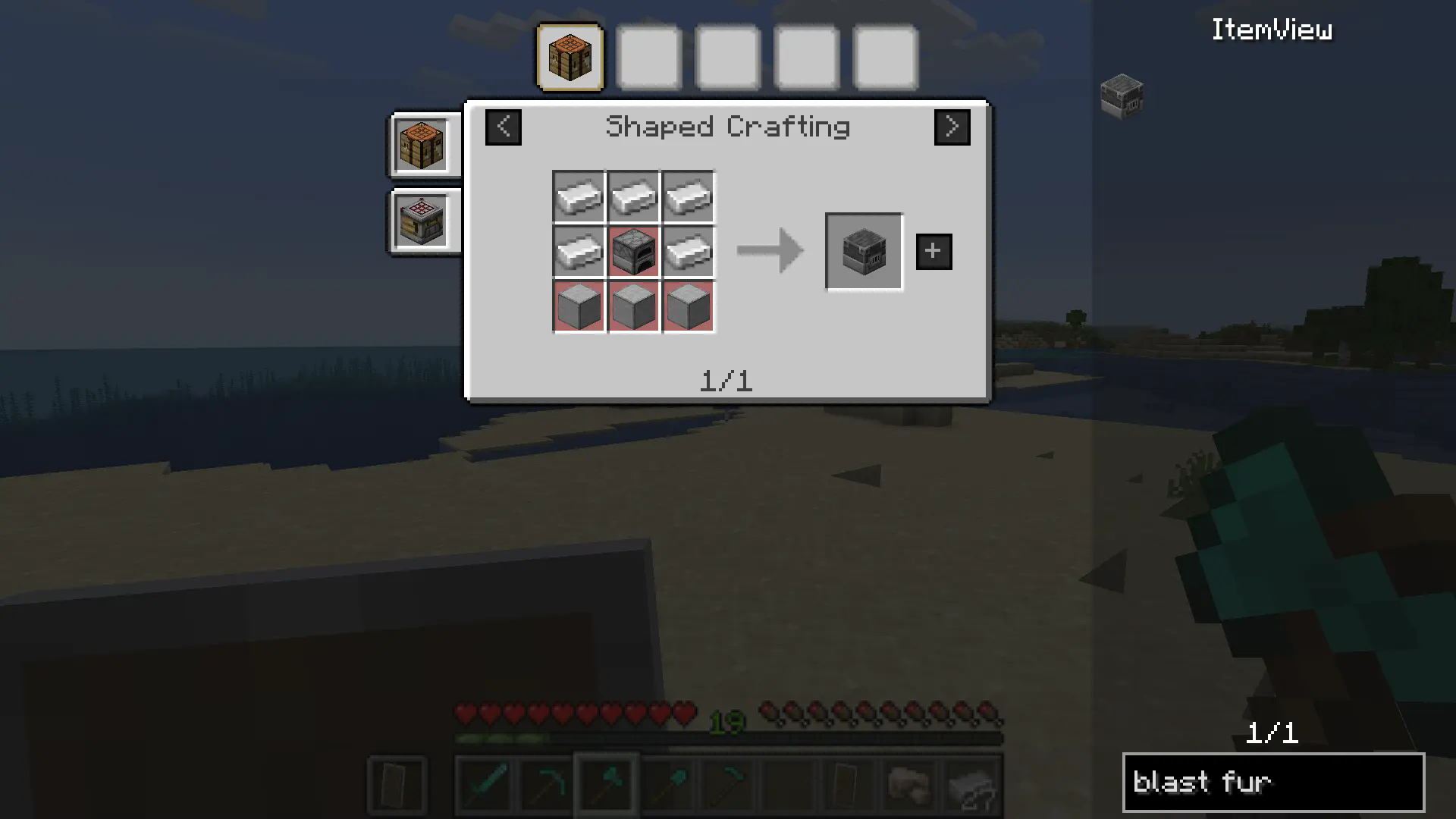
Ingredient highlighting
 Bookmarks
Bookmarks
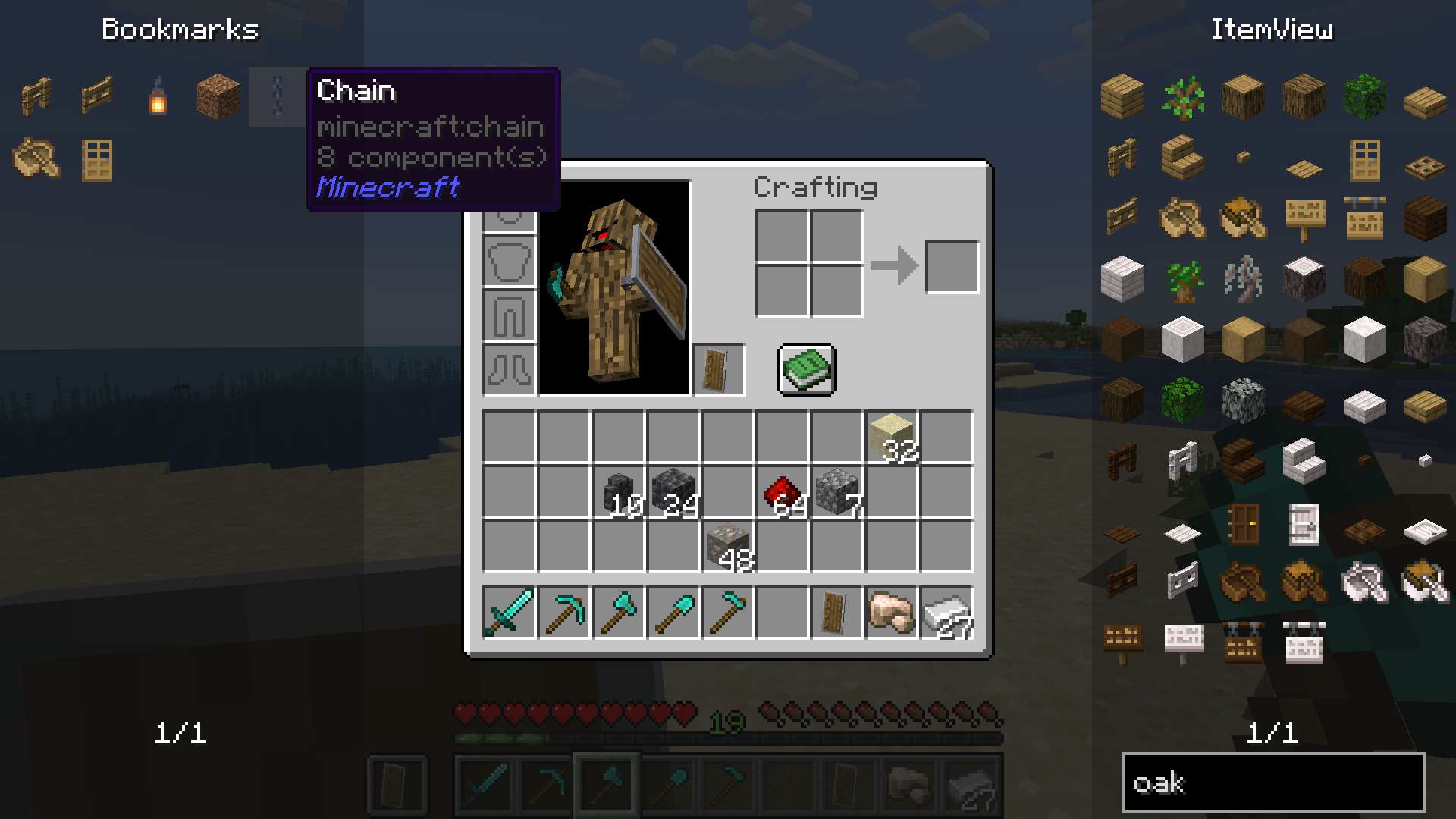
Dynamic Resizing
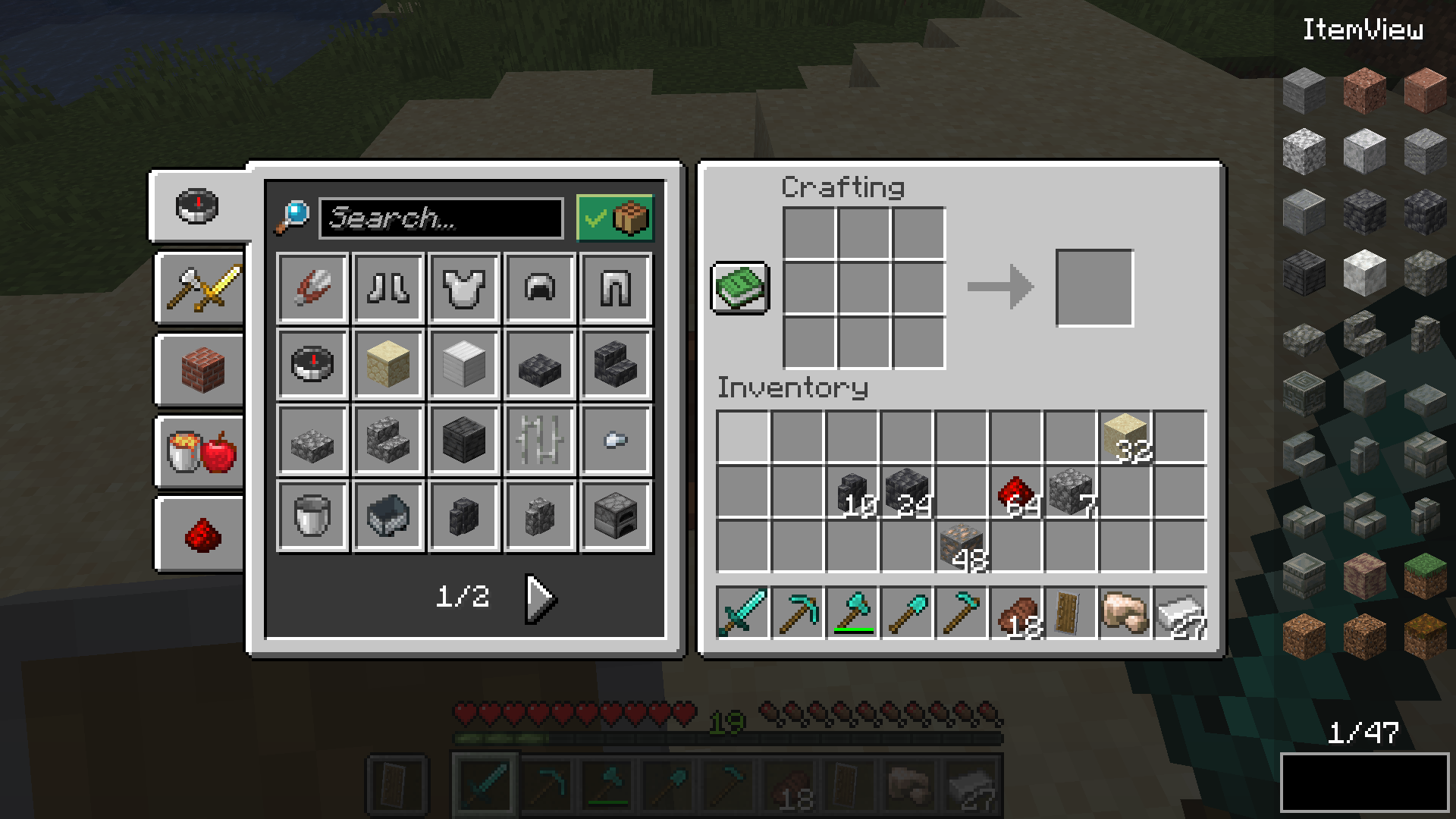
FAQ
How to install Extended ItemView (EIV)?
Install Fabric for your Minecraft version, download Extended ItemView (EIV) for the same version and loader, put the file into the mods folder and launch the game with the loader profile.
Which Minecraft versions does Extended ItemView (EIV) support?
Extended ItemView (EIV) has builds for Minecraft 1.21.4–1.21.5, 1.21.8–26.1, 26.1.2.
Is Extended ItemView (EIV) needed on the server?
Needed in the game and on the server


