
Exposure
Camera mod with focus on process and aesthetics
- Loaders
- FabricNeoForgeForgeQuilt
- Downloads on Modrinth
- 14.7M
- Followers on Modrinth
- 2.7K
- versions
- 162
- Updated
- September 23, 2026Sep 23
- Published
- in 2023
At a glance
Needed both in the game and on the server
Film photography mod







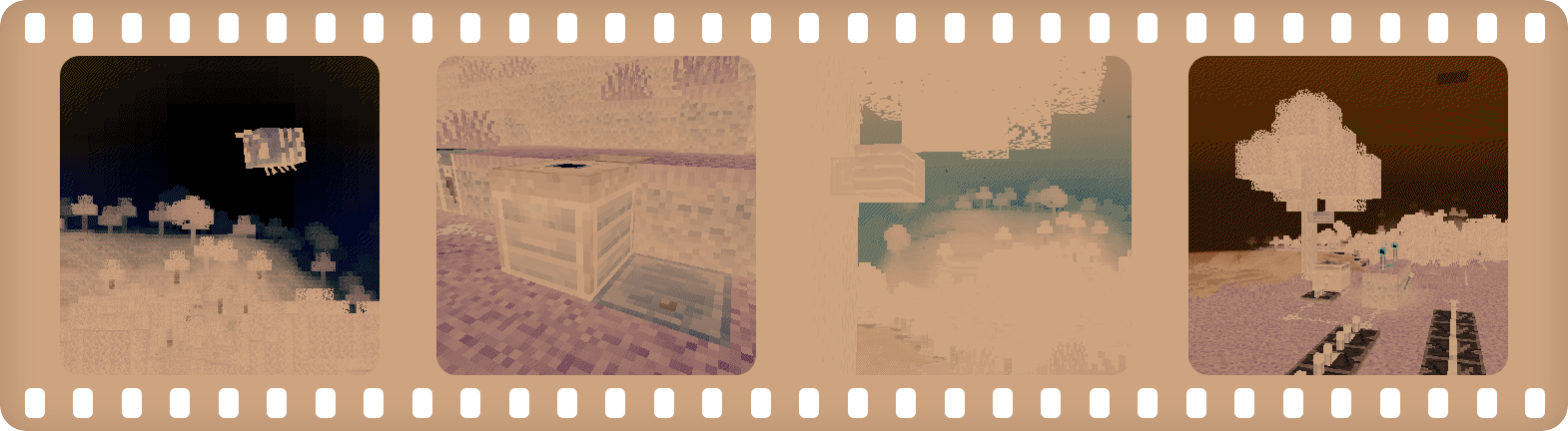
Description in text form
Camera
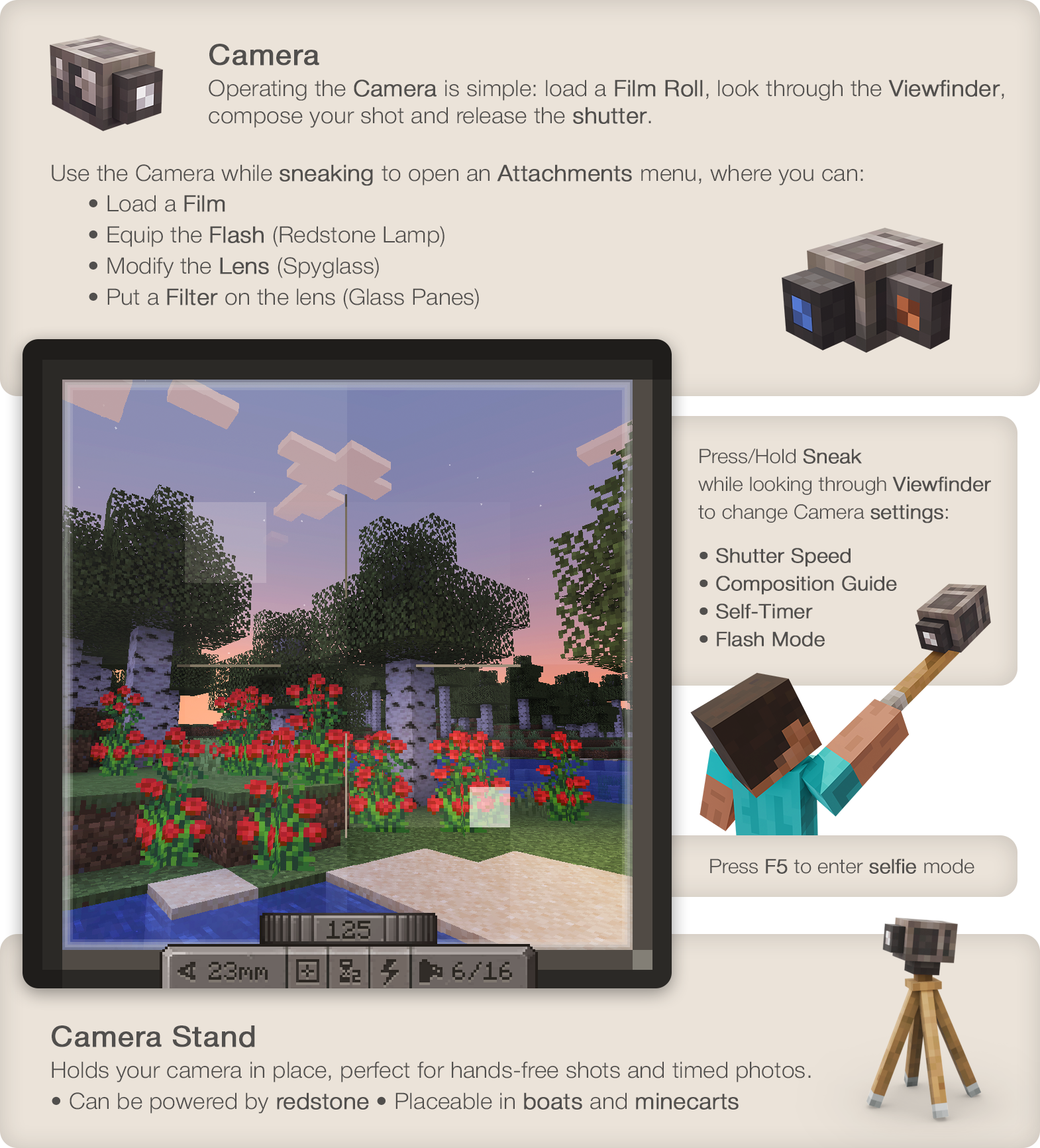
- Operating the Camera is simple: load a Film Roll, open the Viewfinder, compose your shot and release the shutter.
- Press/Hold Sneak when looking through Viewfinder to control Camera settings: Focal Length, Shutter Speed, Flash mode, Composition Guides.
Use the Camera while sneaking to open the Attachments window, where you'd be able to:
- Load a Film
- Equip the Flash (Redstone Lamp)
- Modify the Lens (Spyglass)
- Put a Filter on the lens (Glass Panes)
Film
- To capture an image you'll need to expose light-sensitive film.
- You can use simpler black and white film or, more sophisticated and harder to make and process, color film.
- Single film roll can fit 16 frames on it.
- Developing is required to prepare film for printing.
Lightroom
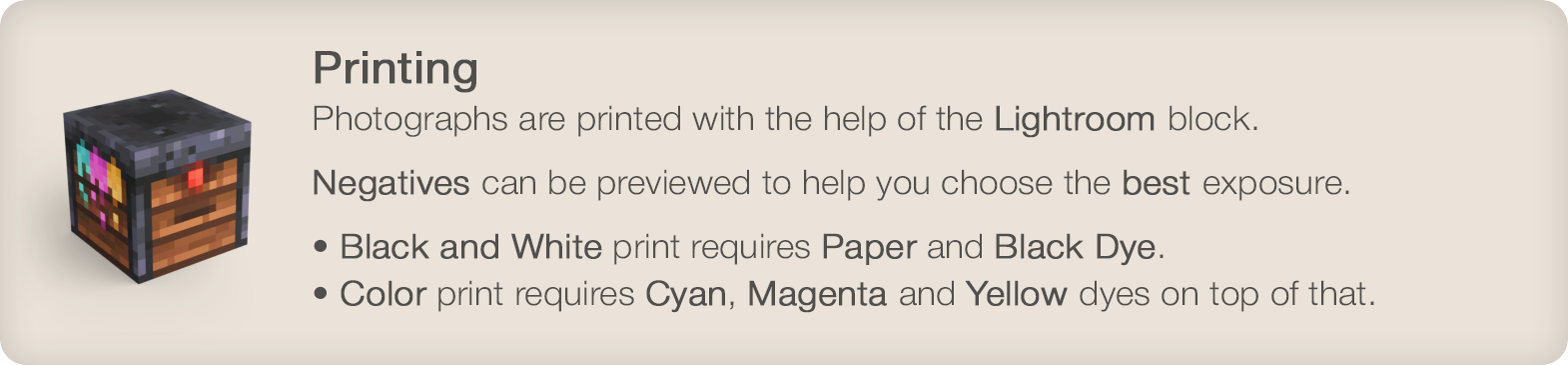
- Photographs are printed with the help of a Lightroom block.
- Negatives can be previewed before printing to help you choose the best exposure.
- Black and white print requires Paper and Black Dye. Color print will require Cyan, Magenta and Yellow dyes on top of that.
Photograph
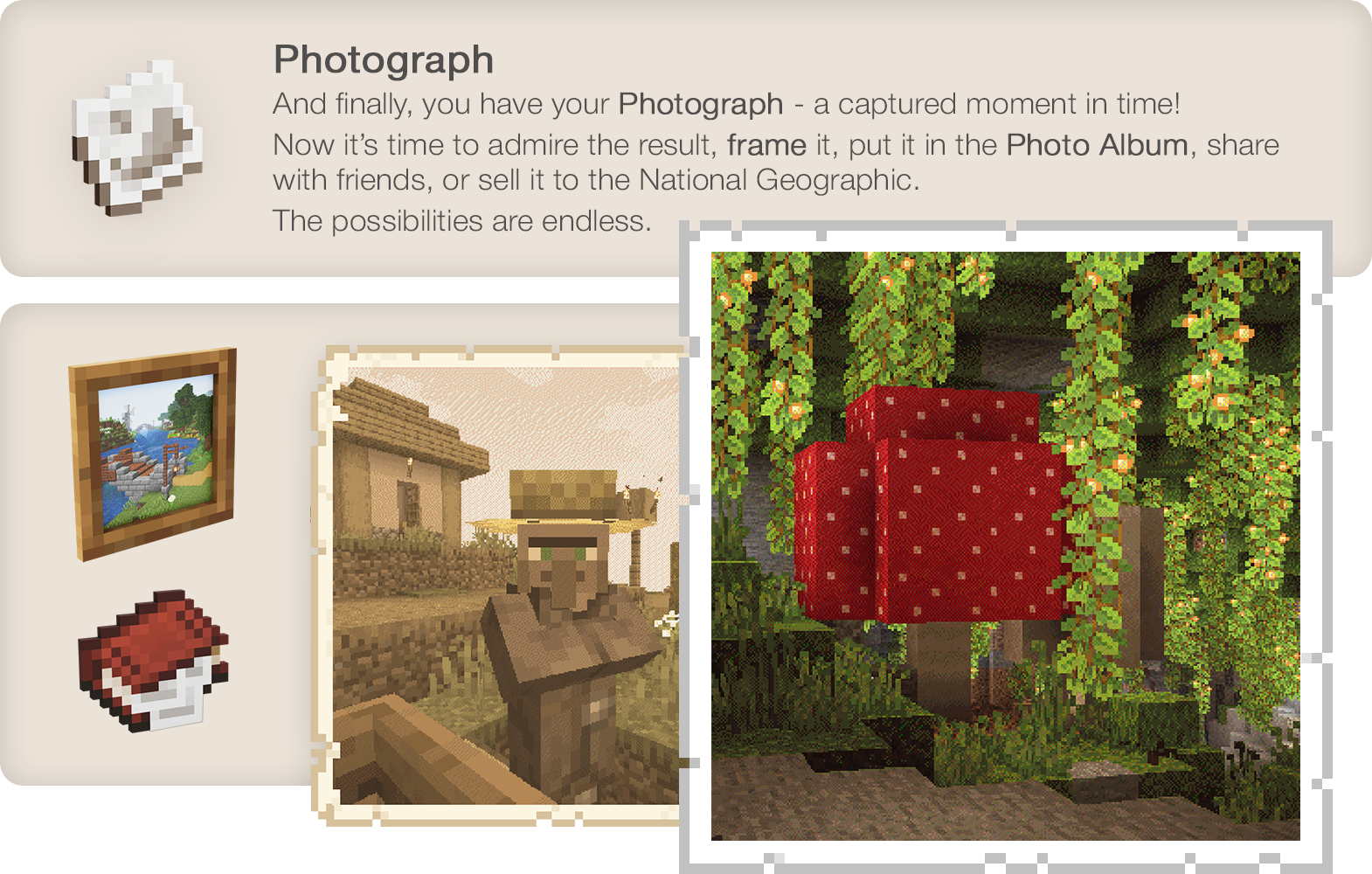
And finally, you have your Photograph - a captured moment in time! Now it's time to admire the result, hang it on the wall, share with friends, sell it to the National Geographic. The possibilities are endless.
Wiki
Known incompatibilities:
- Optifine - known for causing problems with other mods. Use Sodium/Embeddium instead.
- Visual Overhaul - crashes when opening camera controls - GitHub Issue
- Exordium - causes issues and flickering when looking through viewfinder.
- FastAnim (Fabric) - breaks player model animations with camera. Github Issue
Enjoying the mod? Your support would allow me to continue working on it and on other mods!
[ ](https://www.patreon.com/mortuusars/membership)[
 ](https://www.paypal.com/donate/?hosted_button_id=4VPMCBCLZVUEA) [
 ](https://www.patreon.com/mortuusars/posts/rewards-129739244)
 ](
](FAQ
How to install Exposure?
Install Fabric for your Minecraft version, download Exposure for the same version and loader, put the file into the mods folder and launch the game with the loader profile.
Which Minecraft versions does Exposure support?
Exposure has builds for Minecraft 1.19.2, 1.20.1, 1.21.1.
Is Exposure needed on the server?
Needed in the game and on the server
Similar mods
All adventure mods →


More mods by this author
 Horseman↓ 2M
 Scholar↓ 2.8M
 Sooty Chimneys↓ 749K
Often needed together
 Fabric API↓ 277M
 Forge Config API Port↓ 69M
 Exposure: Polaroid↓ 1M