
- Loaders
- Fabric
- Downloads on Modrinth
- 89
- Followers on Modrinth
- 1
- version
- 1
- Updated
- March 21, 2026Mar 21
- Published
- in 2026
At a glance
Install on the server only; players don't need it
EzWebhookCommandSender is a simple Fabric mod that lets server operators send custom messages to a webhook directly from in‑game commands.
Can be usefull to send messages to discord server for example directly through datapack or ingame chat.
It’s designed to be lightweight, fast, and easy to configure.
How to use it ?
For Any Webhook URL
First :
/webhook set "<url>"example : /webhook set "https://webhook.api.mywebsite/484654524654" . now the url is set up, and saved.
Then :
/webhook send messageexample : /webhook send I like apple juice . will send the text "I like apple juice." to the webhook url https://webhook.api.mywebsite/484654524654 .
Specifically on discord webhook
Go to your discord server settings > Integrations > Webhook.
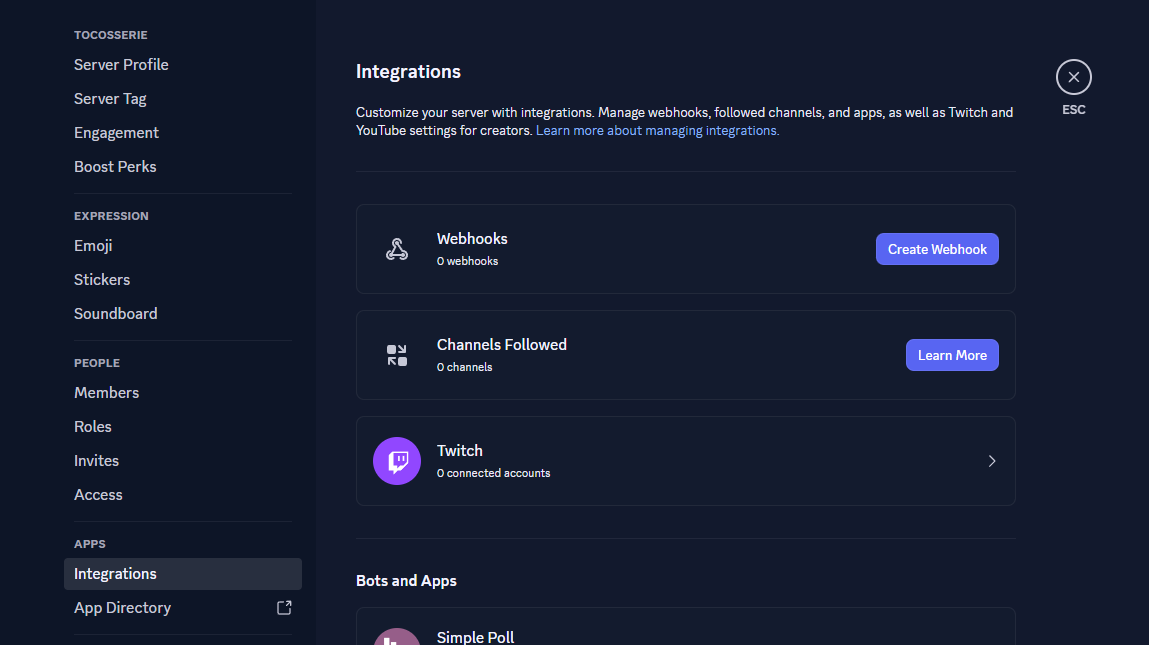
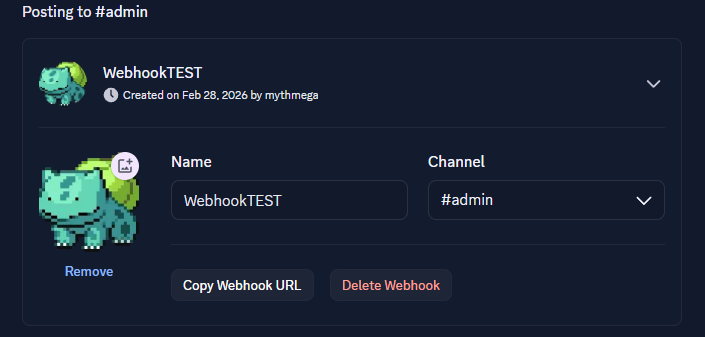
Create a webhook and set up the channel and the name/icon of the webhook.
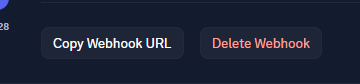
Copy the link of the webhook with the button copy webhook url.
In Game > Link the webhook to the mod
/webhook set "<url>"example : /webhook set "https://discord.com/api/webhooks/123456789132456798/this_is_an_example_url" . now the url is set up, and saved.
In Game > Send a message to discord
/webhook send messageexample : /webhook send I like apple juice . will send the text "I like apple juice." to the webhook url https://webhook.api.mywebsite/484654524654 .
FAQ
How to install EZ Webhook Command Sender?
Install Fabric for your Minecraft version, download EZ Webhook Command Sender for the same version and loader, put the file into the mods folder and launch the game with the loader profile.
Which Minecraft versions does EZ Webhook Command Sender support?
EZ Webhook Command Sender has builds for Minecraft 1.21.1–1.21.11.
Is EZ Webhook Command Sender needed on the server?
Server only — players don't need to install it


