
Free camera API
Free camera mode and modify camera state flexible
- Loaders
- NeoForgeForge
- Downloads on Modrinth
- 38.1K
- Followers on Modrinth
- 31
- versions
- 17
- Updated
- May 6, 2026May 6
- Published
- in 2024
At a glance
Needed in the game; optional on the server
Free camera API V5
Free camera mode
Since version 3.2.0, the mod has included a built-in free camera feature, as many players were attracted by the mod's name only to discover that such functionality was not actually present.
By default, this feature is not bound to a key mapping and requires manual setup. Block collision detection is enabled by default and can be disabled via the configuration interface. If the mod is not installed on the server, it will be force-enabled; otherwise, it will follow the server's settings.
What are the advantages?
- Decouples from camera internals, reducing complexity.
- Simple and flexible usage.
- Supports loading chunks beyond the player's view range (with expansion).
How to Register and Use the Plugin
Create the plugin class
@Plugin(value = "example", priority = ModifierPriority.LOWEST)
public class ExamplePlugin implements CameraPlugin {
    // ...
}
value: Plugin unique identifier (string)
priority: Priority setting (ModifierPriority.HIGH/LOWEST etc.)Initialization
public ExamplePlugin(CameraModifier modifier) {
    modifier.disable()
            .enablePos()
            .enableFov()
            .enableGlobalMode();
}
Update camera data every frame
modifier
            .enablePos() // Enable position modification
            .enableRotation() // Enable rotation modification
            .enableFov() // Enable FOV modification
            .setPos(1, 2, 3) // Set camera position to (1,2,3), default is local coordinates centered on player
            .addPos(1, 2, 3)
            .setRotationYXZ(90f, 15f, 25f) // Set camera rotation to (90f, 15f, 25f)
            .move(0, 0, -5) // Move camera based on current rotation
            .enableGlobalMode() // Enable global mode, all coordinates and rotations will be modified according to world coordinates
            .enableChunkLoader() // Enable chunk loader, load chunks around the camera. An additional Free Camera API Addition mod needs to be installed to enable this feature, otherwise it will have no effect
            .enableObstacle() // Enable collision detection
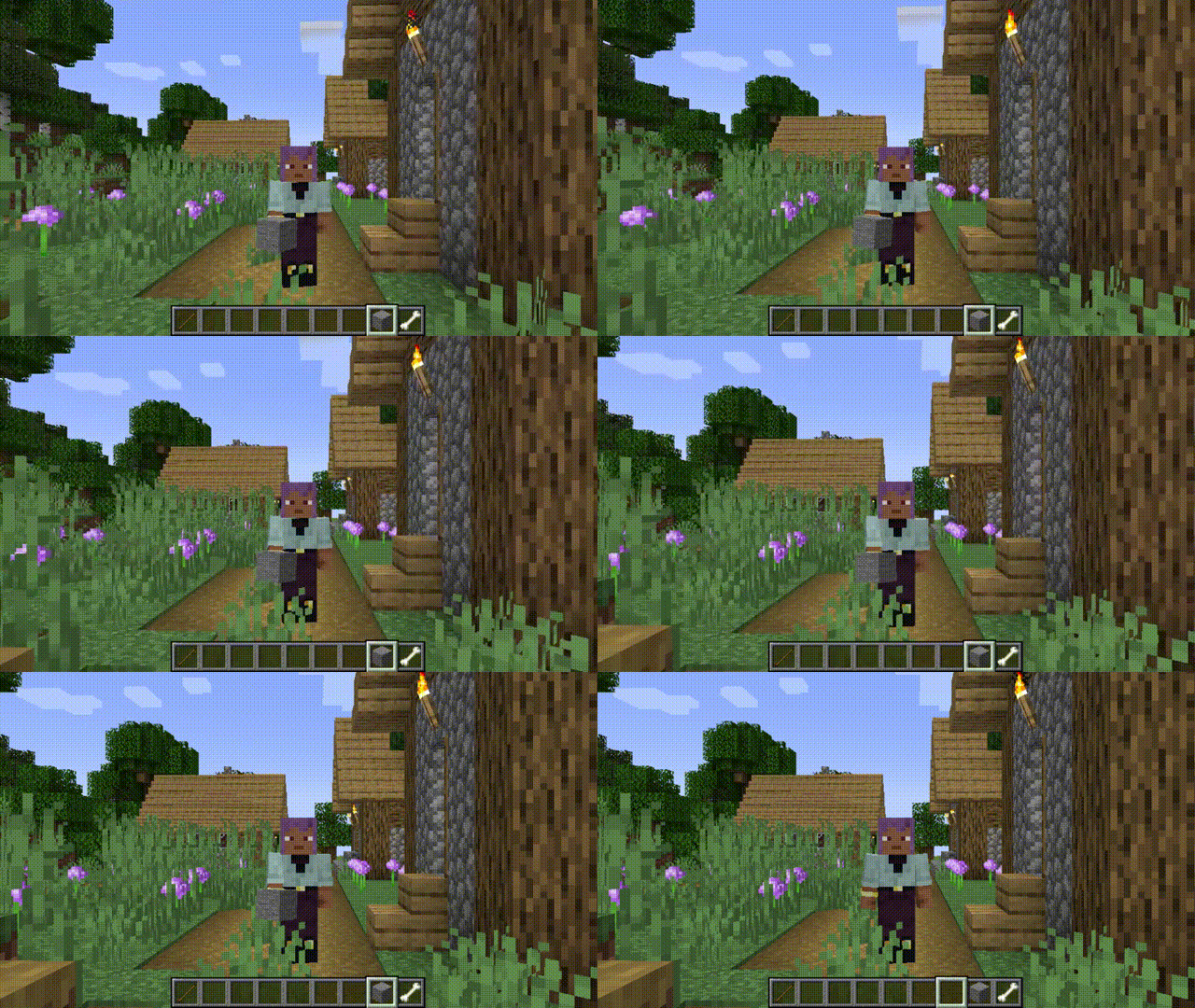
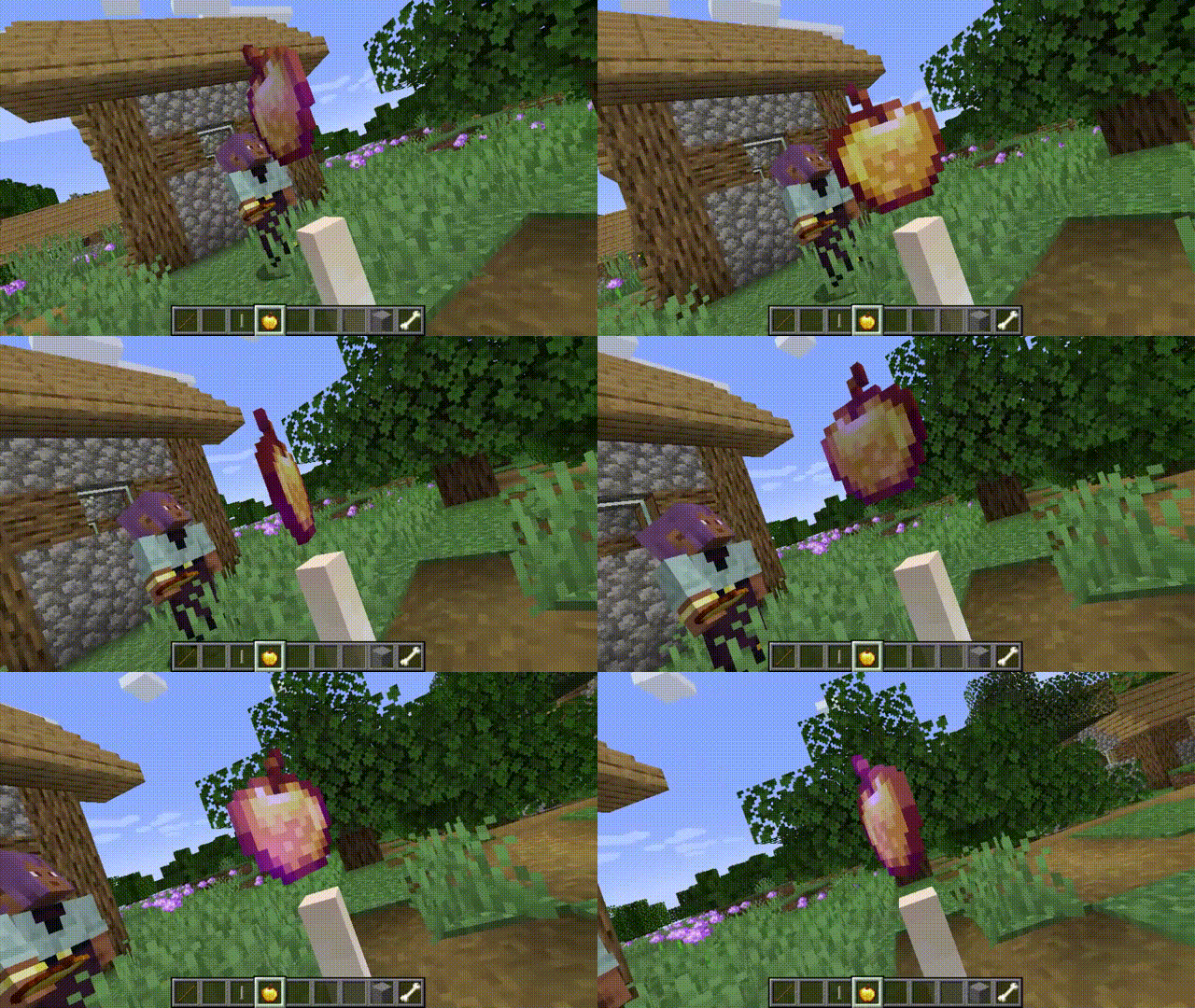
Gallery
FAQ
How to install Free camera API?
Install NeoForge for your Minecraft version, download Free camera API for the same version and loader, put the file into the mods folder and launch the game with the loader profile.
Which Minecraft versions does Free camera API support?
Free camera API has builds for Minecraft 1.20.1, 1.21–1.21.3, 1.21.6–1.21.11, 26.1.2.
Is Free camera API needed on the server?
Needed in the game; optional on the server


