
FTB Quests Background
Added a customizable background to the FTB quest interface. You can select an image texture in the chapter settings, adjust transparency and scaling, and it will be tiled repeatedly to fill the entire background of that chapter. You can also choose whether
- Loaders
- NeoForge
- Downloads on Modrinth
- 829
- Followers on Modrinth
- 3
- version
- 1
- Updated
- July 22, 2026Jul 22
- Published
- in 2026
At a glance
Needed both in the game and on the server
Added a customizable background to the FTB quest interface. You can select an image texture in the chapter settings, adjust transparency and scaling, and it will be tiled repeatedly to fill the entire background of that chapter. You can also choose whether to render the FTB quest interface's default dark overlay and grid lines. 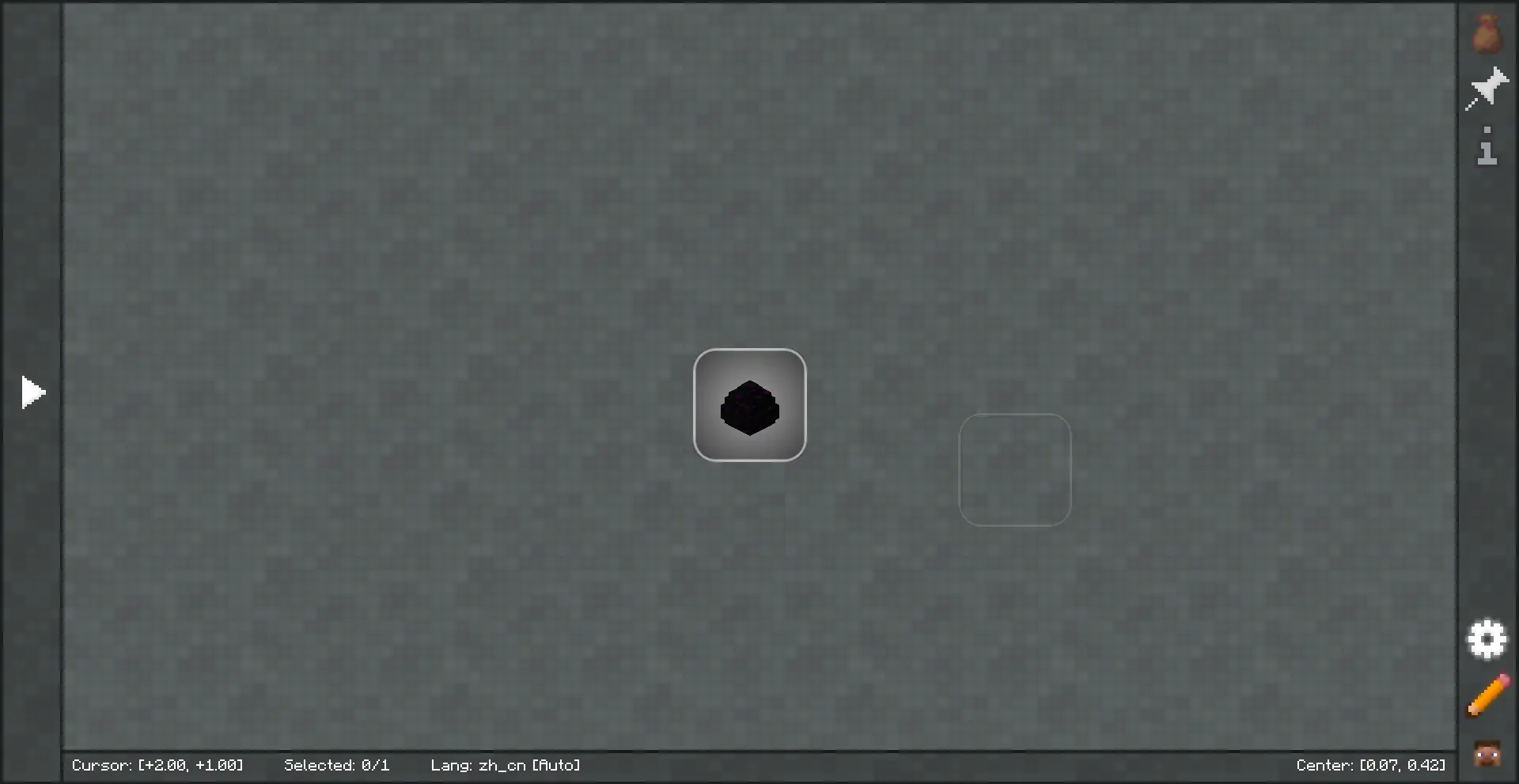
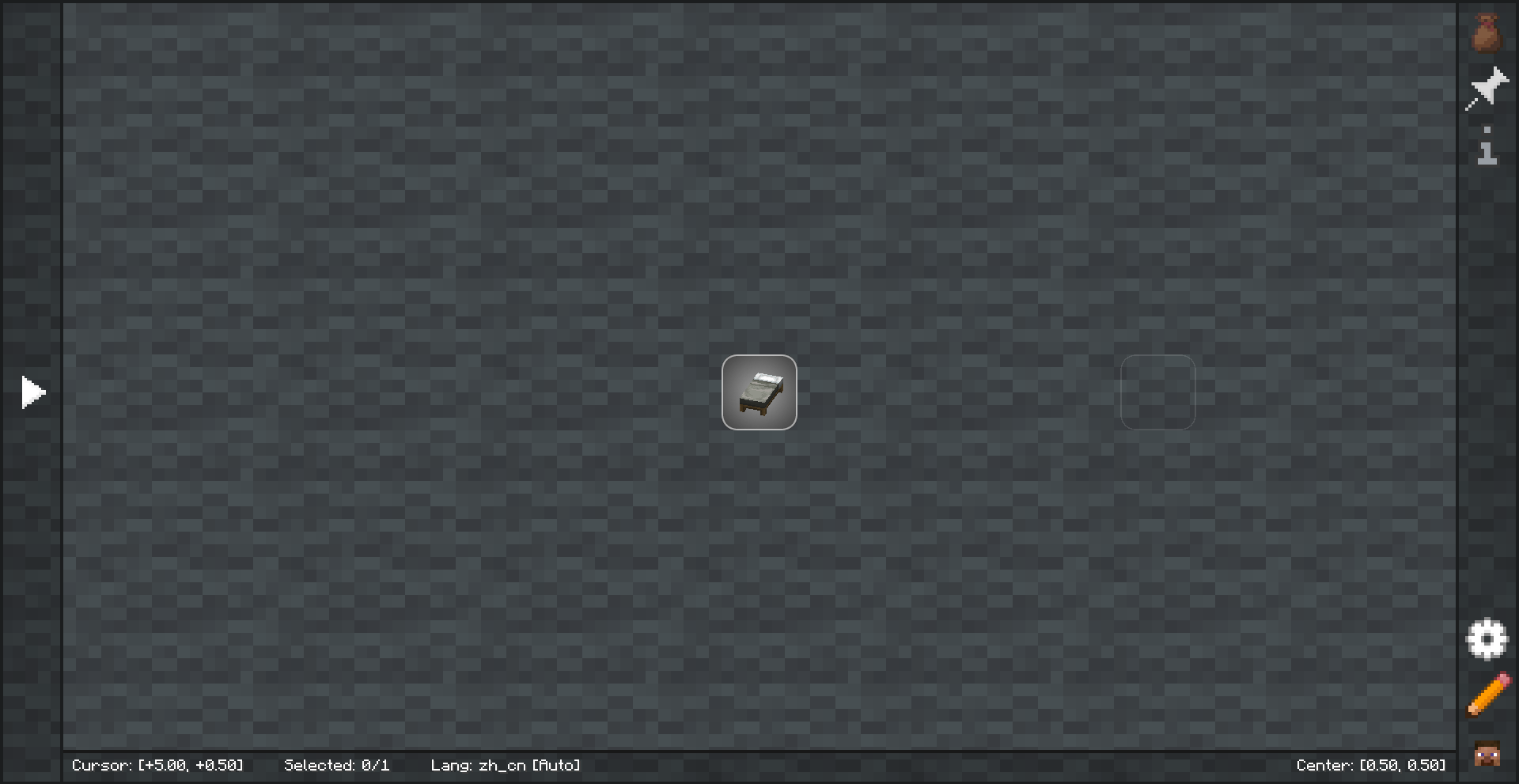 Pick a background that matches your theme to boost immersion and set the mood!
FAQ
How to install FTB Quests Background?
Install NeoForge for your Minecraft version, download FTB Quests Background for the same version and loader, put the file into the mods folder and launch the game with the loader profile.
Which Minecraft versions does FTB Quests Background support?
FTB Quests Background has builds for Minecraft 1.21.1.
Is FTB Quests Background needed on the server?
Needed in the game and on the server
More mods by this author
 Taste Fatigue↓ 1.8K