
GeometryHUD
If compass, clock, map and spyglass in the player inventory, Displays the coordinates, direction, mini map, and health bar on HUD.
Fabric
- Loaders
- Fabric
- Downloads on Modrinth
- 552
- Followers on Modrinth
- 5
- versions
- 3
- Updated
- September 17, 2026Sep 17
- Published
- in 2026
At a glance
Runs on Fabric
For Minecraft 26.2–26.3
Client only — no need to install it on the server
Latest version — 1.0.2+26.3 from September 17, 2026
License MIT — free
Where it's neededGame versions26.2–26.3
In gamerequiredOn servernot needed
Install in the game only; not needed on the server
If you have a trigger item in the inventory, display the information corresponding to the item. It improves the gaming experience just a little bit more than using F3(meta-function).
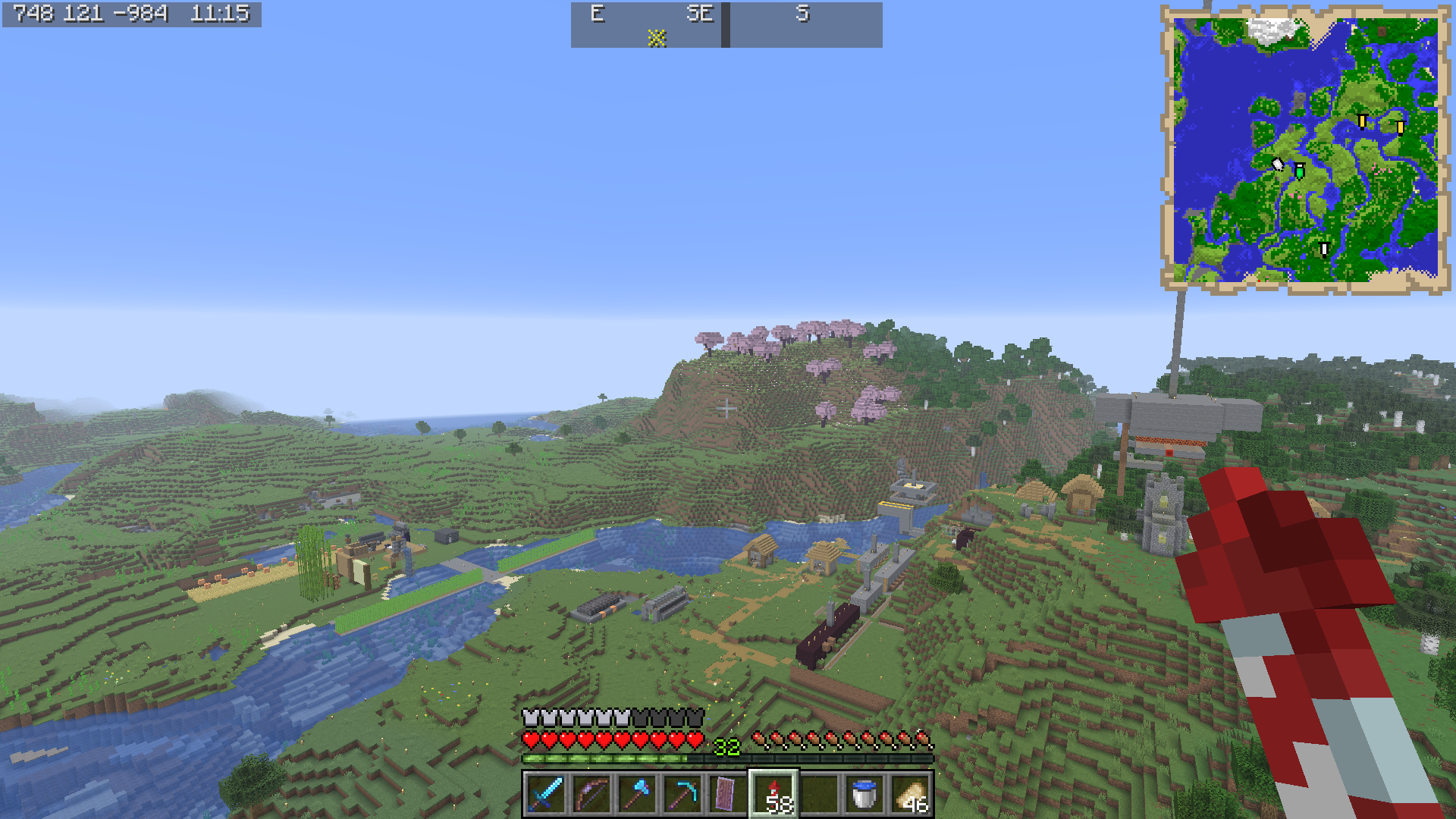
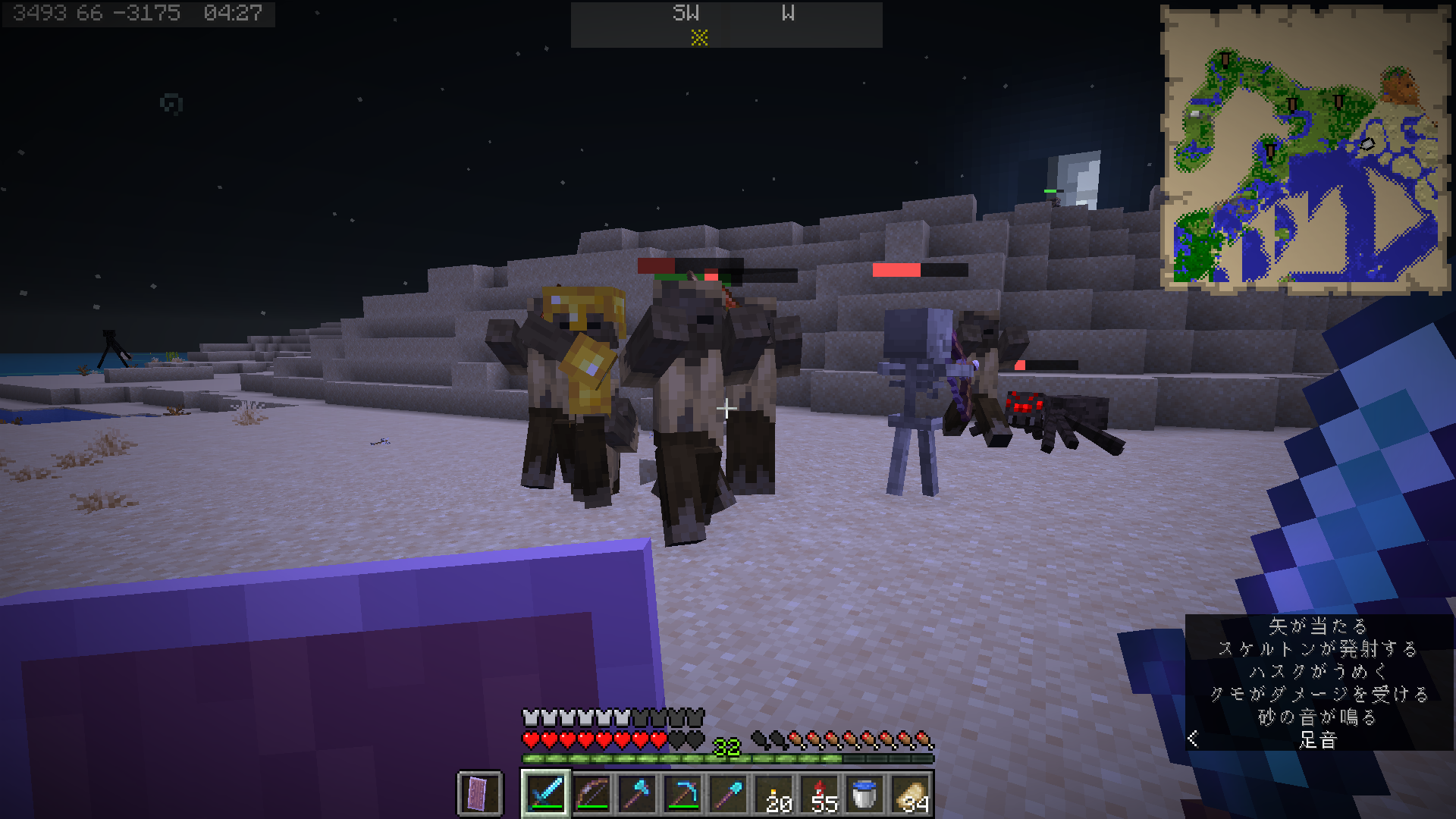
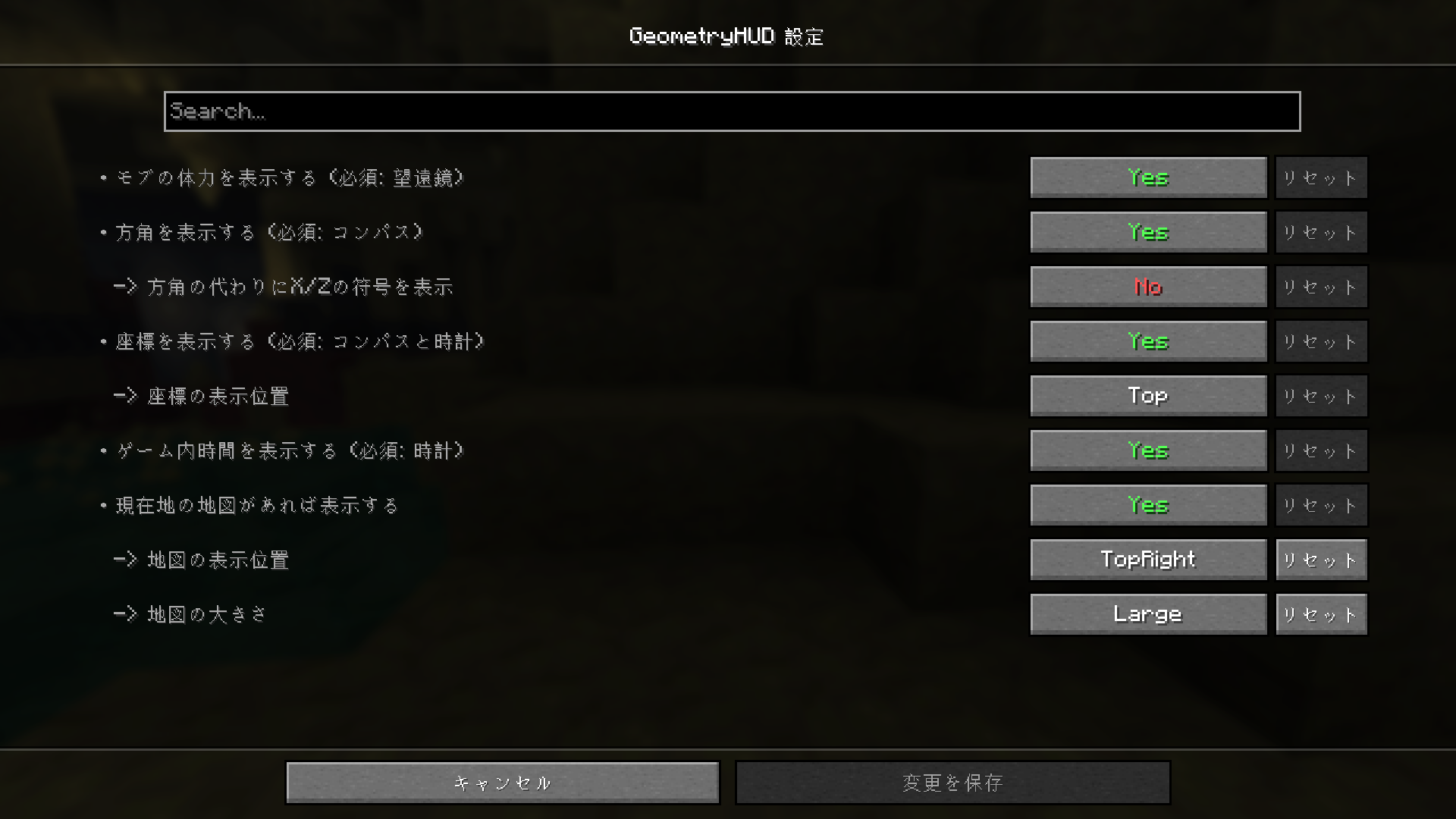
| Trigger Item | Information |
|---|---|
| compass | direction + respawn direction marker |
| lodestone compass | direction + lodestone direction marker |
| recovery compass | direction + last death direction marker |
| clock | in-game time |
| one of compasses + clock | coordinates + in-game time |
| map | mini map |
| spyglass | health gauge of mob |
| daylight detector | in-game days |
These trigger items can also be placed in bundles, shulker boxes, enderchest.
FAQ
How to install GeometryHUD?
Install Fabric for your Minecraft version, download GeometryHUD for the same version and loader, put the file into the mods folder and launch the game with the loader profile.
Which Minecraft versions does GeometryHUD support?
GeometryHUD has builds for Minecraft 26.2–26.3.
Is GeometryHUD needed on the server?
Client only — no need to install it on the server
License and source
MIT Licensefree to use and share with credit to the author


