
- Loaders
- FabricNeoForge
- Downloads on Modrinth
- 1.4K
- Followers on Modrinth
- 2
- versions
- 5
- Updated
- June 24, 2026Jun 24
- Published
- in 2026
At a glance
Install in the game only; not needed on the server
Hardcore Disabled Fix
A lightweight client-side mod that fixes and restores usability of certain world options when playing in Hardcore mode.
Overview
In vanilla Minecraft 26.2+, Hardcore mode restricts multiple gameplay and world configuration options, including command access and certain multiplayer-related settings.
This mod adjusts the UI behavior to make those options accessible again in a controlled and consistent way.
It is designed for development, LAN testing, and personal gameplay flexibility.
Features
- Unlocks toggles in World Options Screen and Open To LAN Screen
- Lightweight client-side implementation
- No gameplay mechanic changes beyond UI behavior
Pictures
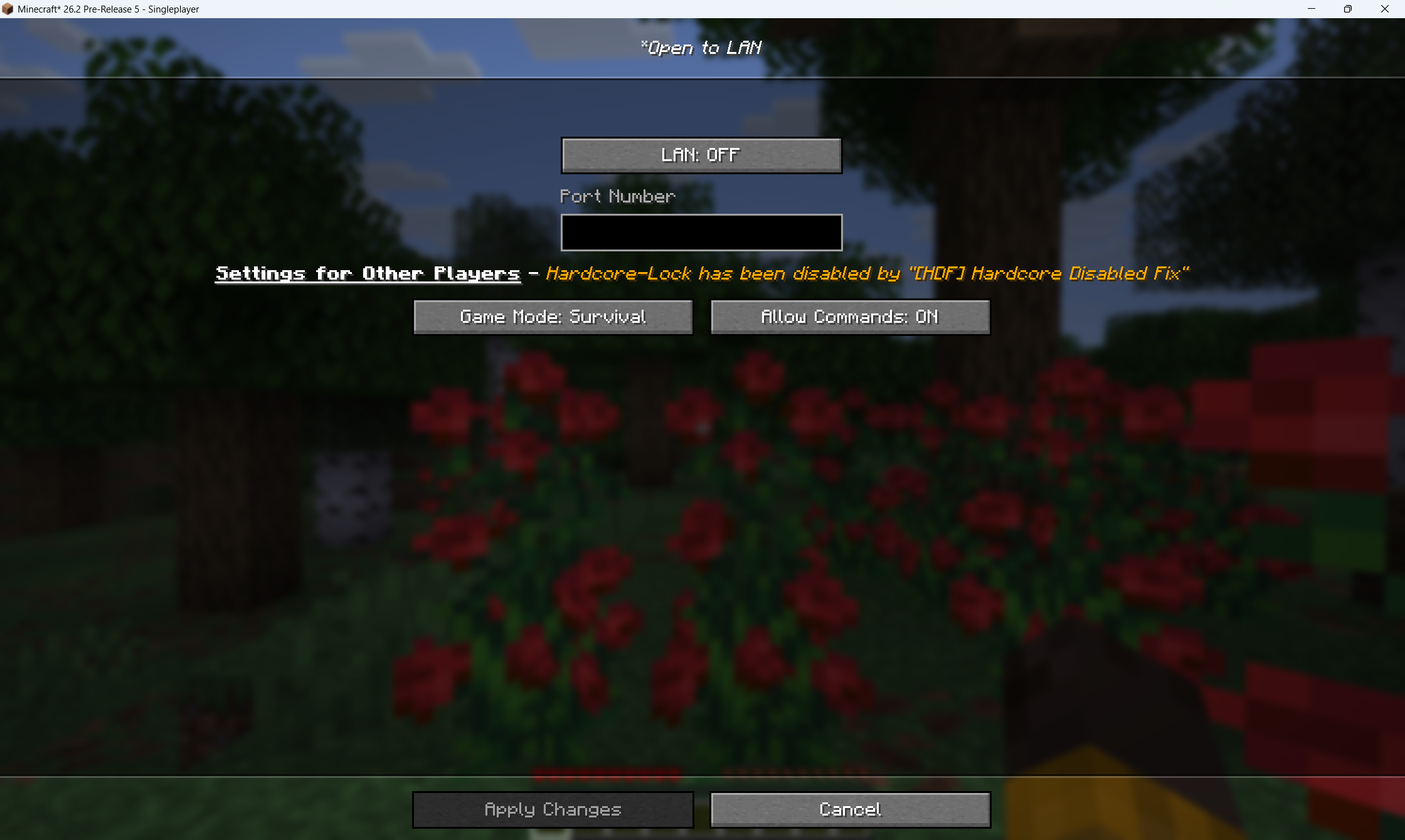
- The Open To LAN Screen in Hardcore
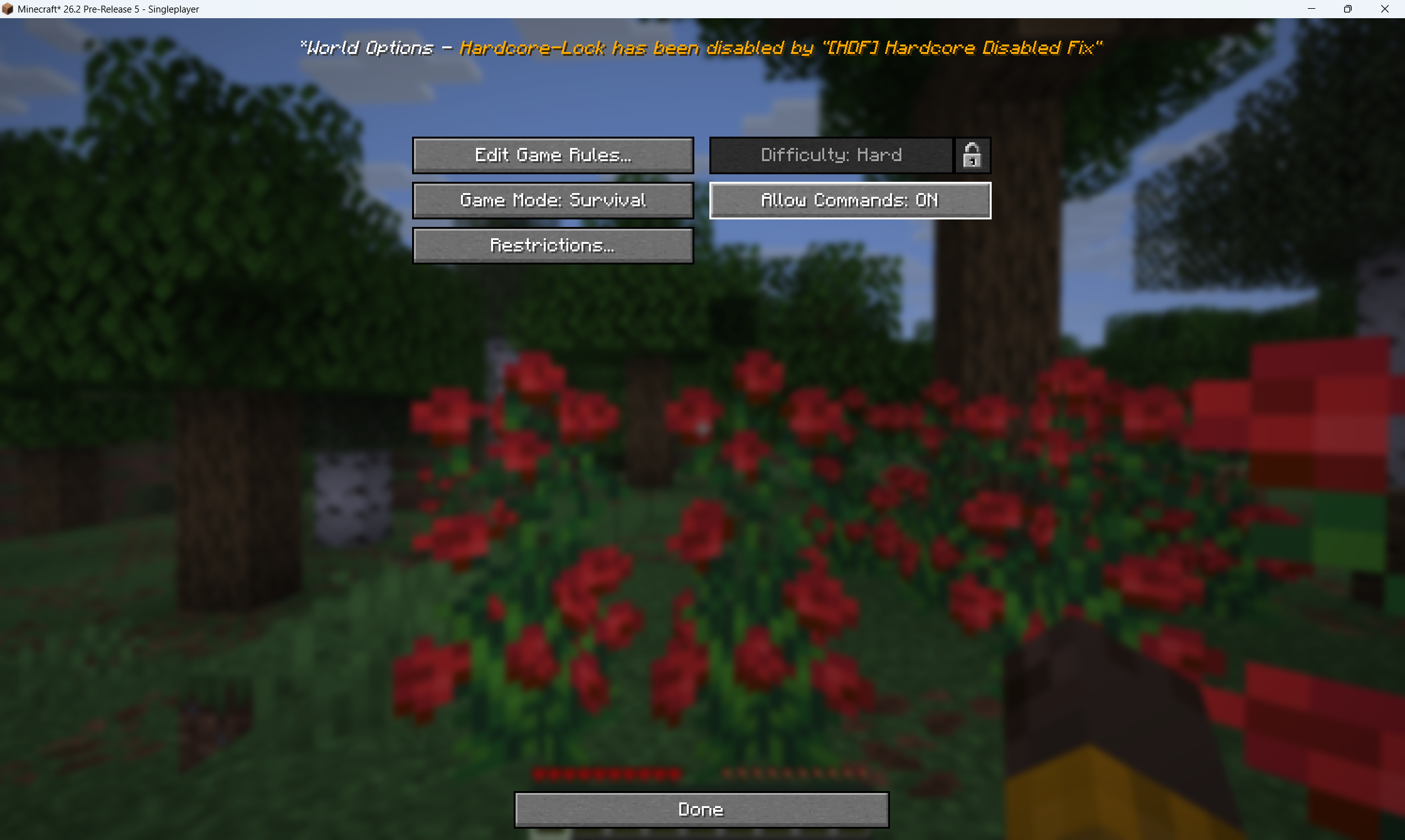
- The World Options Screen in Hardcore
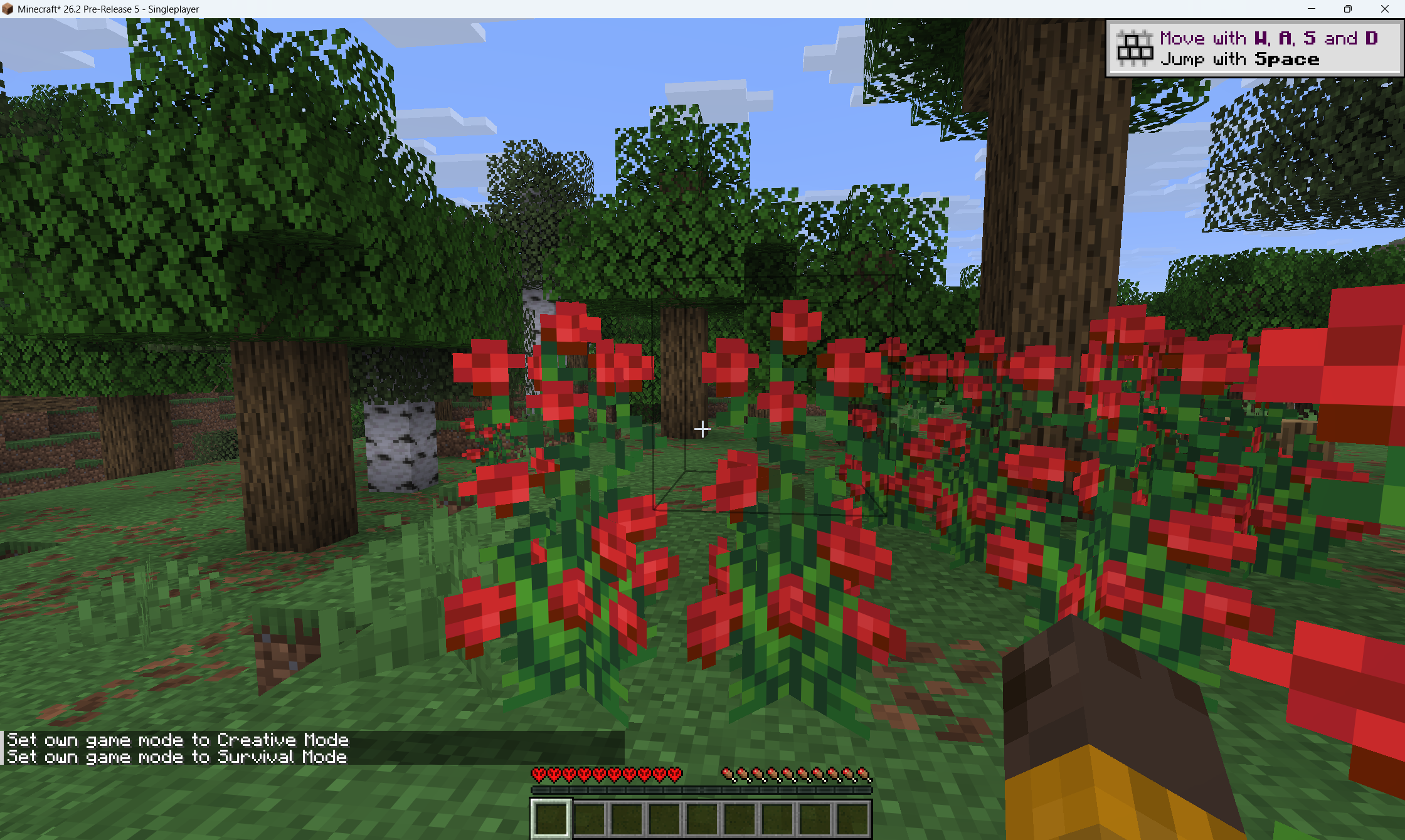
- Use command in Hardcore
Compatibility
- Minecraft 26.2-pre-5+ / Minecraft 26.2+
- Fabric / NeoForge
- Client-side only
Notes
This mod modifies user interface restrictions only.
It does not alter world generation, combat rules, or survival mechanics.
Designed for debugging, testing, and advanced configuration usage.
License
FAQ
How to install Hardcore Disabled Fix?
Install Fabric for your Minecraft version, download Hardcore Disabled Fix for the same version and loader, put the file into the mods folder and launch the game with the loader profile.
Which Minecraft versions does Hardcore Disabled Fix support?
Hardcore Disabled Fix has builds for Minecraft 26.2.
Is Hardcore Disabled Fix needed on the server?
Client only — no need to install it on the server


