
- Loaders
- FabricNeoForge
- Downloads on Modrinth
- 9.1K
- Followers on Modrinth
- 32
- versions
- 26
- Updated
- September 21, 2026Sep 21
- Published
- in 2026
At a glance
Install in the game only; not needed on the server
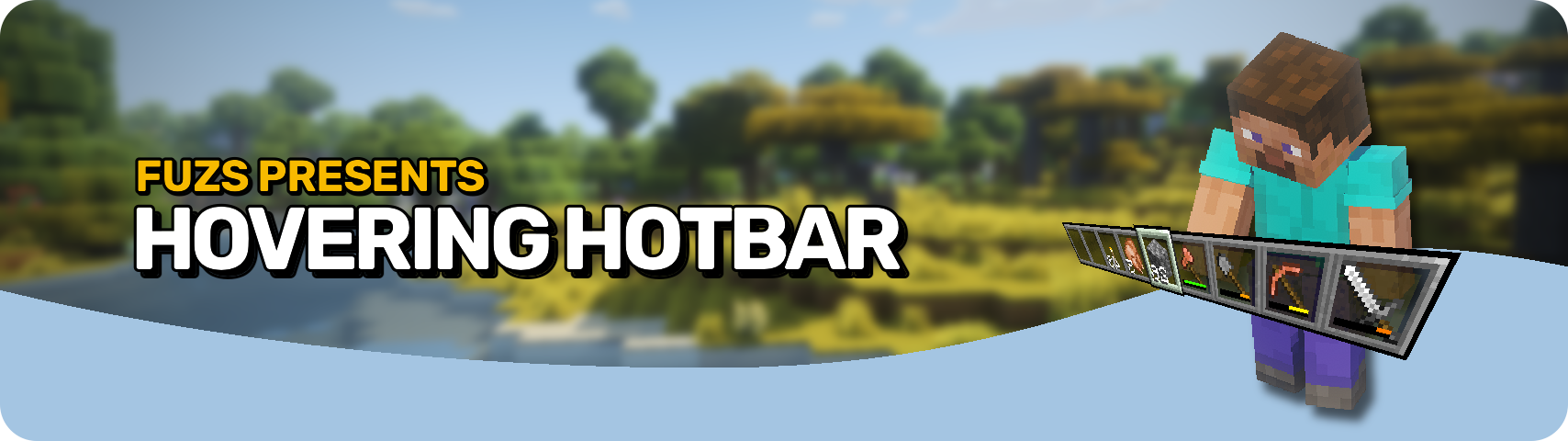








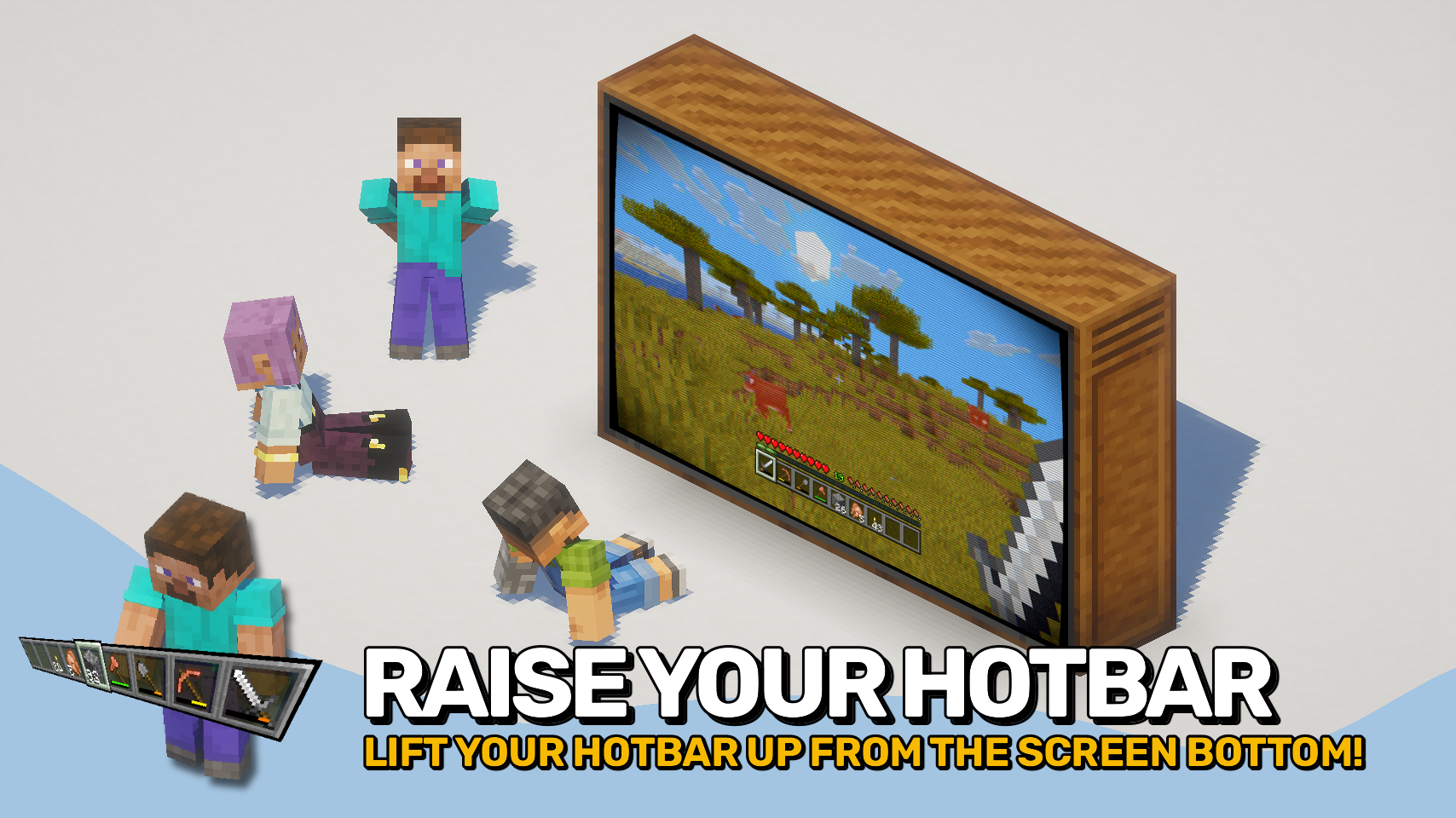
Hovering Hotbar brings the elevated hotbar style from Bedrock Edition and Legacy Console Edition to Java Edition. 🎮
By moving the hotbar away from the bottom edge of the screen, it appears to float in place, creating a cleaner and more modern HUD layout. This also allows the full selection highlight to be rendered instead of being partially cut off by the screen border. ✨
The hotbar offset is fully configurable, letting you position it exactly where you want it. To complete the console-inspired look, the experience level display can also be moved above the experience bar. ⚙️

- 🎮 Console-Inspired Layout: Recreates the elevated hotbar style found in Bedrock Edition and Legacy Console Edition.
- ✨ Floating Hotbar Appearance: Moves the hotbar away from the bottom screen edge, making it appear to hover in place.
- 🖼️ Fully Visible Selection Highlight: Allows the complete hotbar selection sprite to render instead of being partially cut off by the screen border.
- 🎛️ Adjustable Positioning: Freely configure the hotbar offset to create your preferred HUD layout.
- 📈 Improved Experience Display: Optionally moves the experience level indicator above the experience bar, matching the console-style interface.
- 🔧 Mod Compatibility: Supports shifting additional modded hotbar overlays together with the hotbar.


⏩ INSTALLATION REQUIRED ON CLIENT
⏩ REQUIRES PUZZLES LIB TO BE INSTALLED (FABRIC & NEOFORGE)
⏩ REQUIRES FABRIC API TO BE INSTALLED (FABRIC)
⏩ REQUIRES FORGE CONFIG API PORT TO BE INSTALLED (FABRIC)

If available for a mod, configuration is possible directly from in-game using the mod menu (requires Mod Menu by Prospector to be installed on Fabric).
For manual configuration using an external text editor all files are found at .minecraft/config, named as MOD_ID-client.toml, MOD_ID-common.toml, or MOD_ID-server.toml, depending on the type of config. Not all types might exist for a mod, if any at all.
 |  | |
 |  | |
 |  | |
 |  | |
 |  |

© 2026 @heyitsfuzs. All rights reserved. This page was last edited on 11 September 2026, at 06:44 (UTC).
FAQ
How to install Hovering Hotbar?
Install Fabric for your Minecraft version, download Hovering Hotbar for the same version and loader, put the file into the mods folder and launch the game with the loader profile.
Which Minecraft versions does Hovering Hotbar support?
Hovering Hotbar has builds for Minecraft 1.21.1, 1.21.3–1.21.5, 1.21.8, 1.21.10–26.3.
Is Hovering Hotbar needed on the server?
Client only — no need to install it on the server
Similar mods
All utility mods →


More mods by this author
 Forge Config API Port↓ 72.8M
 Puzzles Lib↓ 67.9M
 Pick Up Notifier↓ 16.9M
Often needed together
 Fabric API↓ 293MForge Config API Port↓ 72.8MPuzzles Lib↓ 67.9M