
- Loaders
- FabricNeoForge
- Downloads on Modrinth
- 7.1K
- Followers on Modrinth
- 12
- versions
- 35
- Updated
- July 7, 2026Jul 7
- Published
- in 2024
At a glance
Install in the game only; not needed on the server
Note! : To remove a specific effect, select the effect again (selecting an effect you already have in the effect menu removes it)
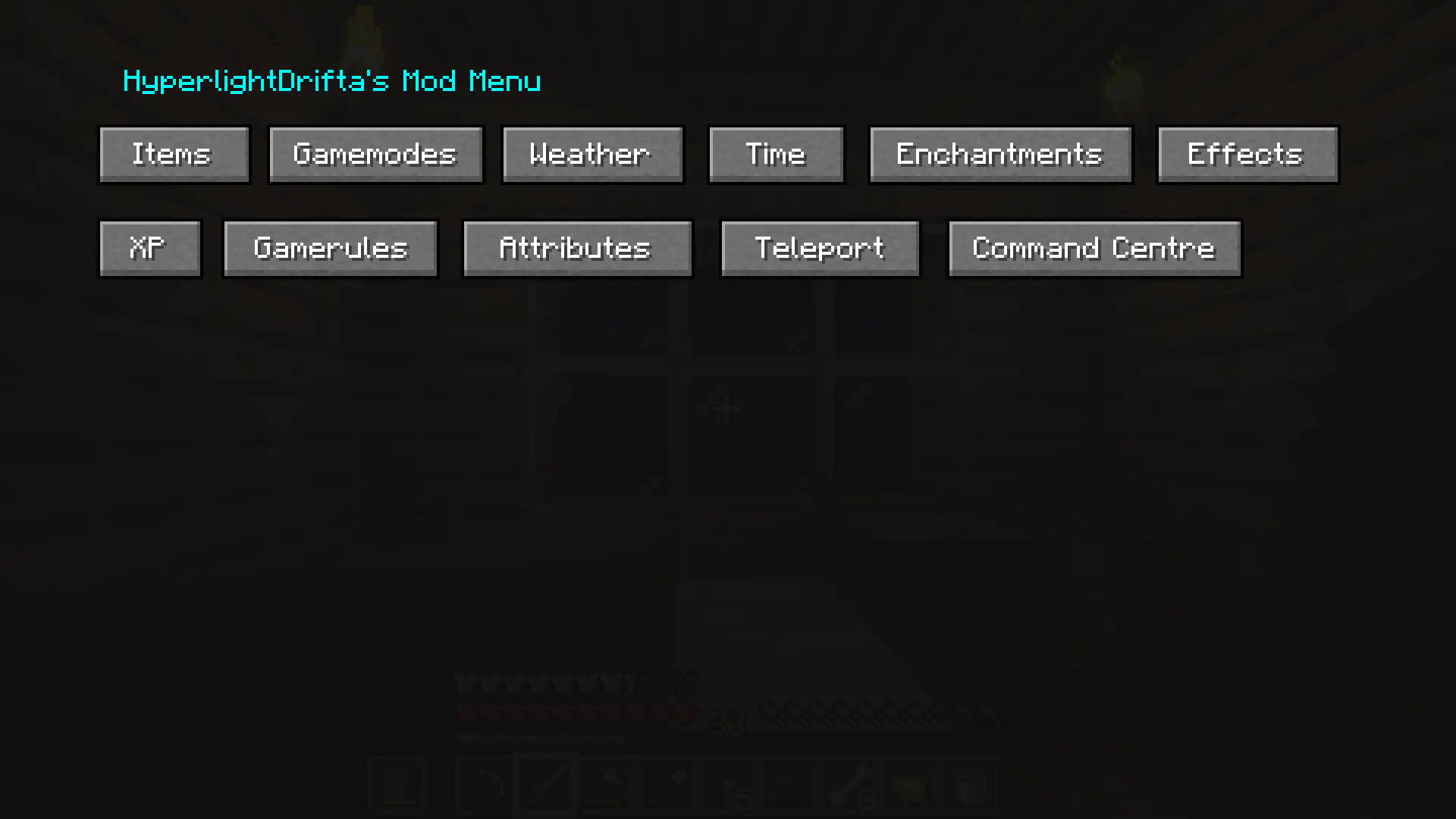
This is a mod menu that adds features like, gamemode changer, time changer, weather changer, adding items into your inventory, adding XP, and more, and it can all be used without cheats enabled! Yes, it will work in hardcore. No, it won't work on servers. (at least not on non-vanilla servers, but vanilla servers have also not been tested)
There also custom keybinds that you can assign for changing gamemode, weather and time, and more.
Main Menu :
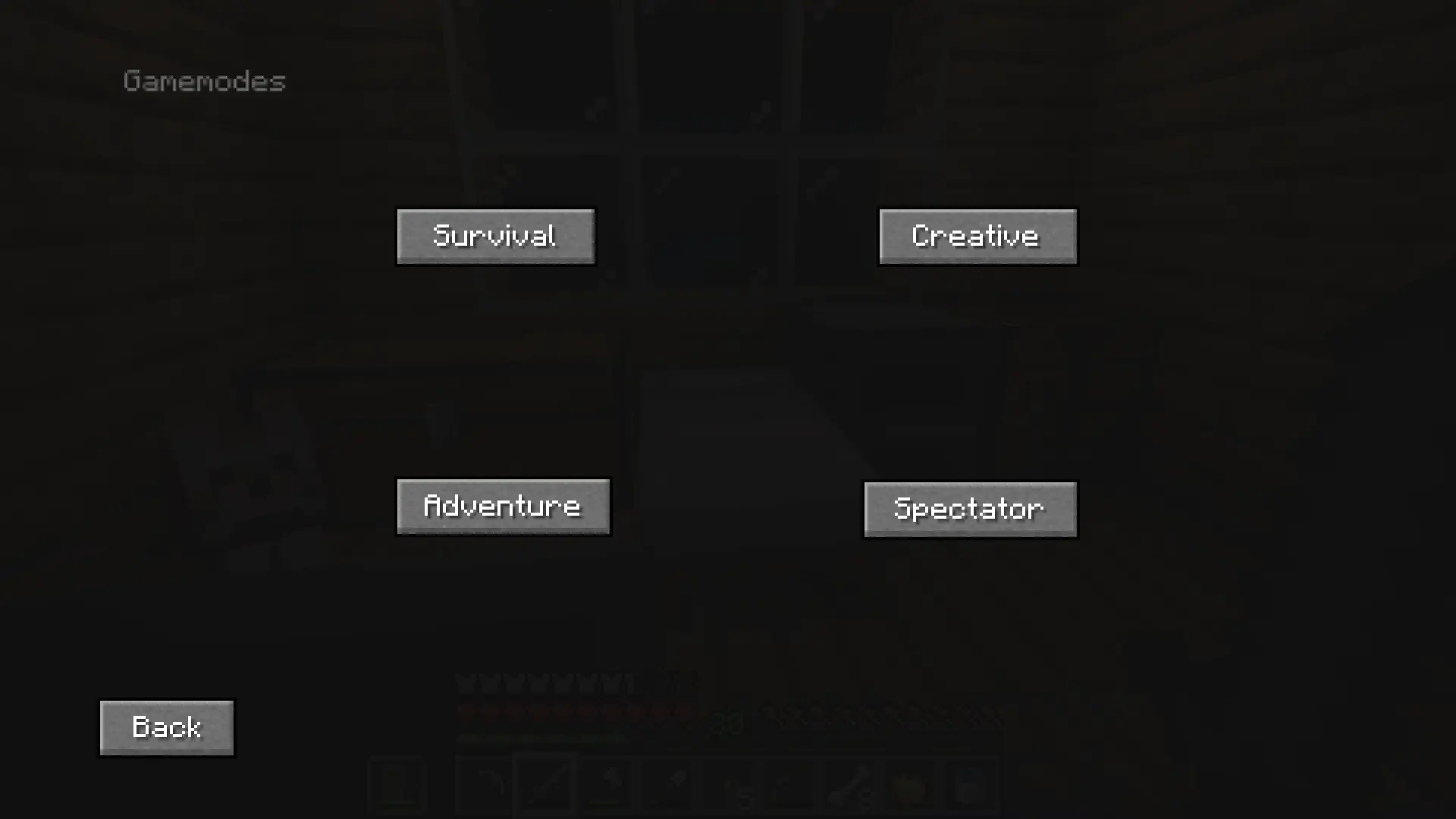
Gamemodes :
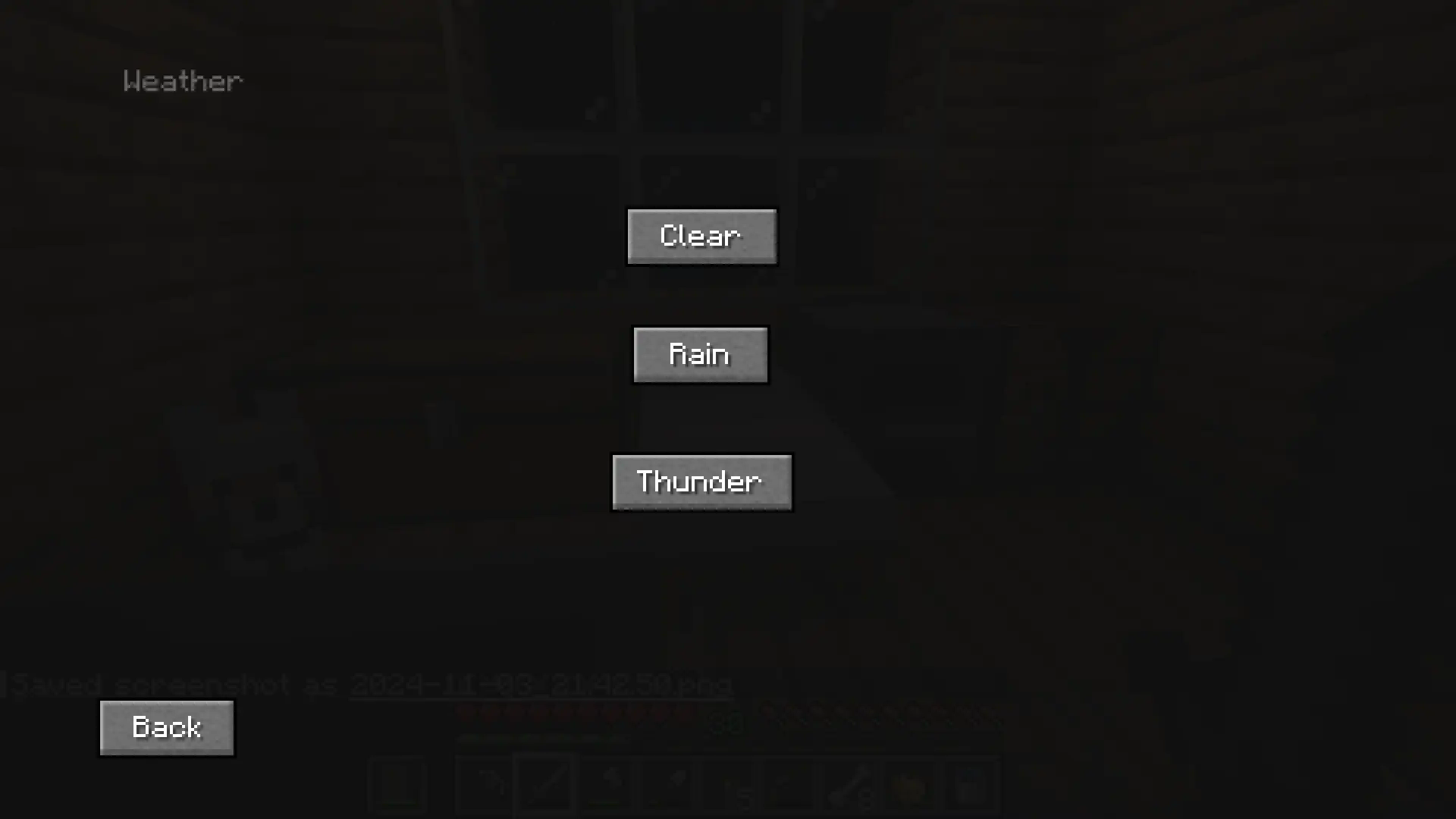
Weather :
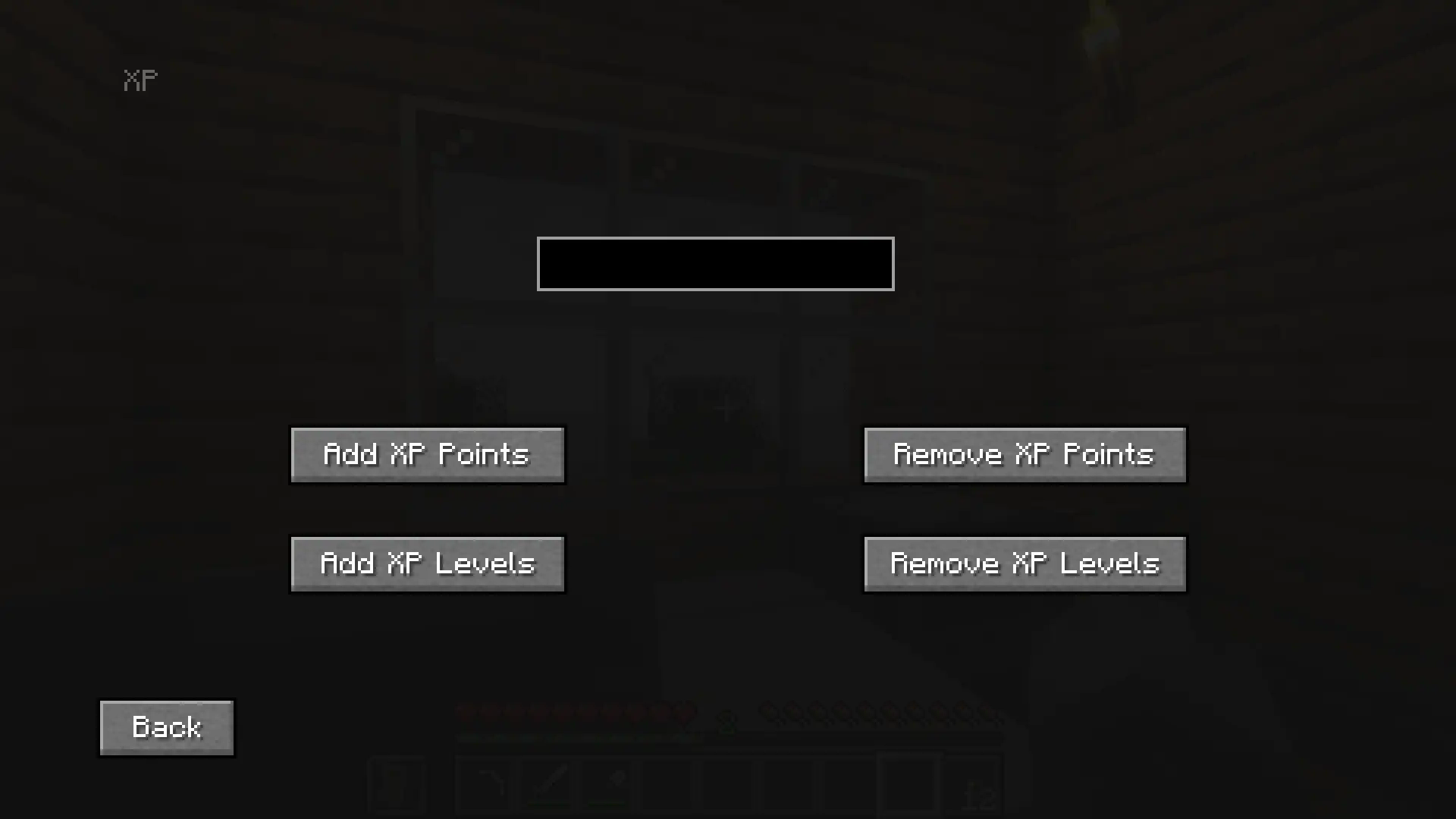
XP :
Enchantments :

FAQ
How to install HyperlightDrifta's Mod Menu?
Install Fabric for your Minecraft version, download HyperlightDrifta's Mod Menu for the same version and loader, put the file into the mods folder and launch the game with the loader profile.
Which Minecraft versions does HyperlightDrifta's Mod Menu support?
HyperlightDrifta's Mod Menu has builds for Minecraft 1.21.1, 1.21.4, 1.21.8, 26.1.2 ….
Is HyperlightDrifta's Mod Menu needed on the server?
Client only — no need to install it on the server


