
MC-Networking
Build, configure, and simulate realistic IP Networks, Devices and Protocols in-game.
- Loaders
- Fabric
- Downloads on Modrinth
- 257
- Followers on Modrinth
- 4
- versions
- 7
- Updated
- September 29, 2026Sep 29
- Published
- in 2026
At a glance
Needed both in the game and on the server
About MC-Networking
MC-Networking is a Minecraft mod created to simulate real IP networks, devices and protocols within the game.
This mod was created with a dual goal: to provide an interactive teaching tool to learn networking and to integrate the potential of IT networks into the mechanics of the game world.
How does it work
The mod introduces to the base game new blocks that represent the hardware devices, and new items that represent the network cables used to physically link the devices.
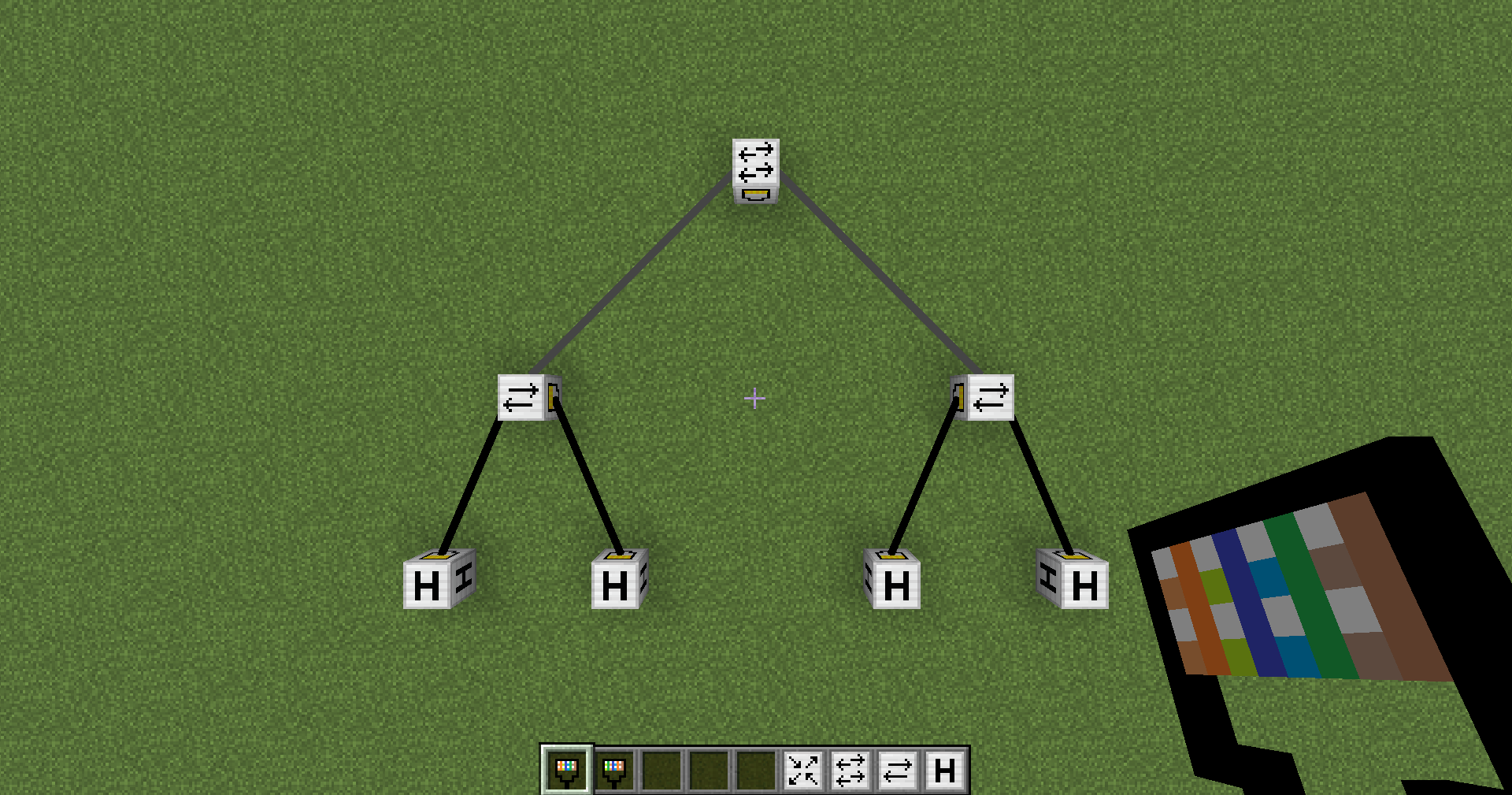
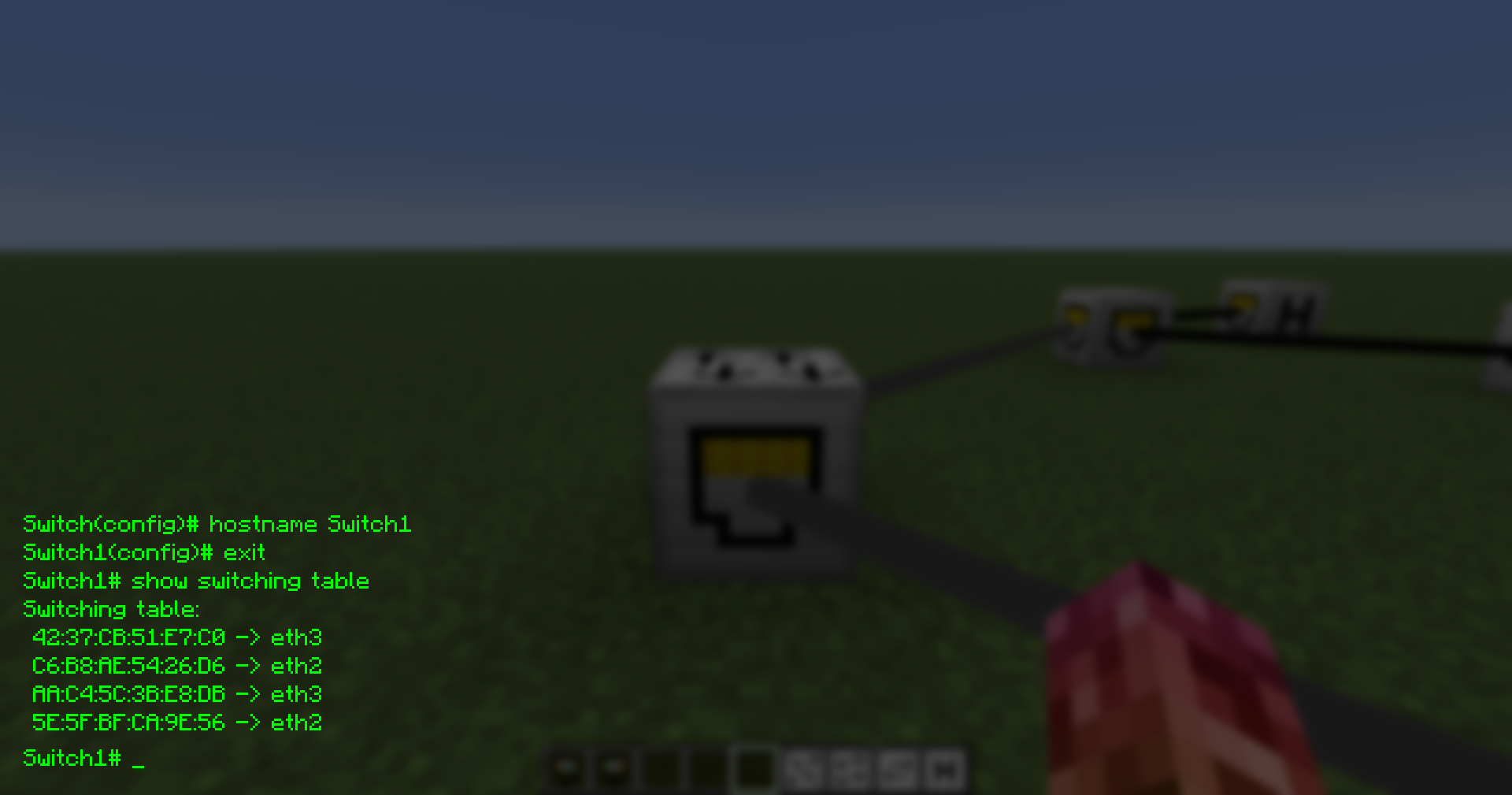
By interacting with a networking device, it is possible to configure and diagnose it thanks to a custom CLI, emulated within the game interface.
Current Features
The project is still under development. As of now, the following has been implemented:
Networking devices:
HubSwitchRouterHost(The end devices, currently simulated up to ISO/OSI layer 3)
Networking engine:
- Simulated server synchronised packet forwarding, with interfaces’ exit queues and transmission and propagation times.
- Encapsulation and decapsulation of the payloads between layers.
Protocols:
ARPfor MAC addresses resolution.ICMP
Main CLI commands:
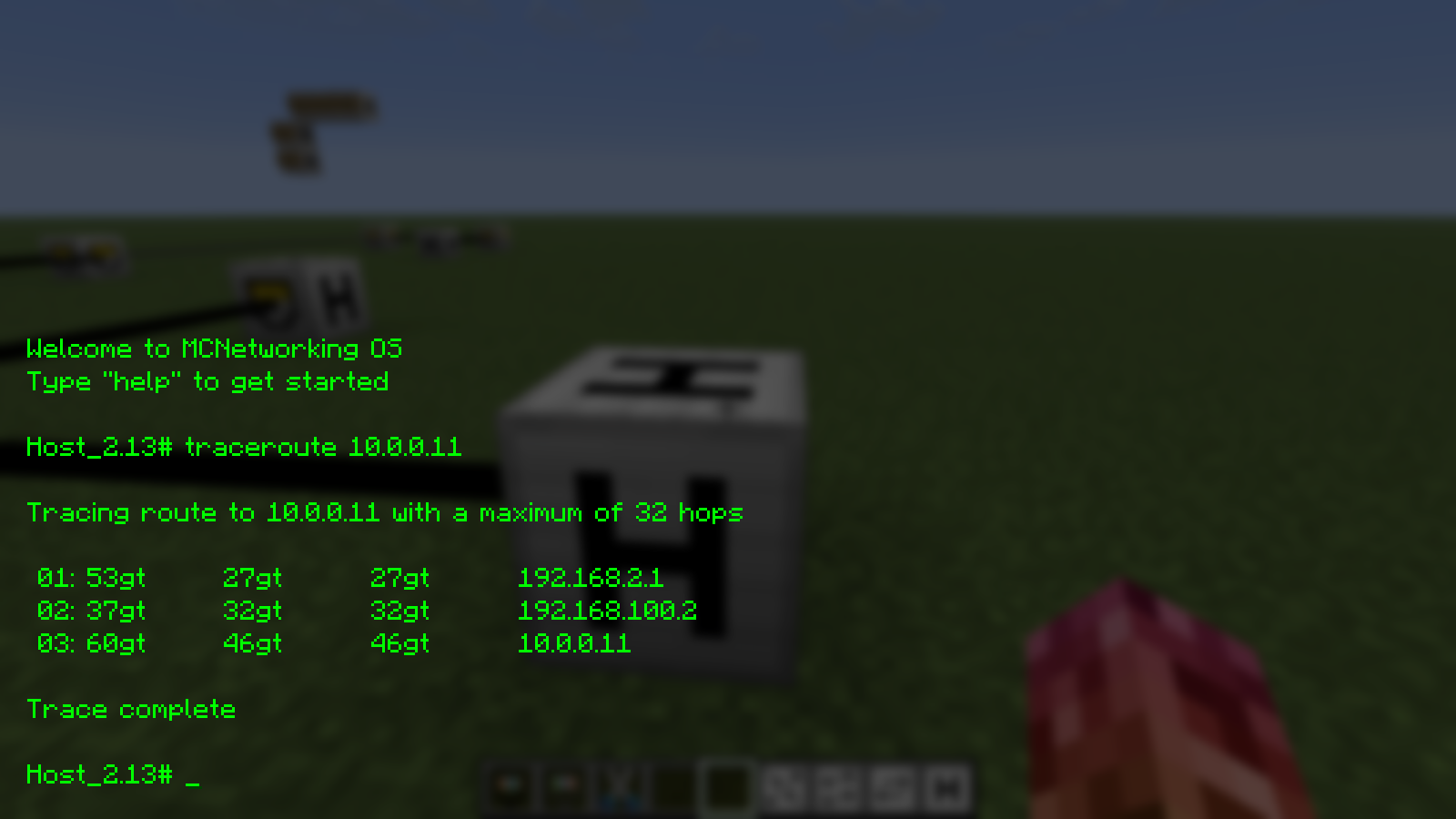
hostname: to set a device's hostname.interface: to manage network interfaces (e.g.,eth0,lo).ip: to configure the network interfaces' addresses and the default gateways on the hosts.show: to inspect configurations, ARP caches and routes.pingandtraceroute: to diagnose your networks.
Download
The mod is available for download on Modrinth or from the GitHub repository.
Cos'è MC-Networking
MC-Networking è una mod per Minecraft creata per simulare reti IP, apparati e protocolli di rete reali all'interno del gioco.
Questa mod nasce con un duplice obiettivo: fornire uno strumento didattico interattivo per l'apprendimento del networking e integrare le potenzialità delle reti informatiche direttamente nelle meccaniche del mondo di gioco.
Come funziona
La mod introduce nel gioco base nuovi blocchi, che rappresentano i veri e propri apparati hardware, e nuovi oggetti (item), che fungono da cavi di rete per collegare fisicamente le macchine tra loro.
Interagendo con un apparato è possibile configurarlo e diagnosticarlo tramite una CLI custom, emulata direttamente nell'interfaccia di gioco.
Funzionalità Attuali
Il progetto è ancora in fase di sviluppo. Al momento sono stati implementati:
Apparati di rete:
HubSwitchRouterHost(Dispositivi finali, attualmente simulati fino al layer ISO/OSI 3)
Motore di Rete:
- Simulazione dell'inoltro dei pacchetti sincronizzata con il server, con code di uscita sulle interfacce e tempi di trasmissione e propagazione.
- Incapsulamento e decapsulamento dei payload tra i vari layer.
Protocolli:
ARPper la risoluzione degli indirizzi MAC.ICMP
Comandi CLI principali:
hostname: per impostare il nome del dispositivo.interface: per la gestione delle interfacce di rete (es.eth0,lo).ip: per configurare gli indirizzi delle interfacce e i default gateway sugli host.show: per ispezionare le configurazioni, la cache ARP e le rotte.pingetraceroute: per diagnosticare le reti.
Download
È possibile scaricare la mod su Modrinth o dalla repository GitHub.
FAQ
How to install MC-Networking?
Install Fabric for your Minecraft version, download MC-Networking for the same version and loader, put the file into the mods folder and launch the game with the loader profile.
Which Minecraft versions does MC-Networking support?
MC-Networking has builds for Minecraft 26.2–26.3.
Is MC-Networking needed on the server?
Needed in the game and on the server


