
SecondChat
Client-side Fabric mod that adds configurable extra chat HUDs.
Fabric
- Loaders
- Fabric
- Downloads on Modrinth
- 27.9K
- Followers on Modrinth
- 14
- versions
- 20
- Updated
- October 17, 2026Oct 17
- Published
- in 2025
Preview · swipe
At a glance
Runs on Fabric
For Minecraft 1.21.4–26.3
Client only — no need to install it on the server
Latest version — 2.1.0 from October 17, 2026
License GPL-3.0-only — free
Where it's neededGame versions1.21.4–26.3
In gamerequiredOn servernot needed
Install in the game only; not needed on the server
SecondChat
Client-side Fabric mod that adds configurable extra chat HUDs.
You can create multiple chat windows, move them around your screen, and route incoming messages into each chat using filter rules.
Screenshots
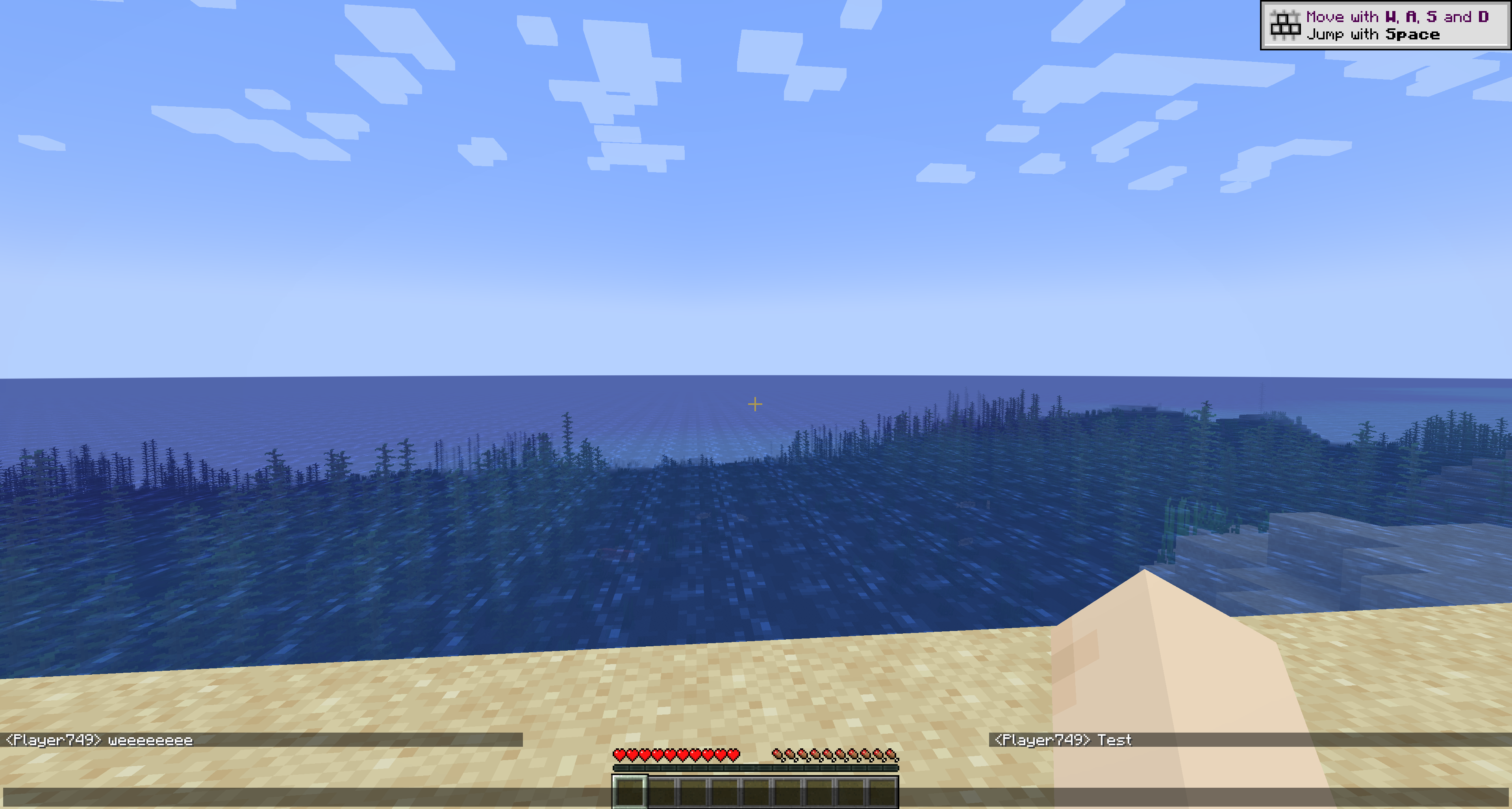
In-game Preview
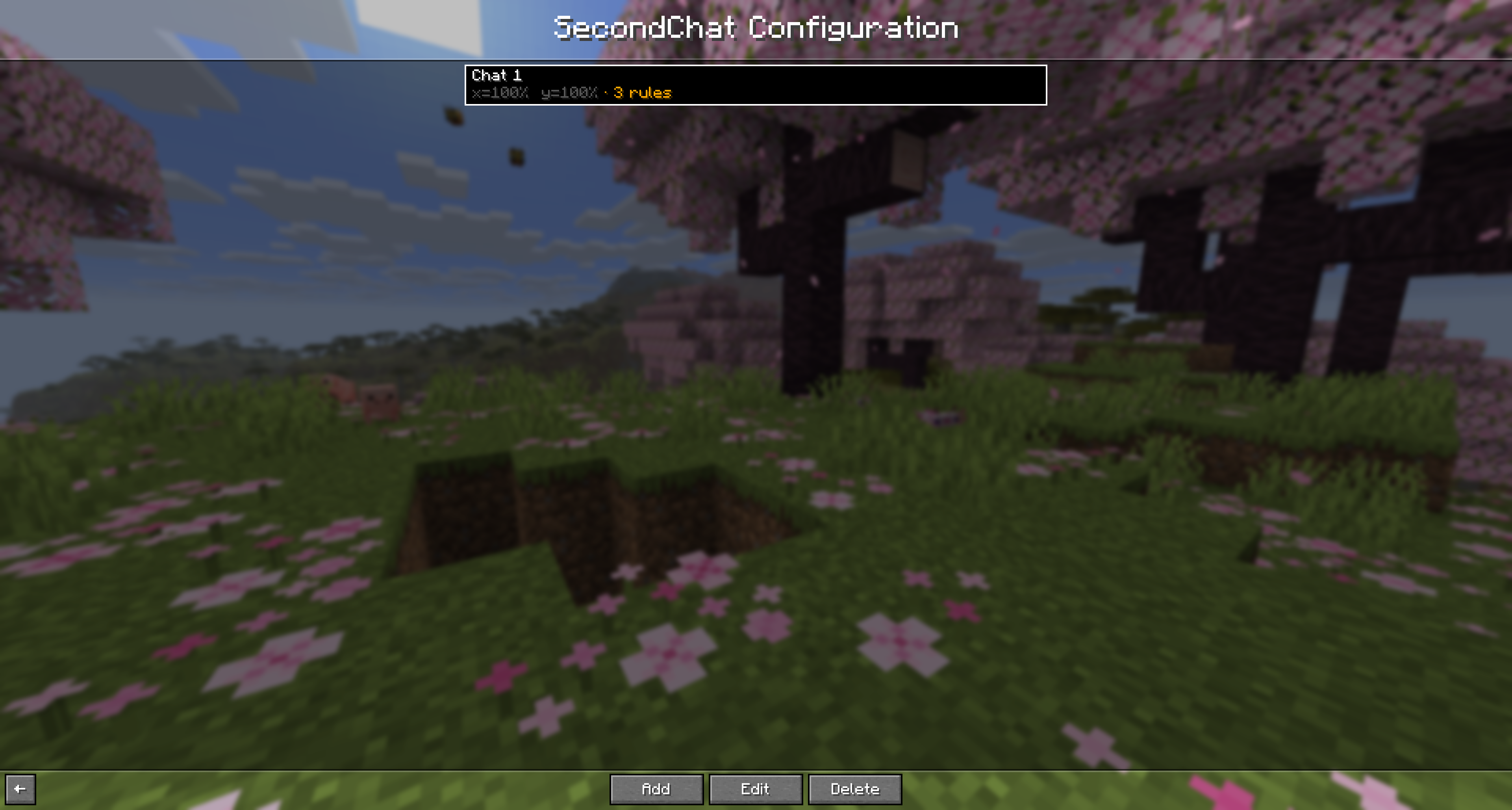
Chat Configuration
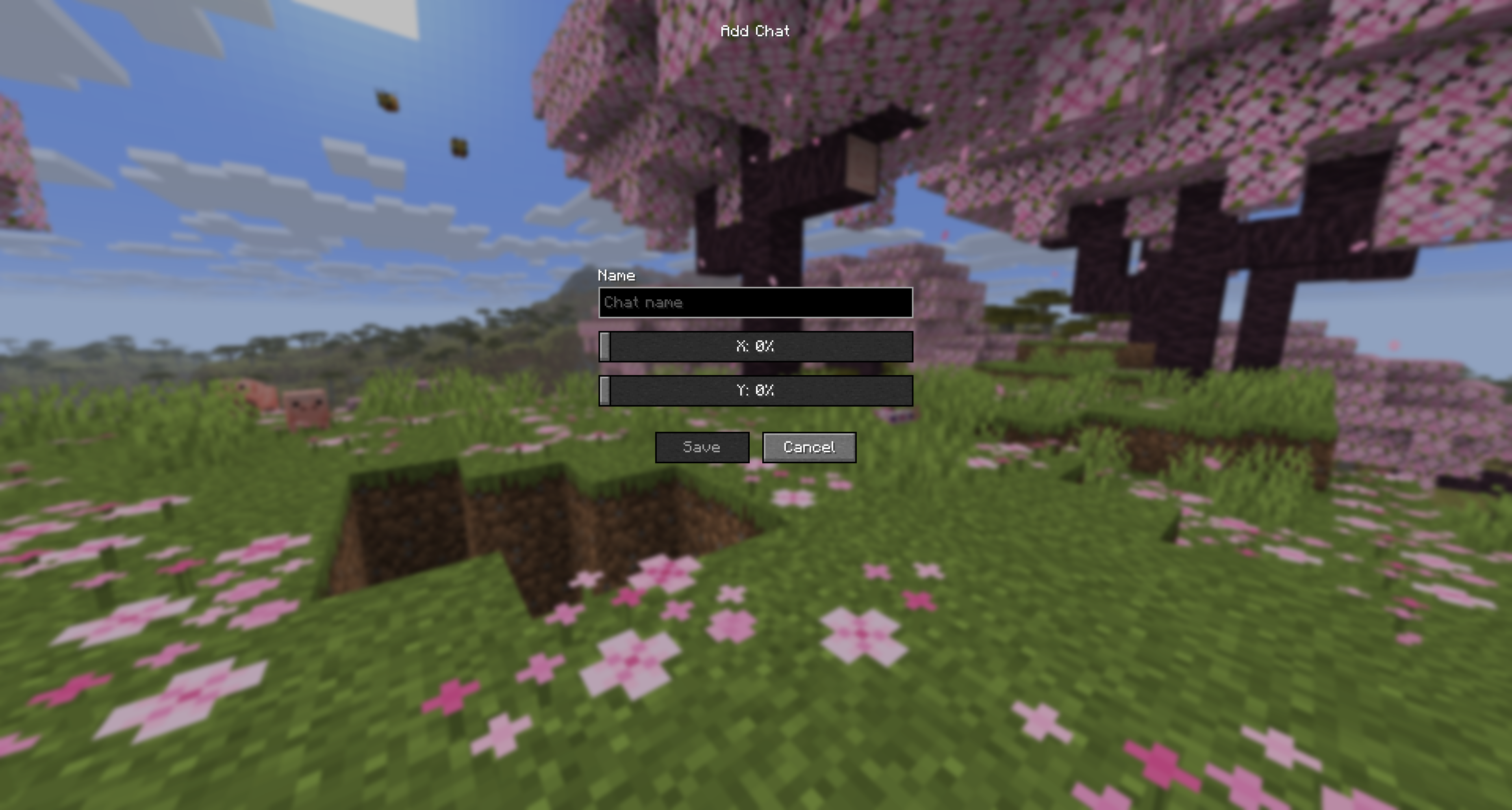
Add a Chat
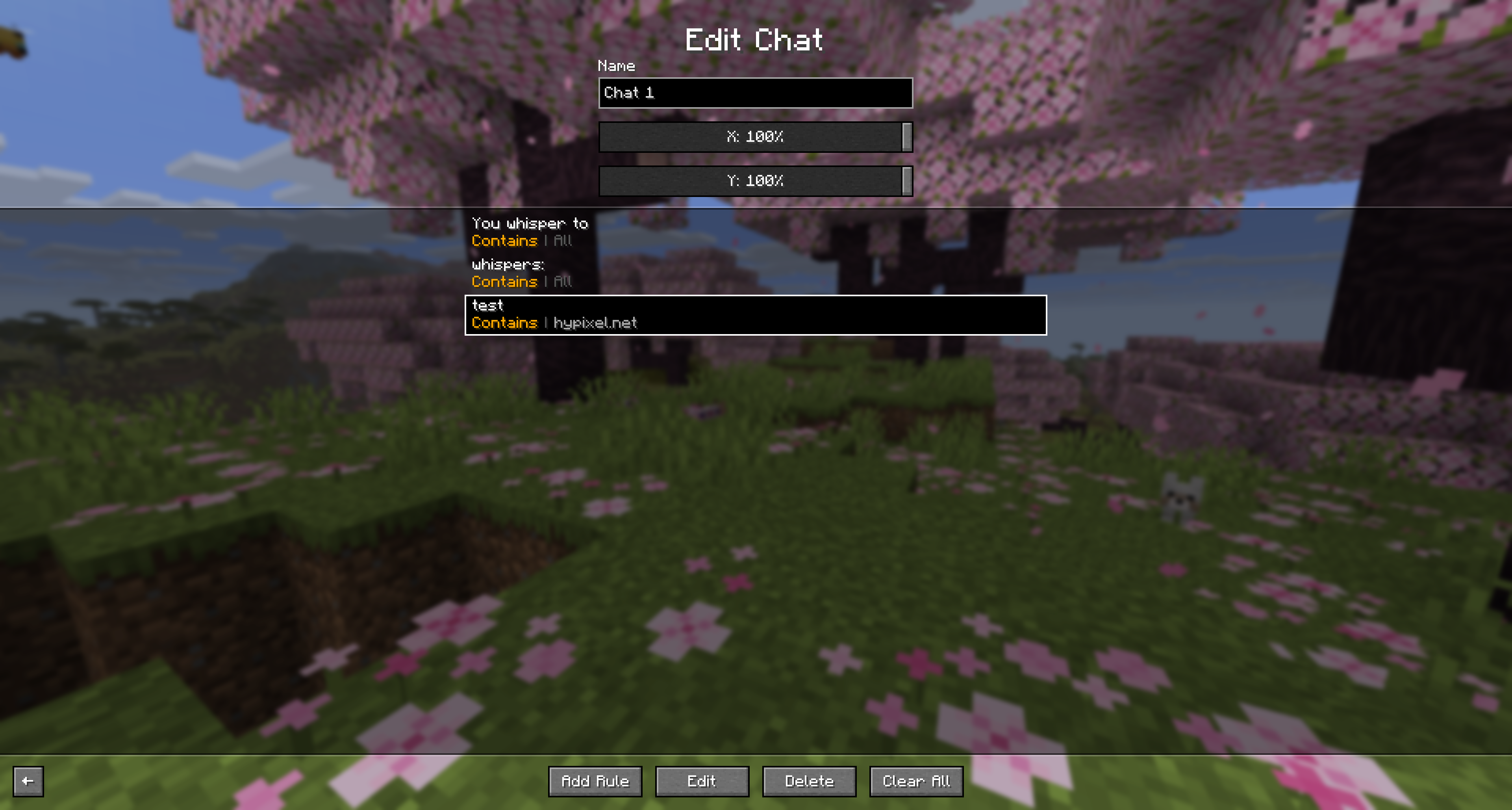
Rules Configuration
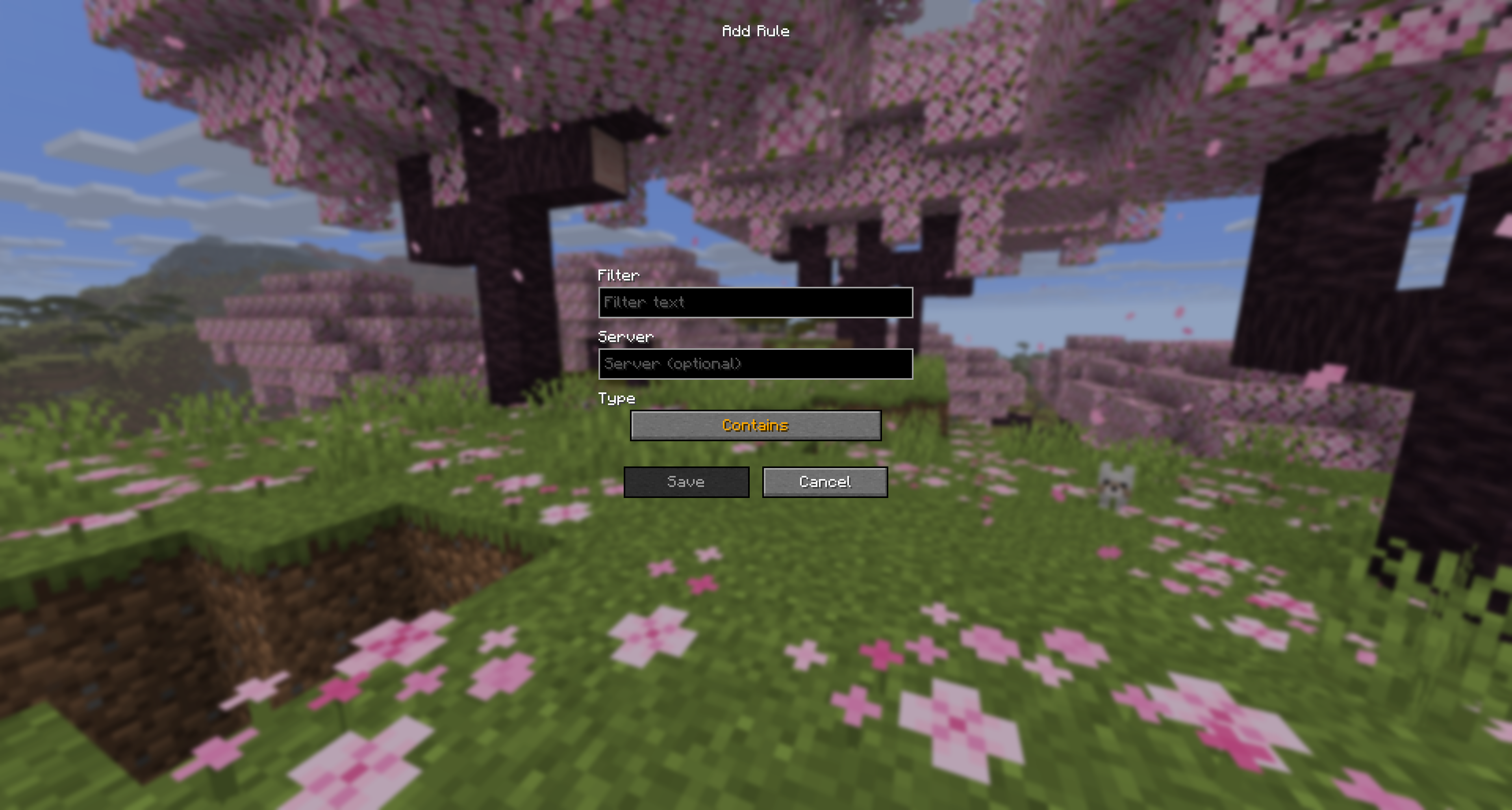
Add or Edit a Rule
Usage
- Open SecondChat config from Mod Menu.
- Add a chat and choose a name.
- Set chat position with
XandYsliders. - Open the chat and add rules to control which messages appear there.
- Optionally set a server value on each rule to scope it to one server.
Messages that match at least one rule in a chat are routed to that chat.
Links
- Modrinth: https://modrinth.com/mod/secondchat
- CurseForge: https://curseforge.com/minecraft/mc-mods/secondchat
- Dev builds: https://build.florianreuth.de/job/SecondChat
- Crowdin: https://crowdin.com/project/secondchat
Contact
FAQ
How to install SecondChat?
Install Fabric for your Minecraft version, download SecondChat for the same version and loader, put the file into the mods folder and launch the game with the loader profile.
Which Minecraft versions does SecondChat support?
SecondChat has builds for Minecraft 1.21.4–26.3.
Is SecondChat needed on the server?
Client only — no need to install it on the server
License and source
GNU General Public License v3.0 onlyfree to use and share; changes to the mod itself must be published under the same license
Similar mods
All utility mods →


More mods by this author
 ViaVersion↓ 3.5M
 ViaFabricPlus↓ 8.4M
 ViaBackwards↓ 2.3M