
Simply Quests
A Progression Quest Mod for Minecraft 26.1+
- Loaders
- NeoForge
- Downloads on Modrinth
- 335
- Followers on Modrinth
- 2
- versions
- 3
- Updated
- June 20, 2026Jun 20
- Published
- in 2026
At a glance
Needed both in the game and on the server
**Simply Quests!**
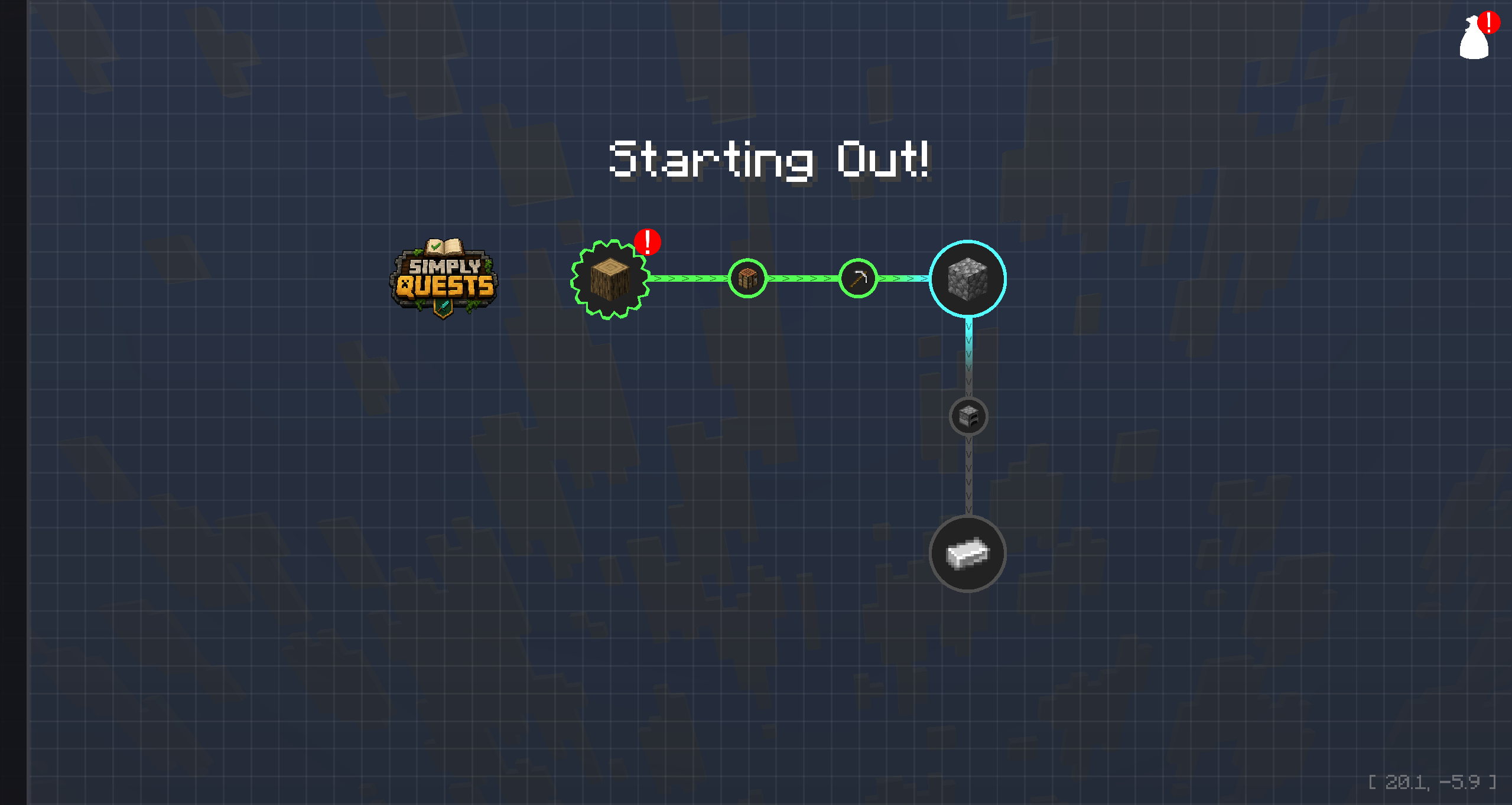
**Questing!**
Open the quest window by clicking the quest book in your inventory screen or by pressing the O key. The quest book can be dragged to a desired position.
Create Quests for other players to undertake and reward them for completing tasks. All Quests reside in Chapters. Chapters can either be Standalone, or they can be contained within Groups.
**Progression!**
Every Quest can be unlocked by completing Dependencies, or if you just want a free standing Quest, that is fine too. As you work your way through the Quest Line, the colors change and update for both Quests and the lines that connect to them.
**Collaborate!**
Simply Quests works in a Server Environment. So if you are part of a Team working on a Modpack, everyone can join a Server and work on Quest Lines together. When a player begins editing a Quest, that Quest gets locked to prevent players from overwriting each others work. Changes apply in real time, so you can see changes from other players as it happens.
**Secure!**
Ability to Edit Quests is a 2 step process. Players must be an Operator in the game (Commands enabled) and they must have Editing Enabled. Editing can be enabled by typing the following command:
/simplyquests enableEditMode true**Customize!**
All of the UI Elements of this mod can be Customized within the Settings panel found by clicking the gear icon in the Side Bar. 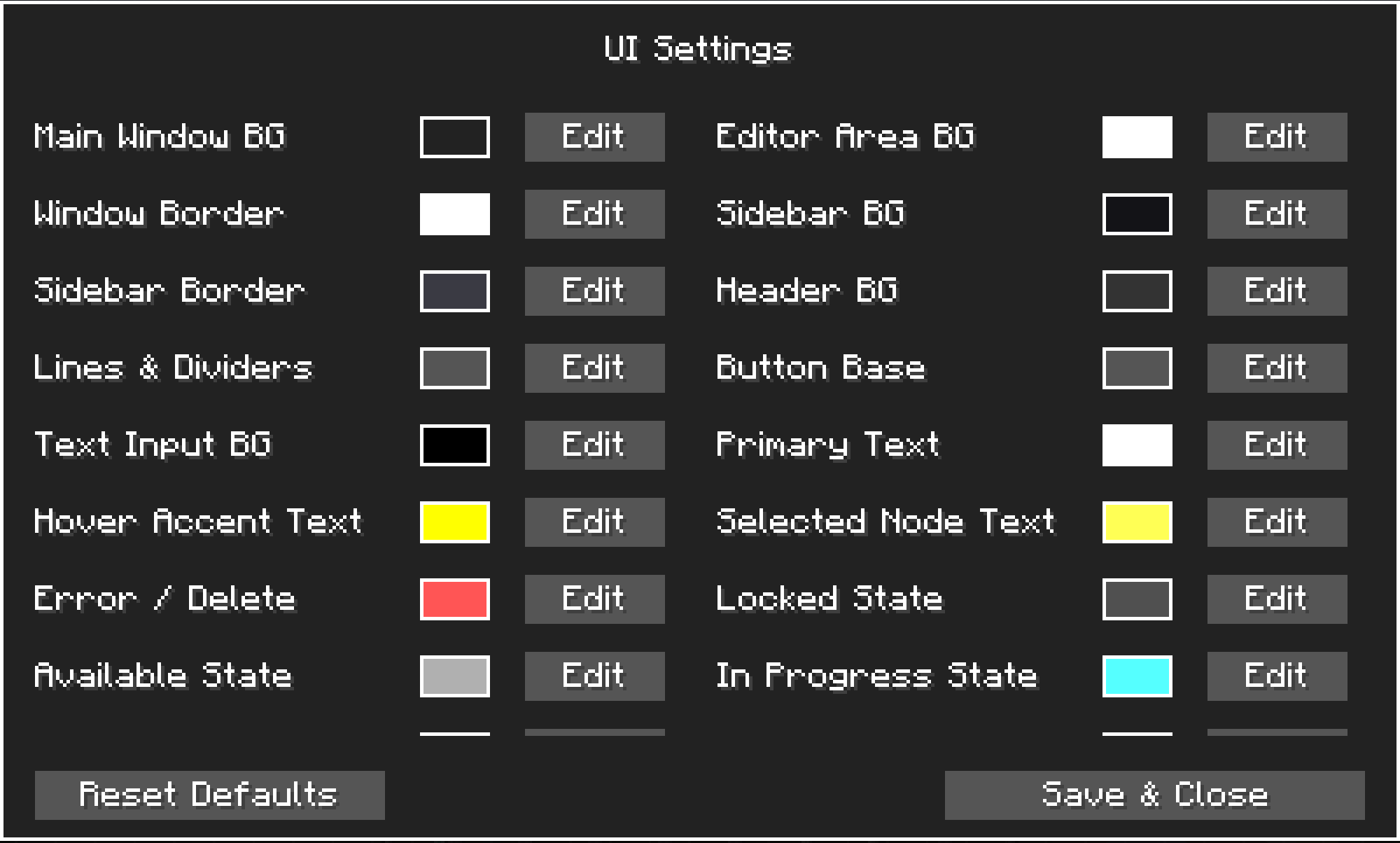
**Note:**
I am not great at writing Descriptions! If you feel that I have missed any important information, please let me know and I will adjust everything as needed!
FAQ
How to install Simply Quests?
Install NeoForge for your Minecraft version, download Simply Quests for the same version and loader, put the file into the mods folder and launch the game with the loader profile.
Which Minecraft versions does Simply Quests support?
Simply Quests has builds for Minecraft 26.1–26.2.
Is Simply Quests needed on the server?
Needed in the game and on the server


