
- Loaders
- Fabric
- Downloads on Modrinth
- 66.7K
- Followers on Modrinth
- 28
- versions
- 62
- Updated
- September 25, 2026Sep 25
- Published
- in 2026
At a glance
Install in the game only; not needed on the server
Skysoft

A Hypixel SkyBlock mod for modern Minecraft with great features to make the game a better experience, heavily inspired by @SkyHanni.
Skysoft will constantly be updated and receive new features.
Main Features
Item List
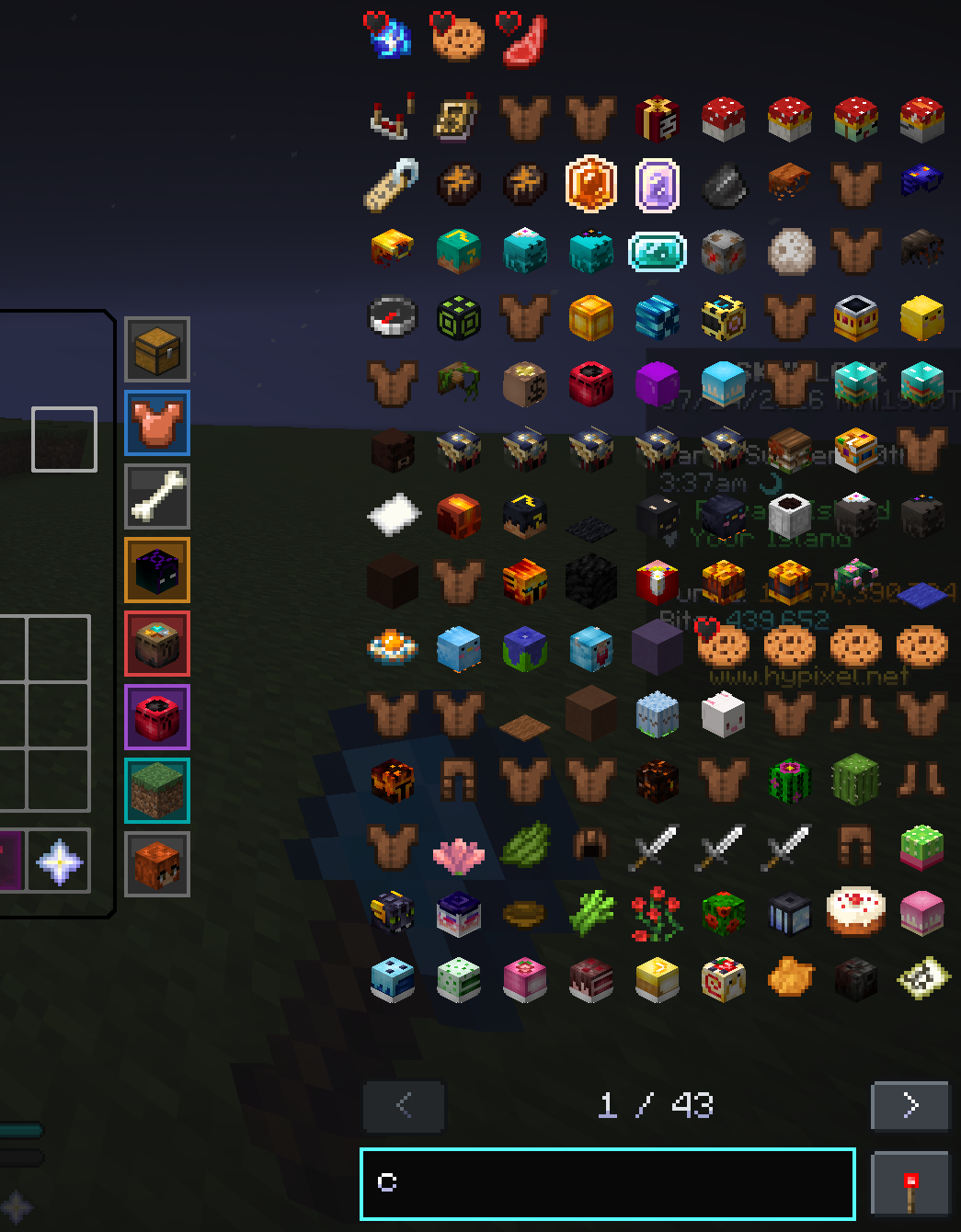
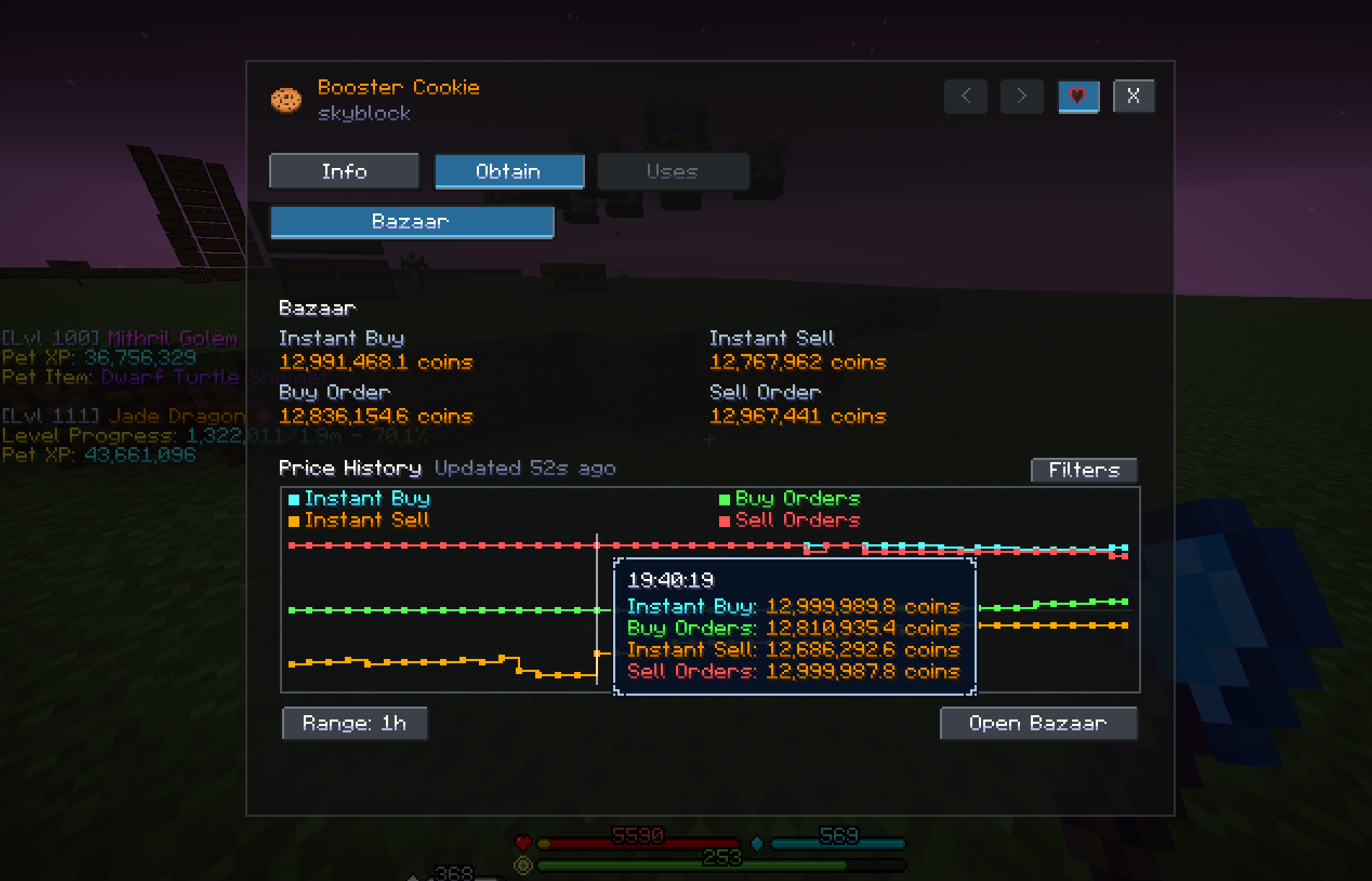
Browse SkyBlock items, recipes, usages, obtain sources, and market data directly from inventory screens. Search the catalog, explore Crafting, Forge, and Kat Upgrade recipes, inspect Bazaar history and order depth, and helps create waypoints to relevant NPCs.
Bazaar Tracker
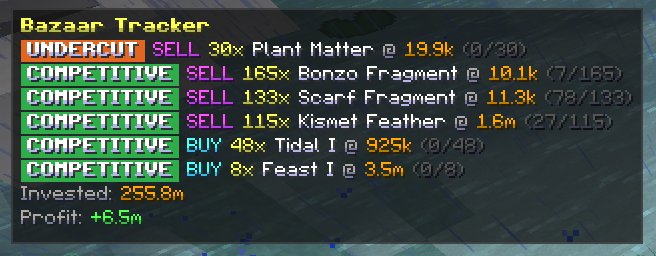
Helps you follow the progress of your Bazaar Orders in real-time. It also accurately approximates how much of your orders have been filled without needing to check the Bazaar over and over again.
Comes with a Flipping Mode so you can track your profit total or per session.
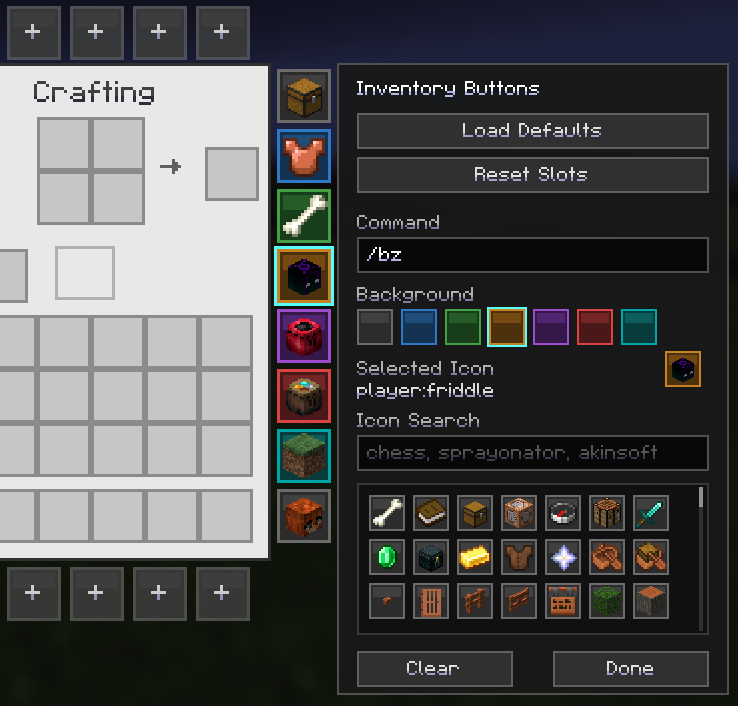
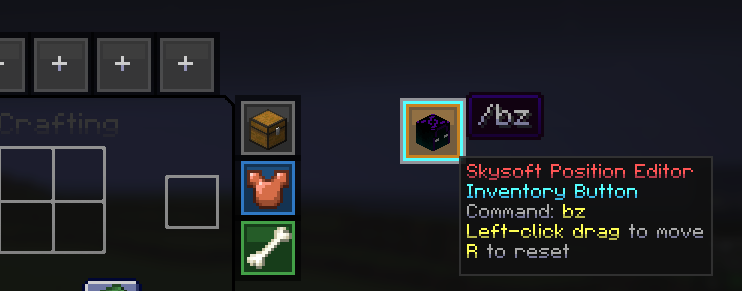
Inventory Buttons
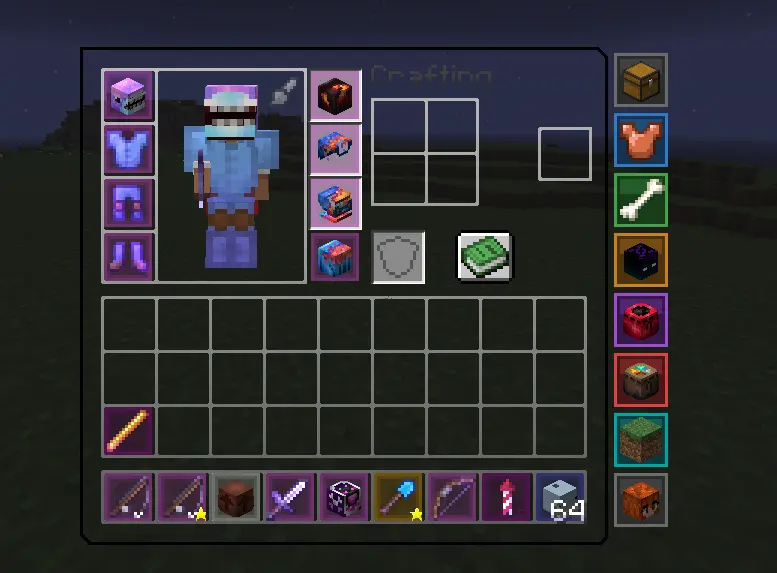
Fully customizable button system, so you can quickly access your favorite menus.
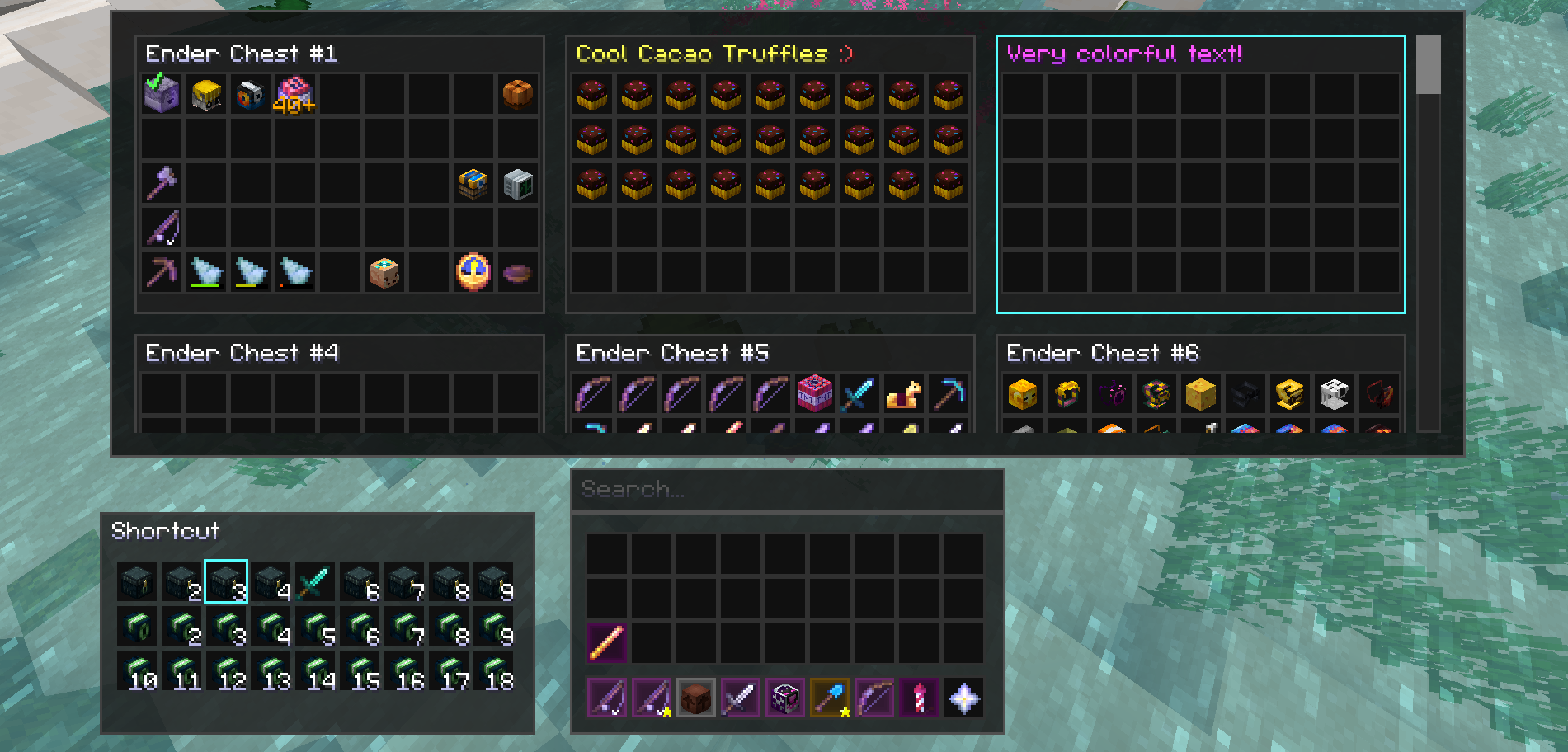
Storage Overlay
Manage all your storages at the same time. Inspired by @Firmament.
Some More Features
Preserve Cursor Position
- Keeps the mouse at the same position when going through inventories and menus in SkyBlock.

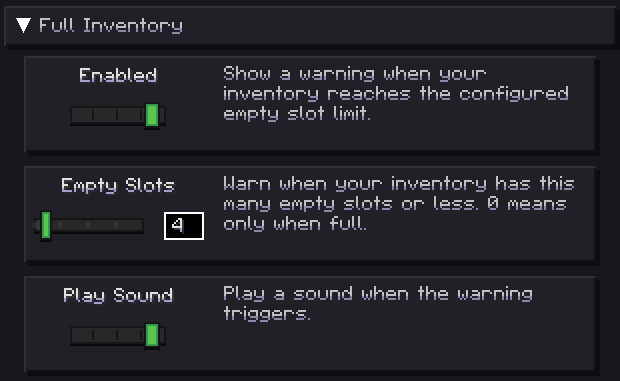
Customizable Full Inventory Warning
- Lets you know when your inventory is full, and lets you choose how "full" is full.
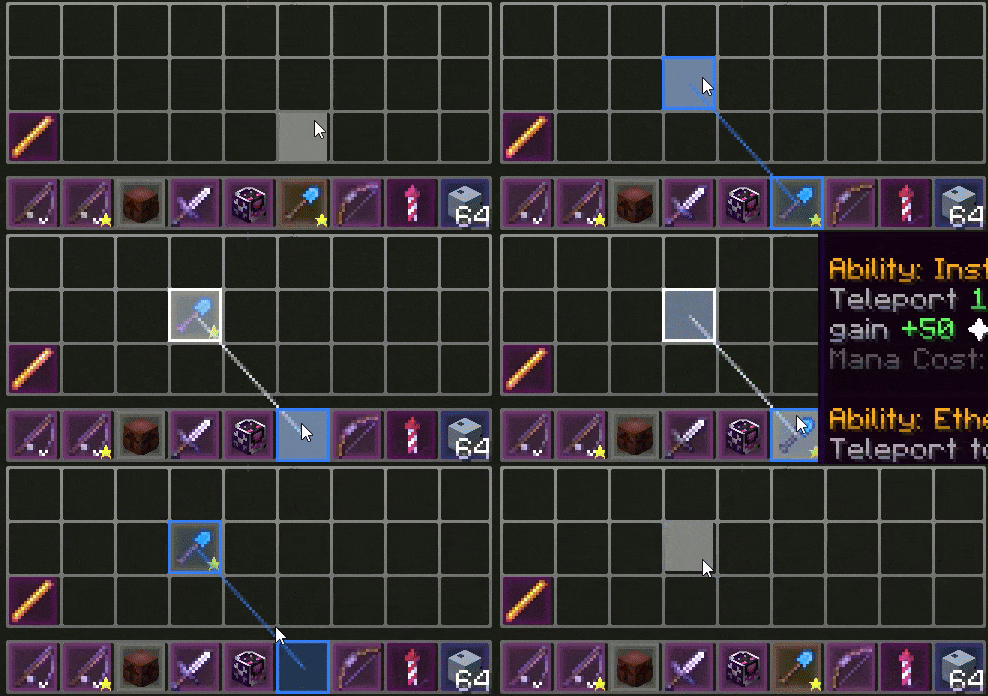
Slot Binding
- Allows you to bind two slots together and shift-click them to swap their held item around.
Auto-Sprint
- Automatically sprint without having to press any key.

Action Bar Background
- Draws a box behind the action bar.

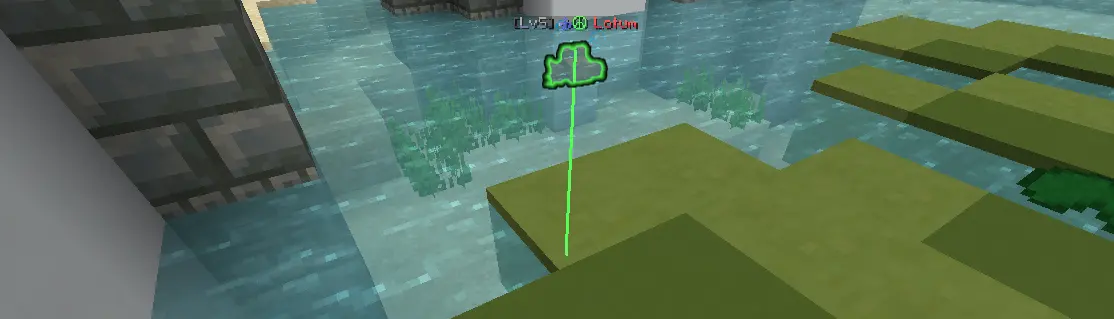
Lotum Helper
- Draws a line to clicked Lotums.
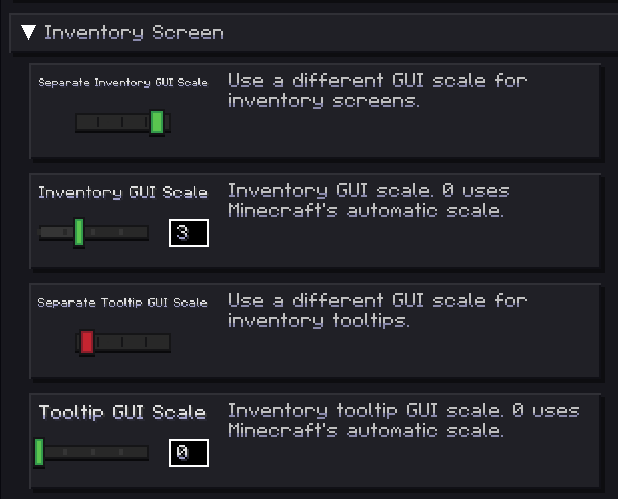
Separate Inventory/Tooltip GUI Scale
- Allows you to have a smaller or bigger inventory and tooltip size compared to the rest of your GUI.
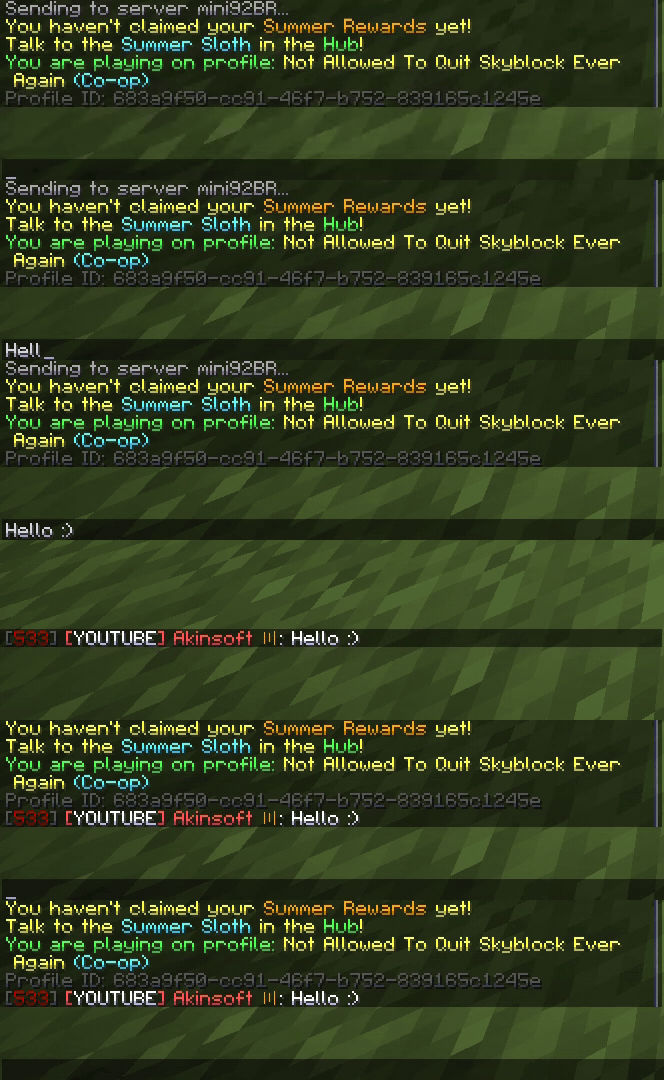
Smooth Chat
- Animates new chat messages into place.
- Animates chat opening.
And there is more. There will be more. Always more.
FAQ
How to install Skysoft?
Install Fabric for your Minecraft version, download Skysoft for the same version and loader, put the file into the mods folder and launch the game with the loader profile.
Which Minecraft versions does Skysoft support?
Skysoft has builds for Minecraft 26.1–26.2.
Is Skysoft needed on the server?
Client only — no need to install it on the server


