
- Loaders
- Fabric
- Downloads on Modrinth
- 704
- Followers on Modrinth
- 8
- versions
- 3
- Updated
- September 17, 2026Sep 17
- Published
- in 2026
At a glance
Install in the game only; not needed on the server
Tiny
A simple, lightweight client-side mod for changing your height.
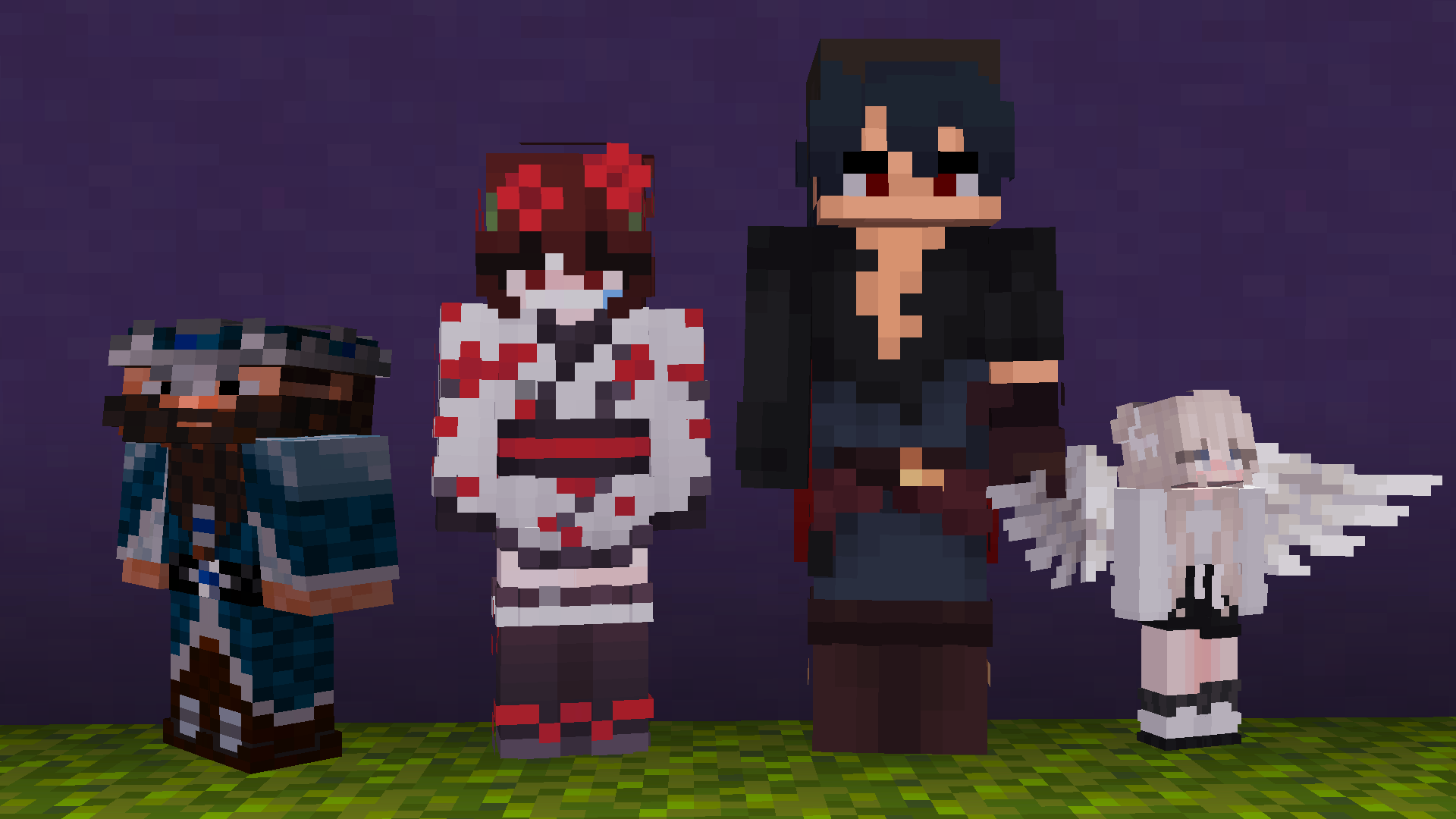
Tiny lets you scale your own player model up or down, and lets you set a custom height for anyone else you can see in-game — client-side only, no server plugin required.
Features
- Height slider — scale yourself from 0.5x to 2x.
- Dwarf Mode — squashes height only (Y-axis), keeps your normal width instead of shrinking uniformly.
- Per-player heights — set a different height for any player you see, searchable list, right from the config screen.
- ModMenu support — full config screen if you have ModMenu installed.
- Chat commands for everything the GUI does, useful for quick changes without opening a menu.
Commands
| Command | Effect |
|---|---|
/tiny or /tiny config | Opens the config screen |
/tiny height <0.5-2.0> [player] | Set your own height, or a visible player's height |
/tiny dwarf <true|false> [player] | Toggle Dwarf Mode for yourself or a visible player |
/tiny connect / /tiny disconnect | Opt in/out of the shared server (see below) |
/tiny fetch | Manually pull the latest heights from the shared server |
Optional shared server
Some builds of Tiny ship with an opt-in shared height directory, so your height follows you between sessions and servers instead of resetting each time you reconnect. It's off by default unless the build includes it, requires a premium Minecraft account, and is fully optional — turn it on with /tiny connect, off with /tiny disconnect. When it's on, other players' heights come from the shared directory and can't be edited locally; your own height stays fully in your control and syncs up when you save.
Notes
- Client-side only — no server-side installation needed for the core height feature.
- Height changes are visual, rendered on your end: model scale, nametag position, and your own eye height adjust to match. Hitboxes are unaffected.
License
MIT
FAQ
How to install Tiny?
Install Fabric for your Minecraft version, download Tiny for the same version and loader, put the file into the mods folder and launch the game with the loader profile.
Which Minecraft versions does Tiny support?
Tiny has builds for Minecraft 26.2–26.3.
Is Tiny needed on the server?
Client only — no need to install it on the server


