
- Loaders
- Fabric
- Downloads on Modrinth
- 6.7K
- Followers on Modrinth
- 19
- versions
- 21
- Updated
- September 10, 2026Sep 10
- Published
- in 2024
At a glance
Install on the server only; players don't need it
BEconomy
BEconomy is a powerful and customizable economy mod designed for Minecraft servers that provides a flexible system for managing currencies, player balances, and economic transactions. Whether you're running a small community server or a large-scale network, BEconomy can be tailored to suit your needs with its easy-to-use commands, flexible configuration options, and support for multiple currencies.
Key Features
- Multiple Currency Support: Create and manage multiple currencies with unique names, lore, materials, and identifiers to suit your server's economy.
- Custom Item Integration: Use Minecraft items with custom model data and lore as physical currency representations.
- Database Integration: Supports MySQL or SQLite databases to store player balances and economic data persistently. Also provides an option for local JSON storage.
- Dynamic Economy System: Set starting balances for new players, manage transactions, and track player balances across currencies.
- Server Console Compatibility: Execute all commands directly from the server console for full administrative control.
- Integrated Permissions: Offers fine-grained permission control to manage player access to specific economy actions.
- Highly Configurable: Customize messages, GUI interfaces, currency settings, and more through an intuitive JSON configuration system.
Commands & Permissions
The BEconomy mod provides a range of commands for managing the economy. Below is a list of commands with a brief description and their associated permissions:
Spoiler
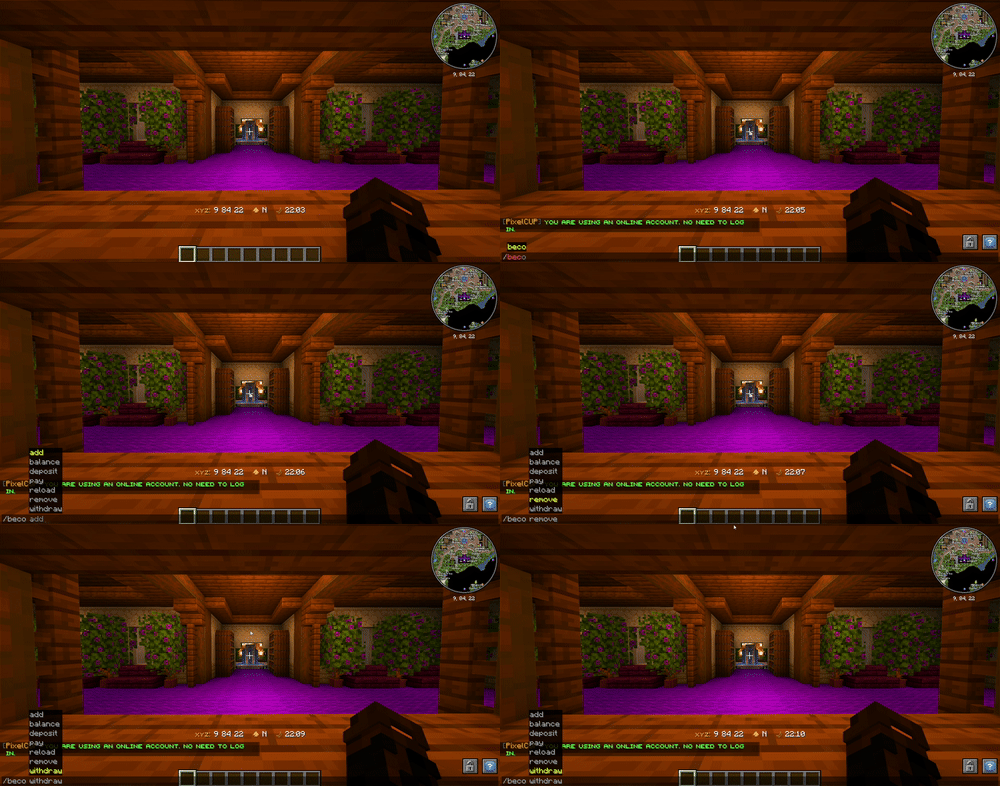
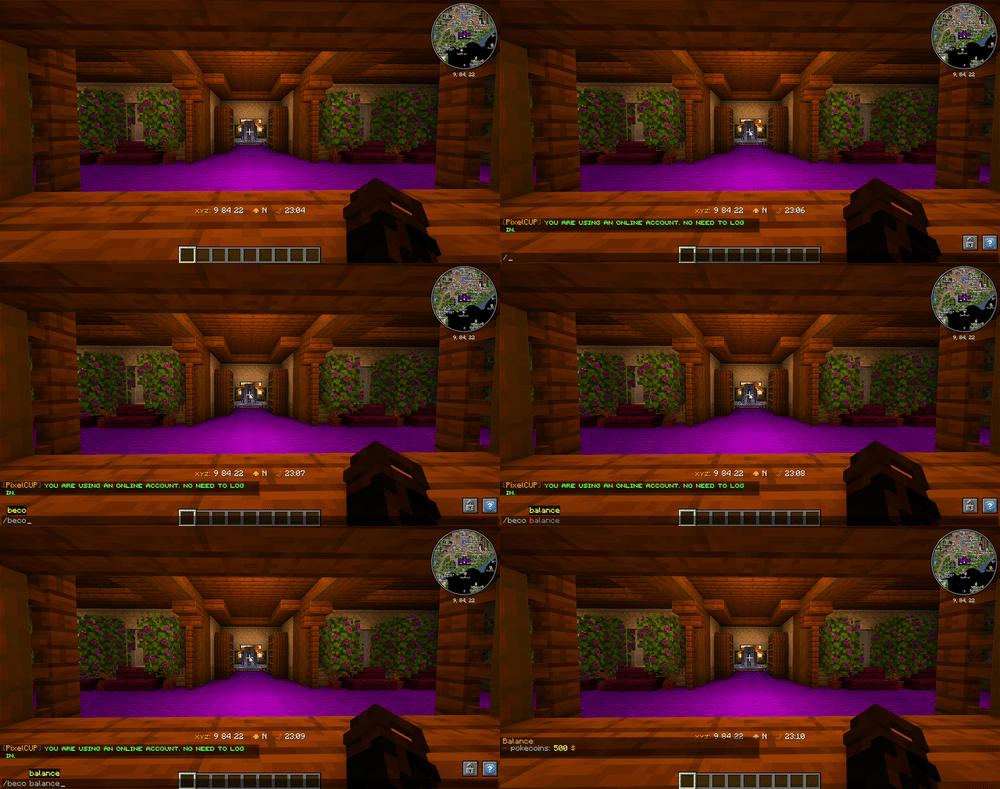
`/beco balance `
- Permission:
beconomy.balance - Displays the player's current balance for the specified currency type.
`/beco balance `
- Permission:
beconomy.balance.others - Displays another player's balance for the specified currency type.
`/beco pay `
- Permission:
beconomy.pay - Transfers a specified amount of currency to another player.
`/beco add `
- Permission:
beconomy.add - Adds a specified amount of currency to a player's balance.
`/beco remove `
- Permission:
beconomy.remove - Removes a specified amount of currency from a player's balance.
`/beco deposit `
- Permission:
beconomy.deposit - Converts in-game items representing a currency into balance.
`/beco withdraw `
- Permission:
beconomy.withdraw - Withdraws a specified amount of currency as an item stack for trading or holding.
/beco reload
- Permission:
beconomy.reload - Reloads the mod configuration without requiring a server restart.
/beco top
- Permission:
beconomy.top - Displays a leaderboard of players with the highest balances for a specified currency.
`/beco set `
- Permission:
beconomy.set - with this command you can set a amount of money for a player.
`/beco offline set `
- Permission:
beconomy.offline.set - with this command you can set an amount of money to an offline player.
`/beco offline balance `
- Permission:
beconomy.offline.balance - with this command you can see the balance from an offline player.
`/beco offline add `
- Permission:
beconomy.offline.add - with this command you can add money to an offline player.
`/beco offline remove `
- Permission:
beconomy.offline.remove - with this command you can remove a certain amount of money from an offline player.
Configuration
The configuration for BEconomy is highly customizable and can be easily adjusted to fit the needs of your server. The config file (config/beconomy/config.json) allows you to set up various settings for the economy.
- Define custom currencies with unique settings (name, lore, material, symbol, etc.).
- Set starting balances for each currency.
- Enable or disable features like withdrawals, deposits, and transfers for specific currencies.
- Customize all in-game messages, supporting color codes and placeholders.
- Configure database settings for persistent storage.
Adding New Currencies To add a new currency to the economy system, follow these steps:
Locate the Configuration File: Open the
config/beconomy/config.jsonfile located in your server's config folder.- Define a New Currency: Add a new entry in the economy list within the config file.
Each currency entry must include:
- name: The display name of the currency.
- lore: A description or lore for the currency item.
- material: The Minecraft item type that represents the currency (e.g., minecraft:gold_ingot).
- custommodeldata: Custom model data for the item, if applicable.
- currencyType: A unique identifier for the currency (e.g., gold_coin).
- balanceStart: The starting balance for new players for this currency.
- symbol: Symbol to represent the currency (e.g., $).
- isPrimary: Set to true if this is the primary currency.
- transfer: Enable or disable
/beco payfeatures. - withdraw: Enable or disable
/beco withdrawfeatures.
Example:
{
      "name": "&eCobble Coin",
      "lore": [
        "&8This is a &bcurrency",
        "&8Lore 2"
      ],
      "material": "minecraft:paper",
      "custommodeldata": 7381,
      "currencyType": "cobblecoins",
      "balanceStart": 500,
      "symbol": "$",
      "isPrimary": true,
      "transfer": true,
      "withdraw": true
    }
EX: For Sqlite Database
"localSave": false,
  "databaseSave": true,
  "database": {
    "type": "sqlite",
    "host": null,
    "port": null,~~~~
    "databaseName": "economy.db",
    "username": null,
    "password": null
  }
EX: For MySQL/MongoDB/PostgreSQL Database
"localSave": false,
  "databaseSave": true,
  "database": {
    "type": "mysql", // here you set which type of database to use the plugin!
    "host": "localhost",
    "port": 3306,
    "databaseName": "economy",
    "username": "root",
    "password": "password"
}- Save and Reload: After adding the new currency, save the config file and use the /beco reload command to apply the changes.
IMG
FAQ
How to install BEconomy?
Install Fabric for your Minecraft version, download BEconomy for the same version and loader, put the file into the mods folder and launch the game with the loader profile.
Which Minecraft versions does BEconomy support?
BEconomy has builds for Minecraft 1.20.1, 1.21–1.21.3.
Is BEconomy needed on the server?
Server only — players don't need to install it
Similar mods
All economy mods →


More mods by this author
 Cobblemon Shiny Boost Mod↓ 63.9K
 ShadowCrates↓ 6.9K
 ShadowKits↓ 3.6K
Often needed together
 Fabric API↓ 283M
 Fabric Language Kotlin↓ 130M
 Text Placeholder API↓ 73.3M