
CC: Graphics
CraftOS-PC compatible graphics mode for CC:Tweaked terminals.
FabricNeoForge
- Loaders
- FabricNeoForge
- Downloads on Modrinth
- 27.5K
- Followers on Modrinth
- 12
- versions
- 16
- Updated
- August 2, 2026Aug 2
- Published
- in 2026
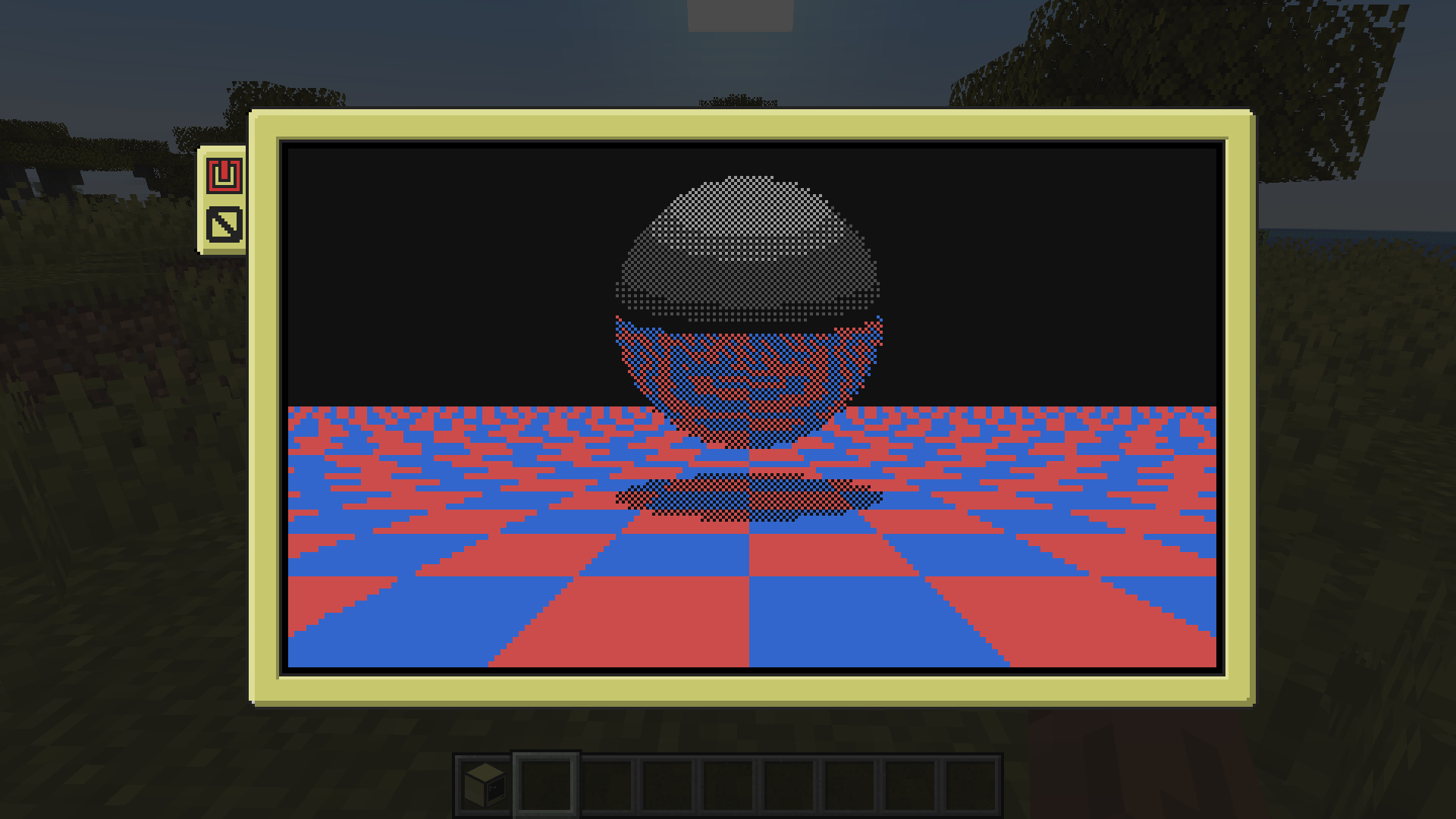
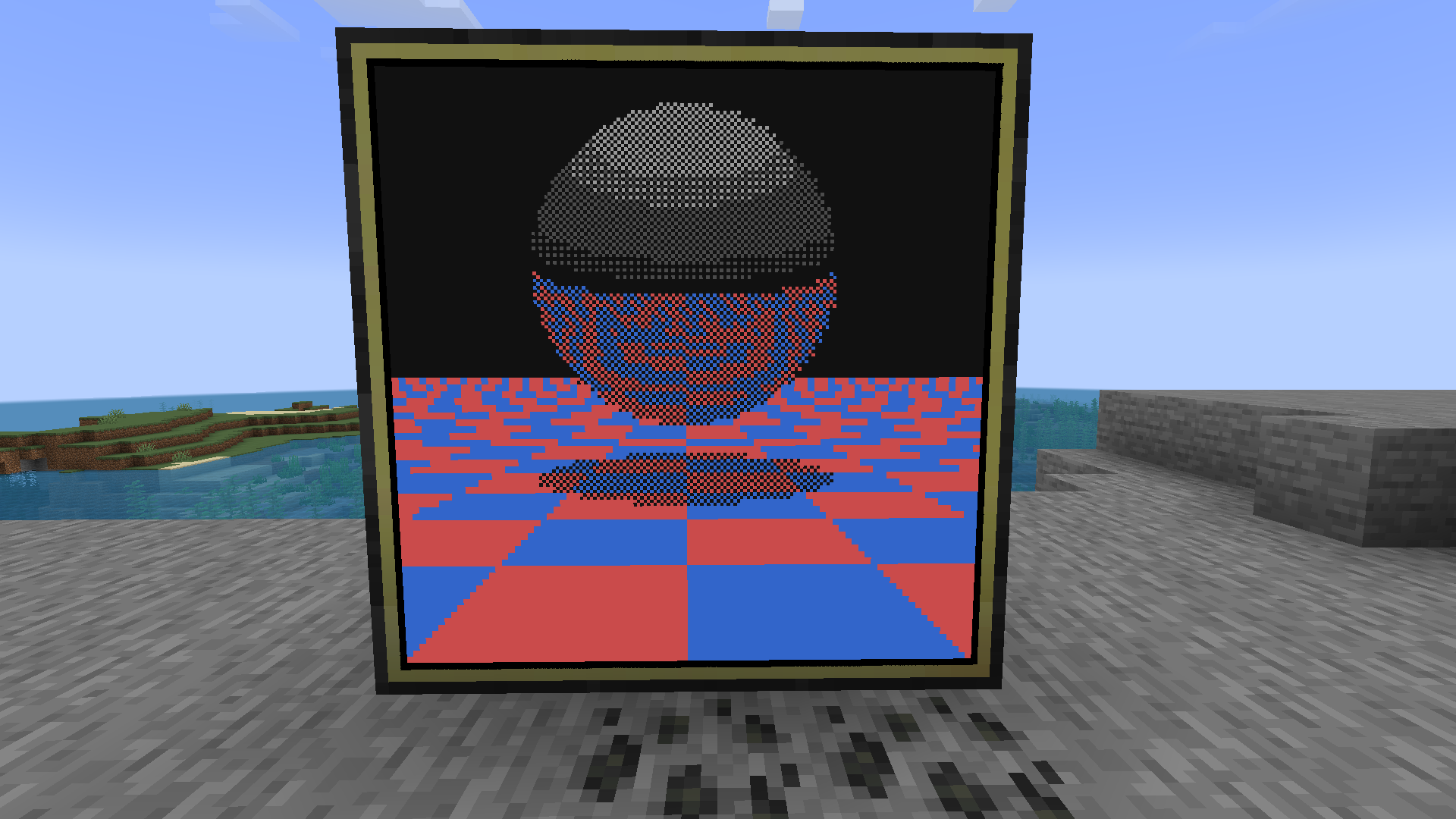
raycast.lua running ingame · swipe
At a glance
Runs on Fabric and NeoForge
For Minecraft 1.21.1
Needed in the game and on the server
Latest version — 0.2.1 from August 2, 2026
License MIT — free
Where it's neededGame versions1.21.1
In gamerequiredOn serverrequired
Needed both in the game and on the server
CC: Graphics
Adds CraftOS-PC graphics mode support to CC:Tweaked terminals — modes 0, 1, and 2 with a matching Lua API.
Features
- Full CraftOS-PC graphics mode API (
setGraphicsMode,setPixel,drawPixels,getPixels,setFrozen, etc.) - Mode 1 (4-bit, 16 colors) and Mode 2 (8-bit, 256 colors with extended palette)
- Bundled CraftOS-PC programs: gfxpaint, pngview, raycast
- Compressed network sync (LZ4 + diff encoding)
- Per-computer graphics toggle via
ccgraphics:graphics_disableddata component - Configurable grayscale graphics for non-color computers
- Configurable network compression
Known Limitations
- Pocket computers won't display graphics on the in-hand item render
- Graphics on pocket computers might be unstable
term.screenshot(),term.showMouse(), andterm.relativeMouse()are not implemented (SDL-only in CraftOS-PC)
Requires CC:Tweaked 1.117.0+ on Minecraft 1.21.1. Available for both Fabric and NeoForge.
FAQ
How to install CC: Graphics?
Install Fabric for your Minecraft version, download CC: Graphics for the same version and loader, put the file into the mods folder and launch the game with the loader profile.
Which Minecraft versions does CC: Graphics support?
CC: Graphics has builds for Minecraft 1.21.1.
Is CC: Graphics needed on the server?
Needed in the game and on the server
License and source
MIT Licensefree to use and share with credit to the author


