
Compressed Box
Create Compressed Boxes to gain space in your base
- Loaders
- FabricNeoForgeForge
- Downloads on Modrinth
- 1K
- Followers on Modrinth
- 7
- versions
- 4
- Updated
- February 7, 2026Feb 7
- Published
- in 2026
At a glance
Needed both in the game and on the server
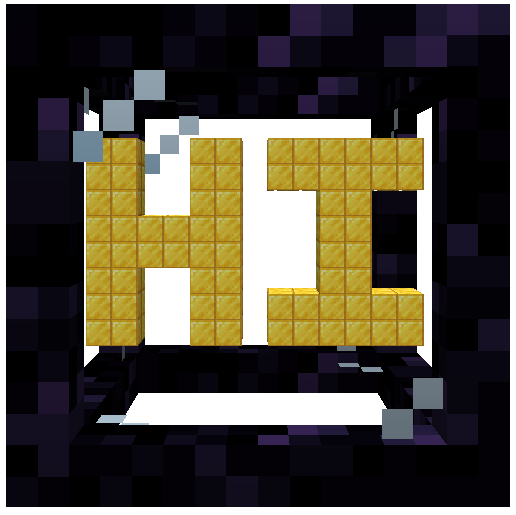






Welcome to Compressed Box.
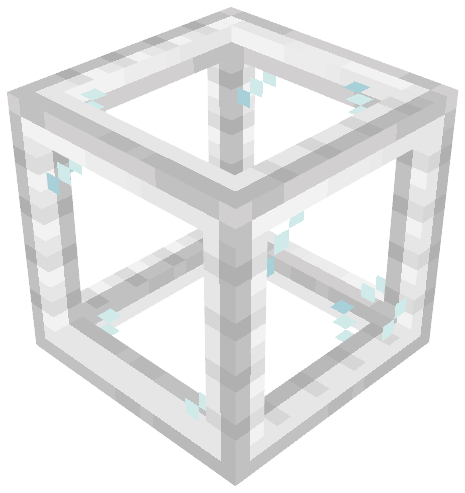
This mod adds Compressed boxes
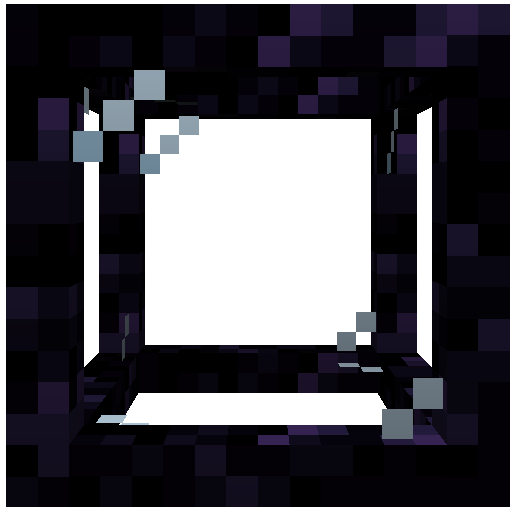
These boxes helps you to optimise your base by creating spaces where you can build everything you want.
The mod was inspired by the mods Compact Machines and <a href="https://modrinth.com/mod/hyperbox target="_blank" rel="nofollow noopener">Hyperbox

Chunk Loaders
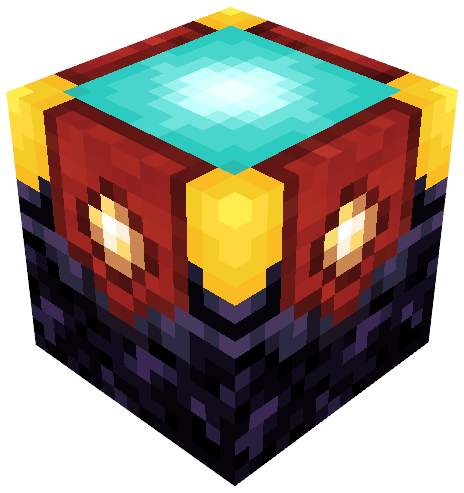
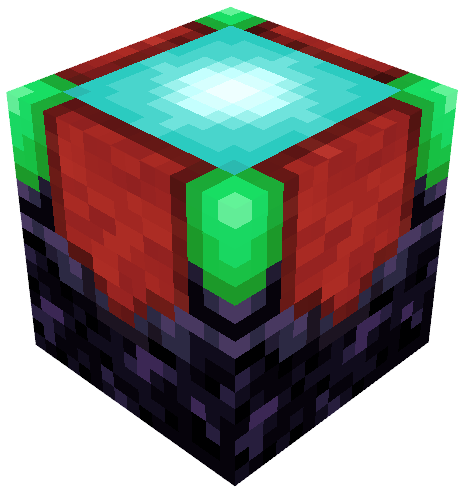
The chunk loader is used to keep things loaded in your whole box.
It need to be charged with glowstone in order to work correctly.
Its variant, the infinite chunk loader don't need to be charged with glowstone.
It will always load your box.
To create it, just use a regular chunk loader on a beacon.
Slots

The slot is used to store items inside of you box.
You can insert items to it directly with hopper and pipes.
The block linked to your box can also be used as an interface for all the slots in it.
It means that if try to insert items from the box block, it will automatically store them into the slots inside the box.
Tanks
The tank is a slot but for fluids.
You can insert fluids to it directly with pipes or by right clicking it with buckets.
Like slots, the block linked to your box can also be used as an interface for all the tanks in it.
It means that if try to insert fluids from the box block, it will automatically store them into the tanks inside the box.
The Action Bar

The action bar is a feature that can be activated in the box .
It can be shown by pressed the associated keybind (default : Left Alt).
To activate an action from the bar just use the 'Place Block' keybind (default : Right Click)
The different actions from the bar are respectively :
- Set Entry Point
- Rename Box
- Leave Box
- Export Box as Schematic
- Configure Client Settings
- Help with the mod

You can use the mod on your modpack , but you can't repost the mod on an another website !
Curseforge and Modrinth are the only websites where the mod was posted
FAQ
How to install Compressed Box?
Install Fabric for your Minecraft version, download Compressed Box for the same version and loader, put the file into the mods folder and launch the game with the loader profile.
Which Minecraft versions does Compressed Box support?
Compressed Box has builds for Minecraft 1.20.1, 1.21.1.
Is Compressed Box needed on the server?
Needed in the game and on the server
Similar mods
All storage mods →


More mods by this author
 Create Encased↓ 2.6M
 Create: Quality of Life↓ 198K
 Evolved Mekanism↓ 30.6K
Often needed together
 Architectury API↓ 110M