
Create Copycats Roller
Lightweight addon that adds compatibility between Create's Mechanical Roller and Copycats
- Loaders
- NeoForge
- Downloads on Modrinth
- 1.7K
- Followers on Modrinth
- 9
- versions
- 2
- Updated
- September 27, 2026Sep 27
- Published
- in 2026
At a glance
Install on the server only; players don't need it
Create Mechanical Rollers, now with Copycats+ layers.
Build smooth railway foundations along straight, diagonal, and curved tracks in 1/8-block steps.
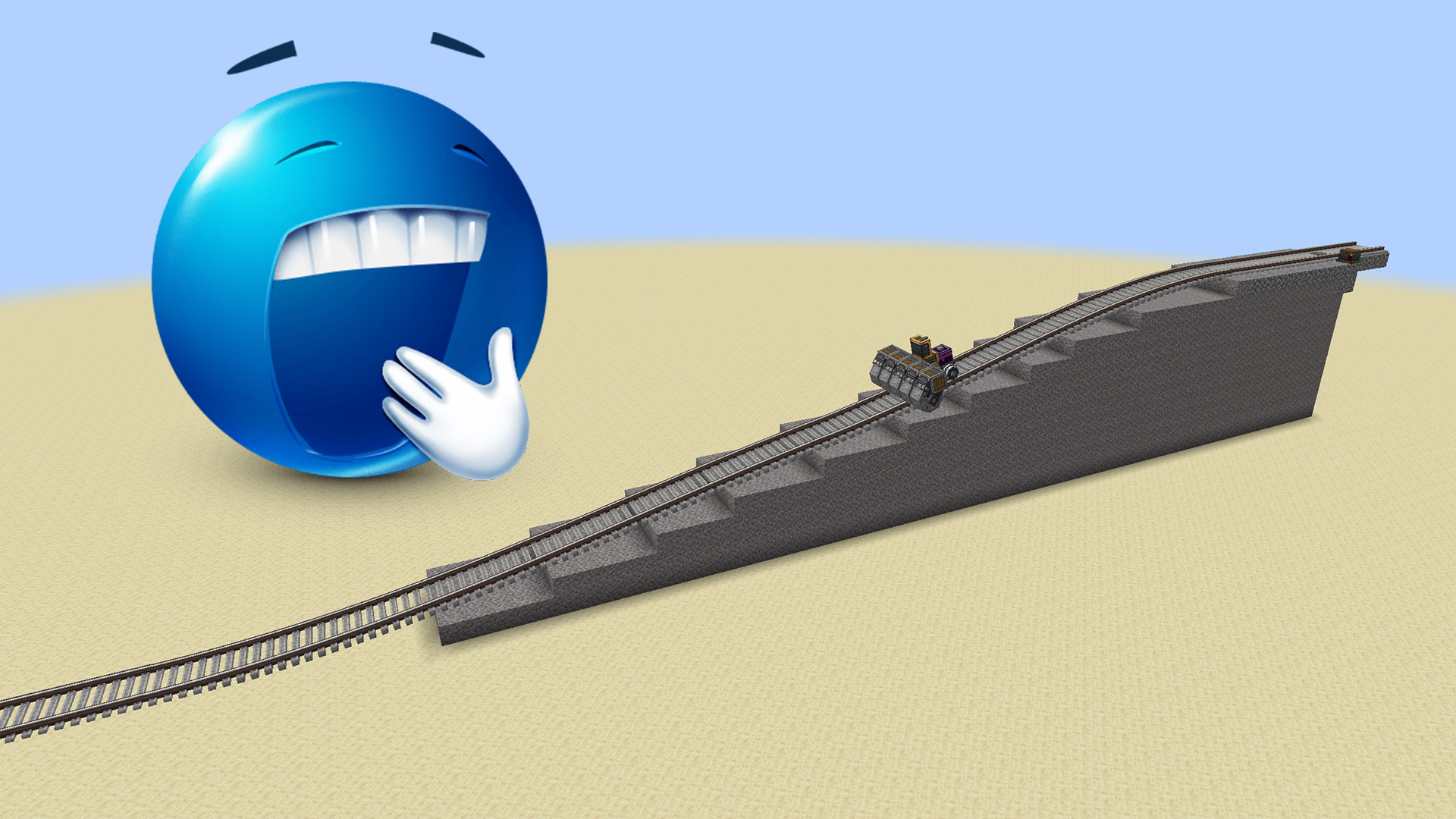
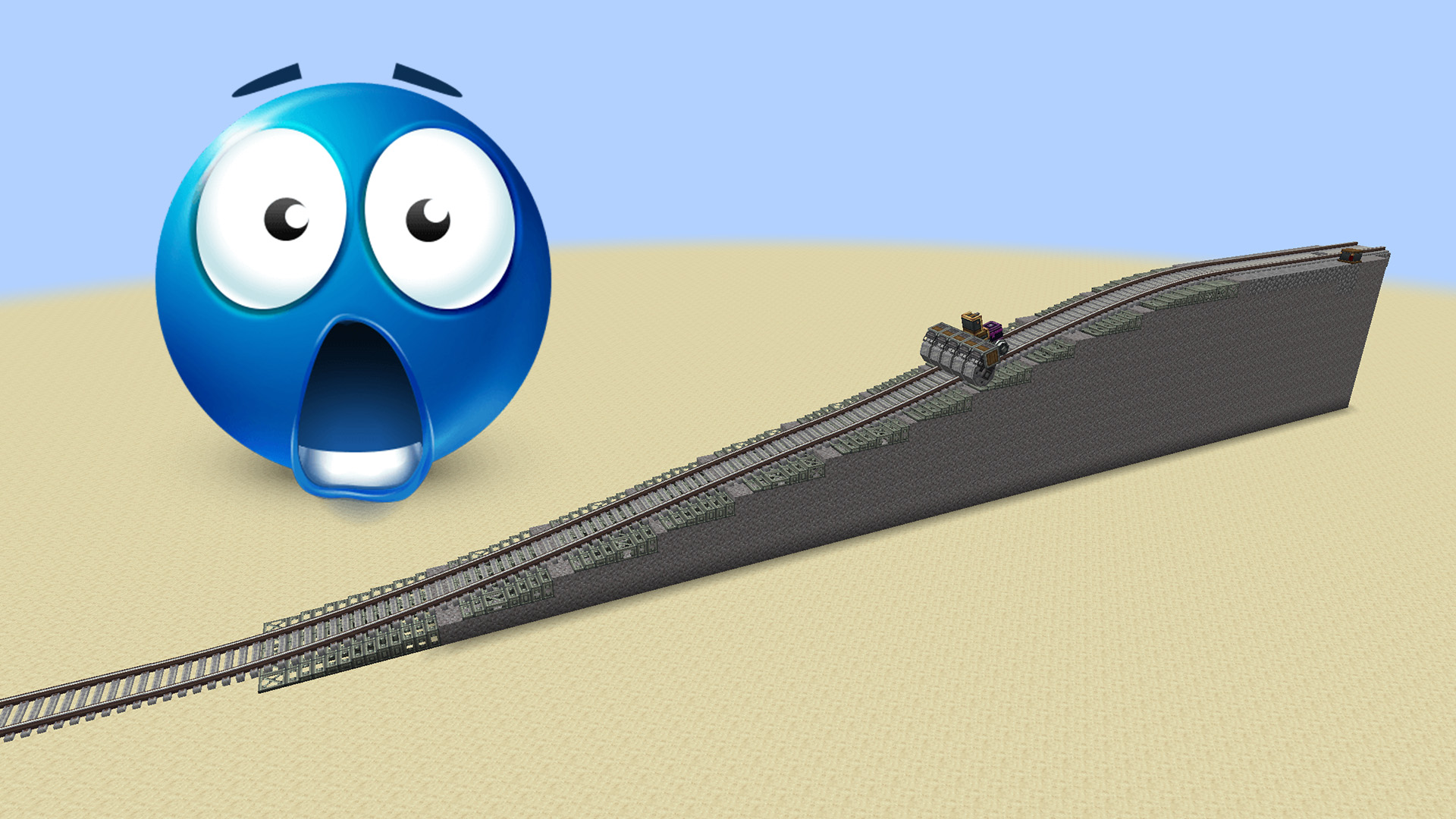
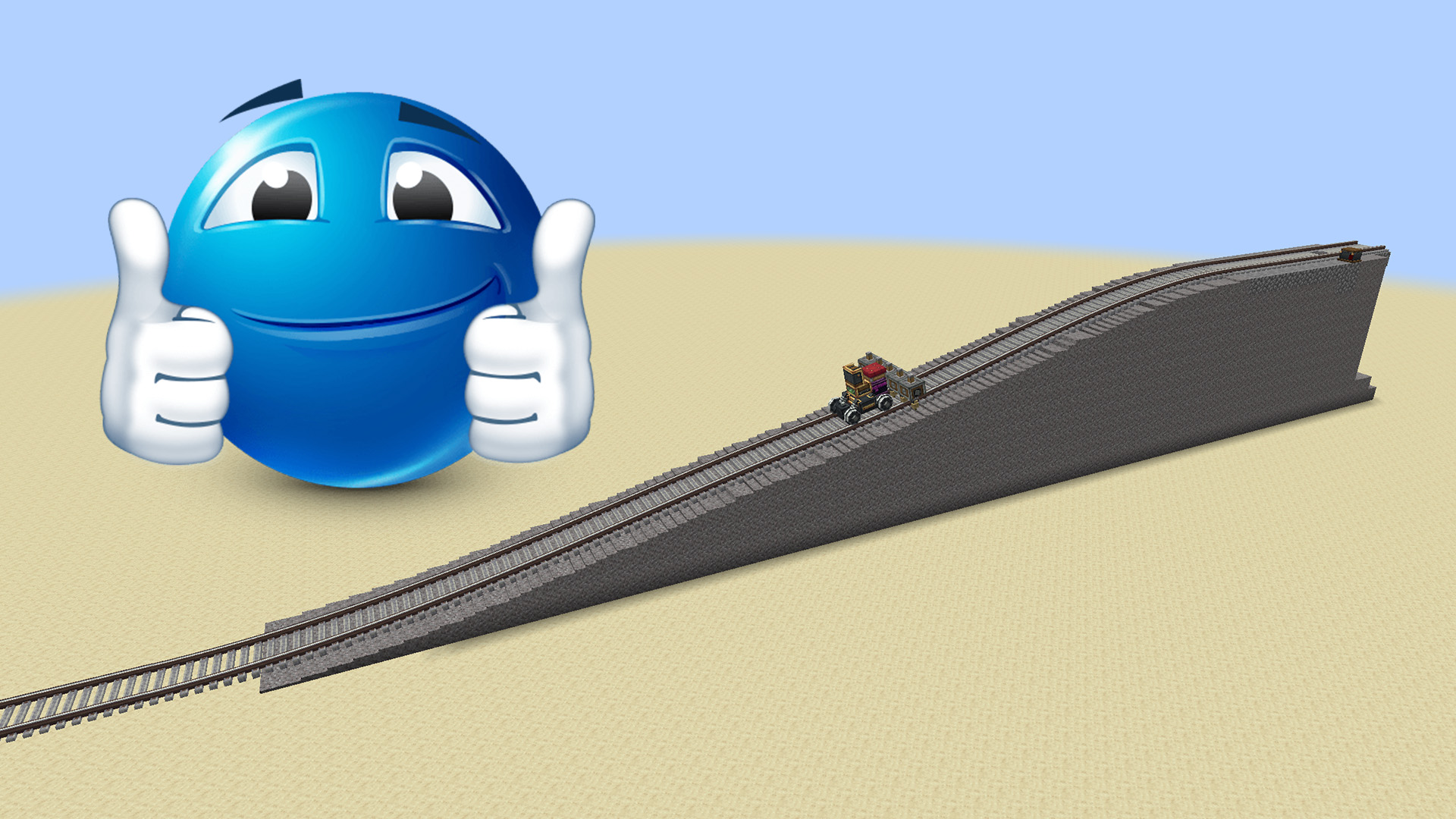
Features
- Precise Copycat paving along railway tracks
- Layer, Half Layer, and Slope Layer support
- Automatic Layer/Half Layer selection with a Zinc Ingot
- Blocks selected by Create or compatible Roller-filter mods fill Copycats
- The same blocks continue normal Create paving in empty spaces
- Safe item use with no hidden material balance
Filters
Put one of these items in a Mechanical Roller's filter:
Copycat Layer
- An adjustable surface in 1/8-block steps
Copycat Half Layer
- Independent height on both sides
Copycat Slope Layer
- A smooth slope where a suitable state exists
Zinc Ingot
- Automatically chooses Layer or Half Layer
Any supported block or compatible modded filter
- Applies the block actually selected for each position to Copycats and continues normal Create paving
Addon features are active in Fill (STRAIGHT_FILL) mode. Tunnel and Wide Fill keep their normal Create behavior.
Compatible filters need no dedicated integration: Copycat Roller follows the block selected by the normal Roller placement transaction.
Item Use
layers=NcostsNLayer or Slope Layer items.- A Half Layer costs the sum of its two sides.
- One Zinc Ingot makes up to 8 Layers or 16 Half Layers. Change is kept as real Half Layer items.
- Filling a Copycat costs one material block per empty part. Normal paving consumes its usual additional blocks.
Existing player-assigned materials are never overwritten. If the complete cost is unavailable, the operation is cancelled safely.
Requirements
- Minecraft 1.21.1
- NeoForge 21.1.x
- Create 6
- Copycats+ 3.0.4
- Java 21
Install the requirements and place Copycat Roller in the mods folder on both client and server.
Configuration
The config can change height rounding, surface-only paving, Copycat fill depth, and Slope Layer accuracy. By default, the Roller rounds down and places only the nearest upper Copycat surface.
FAQ
How to install Create Copycats Roller?
Install NeoForge for your Minecraft version, download Create Copycats Roller for the same version and loader, put the file into the mods folder and launch the game with the loader profile.
Which Minecraft versions does Create Copycats Roller support?
Create Copycats Roller has builds for Minecraft 1.21.1.
Is Create Copycats Roller needed on the server?
Server only — players don't need to install it


