
Create: Expanded Schedule Window
Configurable height + draggable scrollbar for effortless schedule browsing.
NeoForge
- Loaders
- NeoForge
- Downloads on Modrinth
- 1.8K
- Followers on Modrinth
- 5
- version
- 1
- Updated
- May 7, 2026May 7
- Published
- in 2026
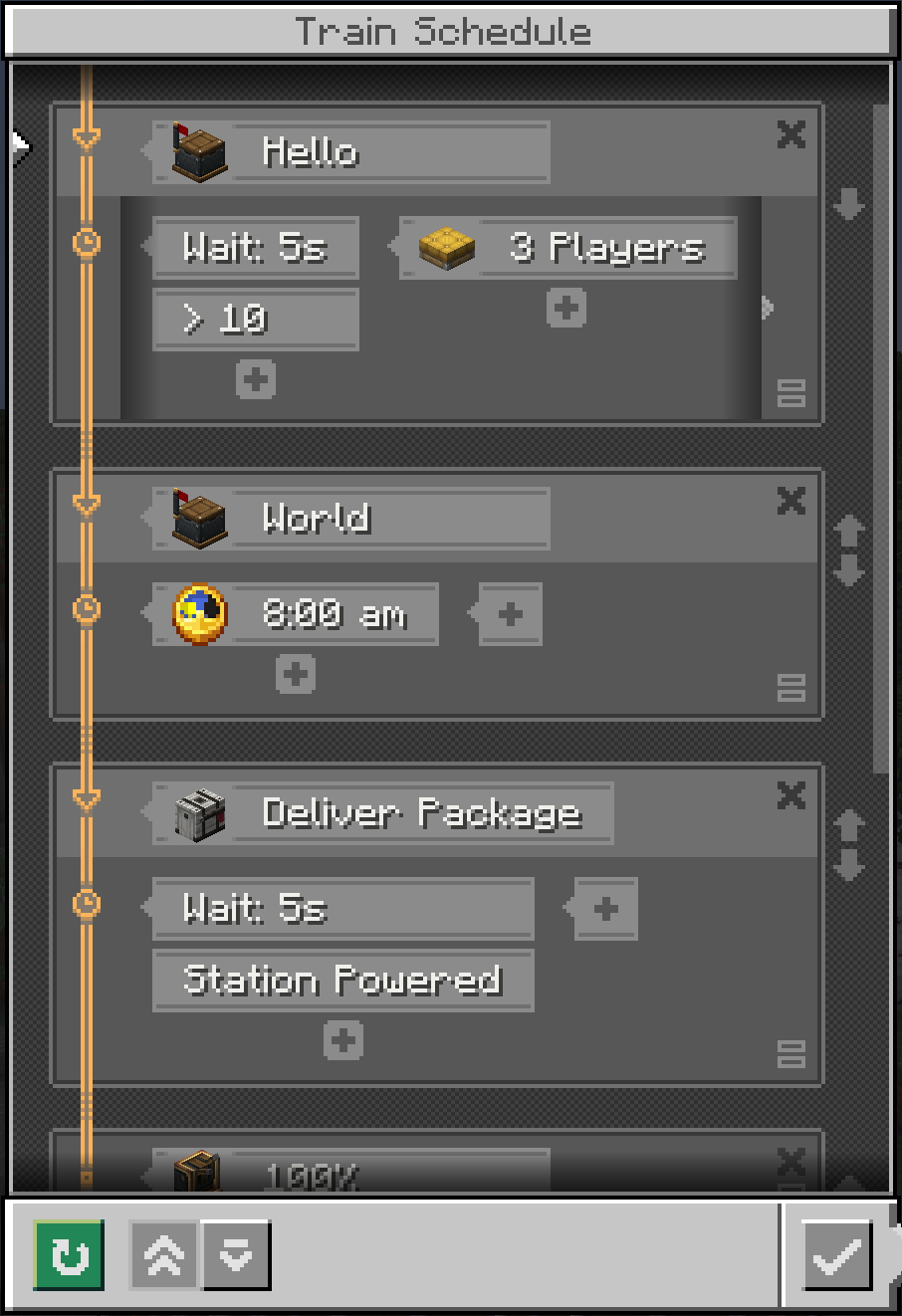
Train schedule UI with expanded height and scroll bar · swipe
At a glance
Runs on NeoForge
For Minecraft 1.21.1
Client only — no need to install it on the server
Latest version — v1.0.0 from May 7, 2026
License LGPL-3.0-only — free
Where it's neededGame versions1.21.1
In gamerequiredOn servernot needed
Install in the game only; not needed on the server
Create: Expanded Schedule Window
A Minecraft NeoForge client-side mod that expands the schedule window UI for the Create mod, giving you a better overview of train schedules.
Features
- Expanded window — increases the schedule window height by 50px (configurable 0–200px) to show more station entries at a glance
- Draggable scrollbar — semi-transparent slider you can drag for fast list navigation
Configuration
After first launch, edit config/createexpandedschedule-client.toml:
[general]
# Extra height in steps of 10px (0–20, default 5 = 50px)
extraHeight = 5
You can also change it in-game via Mods → Create: Expanded Schedule Window → Config.
FAQ
How to install Create: Expanded Schedule Window?
Install NeoForge for your Minecraft version, download Create: Expanded Schedule Window for the same version and loader, put the file into the mods folder and launch the game with the loader profile.
Which Minecraft versions does Create: Expanded Schedule Window support?
Create: Expanded Schedule Window has builds for Minecraft 1.21.1.
Is Create: Expanded Schedule Window needed on the server?
Client only — no need to install it on the server
License and source
GNU Lesser General Public License v3.0 onlyfree to use and share; changes to the mod itself must be published under the same license
Similar mods
All utility mods →


More mods by this author
 Repeater Sound↓ 50.7K