
Create: Shared Access
Adds per-network permissions to Create’s Stock Ticker, allowing owners to manage trusted players on NeoForge servers
- Loaders
- NeoForge
- Downloads on Modrinth
- 1.4K
- Followers on Modrinth
- 1
- versions
- 4
- Updated
- July 29, 2026Jul 29
- Published
- in 2026
At a glance
Needed both in the game and on the server
Shared Access
Shared Access adds a per-network permission system to Create’s Stock Ticker. It allows the owner of each Stock Network to control which players can access and manage it.
Features
- Per-network ownership – The first player to place a Stock Ticker automatically becomes its owner.
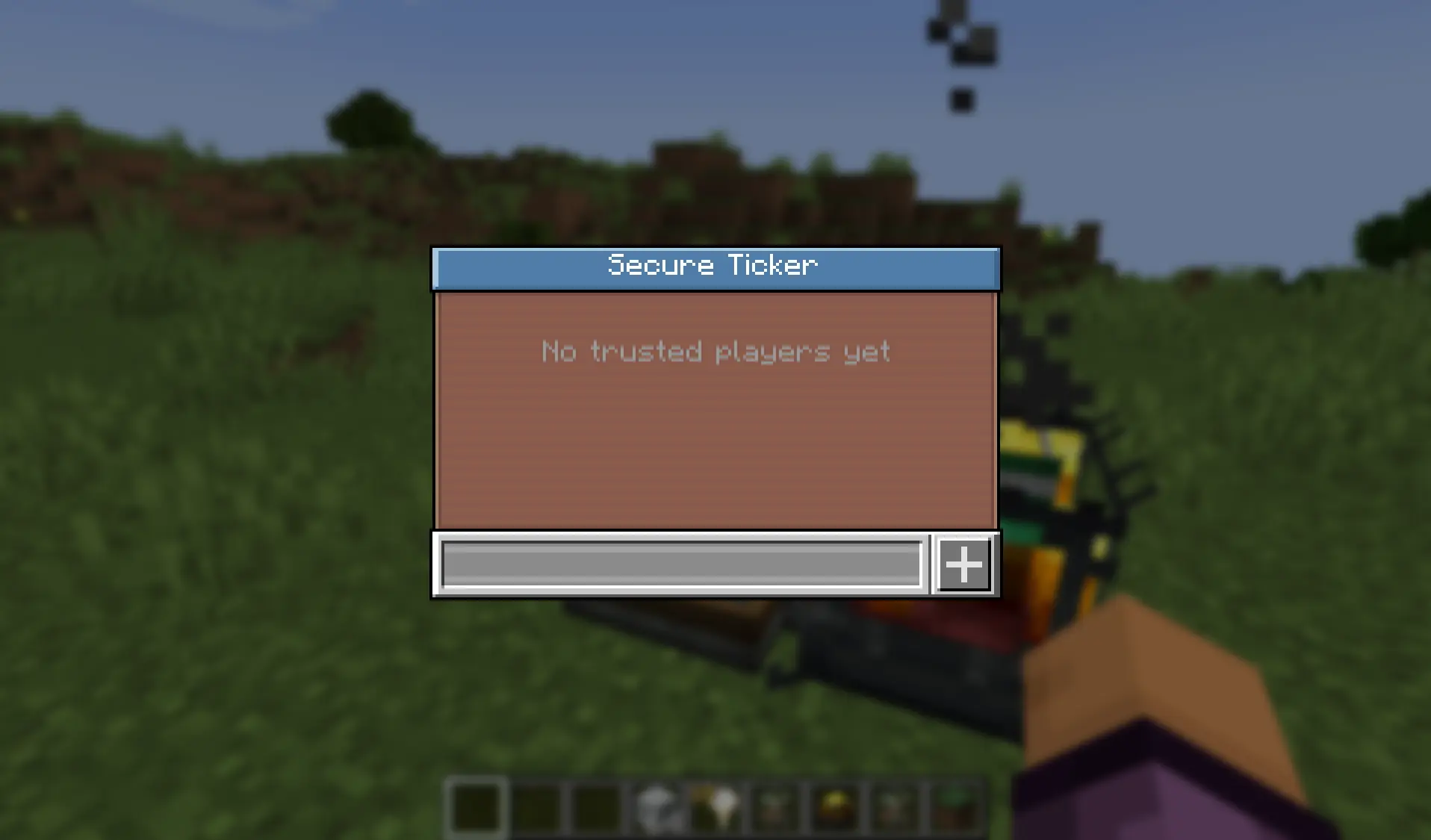
- Trusted players – Owners and trusted players can add or remove players through an in-game management GUI.
- Protected access – Only the owner and trusted players can interact with the Stock Ticker or access its network.
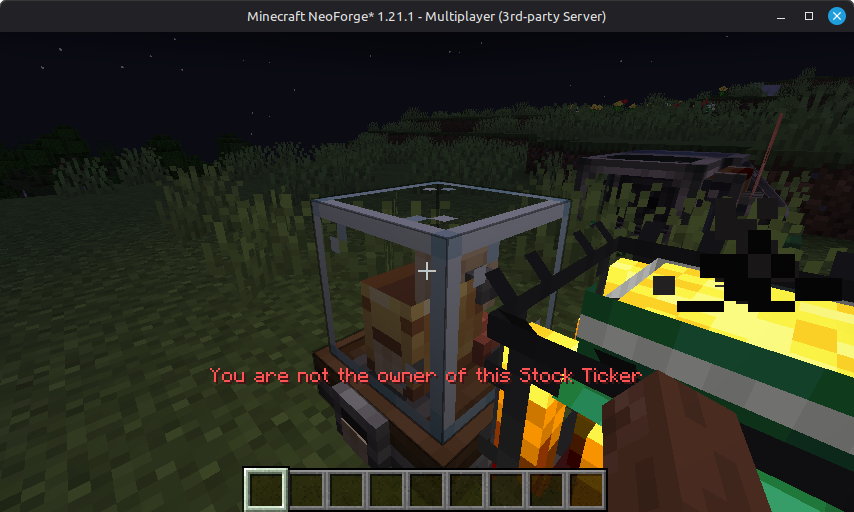
- Clear feedback – Unauthorized players receive a clear red message in the hotbar.
- Offline-mode compatible – Works with offline UUIDs.
How to Use
- Place a Stock Ticker to become its owner.
- Shift-right-click the Stock Ticker to open the management GUI.
- Add a trusted player by entering their name and clicking the + button.
- Remove a player by clicking the trash-can icon next to their name.
- Only the owner and trusted players can now access that Stock Network.
The owner and all trusted players can open the management GUI. Trusted players can use the Stock Ticker normally, including viewing inventories, requesting items, and managing the trusted-player list.
Unauthorized players are blocked and receive the following message:
You are not the owner of this Stock Ticker.
Requirements
- Minecraft: 1.21.x
- Mod loader: NeoForge
- Dependency: Create 6.0+
Fabric Support
A Fabric version is planned.
Bug Reports and Support
Please report bugs or request support on the Discord server.
FAQ
How to install Create: Shared Access?
Install NeoForge for your Minecraft version, download Create: Shared Access for the same version and loader, put the file into the mods folder and launch the game with the loader profile.
Which Minecraft versions does Create: Shared Access support?
Create: Shared Access has builds for Minecraft 1.21–1.21.11.
Is Create: Shared Access needed on the server?
Needed in the game and on the server
Similar mods
All storage mods →


More mods by this author
 Villager Tourism (NeoForge Port)↓ 462