
DayTracker
Displays the current in-game day on the HUD
- Loaders
- Fabric
- Downloads on Modrinth
- 126
- Followers on Modrinth
- 1
- versions
- 2
- Updated
- May 15, 2026May 15
- Published
- in 2026
At a glance
Install in the game only; not needed on the server
 English
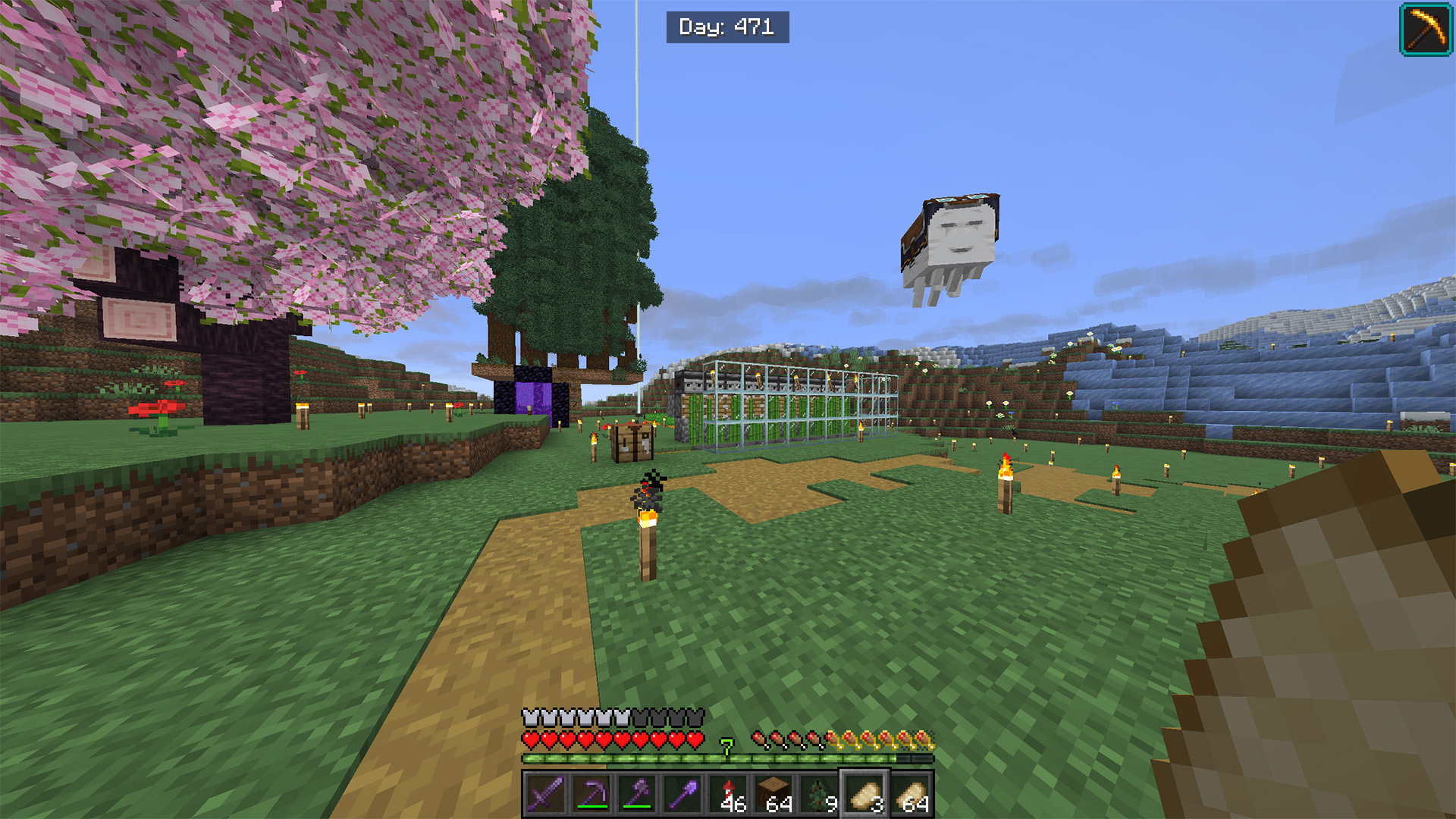
Day Tracker is a lightweight client-side mod that displays the current in-game day directly on the HUD. It calculates the world day based on the world time and shows it in a clean, centered overlay at the top of the screen.
📊 Features:
- 🕒 In-game day counter — shows the current day based on world time
- 🖥️ HUD display — rendered on the client overlay without affecting gameplay
- 🎮 Client-side only — no server-side installation required
This mod helps players keep track of world progression, useful for survival, challenges, and long-term gameplay tracking.
Русский
Day Tracker — это лёгкий клиентский мод, который отображает текущий игровой день прямо на HUD. Он вычисляет день на основе игрового времени мира и показывает его в аккуратном, центрированном оверлее в верхней части экрана.
📊 Особенности:
- 🕒 Счётчик дней — отображает текущий день на основе времени мира
- 🖥️ Отображение на HUD — выводится поверх интерфейса и не влияет на геймплей
- 🎮 Только клиент — не требует установки на сервер
Мод помогает отслеживать прогресс мира, полезен для выживания, челленджей и долгих игровых сессий.
Discord: dastych_FAQ
How to install DayTracker?
Install Fabric for your Minecraft version, download DayTracker for the same version and loader, put the file into the mods folder and launch the game with the loader profile.
Which Minecraft versions does DayTracker support?
DayTracker has builds for Minecraft 1.21.7, 1.21.9.
Is DayTracker needed on the server?
Client only — no need to install it on the server
Similar mods
All decoration mods →


More mods by this author
 XP Farm↓ 74
 Player Mark↓ 66
 Barrier world↓ 594
Often needed together
 Fabric API↓ 284M