
- Loaders
- Forge
- Downloads on Modrinth
- 45.5K
- Followers on Modrinth
- 3
- versions
- 12
- Updated
- February 10, 2026Feb 10
- Published
- in 2025
At a glance
Install in the game only; not needed on the server
Summary
FluxLoading provides a seamless world loading screen.
Please report issues/crashes to github repo
Description
FluxLoading is a mod that enhances immersion by capturing a screenshot of the logout screen and displaying it when you reload your world. When you rejoin, you'll see the exact scene from where you left off, smoothly fading out into real-time gameplay.
What it does visually is as follows.
Before (world loading screen) 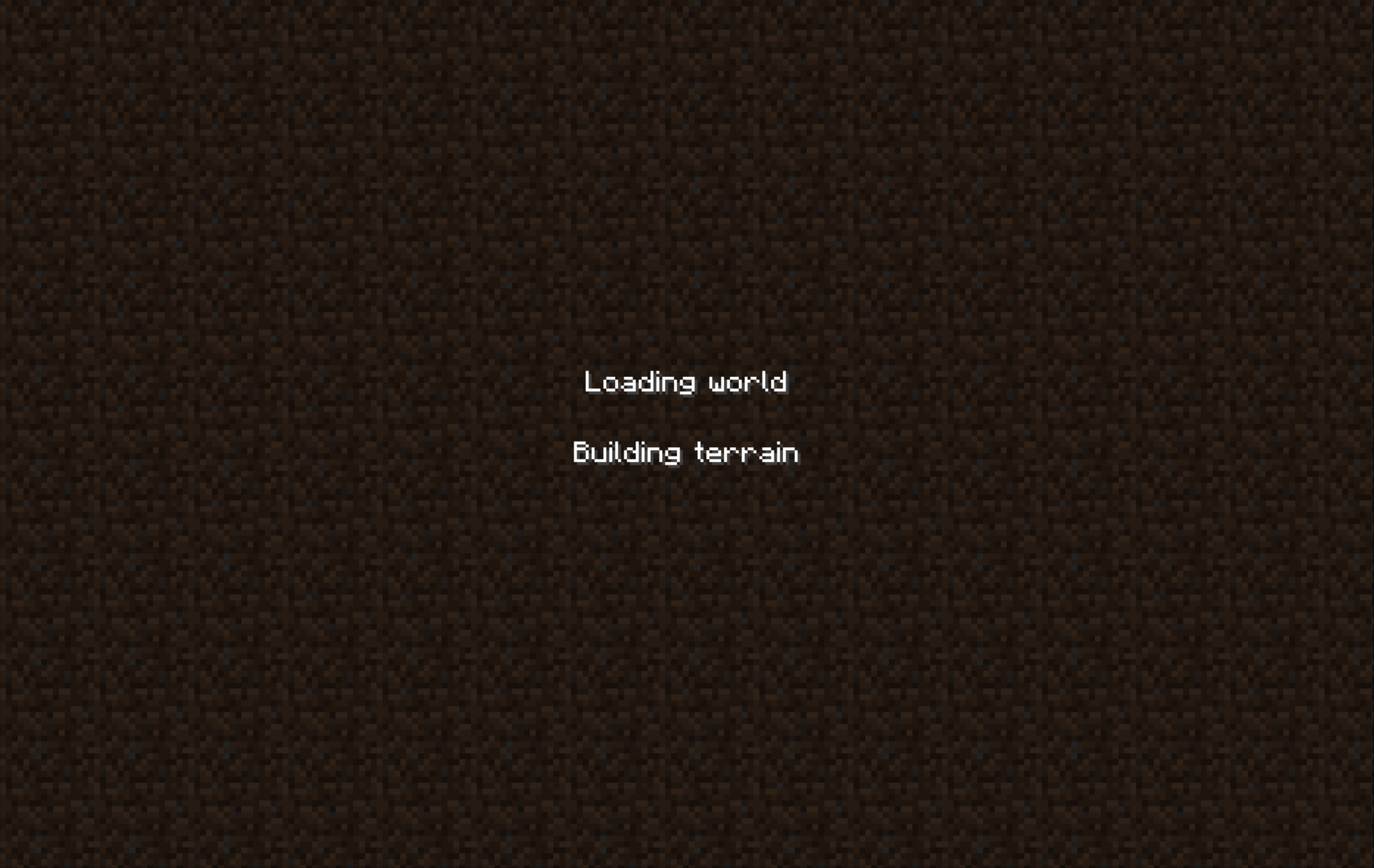
After (world loading screen) 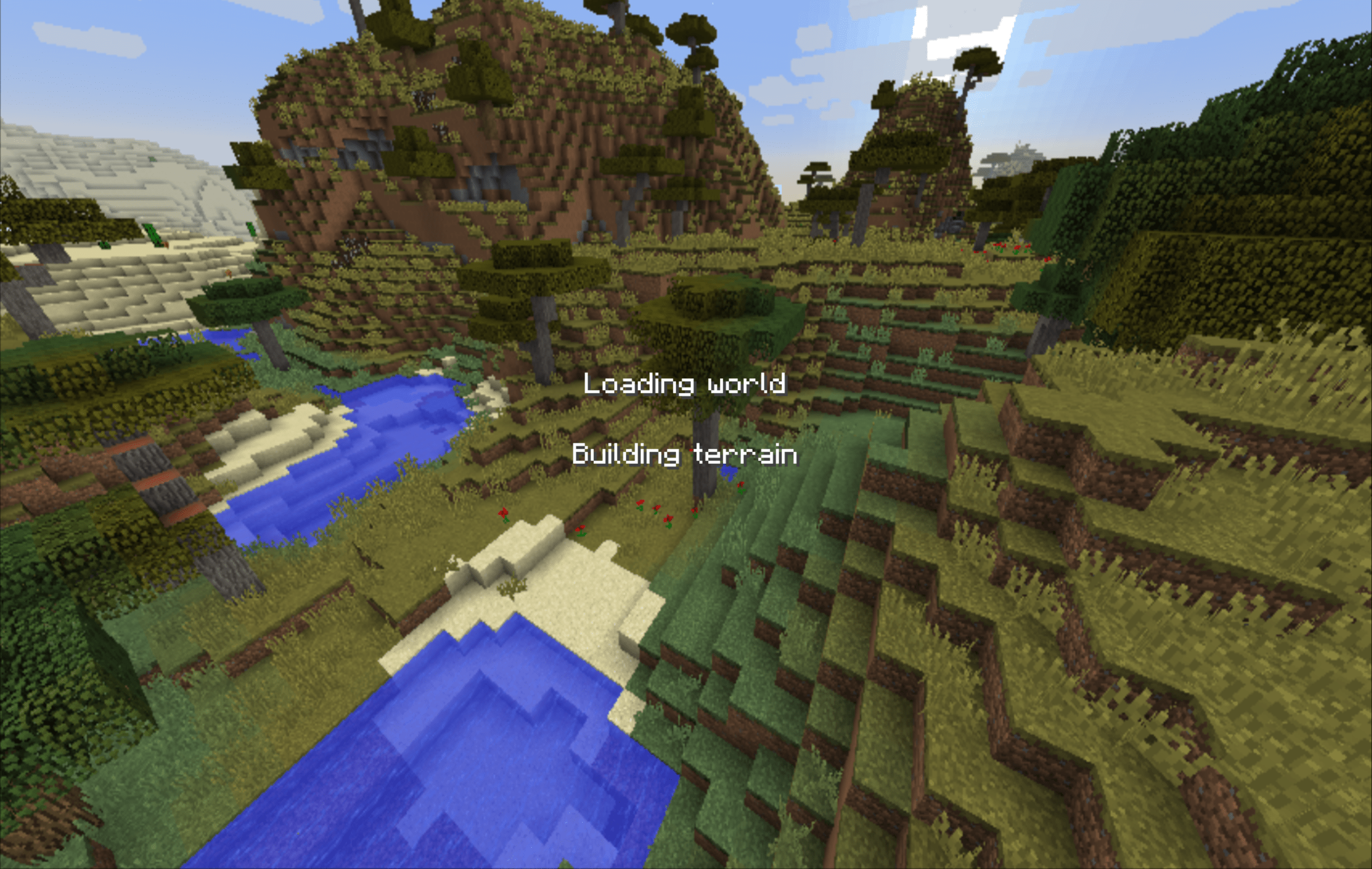
FluxLoading does exactly the same thing as Seamless Loading Screen, a mod on higher versions. However, unlike Seamless Loading Screen, FluxLoading handles finer details, such as waiting for chunk generation before fade out instead of using a fixed delay.
Compatibility
- Nothirium
- Loading Progress Bar
- AnotherTips (officially supported tips mod that works with FluxLoading)
- Open Terrain Generator
- Celeritas
- Hwyla
FAQ
How to install FluxLoading?
Install Forge for your Minecraft version, download FluxLoading for the same version and loader, put the file into the mods folder and launch the game with the loader profile.
Which Minecraft versions does FluxLoading support?
FluxLoading has builds for Minecraft 1.12.2.
Is FluxLoading needed on the server?
Client only — no need to install it on the server
Similar mods
All utility mods →


More mods by this author
 UIFadeFX↓ 284
 AnotherTips↓ 2.8K