
HexLands (Updated)
Hexagonal world generation, Settlers of Catan style! Updated to 1.21.8+
- Loaders
- FabricNeoForge
- Downloads on Modrinth
- 1.2K
- Followers on Modrinth
- 24
- versions
- 6
- Updated
- September 13, 2026Sep 13
- Published
- in 2025
At a glance
Install on the server only; players don't need it
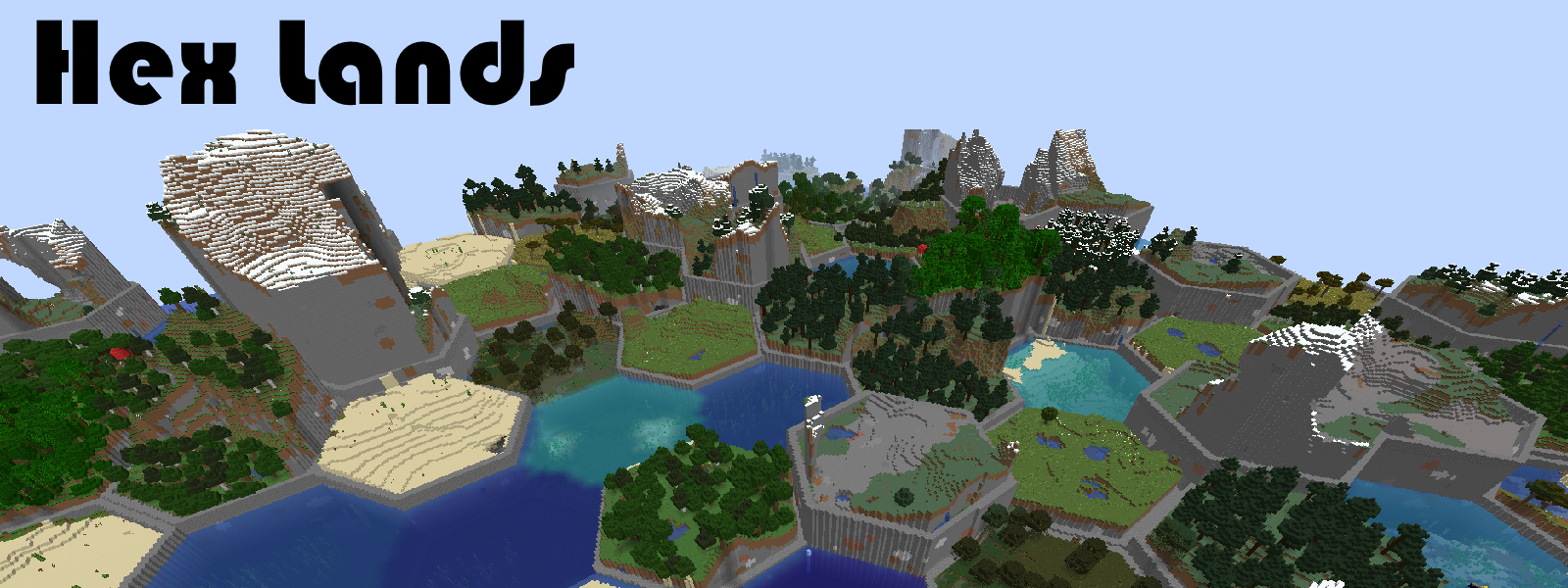
This mod is an updated version of Hex Lands mod by superfluke, updated through 1.16 to 1.21.1 by alcatrazEscapee.
Features
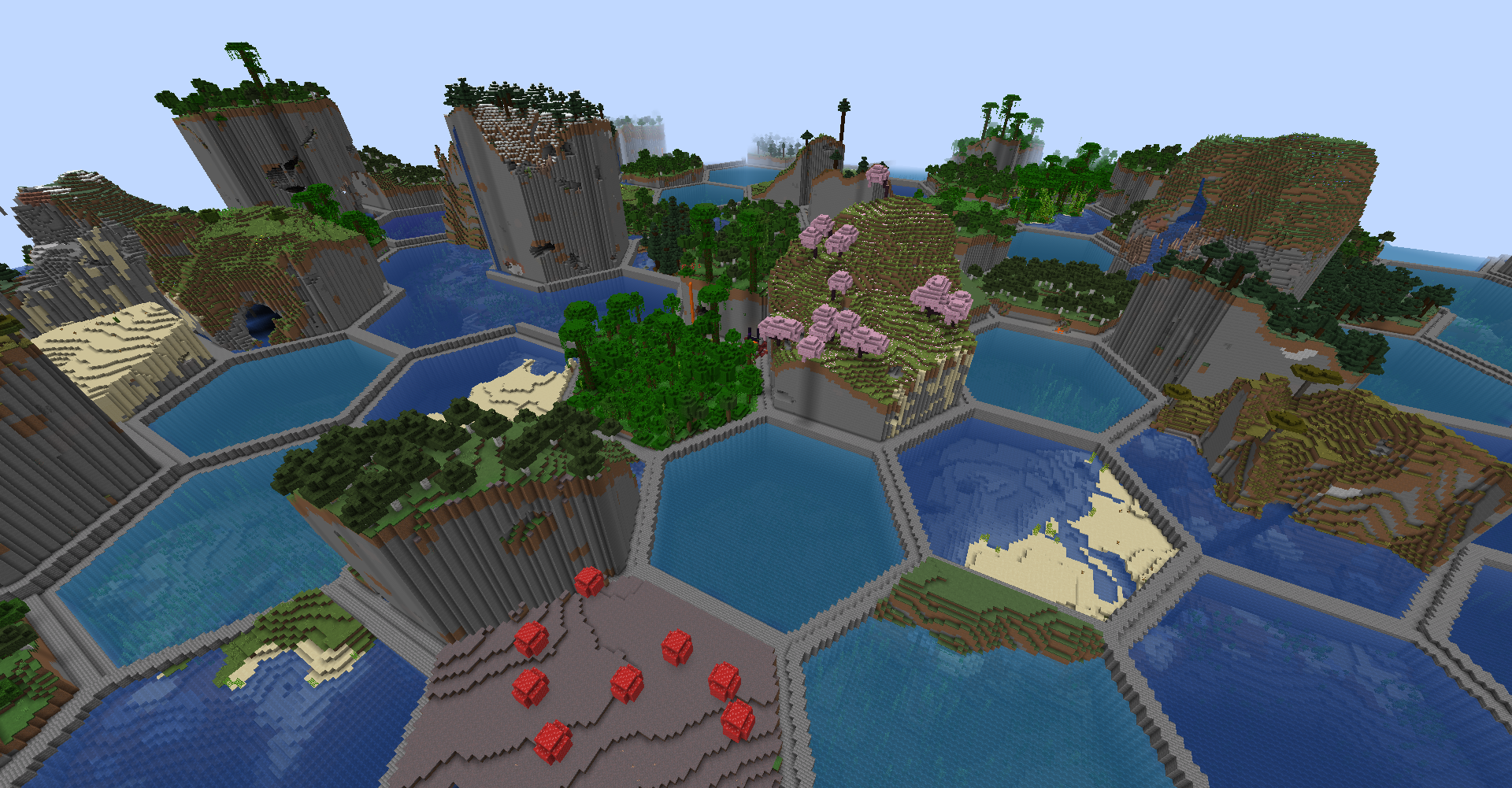
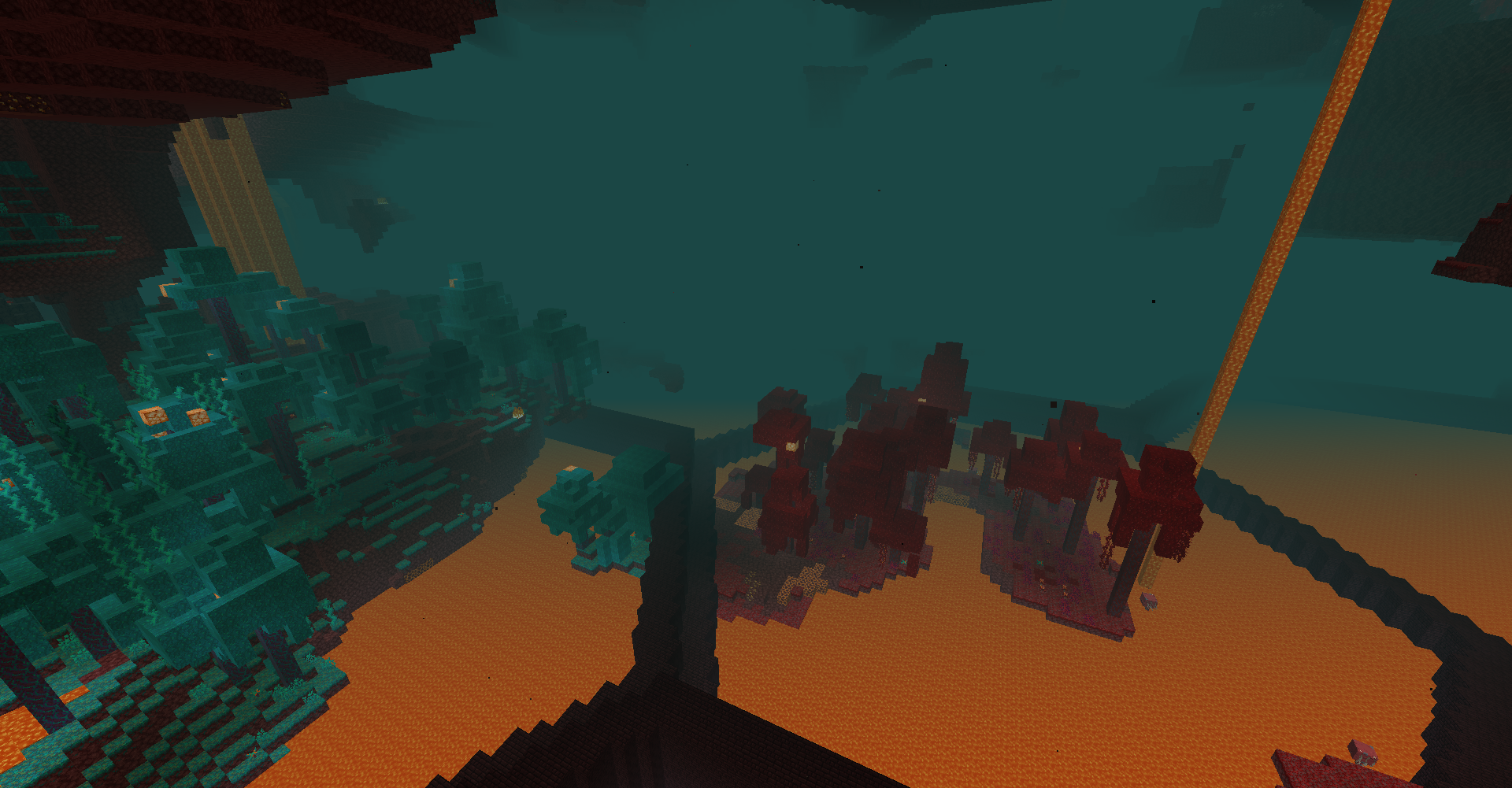
- Adds two world type presets: "HexLands", and "HexLands (Overworld)". The former which enables hexagonal terrain generation in both the overworld and the nether, the latter which only enables it in the overworld.
- Each hex contains a single biome. Hexes of different types are bordered by walls.
- Automatic compatibility with mods that add biomes to the overworld or other world generation.
- Many options for world customization via data packs.
Configuration
- For 1.21.8+
Worlds are specified by World Presets. HexLands can be customized by adding a new world preset, which uses the hexlands:hexlands chunk generator. The hexlands chunk generator has the following fields:
typeis a string identifying what generator to use. It should behexlands:hexlands.settingsis a Noise Settings used by the dimension.biome_sourceis the biome source, as in vanilla. It can be a known preset, such as"minecraft:overworld", or"minecraft:nether", or it can be a JSON object following the vanilla biome source format.hex_settingsis an object with parameters defining how the hexagonal grid works. It can either be a known preset, which must be one of"hexlands:overworld","hexlands:nether", or"hexlands:the_end", or it can be an object with the following fields:biome_scale(Default: 8) is the scale at which biomes are sampled to create hexes. Higher values create more random biome layouts.hex_size(Default: 40) is the size of an individual hex.hex_border_threshold(Default: 0.92) is a number between0and1representing how much of a hex should be covered by the border. Larger values will lead to thinner borders.top_borderandbottom_borderare both border settings which define how the top and bottom borders of the world are built. The borders between hexes consist of a bottom border, air, and a top border. If not present, this section of the border will consist entirely of air. If present, it must have the following fields:min_height: The minimum height of the border.max_height: The maximum height of the border.state: A block state to generate as the border state. It must be an object with the following fields:Name: The name of the blockProperties: An object with any block state properties, such as{"snowy": "false"}that you desire to set
Example
// Below is an example object which can be used in the `generator` field of a world preset.
{
    "type": "hexlands:hexlands",
    "settings": "minecraft:overworld",
    "biome_source": {
      "type": "minecraft:multi_noise",
      "preset": "minecraft:overworld"
    },
    "hex_settings": "hexlands:overworld"
}
Gallery
FAQ
How to install HexLands (Updated)?
Install Fabric for your Minecraft version, download HexLands (Updated) for the same version and loader, put the file into the mods folder and launch the game with the loader profile.
Which Minecraft versions does HexLands (Updated) support?
HexLands (Updated) has builds for Minecraft 1.21.6–26.3.
Is HexLands (Updated) needed on the server?
Server only — players don't need to install it


