
Image Mod
Automatically Create Pixel-Art In Minecraft With Existing Blocks
- Loaders
- FabricNeoForge
- Downloads on Modrinth
- 14.1K
- Followers on Modrinth
- 33
- versions
- 4
- Updated
- January 17, 2026Jan 17
- Published
- in 2025
At a glance
Needed both in the game and on the server
Image Mod
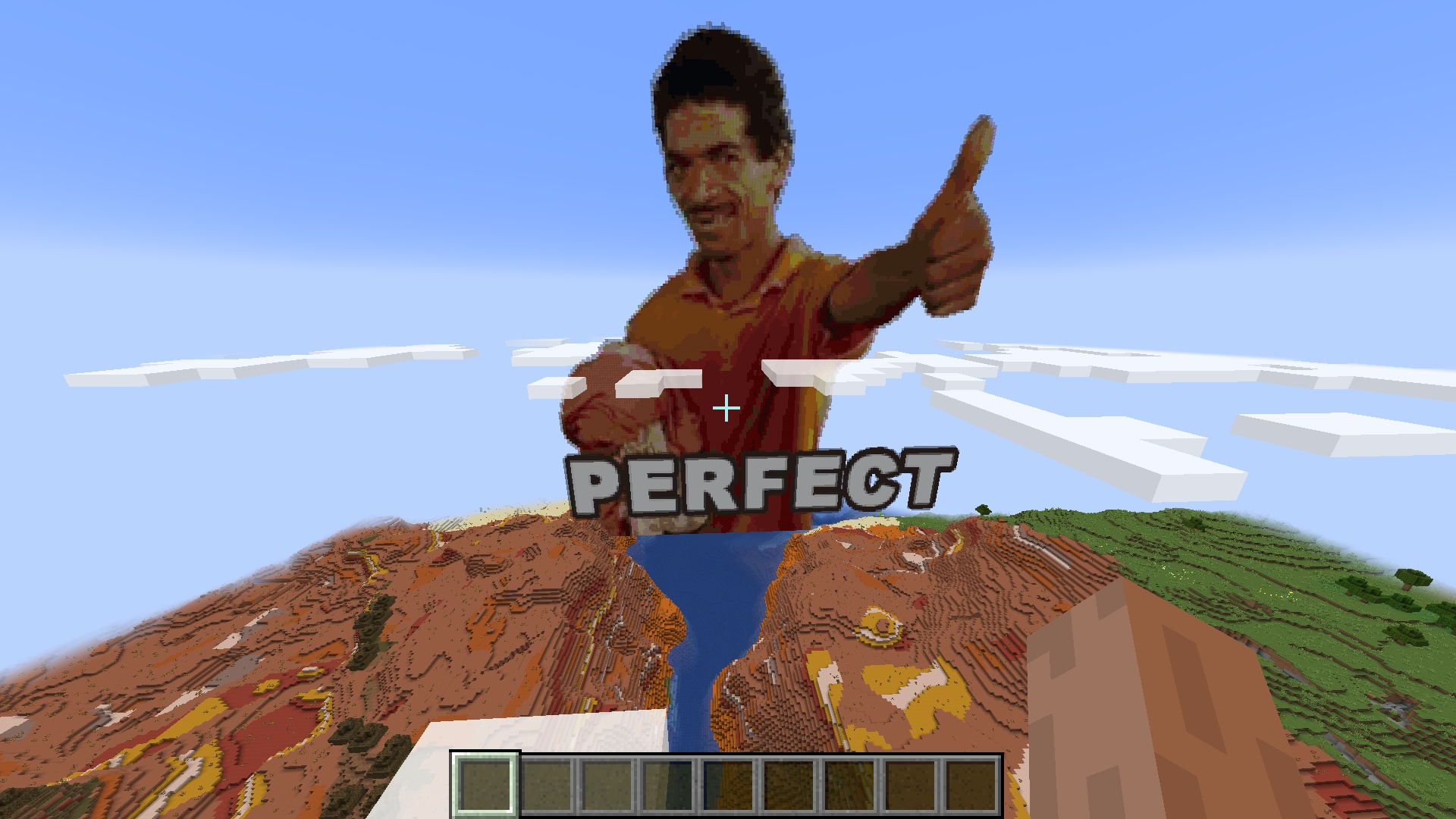
Automatically Generate Pixel-Art With A Single Command. Any Image File Is Turned Into Minecraft Blocks In Less Than A Second!
The command: /image 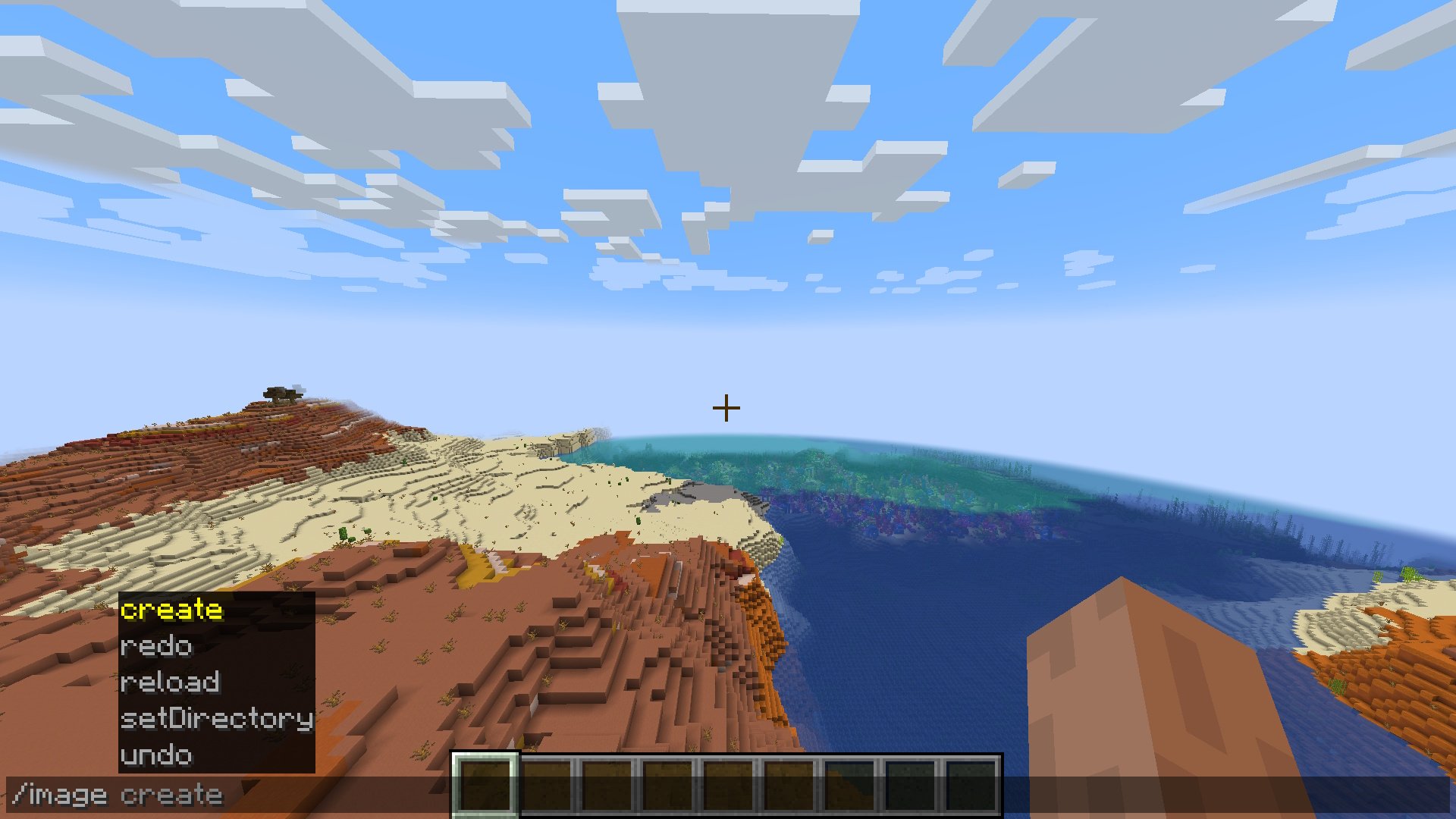
Usage
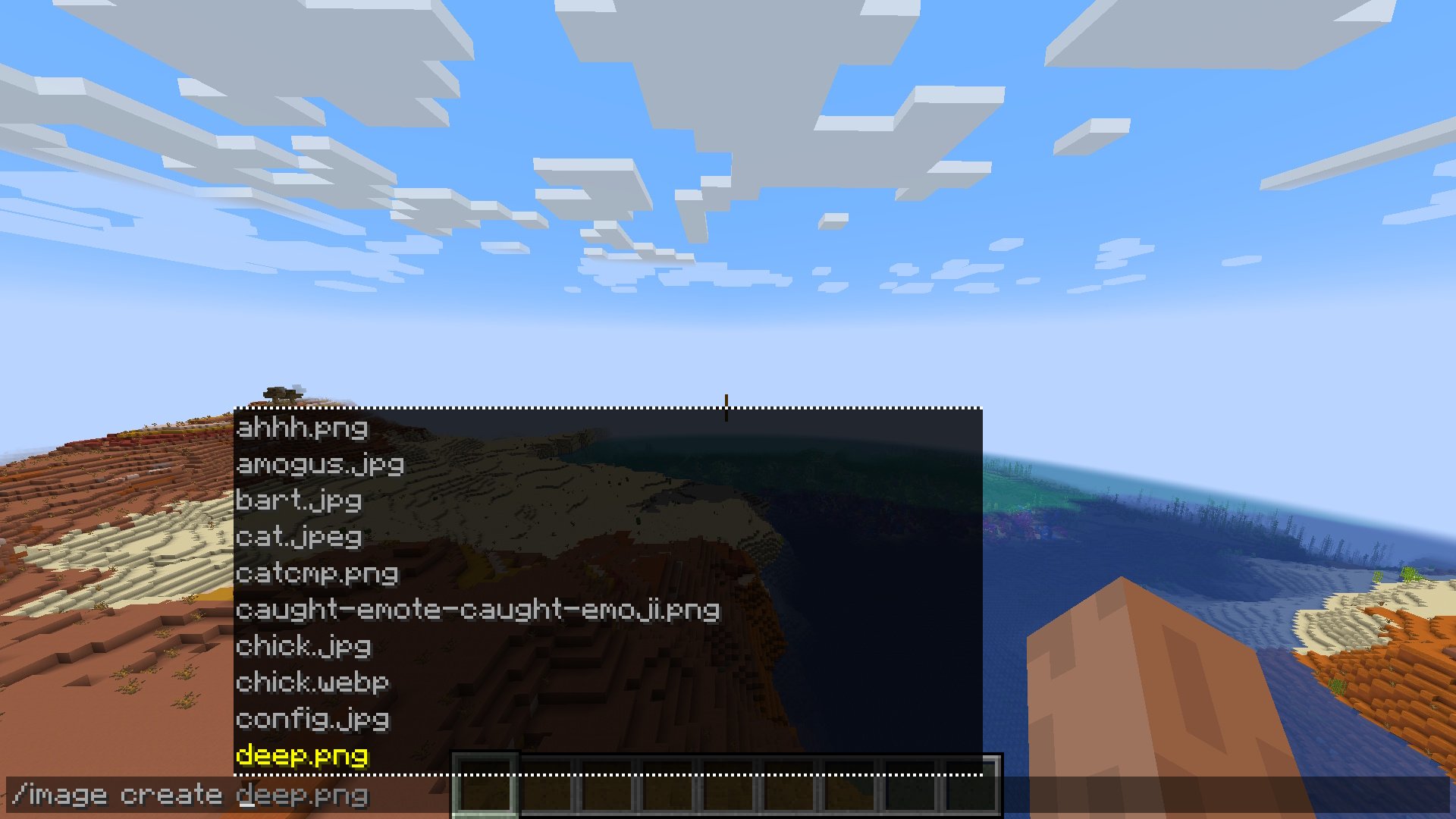
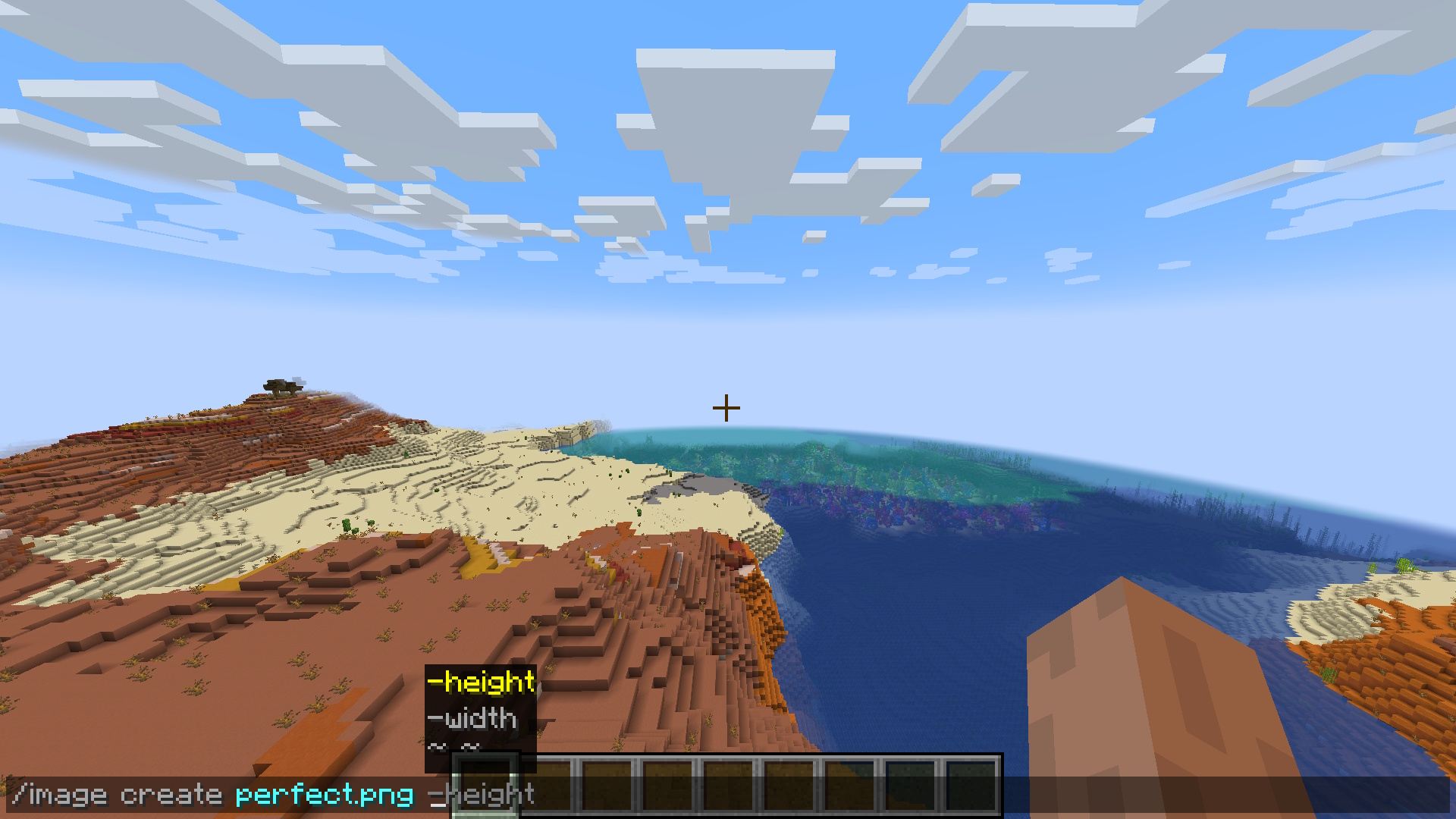
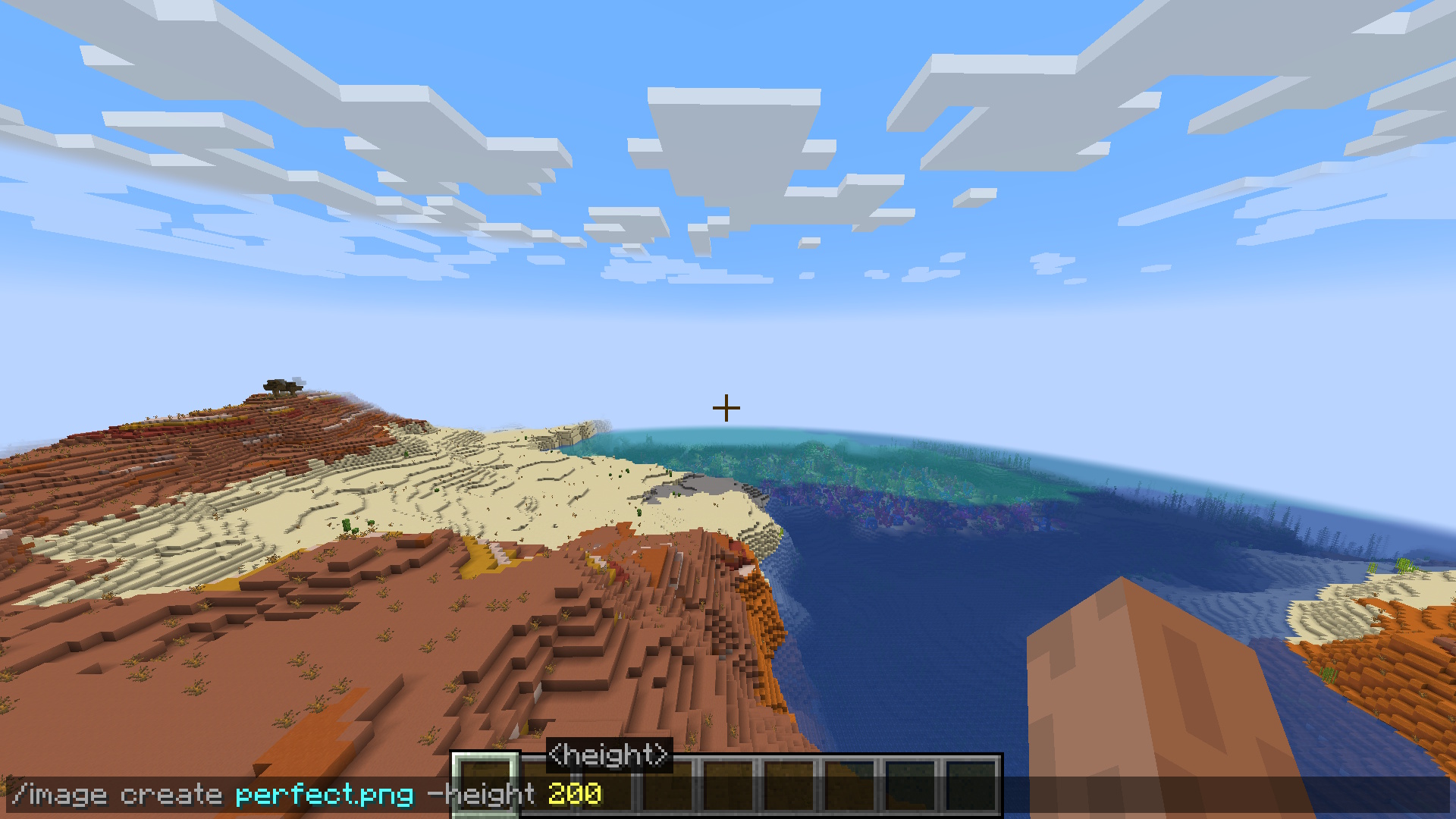
You are given a few dimension options for creating your pixel-art:
_/image create -width _ - create image with a defined block width (height to scale)
_/image create -height _ - create image with a defined block height (width to scale)
_/image create _ - create image with a defined block width & height
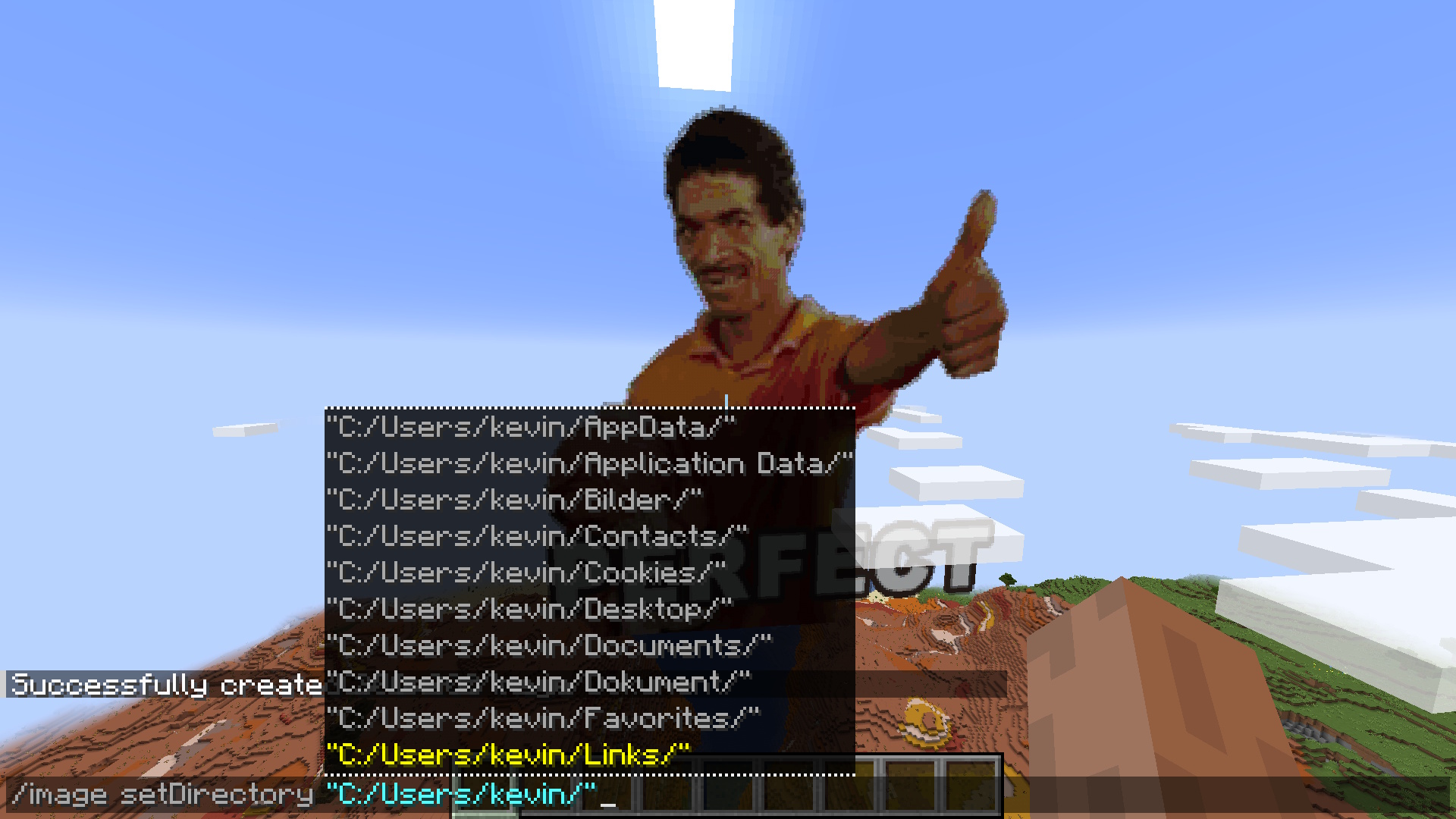
Configuration
Future
Make setDirectory persistent
Fix falling blocks on surface
Multiplayer/Server/Plugin support
Fix update on resource pack reload
Improve block filter further
FAQ
How to install Image Mod?
Install Fabric for your Minecraft version, download Image Mod for the same version and loader, put the file into the mods folder and launch the game with the loader profile.
Which Minecraft versions does Image Mod support?
Image Mod has builds for Minecraft 1.21–1.21.11.
Is Image Mod needed on the server?
Needed in the game and on the server


