
- Loaders
- Fabric
- Downloads on Modrinth
- 753
- Followers on Modrinth
- 10
- versions
- 8
- Updated
- July 18, 2026Jul 18
- Published
- in 2025
At a glance
Install in the game only; not needed on the server
Last Seen Message
Receive messages when someone joins a server that tells you the last time you have played together.
Video showcase
(I joined the dev server in a production enviroment)
Messages
- When someone is seen on the same server as you for the first time.
- When someone is seen on the same server as you again.
- When you join a server for the first time.
- When you join a server again.
Features
- In game config editor using Mod Menu and YACL.
- A custom placeholder system.
- A custom formatting system.
- Very customizable configuration..
- Saving the last time you've seen a player when either you or they leave.
Screenshots


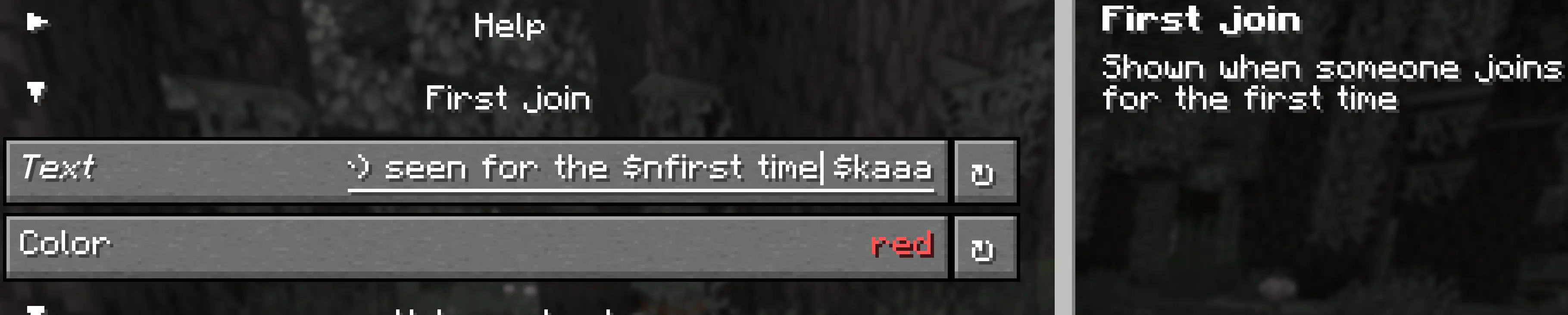
Screenshots of in game config


Version 0.0.1
Storing a file that will get very big in an uncompressed format. (only version 0.0.1)
Screenshots (from version 0.0.1)
Joining for the first time
![Image showing messages for joining a server for the first time] (https://cdn.modrinth.com/data/cached_images/7184cc5372a411cdc83cf2d0bd18b3e8b986a50a.png)
Joining a server that you have played before
![Image showing messages for joining a server you have played before] (https://cdn.modrinth.com/data/cached_images/db4d725a54463de1ad3525500ec638813e0758c4_0.webp) old summary: A message that tells you the last time you played with someone and the last time you joined a server.
FAQ
How to install Last Seen Message?
Install Fabric for your Minecraft version, download Last Seen Message for the same version and loader, put the file into the mods folder and launch the game with the loader profile.
Which Minecraft versions does Last Seen Message support?
Last Seen Message has builds for Minecraft 1.20–26.3.
Is Last Seen Message needed on the server?
Client only — no need to install it on the server
Similar mods
All social mods →


Often needed together
 Fabric API↓ 283M