
- Loaders
- Forge
- Downloads on Modrinth
- 50
- Followers on Modrinth
- 0
- version
- 1
- Updated
- July 14, 2026Jul 14
- Published
- in 2026
Blocking sounds in chat — Block/Unblock specific sounds with simple clicks! · swipe
At a glance
Runs on Forge
For Minecraft 1.8.9
Client only — no need to install it on the server
Latest version — 1.0.0 from July 14, 2026
License GPL-3.0-only — free
Where it's neededGame versions1.8.9
In gamerequiredOn servernot needed
Install in the game only; not needed on the server

SoundBlocker
Simply blocks specific sound you don't want.
Use /soundblocker in game to open the gui.
Configurable in game or in config file.
Features
- Block/unblock specific sounds with just simple clicks!
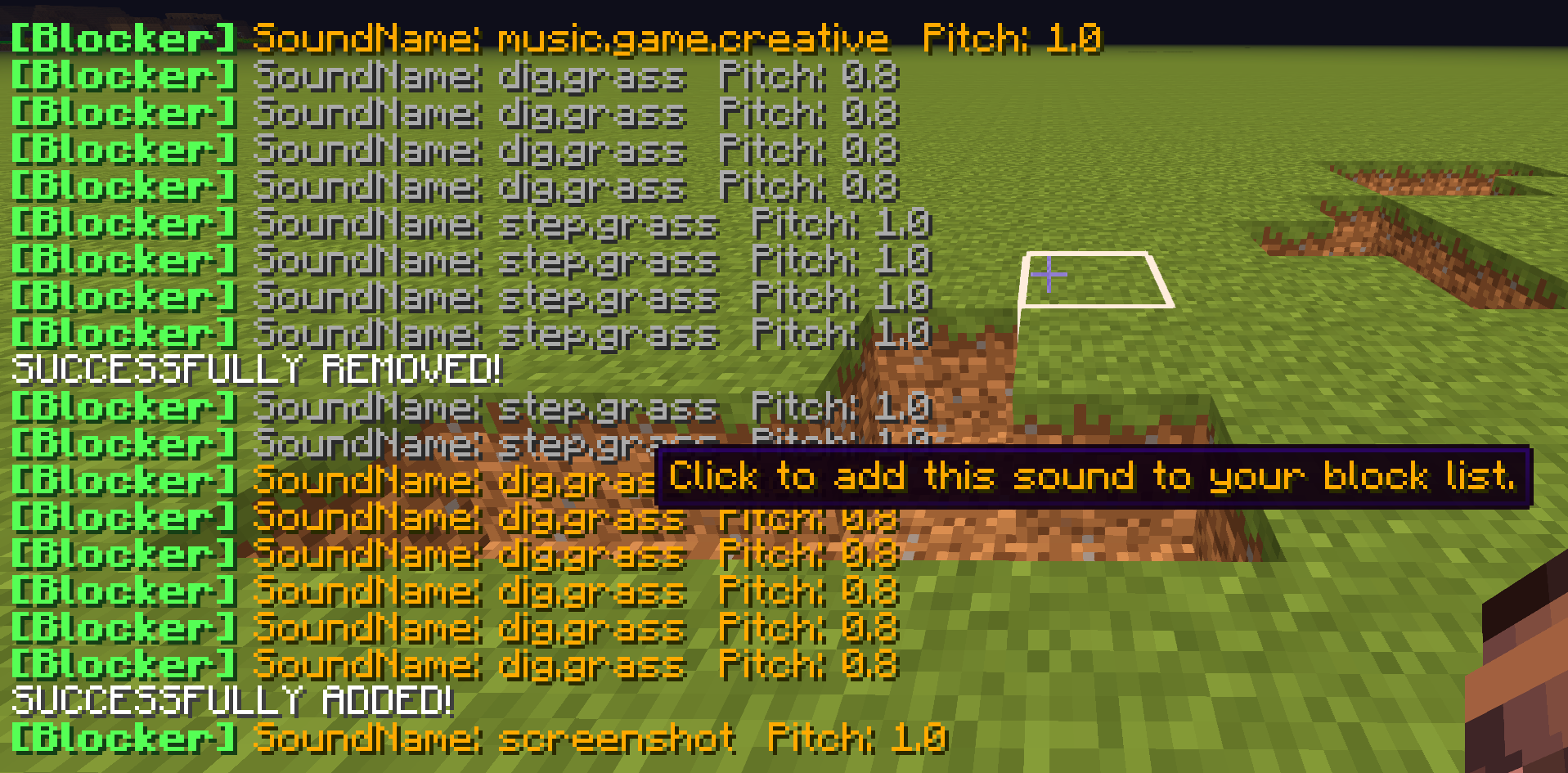

- Edit blocked sounds (in chat or config GUI)
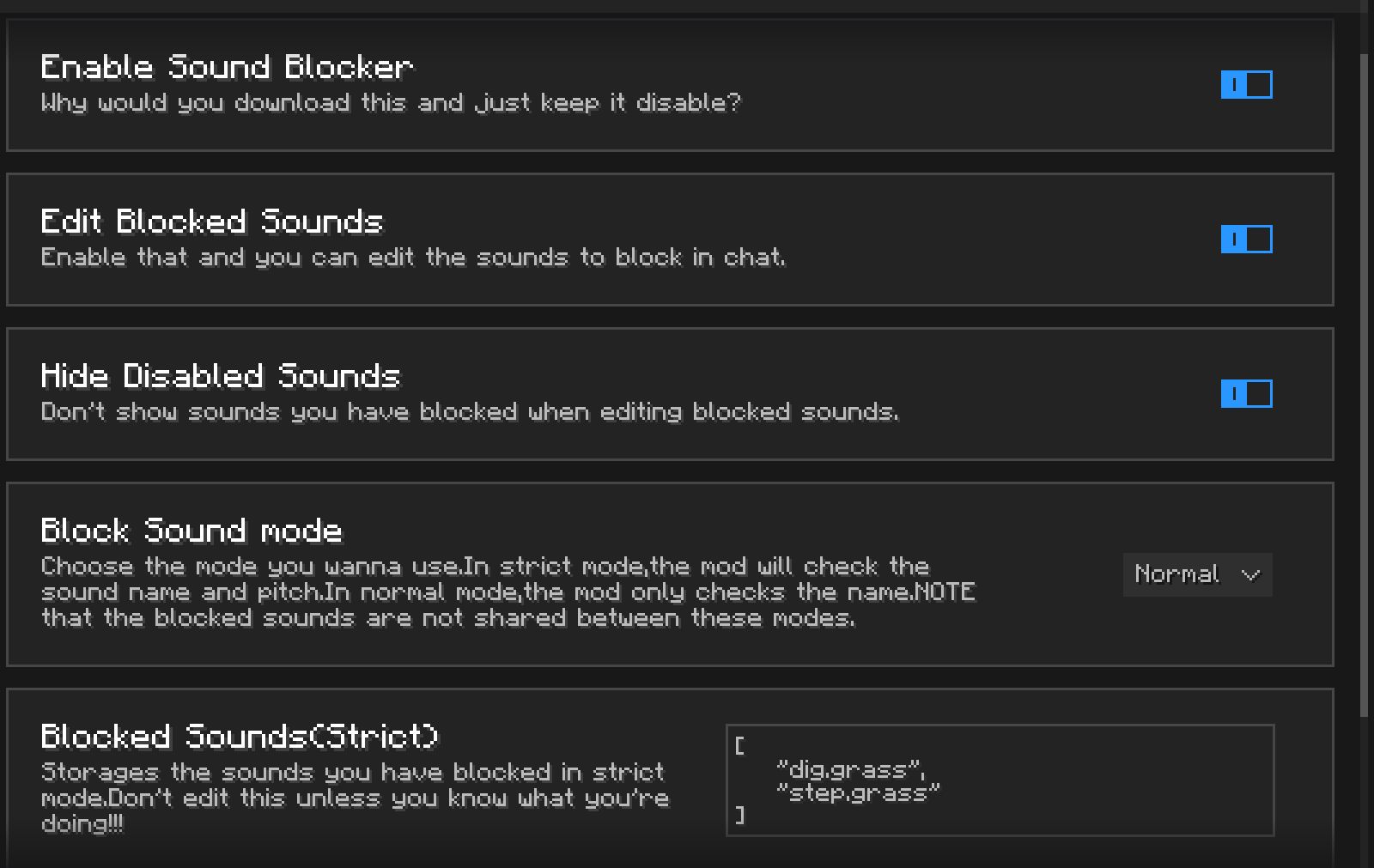
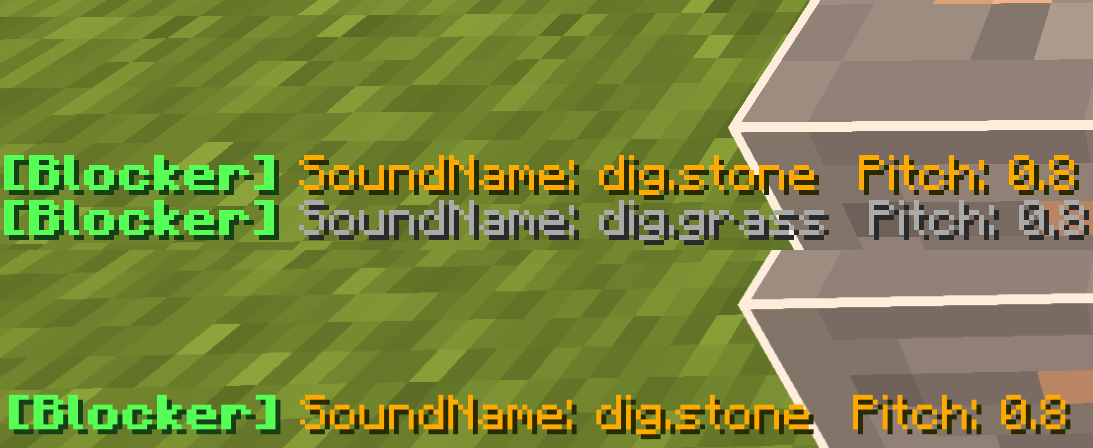
- Hide disabled sounds,allowing you to edit them clearly.
- Normal and strict mode
--Normal mode just blocks all the sounds with specific name.
--Strict mode also checks if the pitch matches.
---and,the sounds to block in different modes are not shared.
TODO
- A GUI to manage and play all the sounds you block.
- Multiple config profiles.
- Not only simply mutes them,but also allows you to change the volume and pitch,or even replacing them with a new one.
FAQ
How to install SoundBlocker?
Install Forge for your Minecraft version, download SoundBlocker for the same version and loader, put the file into the mods folder and launch the game with the loader profile.
Which Minecraft versions does SoundBlocker support?
SoundBlocker has builds for Minecraft 1.8.9.
Is SoundBlocker needed on the server?
Client only — no need to install it on the server
License and source
GNU General Public License v3.0 onlyfree to use and share; changes to the mod itself must be published under the same license


