
Vanilla Display
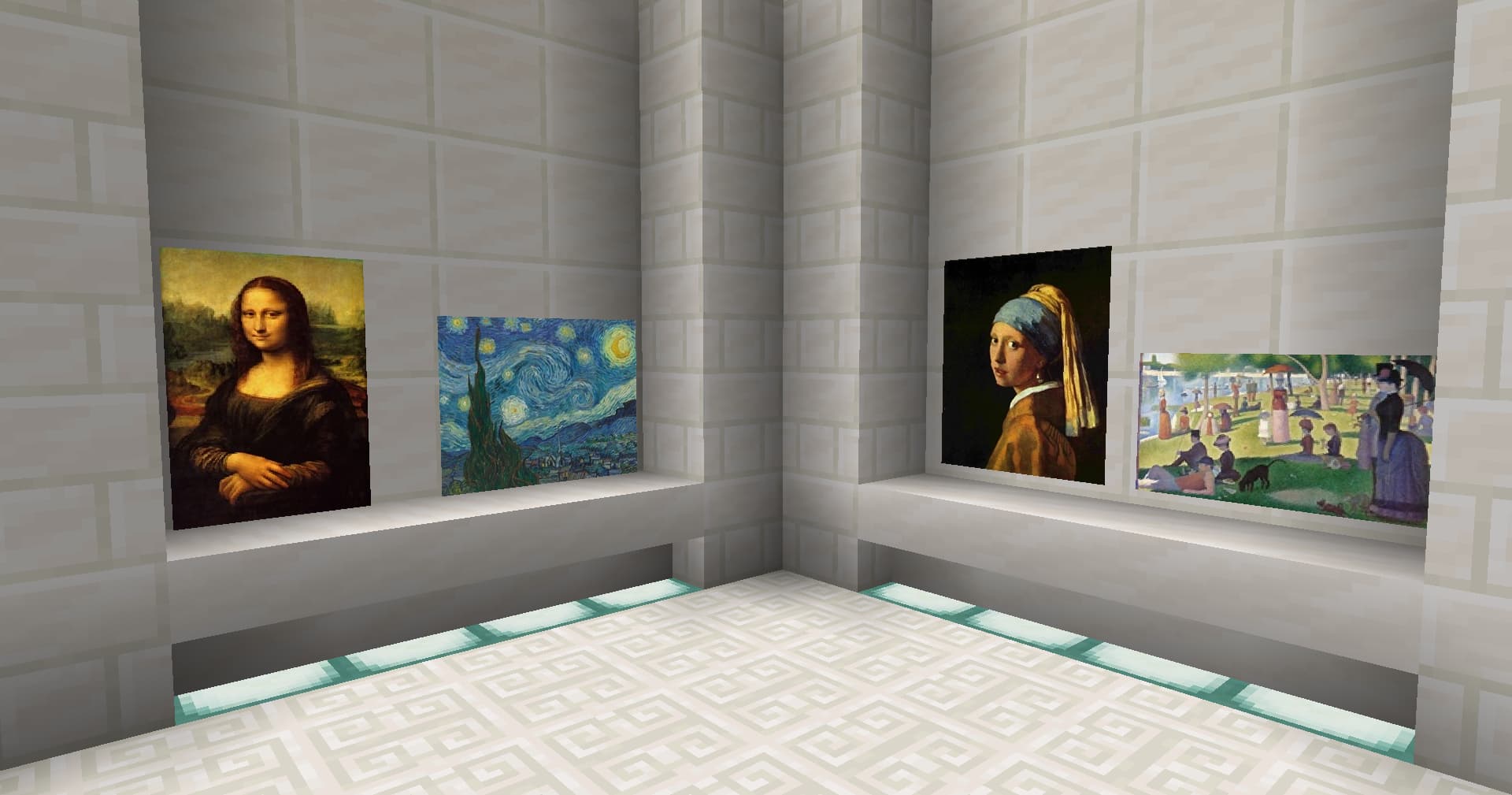
Displays images and videos using TextDisplay entities - no client mods required!
- Loaders
- Fabric
- Downloads on Modrinth
- 1.8K
- Followers on Modrinth
- 12
- versions
- 3
- Updated
- January 5, 2026Jan 5
- Published
- in 2025
At a glance
Install on the server only; players don't need it
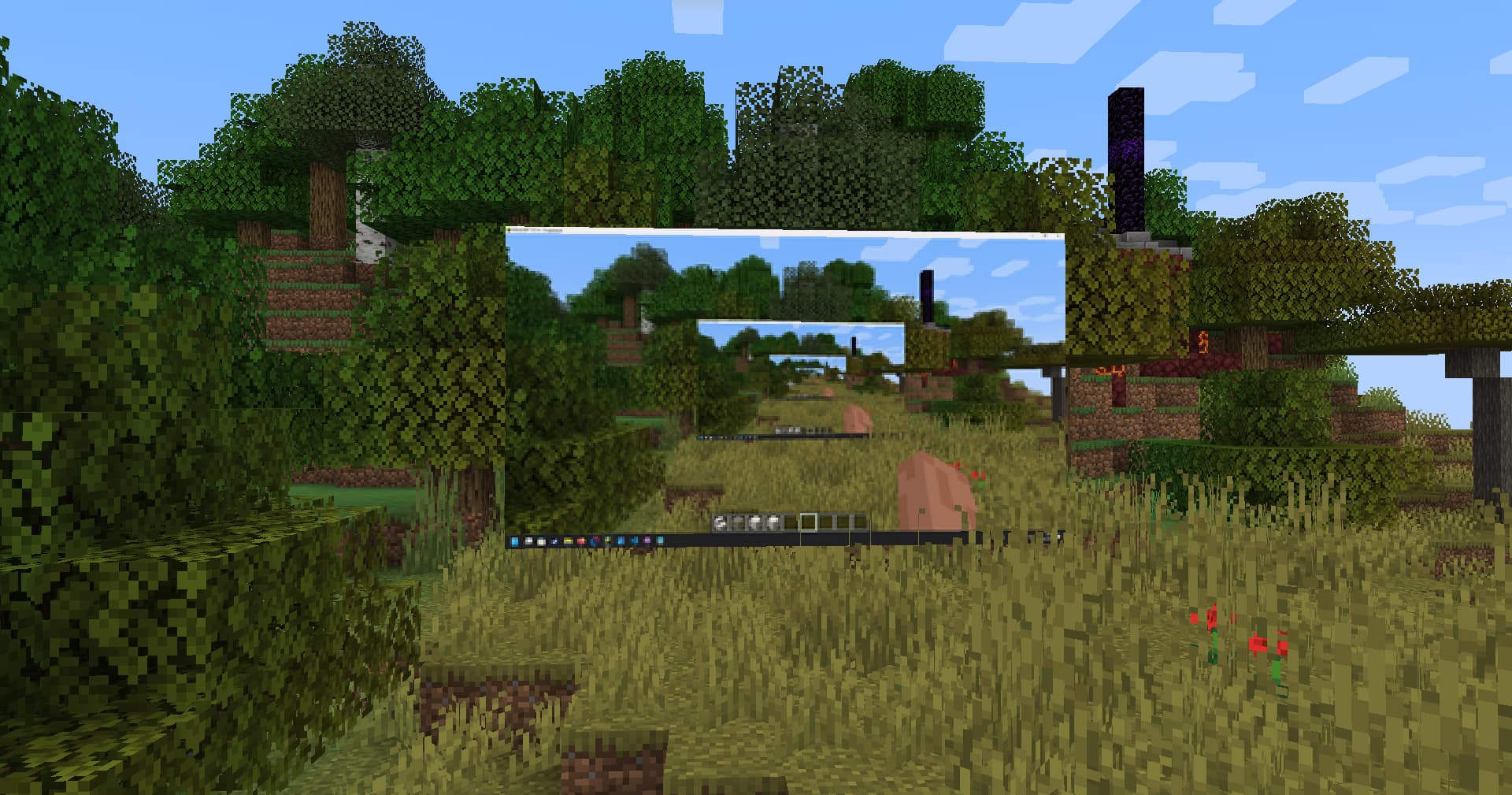
A proof-of-concept server-side mod that uses Text Display entities to show images, videos, and dynamic sources to vanilla clients.
Needs a resource pack. (Link)
It's recommended to require it on the server side. See https://minecraft.wiki/w/Server.properties.
Images
Videos
Video Sources
You can write scripts that output a source (such as your screen or webcam) to a file and then point Vanilla Display to it. - See commands.md.
How to use
See commands.md.
Features
- No client-side mods required
- Display static images, looping videos, and dynamic sources
- Versatile - See Video Sources
Limitations
- Supported format: JPG
- Max resolution: 256x256
- Max FPS: 20 (recommended: 10)
- Performance drops when using many displays at once
Note
Not ready for production. If you’re a server admin interested in supporting or sponsoring further development, get in touch: @pattlebass.bsky.social.
FAQ
How to install Vanilla Display?
Install Fabric for your Minecraft version, download Vanilla Display for the same version and loader, put the file into the mods folder and launch the game with the loader profile.
Which Minecraft versions does Vanilla Display support?
Vanilla Display has builds for Minecraft 1.21–1.21.5, 1.21.10–1.21.11.
Is Vanilla Display needed on the server?
Server only — players don't need to install it


