
DayNight Control
Customize day length, night length, sleep behavior, and HUD clock
- Loaders
- FabricNeoForgeForge
- Downloads on Modrinth
- 1.2K
- Followers on Modrinth
- 7
- versions
- 13
- Updated
- October 8, 2026Oct 8
- Published
- in 2026
At a glance
Needed both in the game and on the server
DayNight Control
DayNight Control gives you complete control over Minecraft's day and night cycle.
Customize day length, night length, sleep behavior, and HUD clock settings while keeping everything synchronized in both singleplayer and multiplayer worlds.
Configure day and night durations
Set custom day and night lengths in real-world minutes.

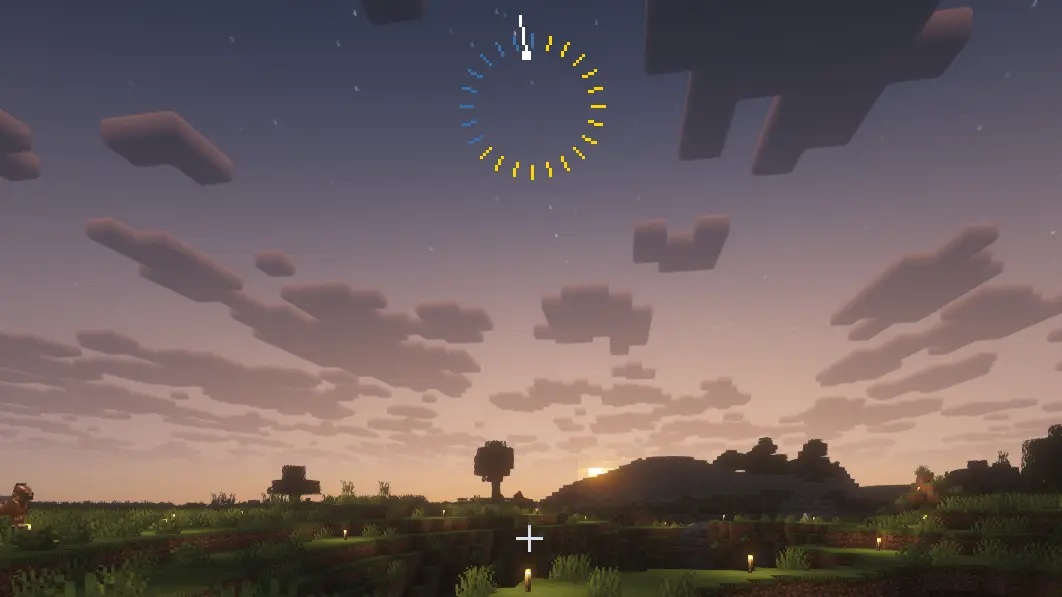
Clock HUD
Visual day/night ring showing the proportion of day and night lengths.
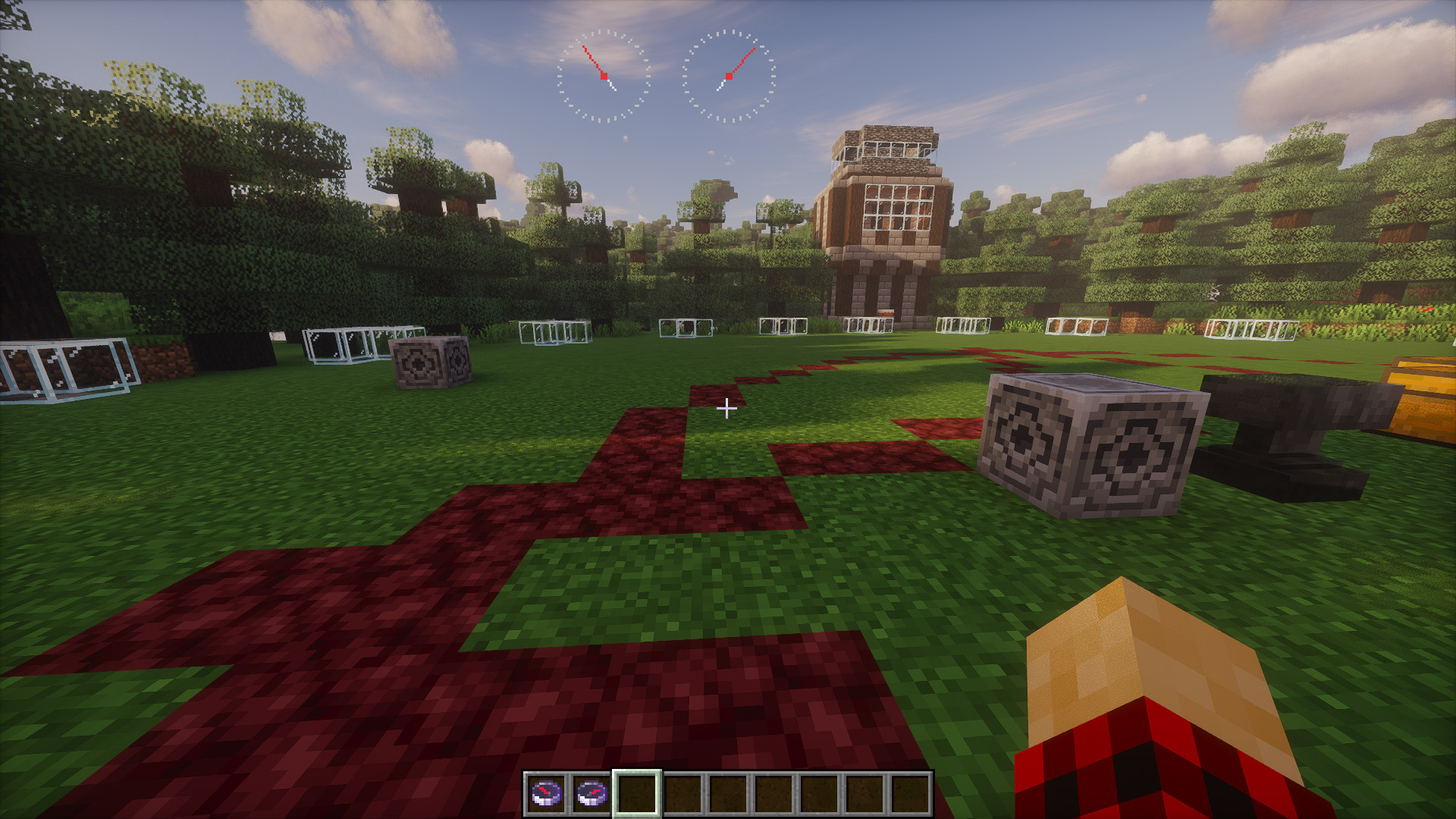
Compass HUD
When the player has a compass in their inventory, its HUD is displayed on the screen.
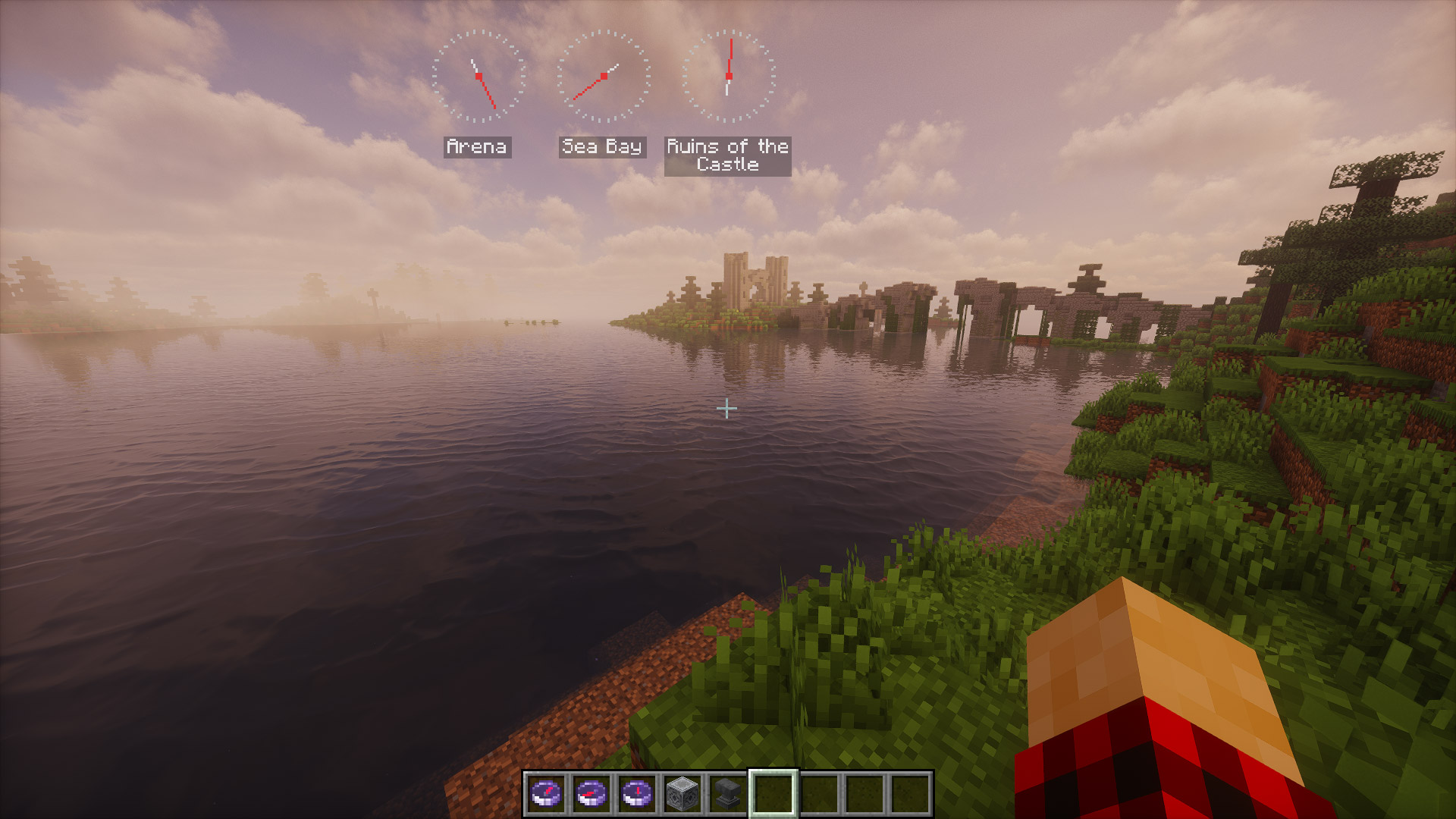
Compasses can be renamed in an anvil, which will cause their name to appear in the HUD.
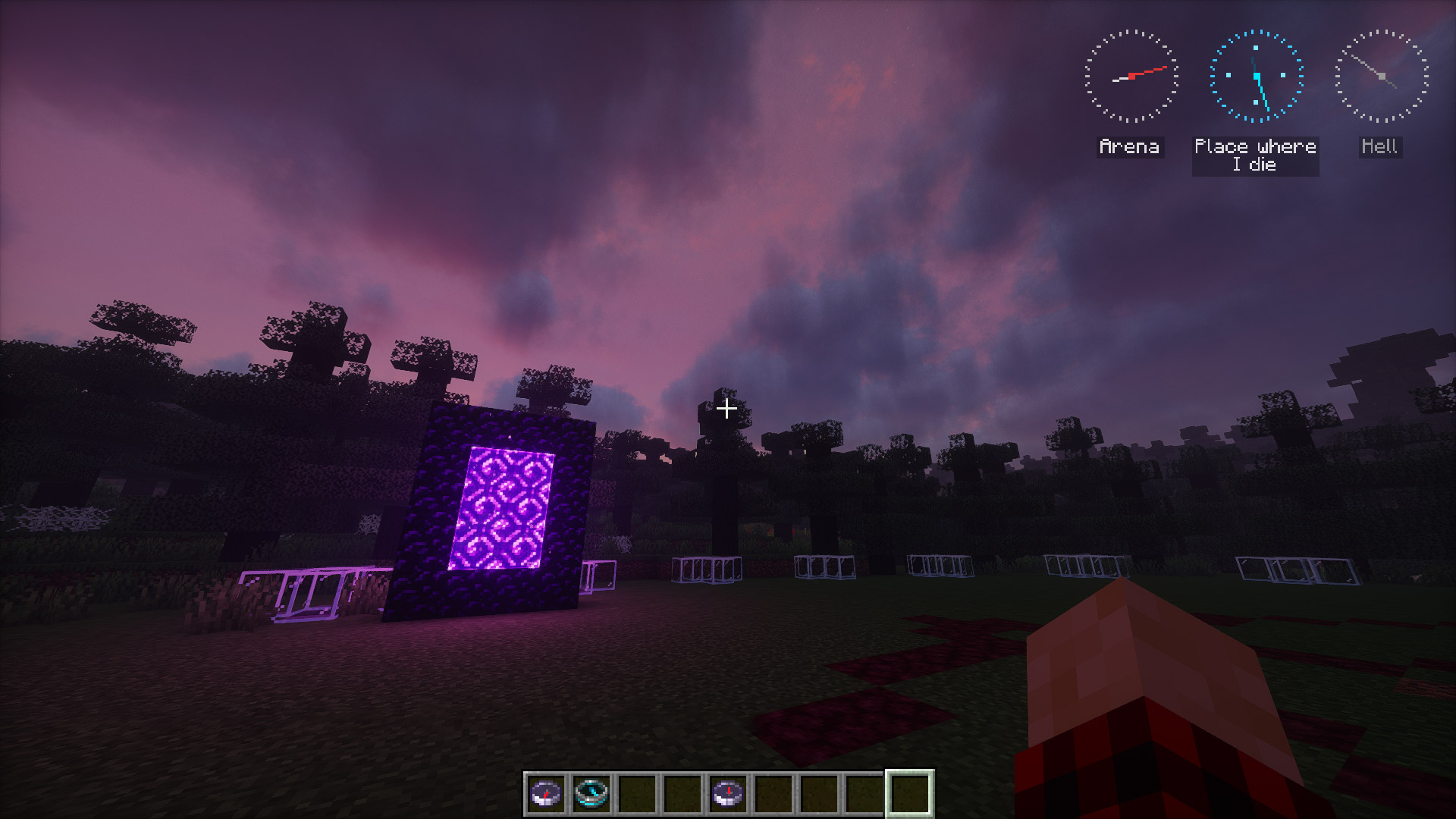
If the compass is anchored in another dimension, it turns gray and starts spinning.
Fast nights while sleeping
Sleep acceleration scales dynamically with the percentage of players sleeping.
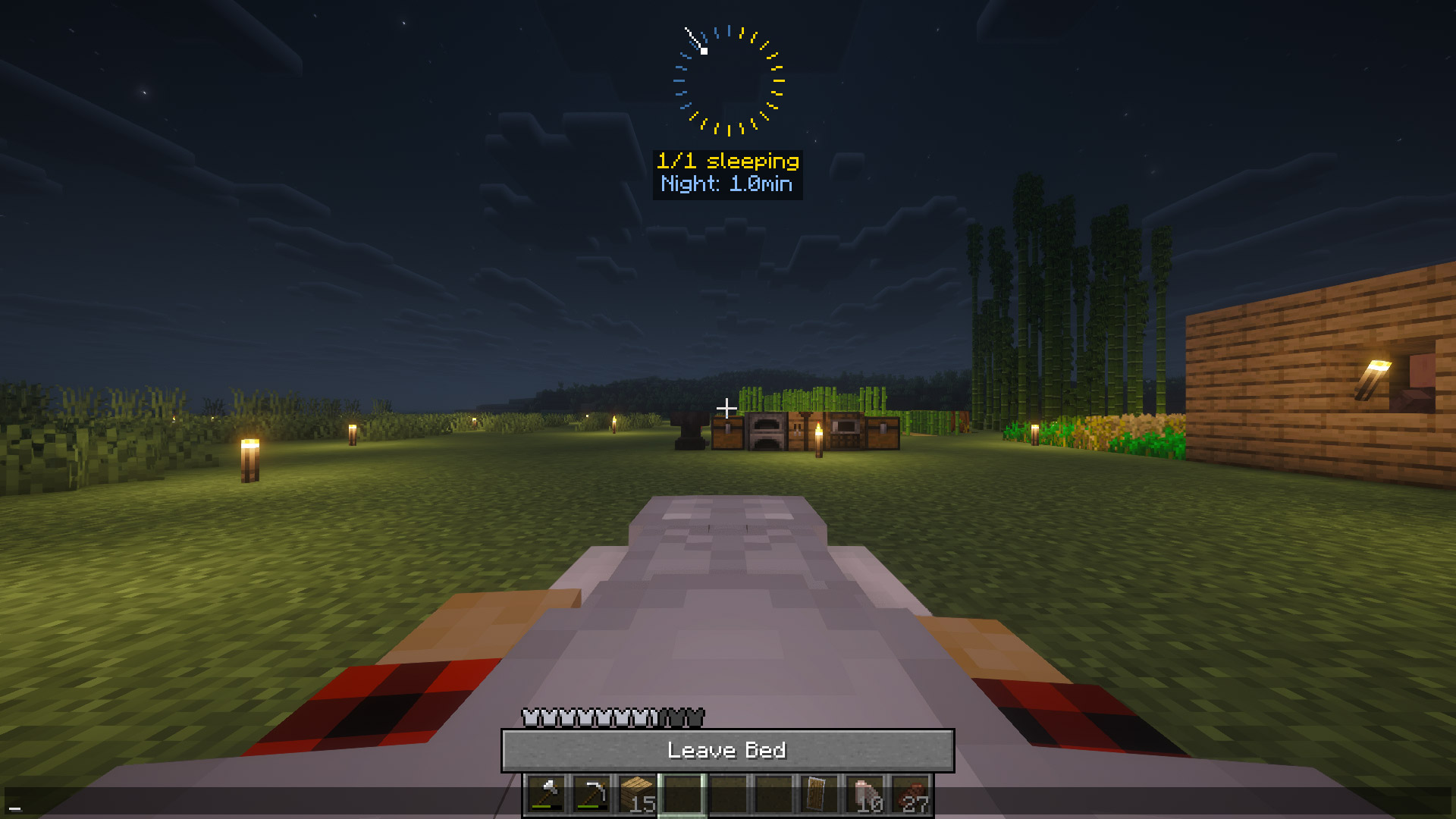
Easy Configuration
Fully configurable through in-game menu (Keybind: K).
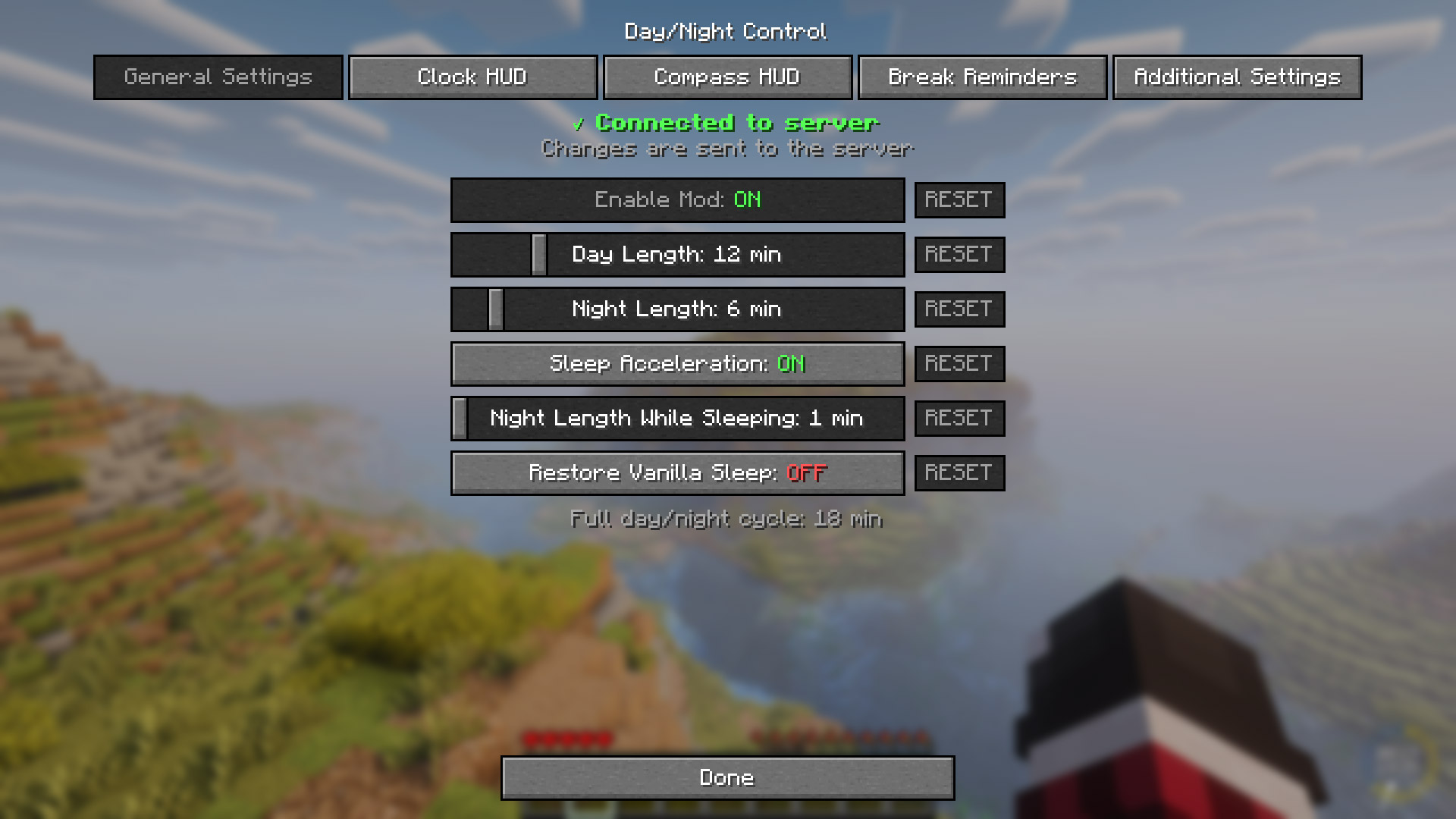
Also can be adjust from Mod Menu GUI.
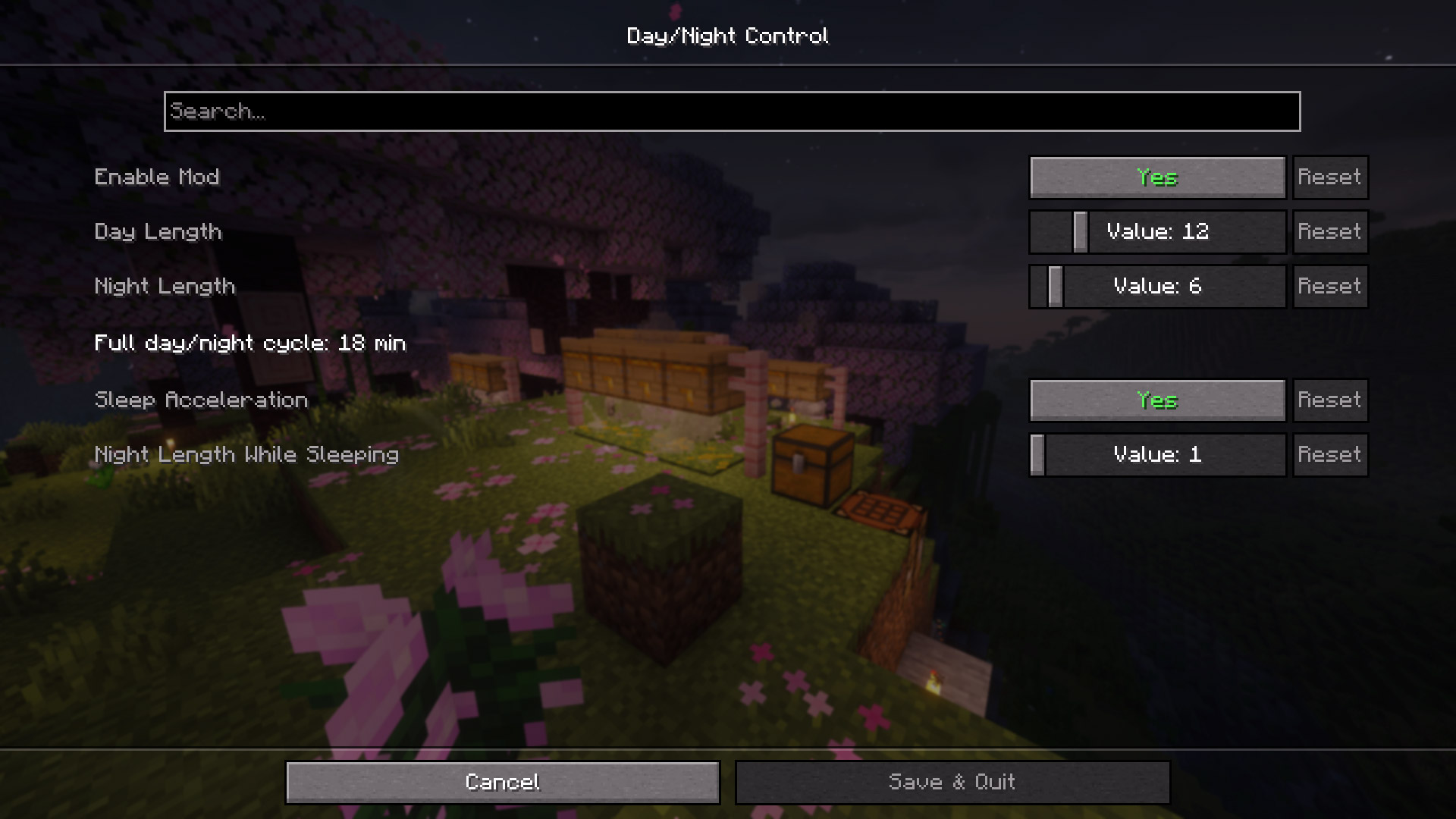
And also from in-game console.
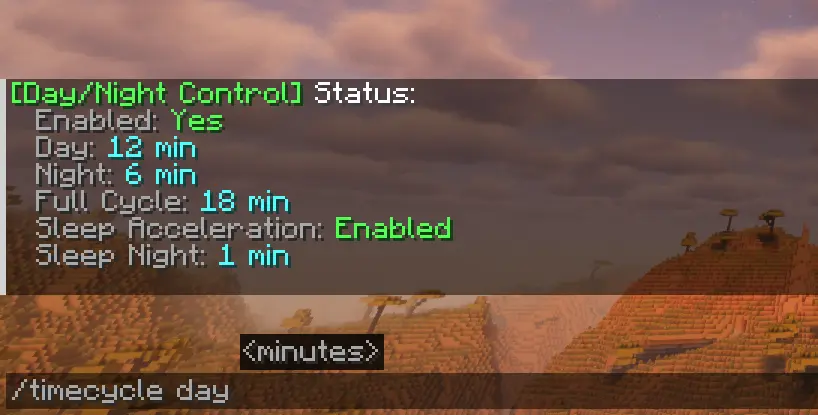
Compatible with Serene Seasons
With the Serene Seasons mod installed, a new tab will appear in the mod menu, allowing you to adjust the Day/Night Ratio for different seasons.

Multiplayer Ready
Server admins control the settings, clients automatically sync. Changes apply immediately without server restart.

Suggested Presets
| Type | Day | Night | Description |
|---|---|---|---|
| Vanilla | 10 min | 10 min | Standard Minecraft |
| Better Balance | 12 min | 6 min | Perfect for Heart Mod and ordinary gameplay |
| Builder Friendly | 30 min | 2 min | Maximum building time |
| Hardcore Survival | 8 min | 15 min | Challenging nights |
| Speed Run | 2 min | 1 min | Fast-paced gameplay |
| Realistic | 20 min | 10 min | 2:1 day/night ratio |
| Casual | 15 min | 5 min | Beginner friendly |
FAQ
How to install DayNight Control?
Install Fabric for your Minecraft version, download DayNight Control for the same version and loader, put the file into the mods folder and launch the game with the loader profile.
Which Minecraft versions does DayNight Control support?
DayNight Control has builds for Minecraft 1.21.1, 1.21.4–1.21.10, 26.1–26.3.
Is DayNight Control needed on the server?
Needed in the game and on the server
Similar mods
All game mechanics mods →


More mods by this author
 Heart Mod↓ 2.8K