
Hide Downgrade Warning
Hides "Downgrading a world is not supported" warning when opening worlds saved in newer version of Minecraft
- Loaders
- Fabric
- Downloads on Modrinth
- 313
- Followers on Modrinth
- 2
- versions
- 2
- Updated
- August 13, 2026Aug 13
- Published
- in 2026
At a glance
Install in the game only; not needed on the server


A simple, lightweight mod that automatically hides Minecraft Downgrade/incompatible warning when loading worlds saved in newer versions "Downgrading a world is not supported"
🌟 Features
- ⚡ Automatic Skip: Skip the warning screen so you can enter your world instantly
- 🛠️ Lightweight: Minimal impact on startup and performance
- 💻 Client-Side: Works on the client side without needing server configuration
⚠️ Warning: Make Sure to backup your world before loading it in an older version of Minecraft!
🎥 Preview
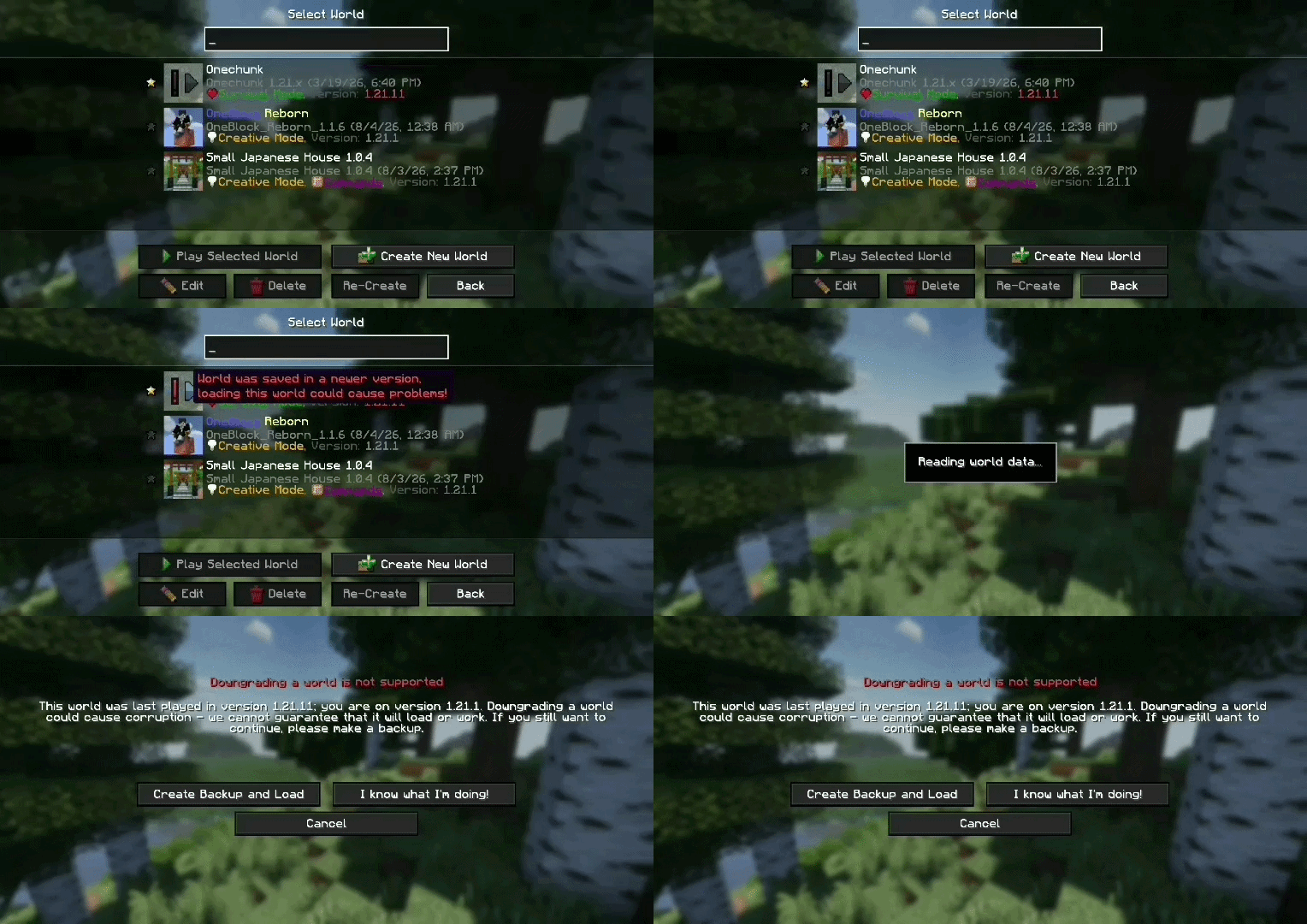 Vanilla downgrade warning prompt
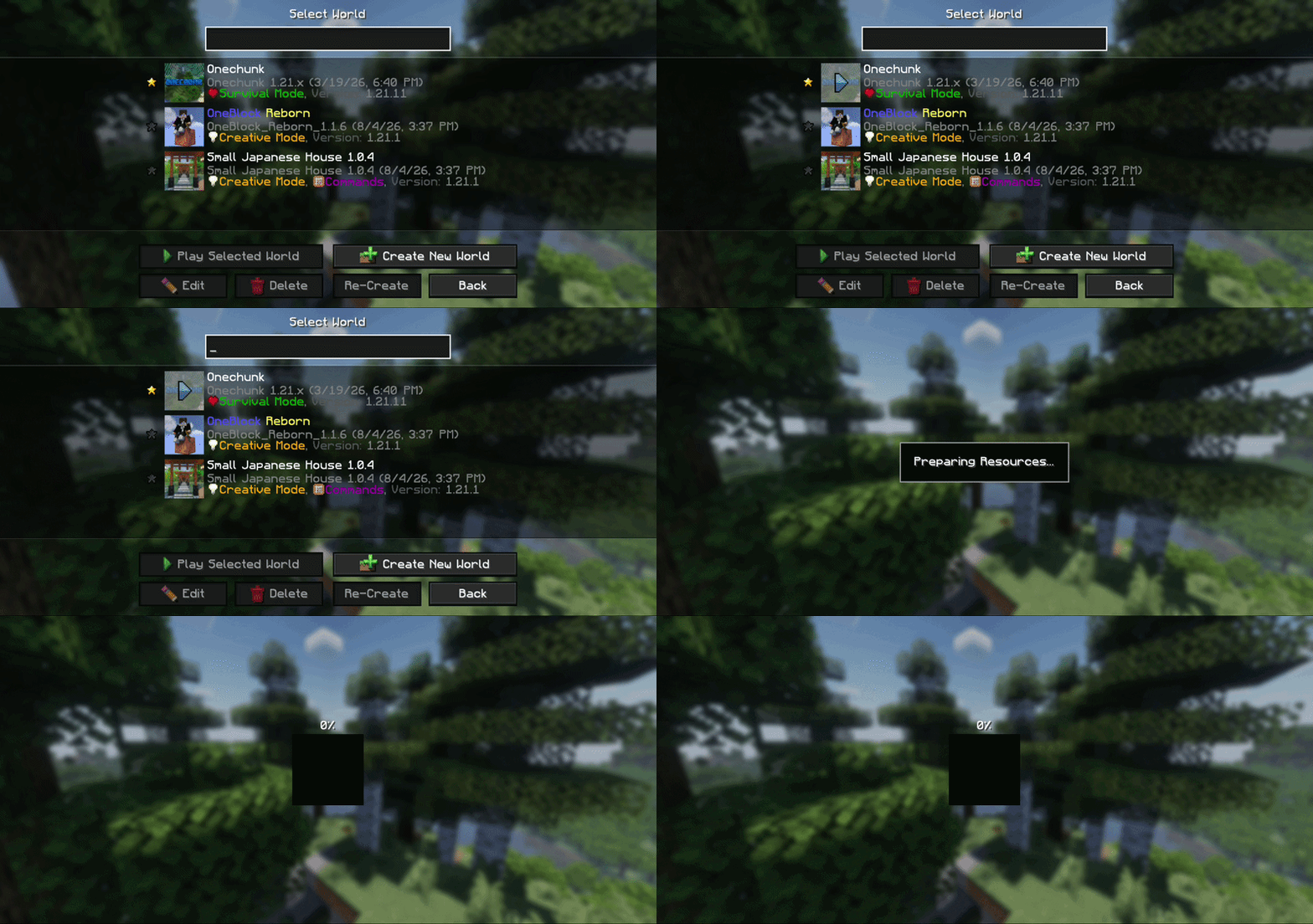 Warning skipped with the mod installed
FAQ
How to install Hide Downgrade Warning?
Install Fabric for your Minecraft version, download Hide Downgrade Warning for the same version and loader, put the file into the mods folder and launch the game with the loader profile.
Which Minecraft versions does Hide Downgrade Warning support?
Hide Downgrade Warning has builds for Minecraft 1.14–26.2.
Is Hide Downgrade Warning needed on the server?
Client only — no need to install it on the server


