
OnlySleep
Skip the night with just one player sleeping or configure it your way.
- Loaders
- FabricPaperPurpurSpigot
- Downloads on Modrinth
- 3.8K
- Followers on Modrinth
- 8
- versions
- 13
- Updated
- October 18, 2026Oct 18
- Published
- in 2026
At a glance
The author didn't say where the mod is needed
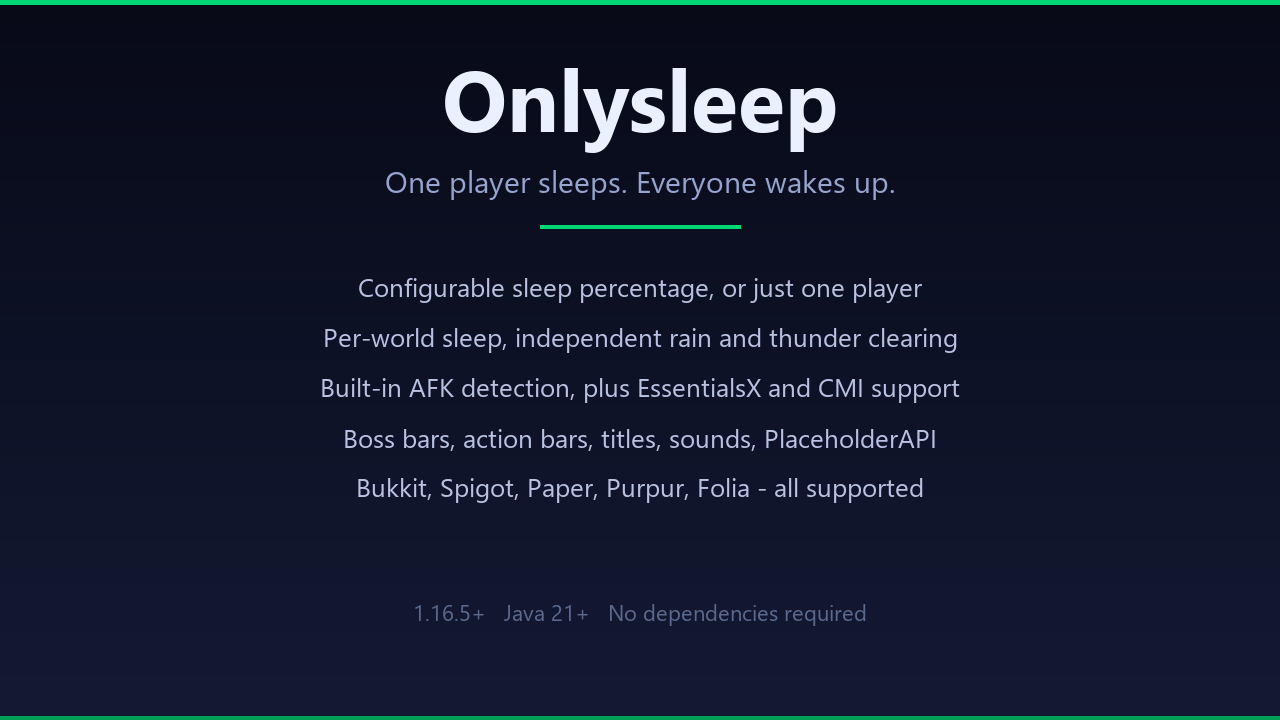
Onlysleep
One player sleeps. Everyone wakes up.
Onlysleep lets your server skip the night without waiting for every player to find a bed. One sleeper is enough by default, but you can require any percentage from 0 to 100. Install the JAR, restart the server, and the default configuration is ready to use.

- One-player sleep by default, with configurable percentage thresholds
- Separate sleep counts for each world
- Independent controls for clearing rain and thunder
- Boss bar, action bar, title, and progress-bar feedback
- Configurable sounds for bed entry and successful night skips
- Built-in AFK tracking, plus EssentialsX and CMI support
- Filters for spectators, creative players, flying players, game modes, and exempt permissions
- Automatic handling of the
playersSleepingPercentagegamerule - PlaceholderAPI support for sleep, world, and status data
- Optional update checks and anonymous bStats metrics

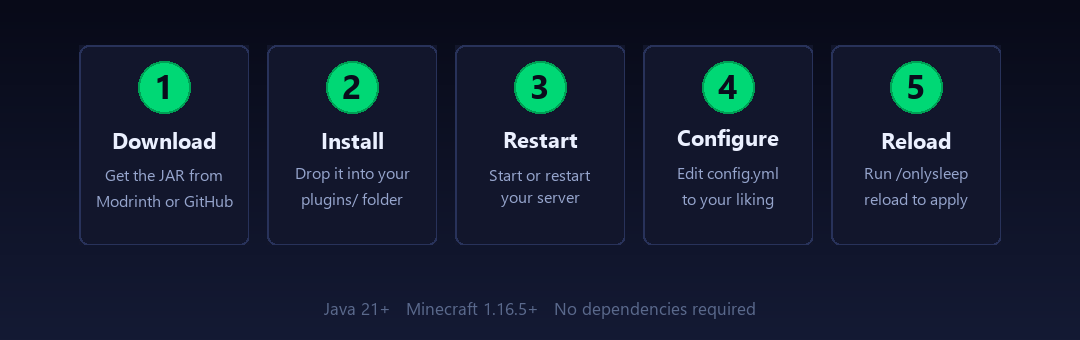
Requirements: Minecraft 26.3 and Java 25 or newer. Onlysleep works on its own; PlaceholderAPI is optional.

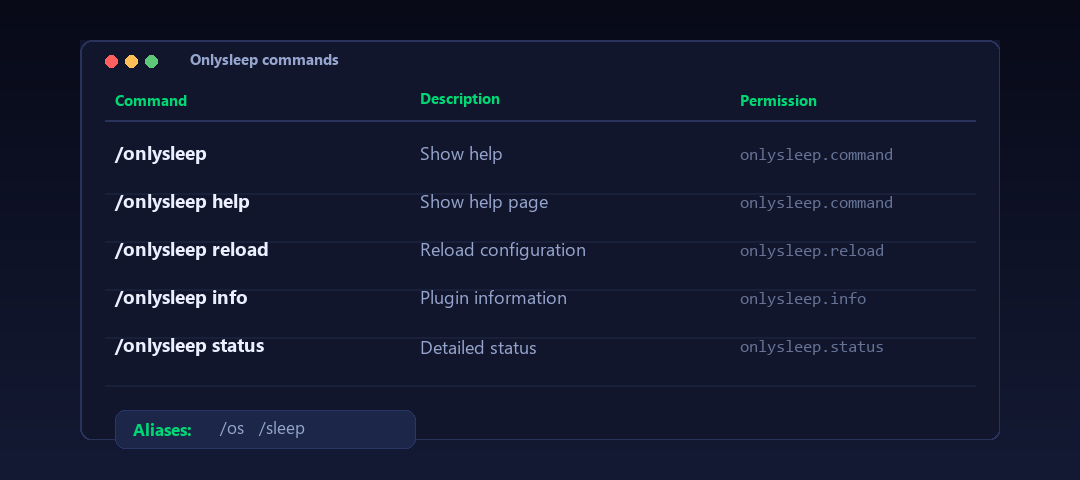
Aliases: /os, /sleep

| Permission | Default | Description |
|---|---|---|
onlysleep.* | OP | All permissions |
onlysleep.command | Everyone | Use commands |
onlysleep.info | OP | View plugin info |
onlysleep.reload | OP | Reload config |
onlysleep.status | OP | View status |
onlysleep.exempt | None | Excluded from sleep (operators sleep by default) |
onlysleep.update | OP | Update alerts |
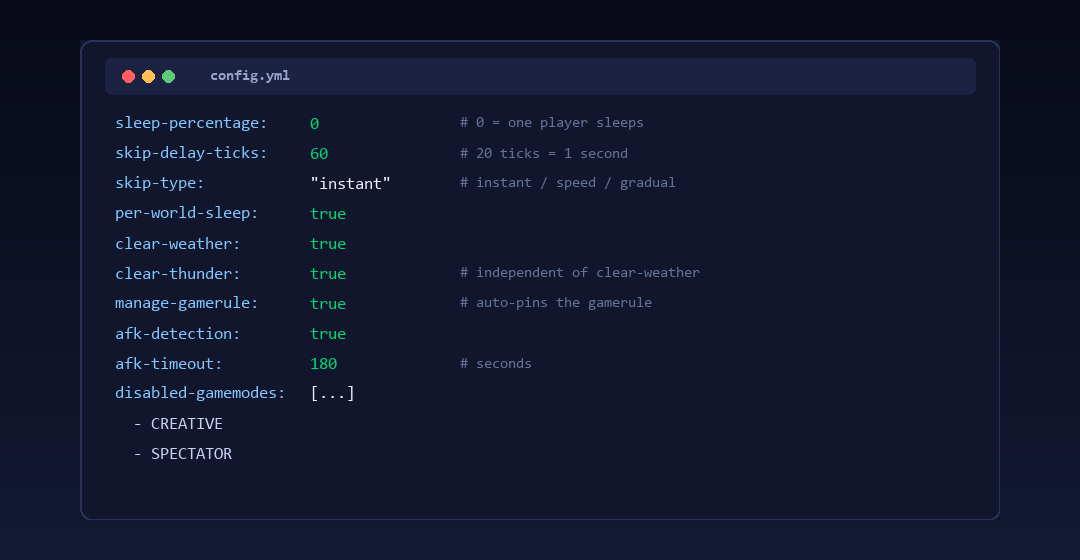
You can use the defaults as-is. The main setting is sleep-percentage in config.yml:
0= one player sleeps, everyone wakes up50= half the server needs to be in bed100= everyone has to sleep
Set per-world-sleep: false if you want global counting across all worlds.
See config.yml for every option and messages.yml for message customization.

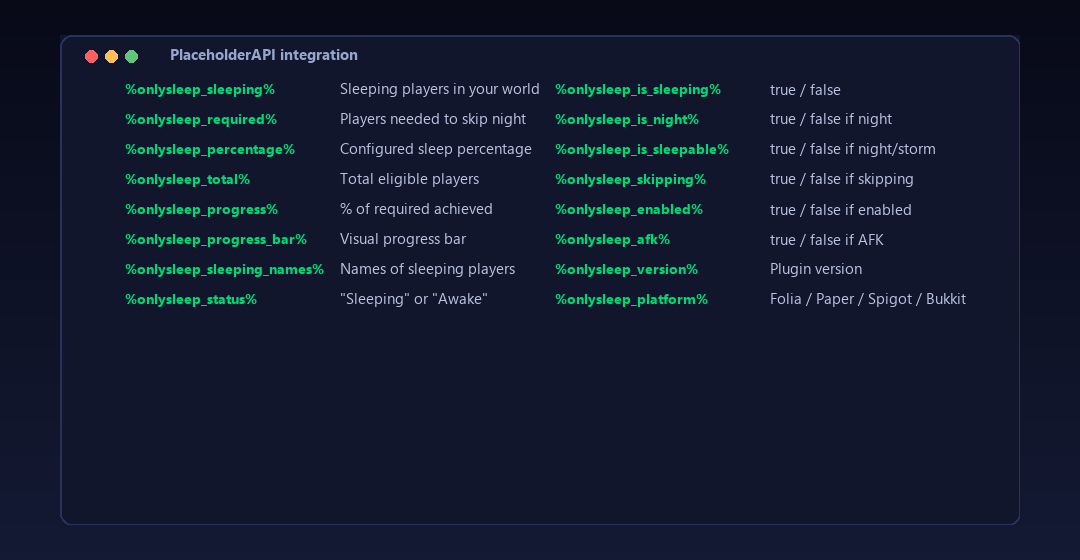
If you have PlaceholderAPI installed, these placeholders are available:
| Placeholder | Description |
|---|---|
%onlysleep_sleeping% | Sleeping players in the player's world |
%onlysleep_required% | Players needed to skip the night |
%onlysleep_percentage% | Configured sleep percentage |
%onlysleep_total% | Total eligible players in the world |
%onlysleep_progress% | % of required sleepers achieved (0-100) |
%onlysleep_progress_bar% | Visual progress bar |
%onlysleep_sleeping_names% | Names of sleeping players |
%onlysleep_status% | "Sleeping" or "Awake" |
%onlysleep_is_sleeping% | true/false |
%onlysleep_is_night% | true/false if it's night |
%onlysleep_is_sleepable% | true/false if night/storm |
%onlysleep_skipping% | true/false if a skip is scheduled |
%onlysleep_enabled% | true/false if sleeping is enabled in the world |
%onlysleep_afk% | true/false if the player is AFK |
%onlysleep_version% | Plugin version |
%onlysleep_platform% | Server platform (Folia/Paper/Spigot/Bukkit) |
| `%onlysleep_world_sleeping_%` | Sleeping count in a specific world |
| `%onlysleep_world_required_%` | Required count in a specific world |
| `%onlysleep_world_total_%` | Total eligible in a specific world |
Building
git clone https://github.com/DemonZ-Development/Onlysleep.git
cd Onlysleep
./gradlew clean build
The compiled JAR is in build/libs/.
bStats
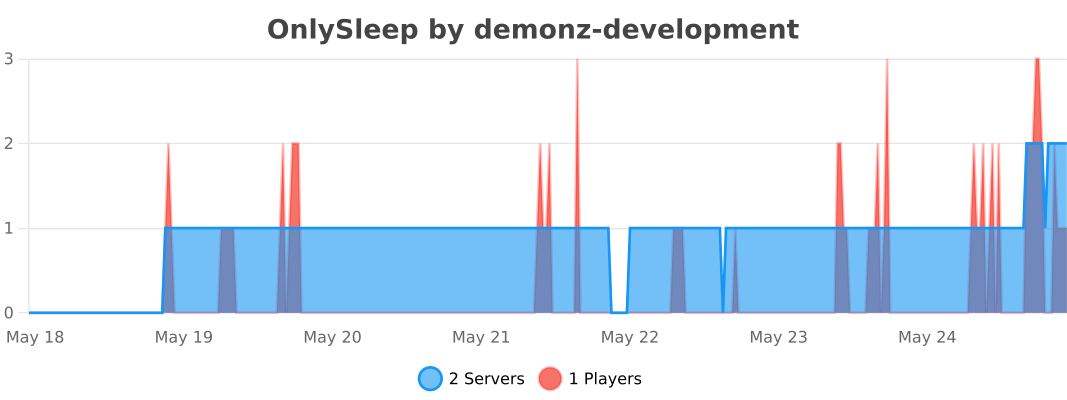
Onlysleep uses bStats for anonymous usage metrics. You can opt out in plugins/bStats/config.yml.
Links
Sponsored By
Server hosting for this project is sponsored by Nexeu Hosting.
FAQ
How to install OnlySleep?
Install Fabric for your Minecraft version, download OnlySleep for the same version and loader, put the file into the mods folder and launch the game with the loader profile.
Which Minecraft versions does OnlySleep support?
OnlySleep has builds for Minecraft 1.16–26.3.
Similar mods
All game mechanics mods →


Often needed together
 Fabric API↓ 290M