
OreOverlay
Client-side Fabric mod for 1.21.11 that predicts nearby ore locations from the world seed and renders colored markers through terrain, hiding them as you mine.
- Loaders
- Fabric
- Downloads on Modrinth
- 1.6K
- Followers on Modrinth
- 2
- version
- 1
- Updated
- March 15, 2026Mar 15
- Published
- in 2026
At a glance
Install in the game only; not needed on the server
OreOverlay
OreOverlay is a client-side Fabric mod for Minecraft 1.21.11 that helps you find ores by predicting nearby ore locations from a world seed and drawing them as colored in-world overlays.
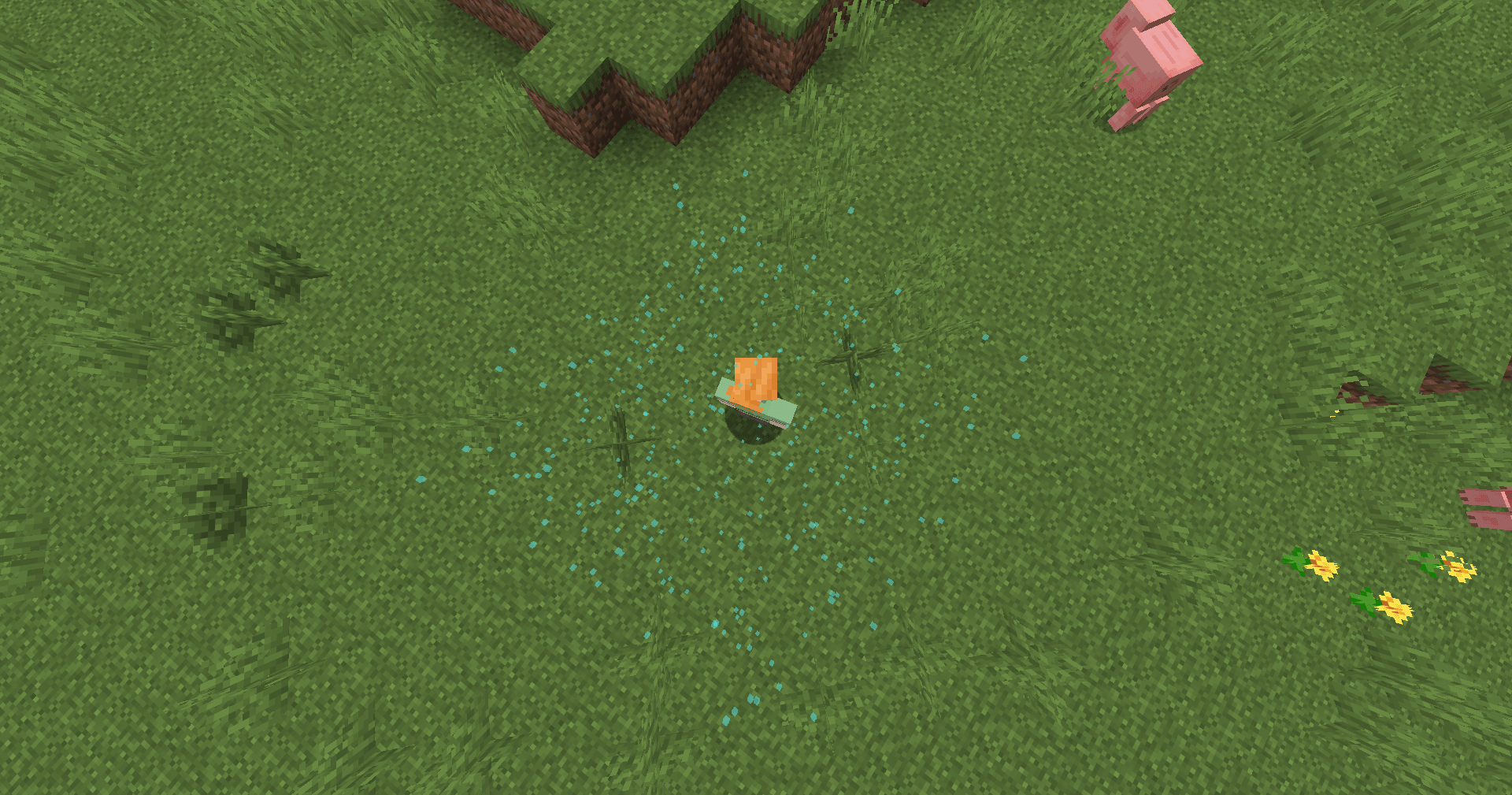
Search for a specific ore in-game, load the results instantly, and mine with a clear visual guide without changing server behavior or adding any server-side code.
Features
- In-game ore search menu
- Colored ore markers rendered through terrain
- Exact local calculation, no external website required
- Reload overlay data without restarting the game
- Markers disappear as you mine the matching block
- Hidden/mined markers are saved separately
- Client-only Fabric mod
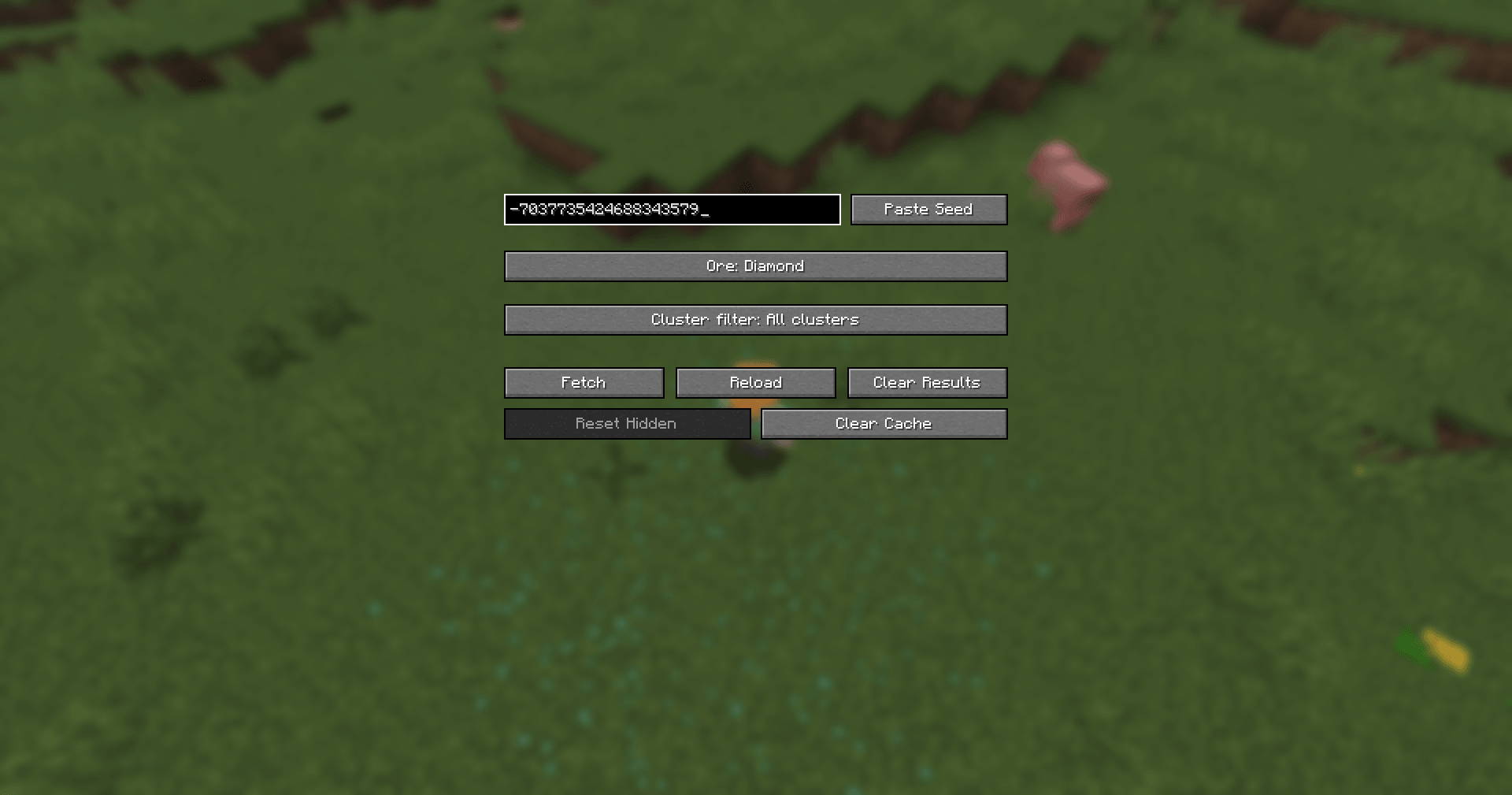
Supported Ores
- Diamond
- Redstone
- Gold
- Iron
- Emerald
- Lapis
- Coal
- Copper
- Ancient Debris
Controls
G- Open ore searchO- Toggle overlayR- Reload ore data
Notes
- This mod is client-side only
- Designed for Minecraft 1.21.11
- Intended for singleplayer, testing, seed analysis, and technical experimentation
- Does not include server-side code or interact with Minecraft servers
- Always respect the rules of any server or community where you play
FAQ
How to install OreOverlay?
Install Fabric for your Minecraft version, download OreOverlay for the same version and loader, put the file into the mods folder and launch the game with the loader profile.
Which Minecraft versions does OreOverlay support?
OreOverlay has builds for Minecraft 1.21.11.
Is OreOverlay needed on the server?
Client only — no need to install it on the server


