
Per Player Height
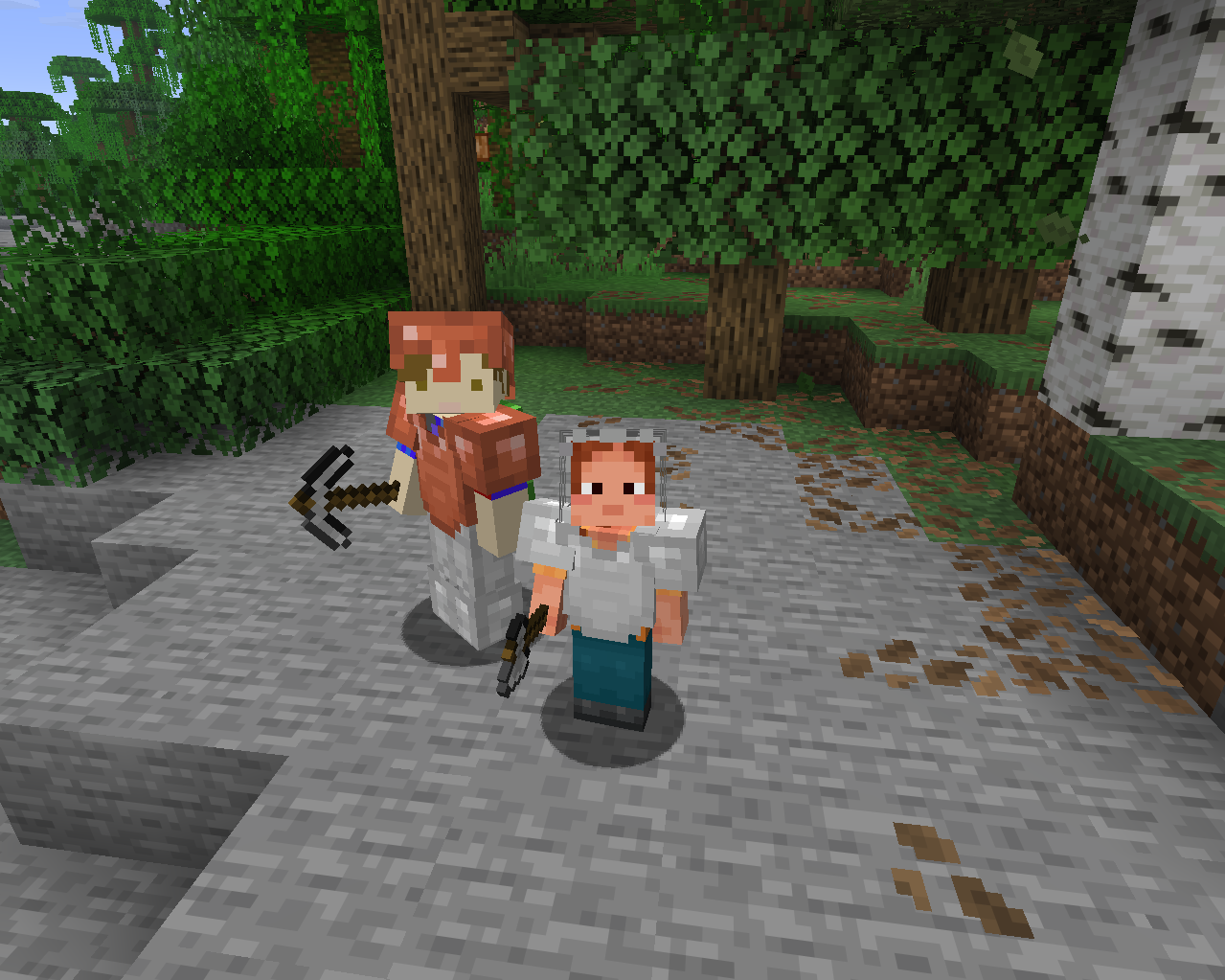
Each player is assigned a random configurable persistent height upon joining.
- Loaders
- NeoForge
- Downloads on Modrinth
- 28
- Followers on Modrinth
- 1
- version
- 1
- Updated
- September 3, 2026Sep 3
- Published
- in 2026
At a glance
Needed both in the game and on the server
Assigns a random presistant hight to each player in the server.
This height can be configured in the mods list with a minimum and maximum.
Supports a total of 24 languages.
Languages:
- English
- British English
- German
- French
- Spanish
- Italian
- Portuguese (Brazil)
- Russian
- Japanese
- Korean
- Simplified Chinese
- Traditional Chinese
- Dutch
- Polish
- Turkish
- Ukrainian
- Swedish
- Danish
- Norwegian
- Finnish
- Czech
- Hungarian
- Greek
- Indonesian
Commands:
/height set <value>
Sets your own height to any given value without limits.
Requires cheats enabled
/height get
Sends a chat message displaying your height in minecraft blocks (The default Minecraft player is 1.8 blocks tall)
FAQ
How to install Per Player Height?
Install NeoForge for your Minecraft version, download Per Player Height for the same version and loader, put the file into the mods folder and launch the game with the loader profile.
Which Minecraft versions does Per Player Height support?
Per Player Height has builds for Minecraft 26.2.
Is Per Player Height needed on the server?
Needed in the game and on the server


