
Quick Container Insert
This mod lets you insert items into containers without opening their GUI.
Fabric
- Loaders
- Fabric
- Downloads on Modrinth
- 327
- Followers on Modrinth
- 5
- versions
- 8
- Updated
- July 22, 2026Jul 22
- Published
- in 2026
At a glance
Runs on Fabric
For Minecraft 1.21–26.2
Needed in the game and on the server
Latest version — 2.1.0 from July 22, 2026
License CC0-1.0 — free
Where it's neededGame versions1.21–26.2
In gamerequiredOn serverrequired
Needed both in the game and on the server
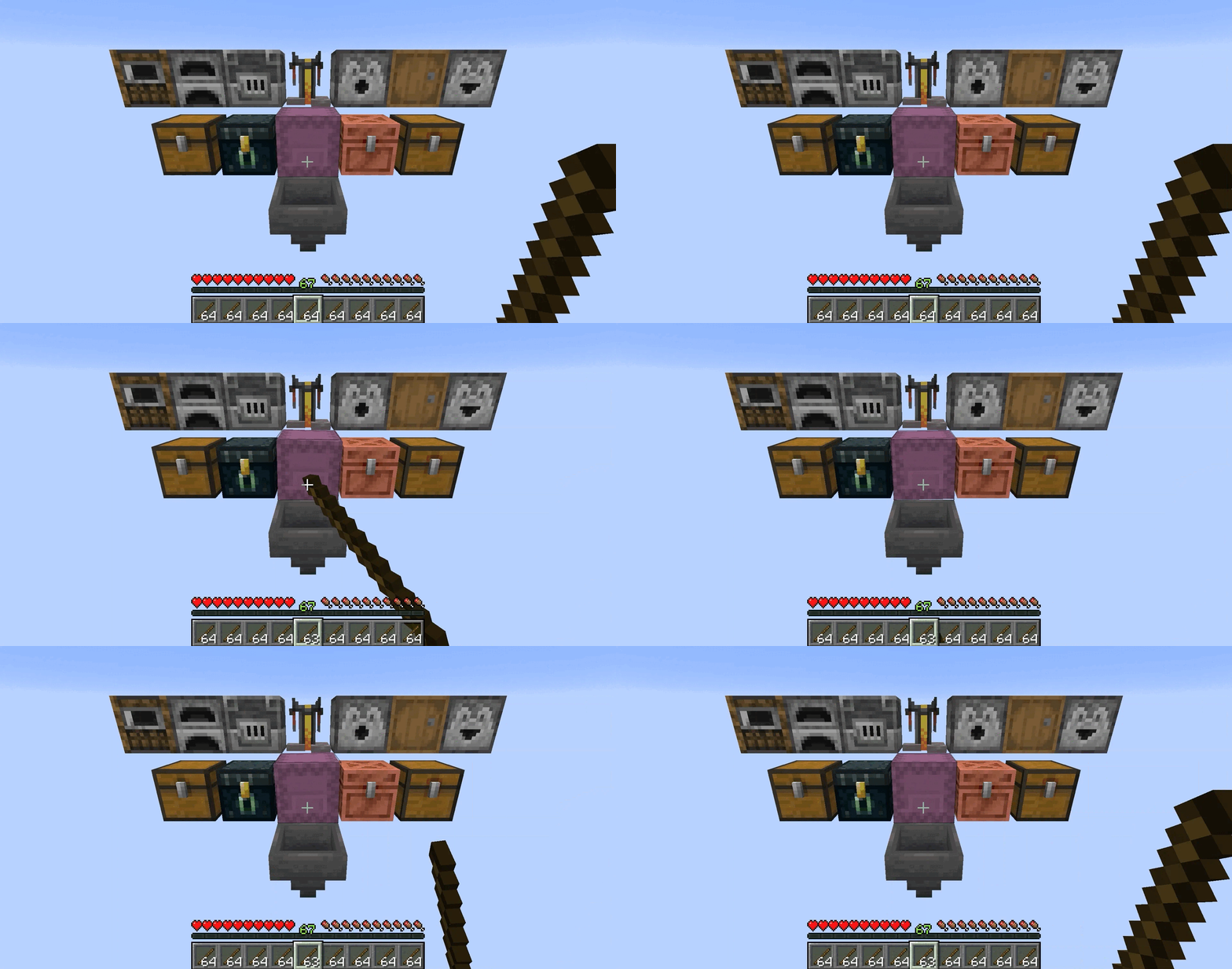
FEATURES
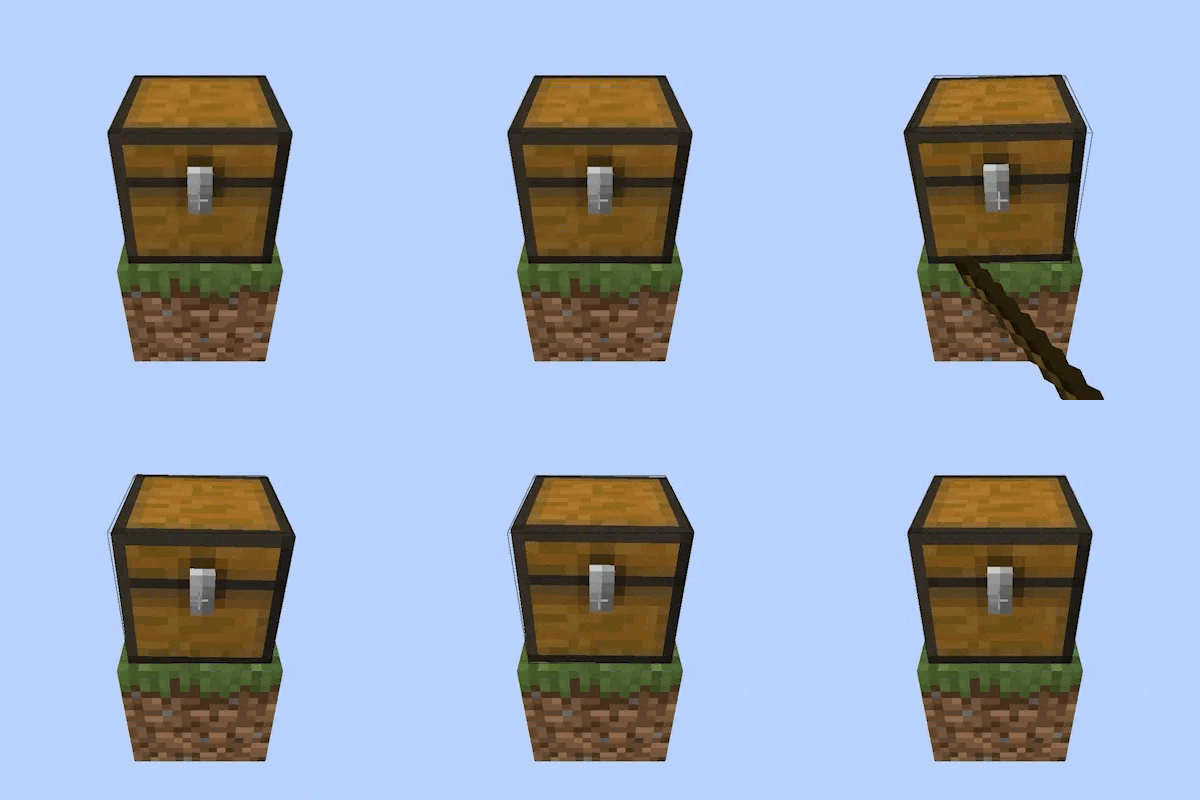
| Insert Directly | Hold an item and interact with a supported container to deposit one item directly, bypassing the GUI entirely |
| Supported Containers |  Barrel, Barrel,  Blast Furnace, Blast Furnace,  Brewing Stand, Brewing Stand,   Chest, Chest,   Copper Chest, Copper Chest,  Dispenser, Dispenser,  Dropper, Dropper,  Ender Chest, Ender Chest,  Furnace, Furnace,  Hopper, Hopper,  Shulker Box, Shulker Box,  Smoker, Smoker,   Trapped Chest, Trapped Chest,  Boat/Raft with Chest, Boat/Raft with Chest,   Minecart with Chest/Hopper Minecart with Chest/Hopper |
| Continuous Transfer | Keep holding the interaction keys to continuously transfer items one by one at a configurable speed |
| Decorated Pot Animations | Containers play the exact wobble animations from the Decorated Pot |
| Decorated Pot Sounds | Plays the Decorated Pot sounds based on container fill level, matching the pot exactly |
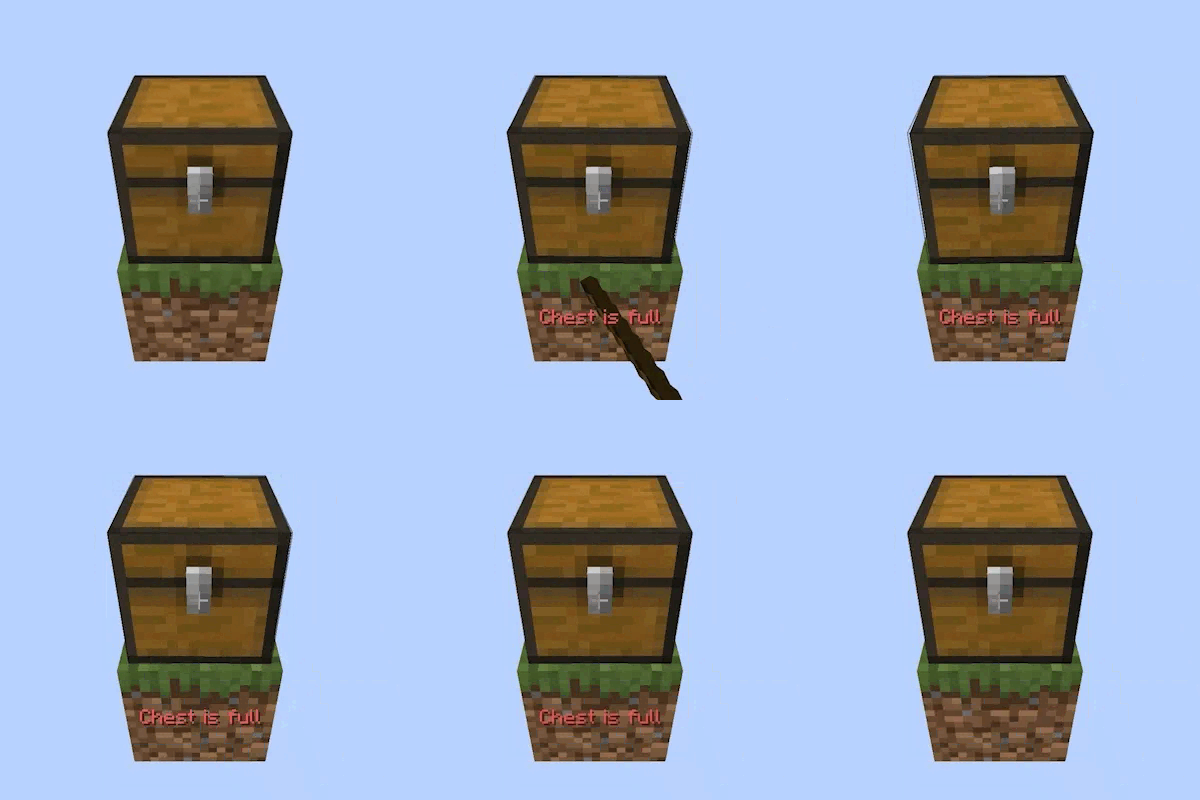
| "Container Full" Tooltip | When a container has no room, a red message fades in above your hotbar naming the specific container |
| "Item Not Allowed" Tooltip | If an item cannot go into a container at all (e.g. coal into a Brewing Stand), a message tells you and no items are consumed |
| Smart Slot Routing | Furnaces route fuel to the fuel slot and other items to the input slot |
| Brewing Stands route Blaze Powder to the fuel slot, bottles to bottle slots, and base/effect ingredients to the ingredient slot |
HOW TO USE
 a supported container while holding an item in your main hand.
- One item is inserted immediately on the first click.
- Keep holding to wait out the Initial Delay, after which items transfer continuously at the Transfer Speed.
- If the container is full or the item is not accepted, a message appears above your hotbar and the fail animation plays.
CONFIGURATION
If you have Mod Menu installed, you can customize your experience:
| Block Animation | Toggles the decorated pot wobble animation on containers when inserting items |
| Transfer Speed (ticks) | Delay between each item transfer while holding Ctrl + Right-Click |
| Initial Delay (ticks) | How long you must hold Ctrl + Right-Click before continuous rapid transfer begins |
REQUIREMENTS
- Fabric Loader
- Fabric API
- Cloth Config API (1.21.x)
- YetAnotherConfigLib (26.x)
- Mod Menu (recommended for easy in-game configuration)
CLIENT & SERVER
Some functionality exists on both the client and server, requiring the mod to be installed on both sides.
FREE & PUBLIC SOURCE
This is a completely free project. I'm not asking for donations or "buy me a coffee" contributions. If you enjoy the mod, the best way to support it is by:
- Leaving a rating/review
- Sharing it with friends
- Reporting any bugs you find
GALLERY
Success/Failure
FAQ
How to install Quick Container Insert?
Install Fabric for your Minecraft version, download Quick Container Insert for the same version and loader, put the file into the mods folder and launch the game with the loader profile.
Which Minecraft versions does Quick Container Insert support?
Quick Container Insert has builds for Minecraft 1.21–26.2.
Is Quick Container Insert needed on the server?
Needed in the game and on the server
License and source
Creative Commons Zero v1.0 Universalfree to use and share with credit to the author
Similar mods
All game mechanics mods →


More mods by this author
 More Cloud Layers↓ 3.7K
 Bee GUI↓ 5.3K
 Total Yield↓ 665