
- Loaders
- ForgePaperSpigotBukkit
- Downloads on Modrinth
- 185
- Followers on Modrinth
- 0
- versions
- 2
- Updated
- August 14, 2026Aug 14
- Published
- in 2026
At a glance
The author didn't say where the mod is needed
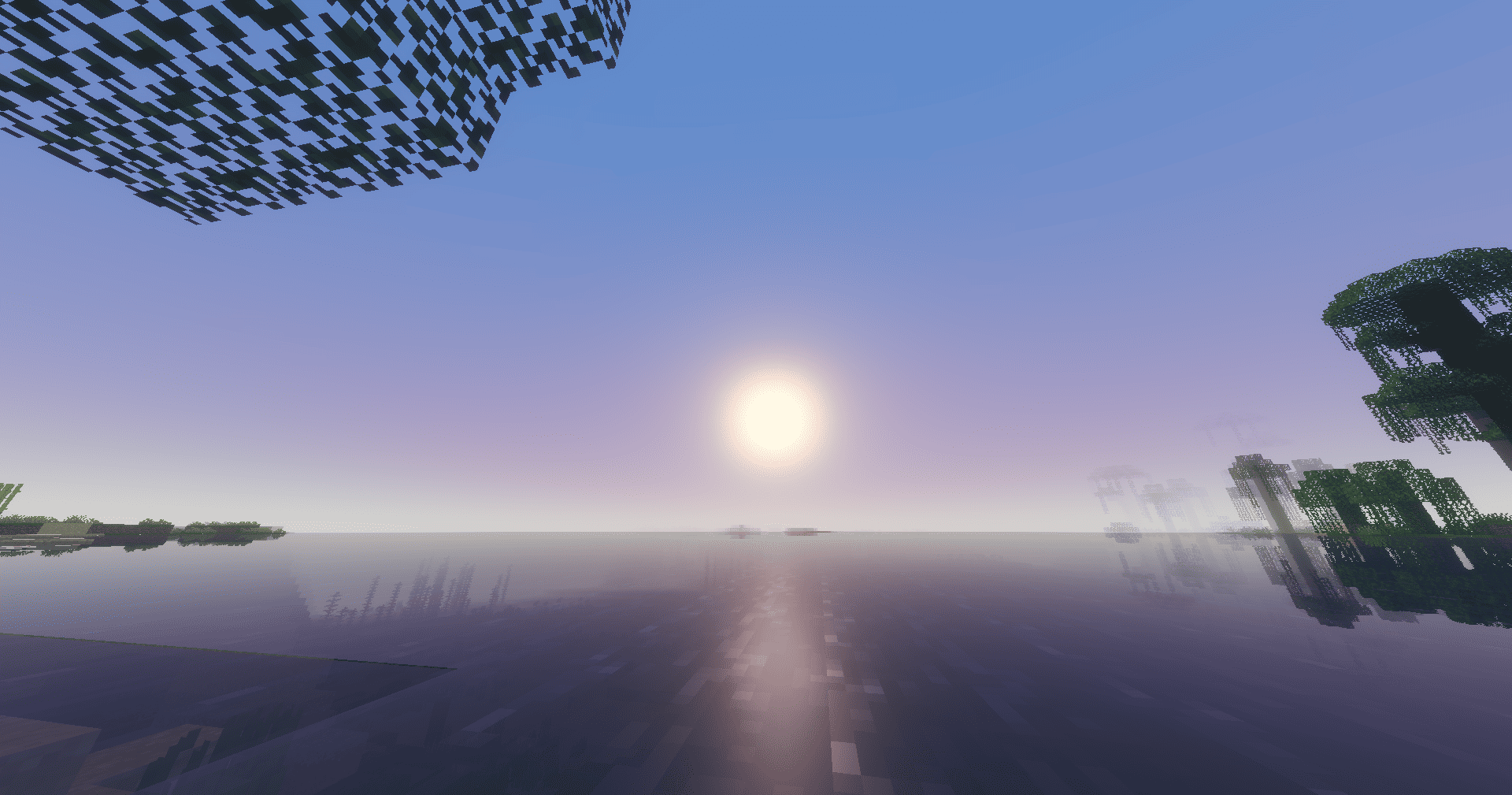


Synchronises Minecraft’s in-game time with real-world time, in the time zone of your choice. Compatible with Bukkit, Spigot, Paper, Forge and Fabric, for both server and single-player modes.
How it calculates the time
Minecraft measures time in “ticks”: 24,000 ticks = 1 day, but tick 0 corresponds to 6.00 am (not midnight). RealTimeConverter takes the real-world time in the configured time zone, converts it to a percentage of the day, then applies an offset of 18,000 ticks so that real-world midnight aligns with in-game midnight:
ticks = ((seconds_since_midnight / 86,400) * 24,000 + 18,000) % 24,000The in-game day counter (used for moon phases) is preserved thanks to alignFullTime; only the time of day is rewritten.
Configuration
Each platform generates an rtw.properties file on first launch:
# Time zone (tz database), e.g. Europe/Paris, America/New_York, UTC
timezone=Europe/Paris
# Synchronisation frequency, in ticks (20 ticks = 1 second)
update-interval-ticks=20
# Disables the native day/night cycle so that only RTW controls the time
freeze-day-night-cycle=true
# ‘*’ for all worlds, or a comma-separated list
# (Bukkit name, e.g. ‘world,world_nether’ — or Forge/Fabric ID, e.g. ‘minecraft:overworld’)
worlds=*
File location depending on the platform:
- Bukkit/Spigot/Paper:
plugins/RealTimeWorld/rtw.properties - Forge:
config/rtw.properties(server-side/single-player world) - Fabric:
config/rtw.properties
Ideas for future developments
- More advanced
/rtwcommand (change time zone on the fly, force a specific time) - Support for multiple time zones per world (one world = one country)
- Smooth interpolation between two synchronisations to avoid visible ‘jumps’ in the sun/moon positions
rtw-neoforgemodule if you want to track the NeoForge fork as well as Forge
FAQ
How to install Real Time World (RTW)?
Install Forge for your Minecraft version, download Real Time World (RTW) for the same version and loader, put the file into the mods folder and launch the game with the loader profile.
Which Minecraft versions does Real Time World (RTW) support?
Real Time World (RTW) has builds for Minecraft 1.20–1.21.


